Obtenha o seu Assistente pessoal de IA
Seu assistente de IA os unificará em prioridades diárias claras para que você pare de mudar de contexto e comece a progredir.
.webp)
Os melhores desempenhos das principais empresas usam o assistente Morgen AI.


Como eu trabalho
Basta uma conversa de 3 minutos para ver como posso ajudar.
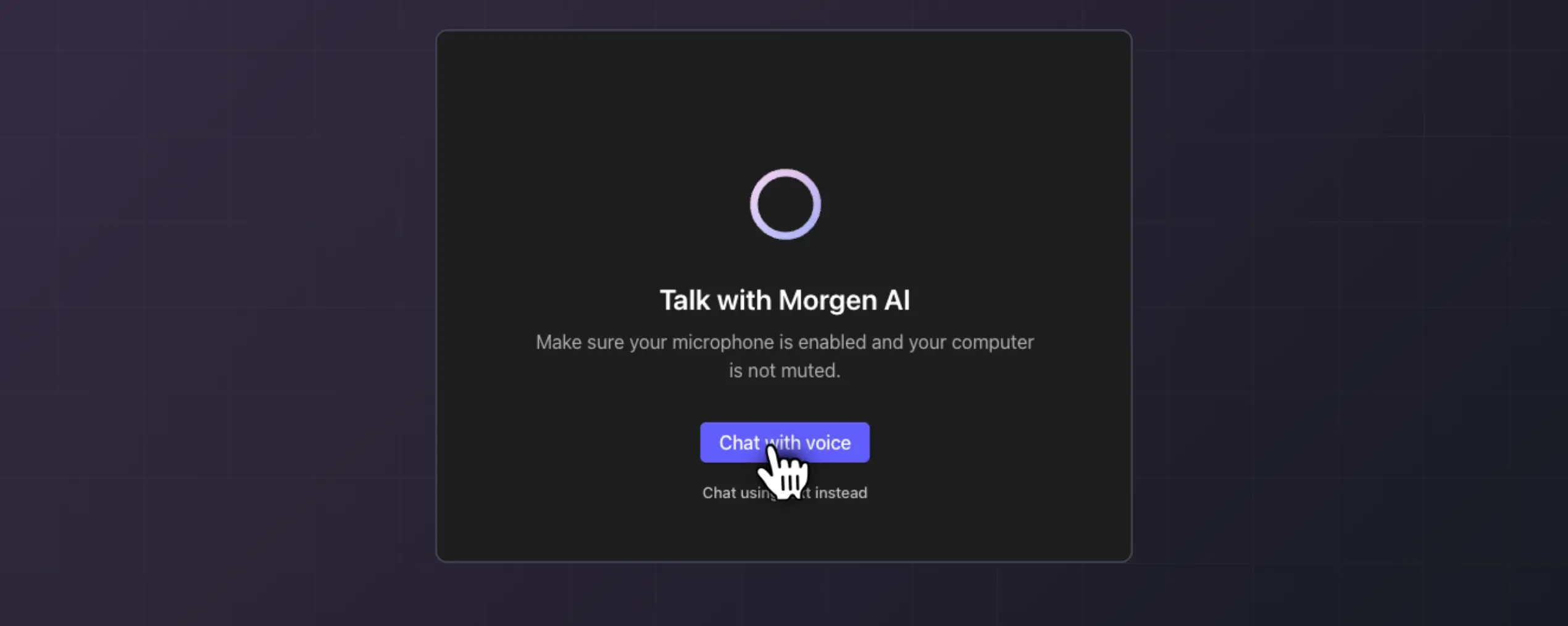
Etapa 1
Conte-me sobre suas prioridades
Em um rápido bate-papo por voz ou texto, conte-me sobre seus maiores problemas de agendamento: quais ferramentas você usa e como gosta de trabalhar.
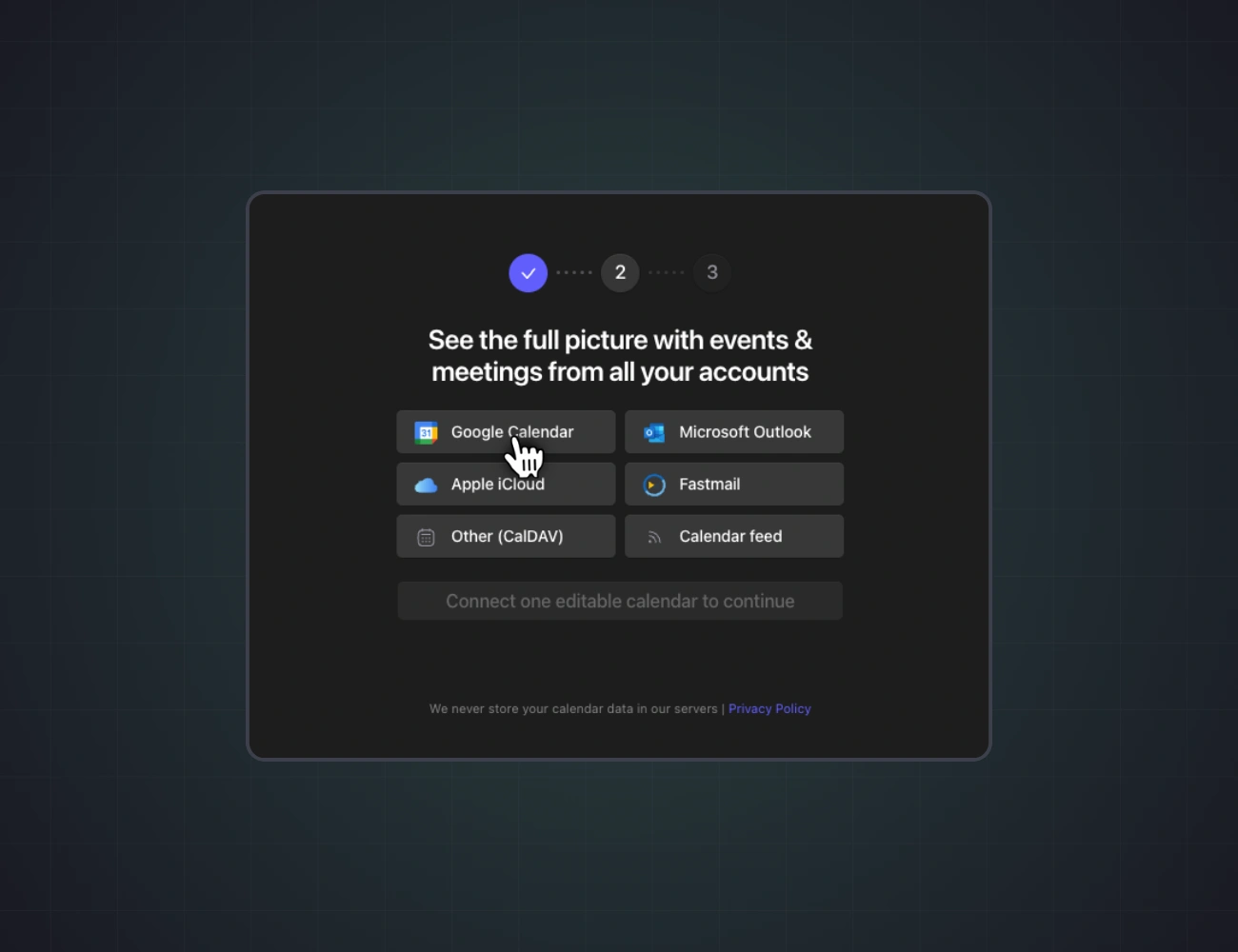
Etapa 2
Veja sua visão unificada
Juntos, conectaremos seus calendários, tarefas e ferramentas de comunicação. Eu vou te orientar em cada etapa.

Etapa 3
Obtenha prioridades claras diariamente
Se clicar, entre na lista de espera. Quando você entrar, mostrarei suas prioridades, farei a triagem de sua caixa de entrada e manterei seu plano alinhado com a realidade.
Assistência proativa em que você pode confiar
O Morgen ajuda você a se planejar com antecedência e a se adaptar facilmente às mudanças de agenda conforme elas surgem.
- Planos que se adaptam. O AI Planner ajuda a reordenar seu plano em caso de conflitos.
- Não perca nenhuma tarefa. O Morgen lembra você das tarefas não concluídas dos dias anteriores.
- Fique à frente dos prazos. O AI Planner avalia sua capacidade e destaca as tarefas com risco de atraso.
- Coerência do plano em tempo real. À medida que as circunstâncias mudam ao longo do dia, ajusto as prioridades e agendo as recomendações para manter seu plano alinhado com a realidade.

Receba ajuda da IA sem abrir mão do controle
Guie o AI Planner criando um modelo da sua semana ideal com Frames. O plano é seu para aceitar ou adaptar.
- Visualize. O AI Planner exibe recomendações em tempo real no seu calendário usando Frames como guia.
- Ajuste. Mova tarefas ou ajuste a duração delas. O AI Planner se adapta em tempo real às suas mudanças.
- Agende. Confirme para adicionar as tarefas ao seu calendário e proteger seu tempo para alcançar seus objetivos.

.avif)
Seu tempo não deveria estar espalhado entre vários apps
Respostas? Elaborado.
Vou fazer da verificação de e-mails a parte favorita do seu dia
Gerencie seus calendários e tarefas juntos para evitar conflitos de horário, eventos perdidos e dias sobrecarregados.
- Combine calendários. Administre seus compromissos profissionais e pessoais em um só lugar.
- Todas as suas tarefas. Filtre e agende tarefas de ferramentas de gerenciamento de projetos, listas de tarefas e PKM.
- Nunca perca um prazo. Exiba datas de vencimento no seu calendário para garantir que nada seja esquecido.

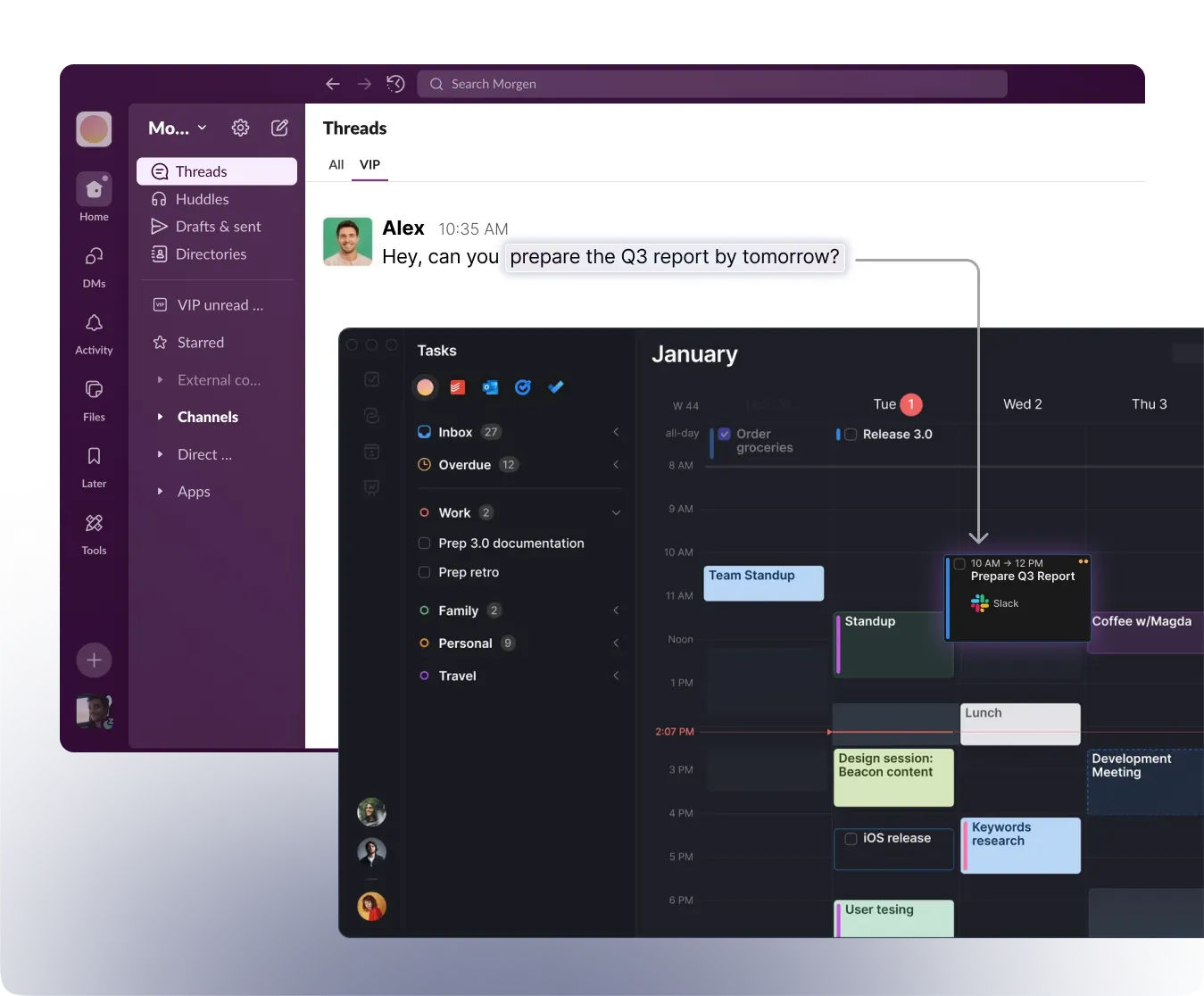
Vou transformar seus DMs do Slack em tarefas
Eu faço a triagem de sua caixa de entrada para mostrar o que precisa de atenção, extrair compromissos e redigir respostas contextuais, para que você passe minutos, não horas, no e-mail.
- Extração automatizada da próxima etapa. Monitoro seus canais e DMs do Slack/Teams para identificar quando alguém lhe atribui um trabalho ou faz uma solicitação, capturando-a instantaneamente como uma tarefa
Junte-se a mais de 100 usuários que já estão na lista de espera
Seja um dos primeiros a experimentar seu assistente pessoal de IA.
Inicie um bate-papo de 3 minutos e tenha acesso antecipado
Segurança de dados
Pronto para assumir o controle do seu tempo?
Planeje, priorize e equilibre melhor seu tempo, reunindo calendários, tarefas, projetos e agendamentos em um único app.

Perguntas frequentes
Com o Frames, o AI Planner só sugere tarefas nos momentos em que você deseja que o tempo seja bloqueado. Os quadros são o modelo orientador de quando seu tempo deve ser planejado e como você deseja dedicar cada sessão de trabalho.
Recomendamos refletir sobre como você trabalha melhor ao criar suas molduras. Se o início da manhã é seu horário de pico, as tardes estão repletas de interrupções e você deseja programar algumas noites para perseguir suas metas de aprendizado, enquanto outras devem ser deixadas desbloqueadas, use o Frames. Os filtros que você aplica orientam o AI Planner a isolar os tipos certos de tarefas no momento ideal.