Get your own AI personal assistant
Your AI assistant will unify them into clear daily priorities so you stop context-switching and start making progress.
.webp)
Top performers from leading companies use the Morgen AI assistant.


How I work
A 3-minute conversation is all it takes to see how I can help.
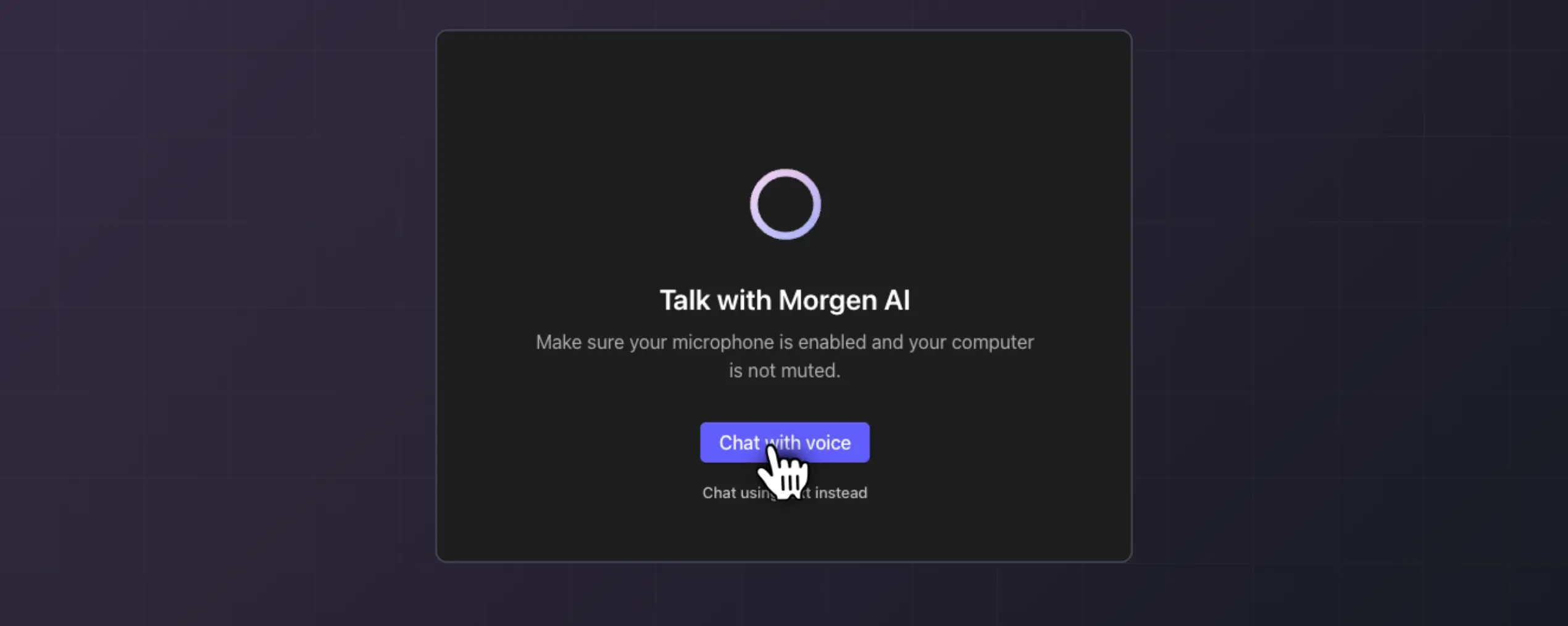
Step 1
Tell me about your priorities
In a quick voice or text chat, tell me about your biggest scheduling pain points—what tools you use, and how you like to work.
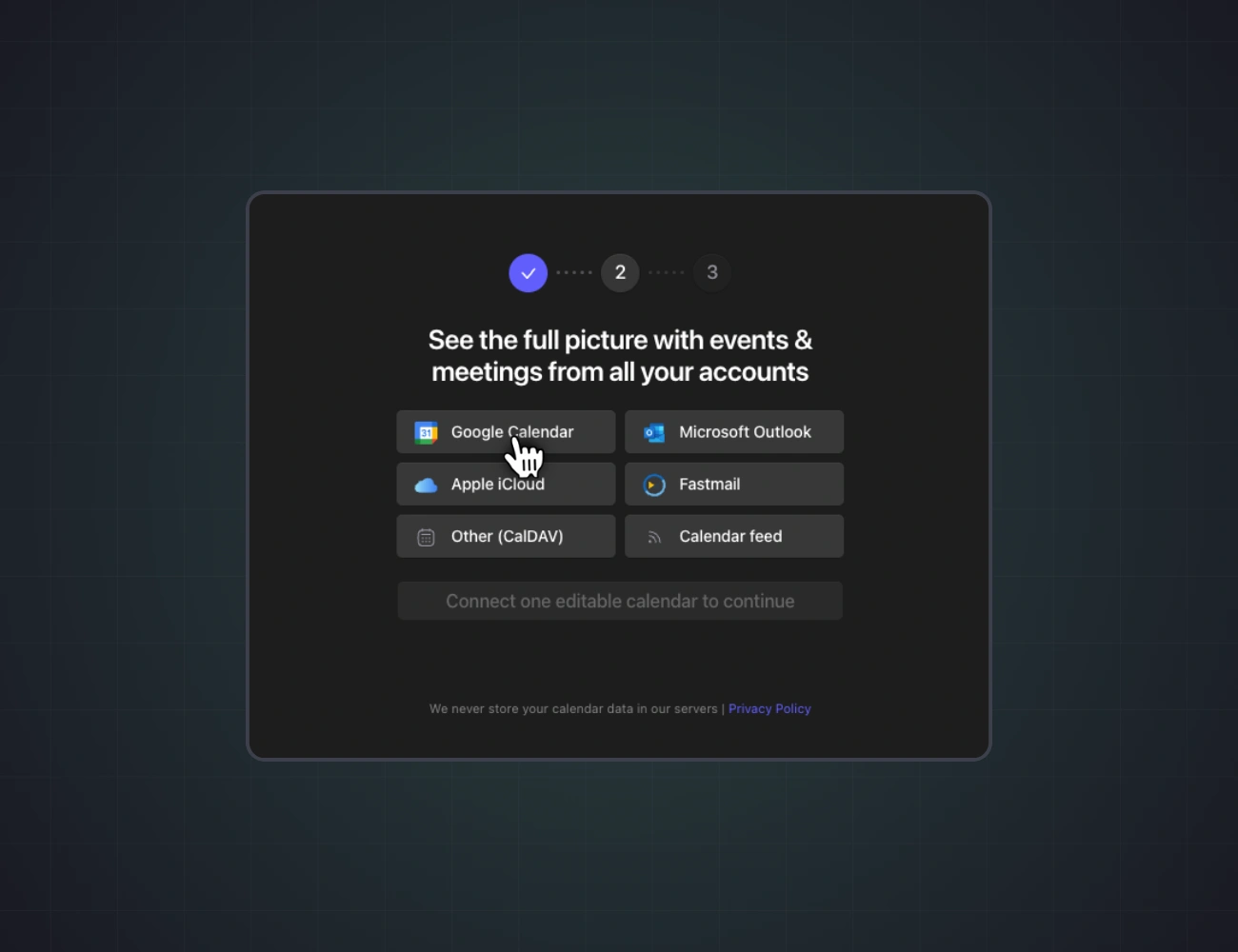
Step 2
See your unified view
Together, we'll connect your calendars, tasks, and communication tools. I'll walk you through every step.

Step 3
Get clear priorities daily
If it clicks, join the waitlist. Once you're in, I'll surface your priorities, triage your inbox, and keep your plan aligned with reality.
I'll keep your calendar and tasks in sync
You're juggling multiple calendars, task lists, and priorities. Bring it all together to keep everything aligned.
- Unified agenda management. Your calendars and commitment visible in one place, so nothing gets double-booked.
- Task prioritisation. Automatic suggestions of priorities based deadlines, conversations across meetings and emails, and your calendar availability so you always know what to tackle next.
- Conflict resolution. I handle scheduling conflicts proactively by understanding your full context across all commitments.
- Real-time plan coherence. As circumstances change throughout your day, I adjust priorities and schedule recommendations to keep your plan aligned with reality.


I'll prep you for meetings and take notes of next steps
Before every call, I'll send you a short meeting briefs based on conversational data from past meetings, emails, and project management tools. Walk into every call prepared, and let me take notes during the call while you focus on what you do best: running the show.
- Proactive pre-meeting briefs. Before your meetings, I’ll pull context from emails, Slack/Teams messages, previous meetings and tasks to send you a concise meeting brief, so you show up informed every time.
- Task extraction. Action items from meetings flow directly into Morgen while the transcript keeps me in full context. No manual transfer, no forgotten commitments.
- Context for every call. I take notes during your meetings so you can focus on the conversation.
.webp)
Inbox? Sorted.
Responses? Drafted.
I'll make checking emails the favourite part of your day
I triage your inbox to surface what needs your attention, extract commitments, and draft contextual responses.
- Email triaging. I automatically categorise incoming email based on your priorities and context from all your other tools—surfacing only what needs your attention now.
- Action item extraction. Commitments and requests from emails flow directly into your Morgen account. Nothing gets buried
- AI response drafting. I provide contextual email drafts that understand your full conversation history and commitments, without you copy-pasting to ChatGPT and back.
.webp)
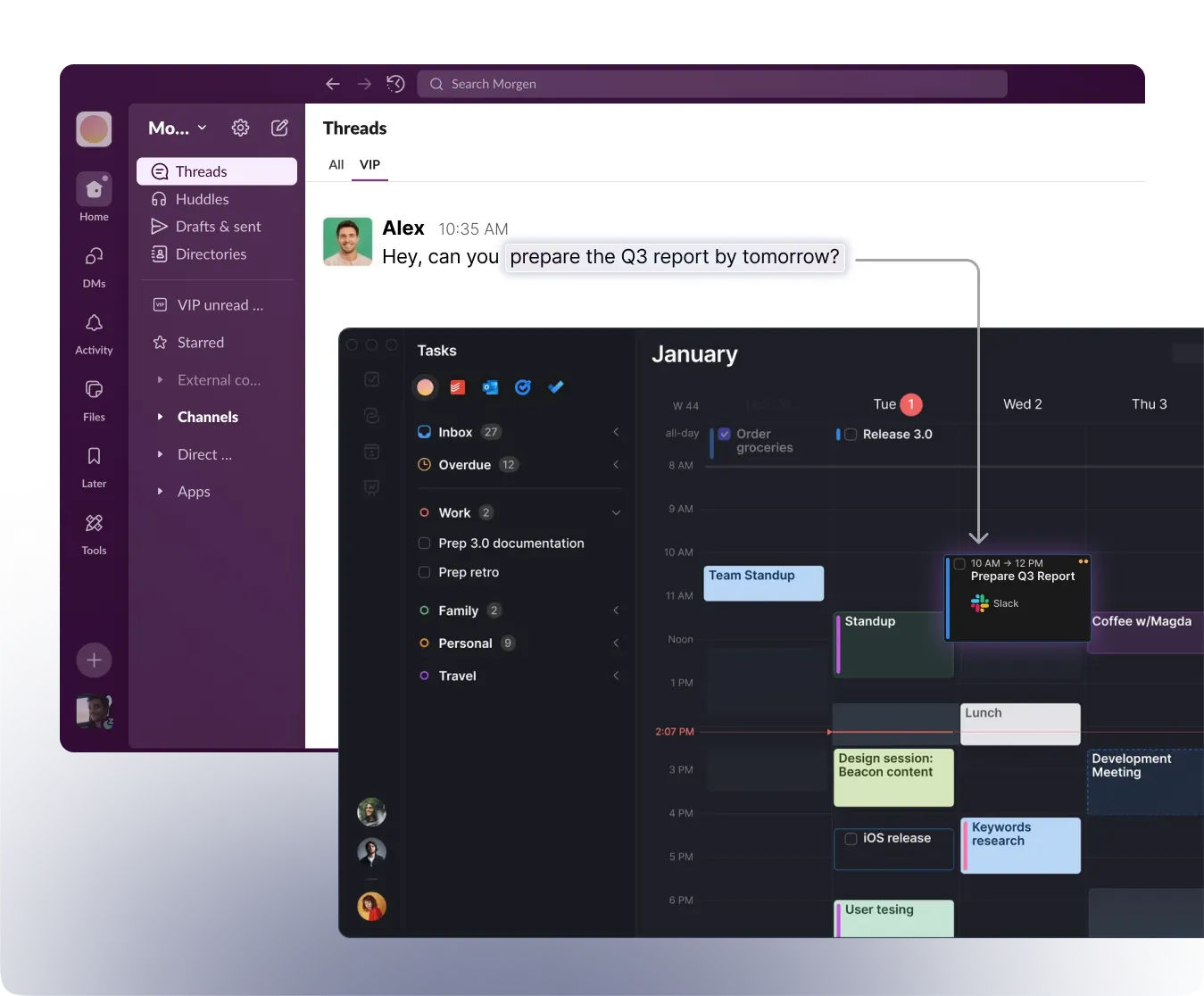
I’ll turn your Slack DMs into tasks
I triage your inbox to surface what needs attention, extract commitments, and draft contextual responses—so you spend minutes, not hours, on email.
- Automated next step extraction. I monitor your Slack/Teams channels and DMs to identify when someone assigns you work or makes a request—capturing it instantly as a task
Join 100+ users already on the waitlist
Be among the first to experience your AI personal assistant.
Start a 3-min chat and get early access
Data security
Ready to get your AI personal assistant?
Your copilot for planning, setting priorities, and managing admin work.

Frequently asked questions
With Frames, AI Planner only suggests tasks at the times you want time blocked. Frames are the guiding template for when your time should be planned and how you want to devote each work session.
We recommend reflecting on how you work best when you create your Frames. If early mornings are your power hours, afternoons are ripe with interruptions, and you want to schedule some evenings to pursue your learning goals while others should be left unblocked, template that with Frames. The filters you apply guide the AI Planner to isolate the right types of tasks at the optimal time.