Calendar Link Generator
%20(1).webp)
%20(1).webp)
Top performers from leading companies rely on Morgen


How to create a
Calendar Link ?
Create calendar event links in seconds. Enter your event details, choose your calendar platforms, then copy the links or embed buttons directly into your emails, newsletters, or website.
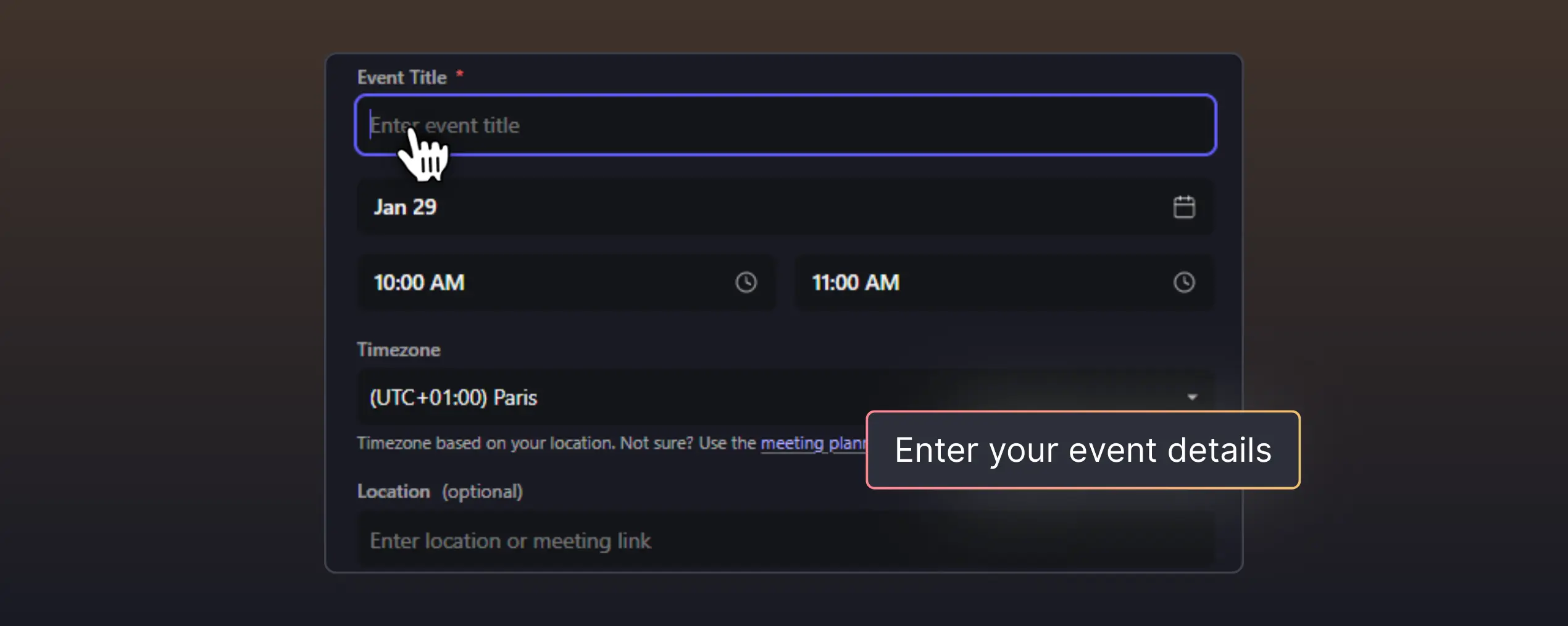
Enter your event details
Add the event title, date, time, location, and description. Select the timezone to ensure attendees see the correct time.

Generate links for any calendar
Instantly create shareable links for Google Calendar, Outlook, Apple Calendar, and ICS file download, all with one click.
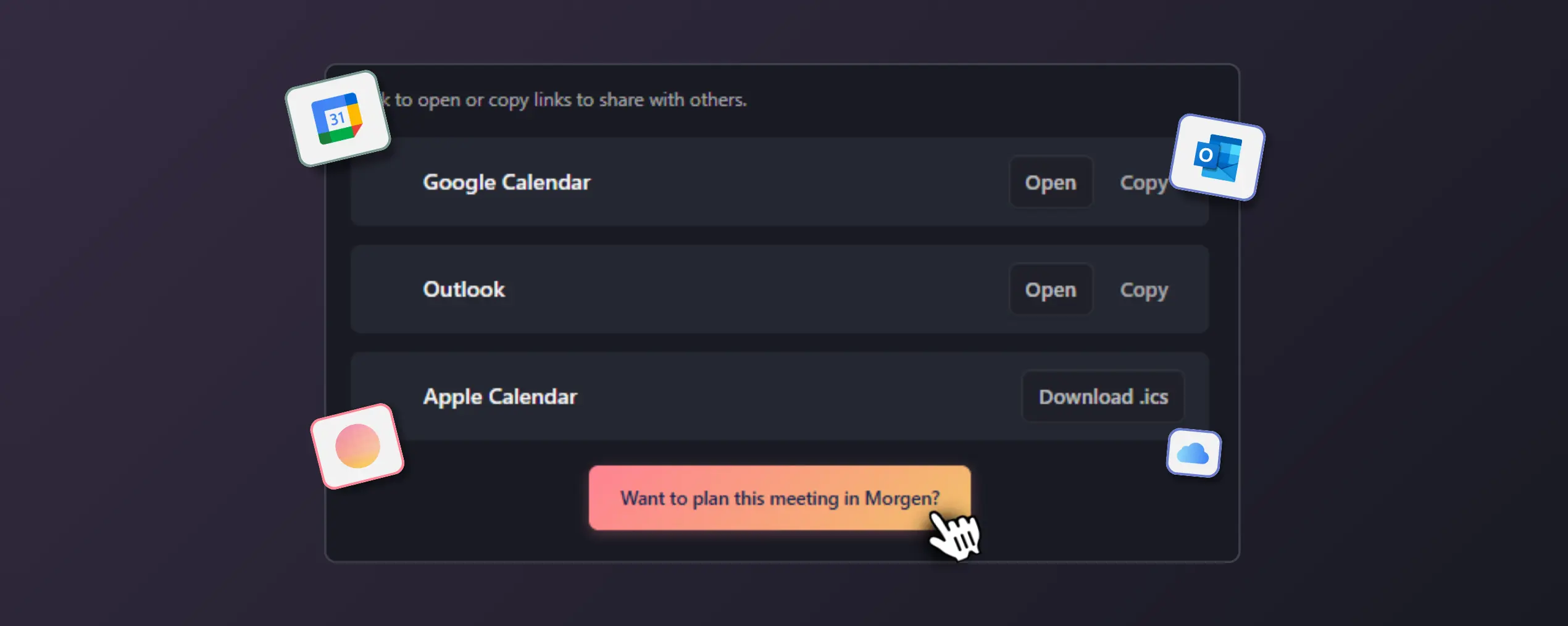
Copy, share, or embed
Copy individual links, grab all links at once, or generate embeddable "Add to Calendar" buttons for your website or email campaigns.
When should you use a Calendar link generator ?
Event invitations and RSVPs
Help attendees add your event to their calendar with a single click. Reduce no-shows by making it effortless to remember.
Email campaigns and newsletters
Include "Add to Calendar" links in your marketing emails so subscribers never miss a product launch, webinar, or sale.
Website event promotion
Embed calendar buttons on your landing pages, event pages, or registration confirmations.
Team coordination
Share meeting links with colleagues across different calendar apps. Everyone gets the event in the format they prefer.
What happens when they click your RSVP link
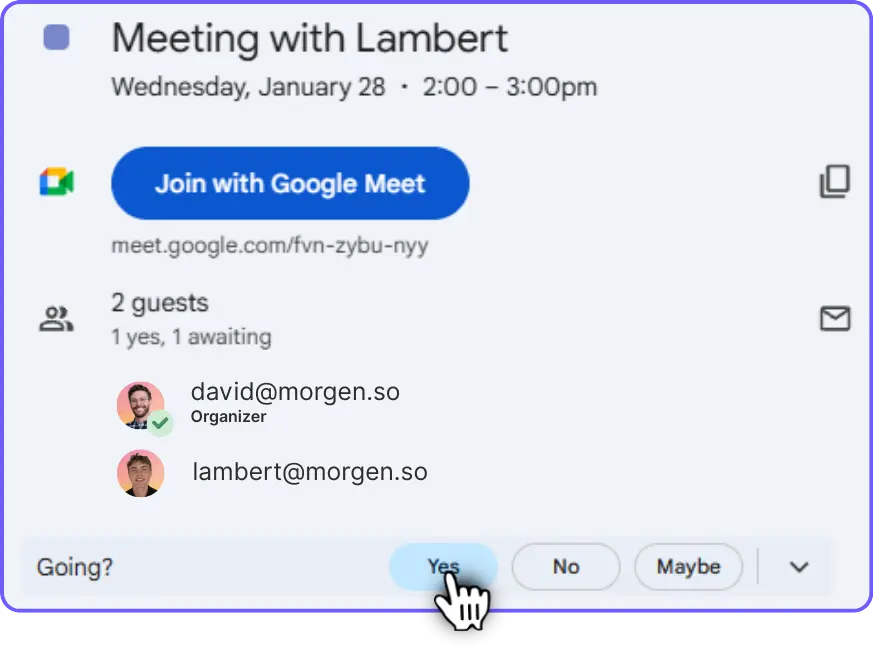
Pick a title, select your dates, and set the time range. Hit "Create Poll" — your unique link is ready in seconds. Copy it and share via email, Slack, WhatsApp, or any channel. No account required, no setup.
- Pre-filled event
- Title and description
- Location and Time
- One-click RSVP response
Want smarter scheduling?
Everything you need to share
calendar events
- Multi-platform support: Generate links for Google Calendar, Outlook (web and desktop),
Apple Calendar, Yahoo, and downloadable ICS files. - One-click copy: Copy any link instantly to paste into emails, messages, or documents.
- Automatic timezone handling: Events display in the correct time for every attendee, no matter where they are.
- No account required: Generate links immediately. No signup, no login, no friction.
- Works with any event: Webinars, meetings, workshops, launches, reminders. If it has a date, you can share it.