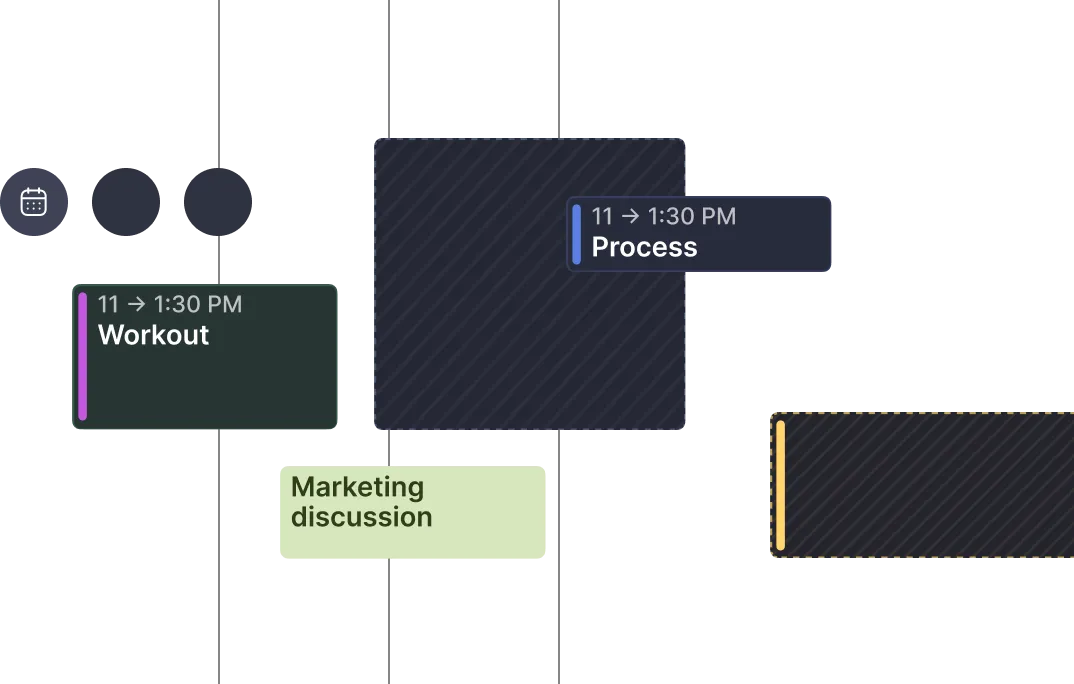
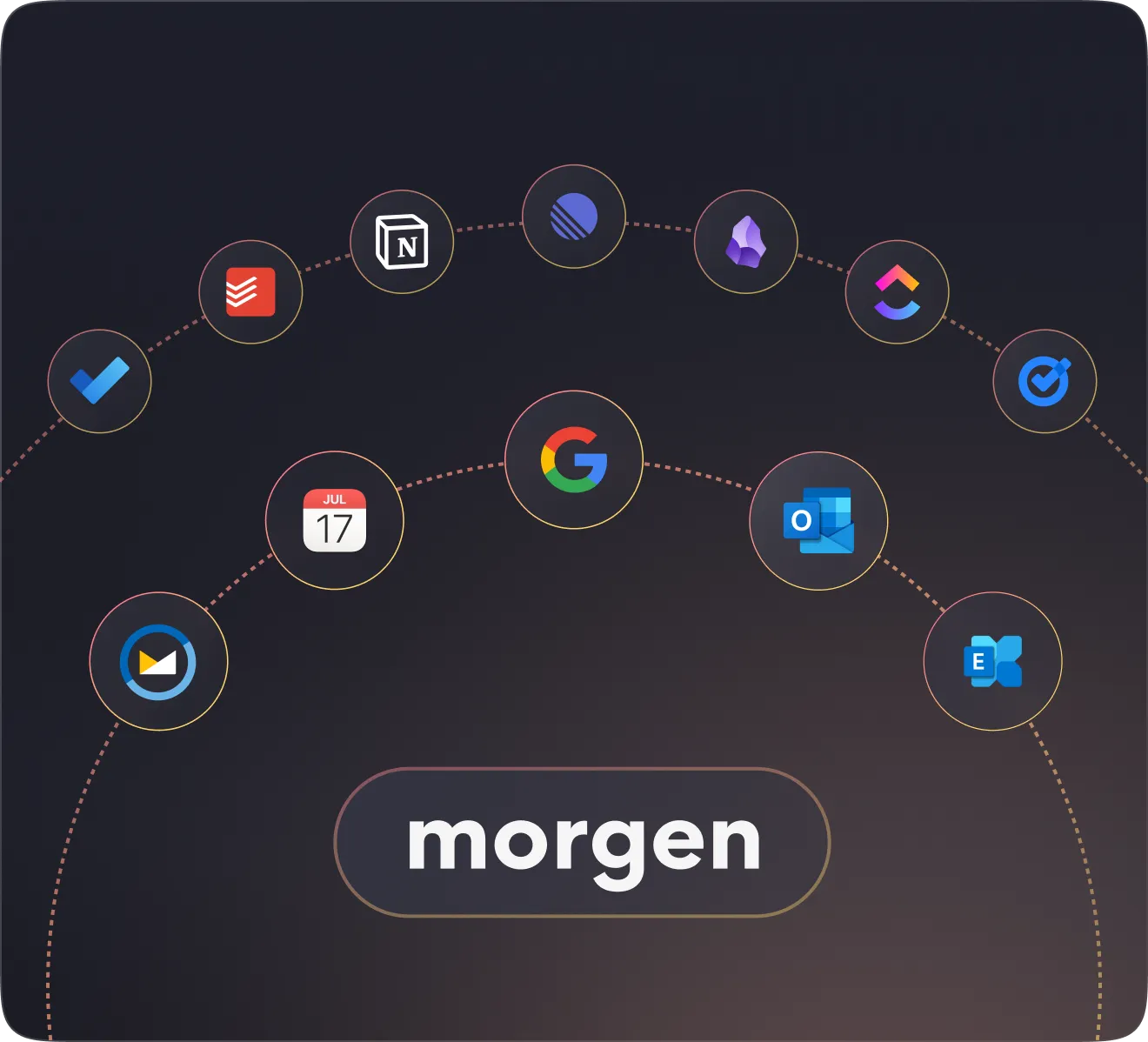
Two-way calendar sync for all your calendars
Integrates with Google, Outlook, iCloud and more.
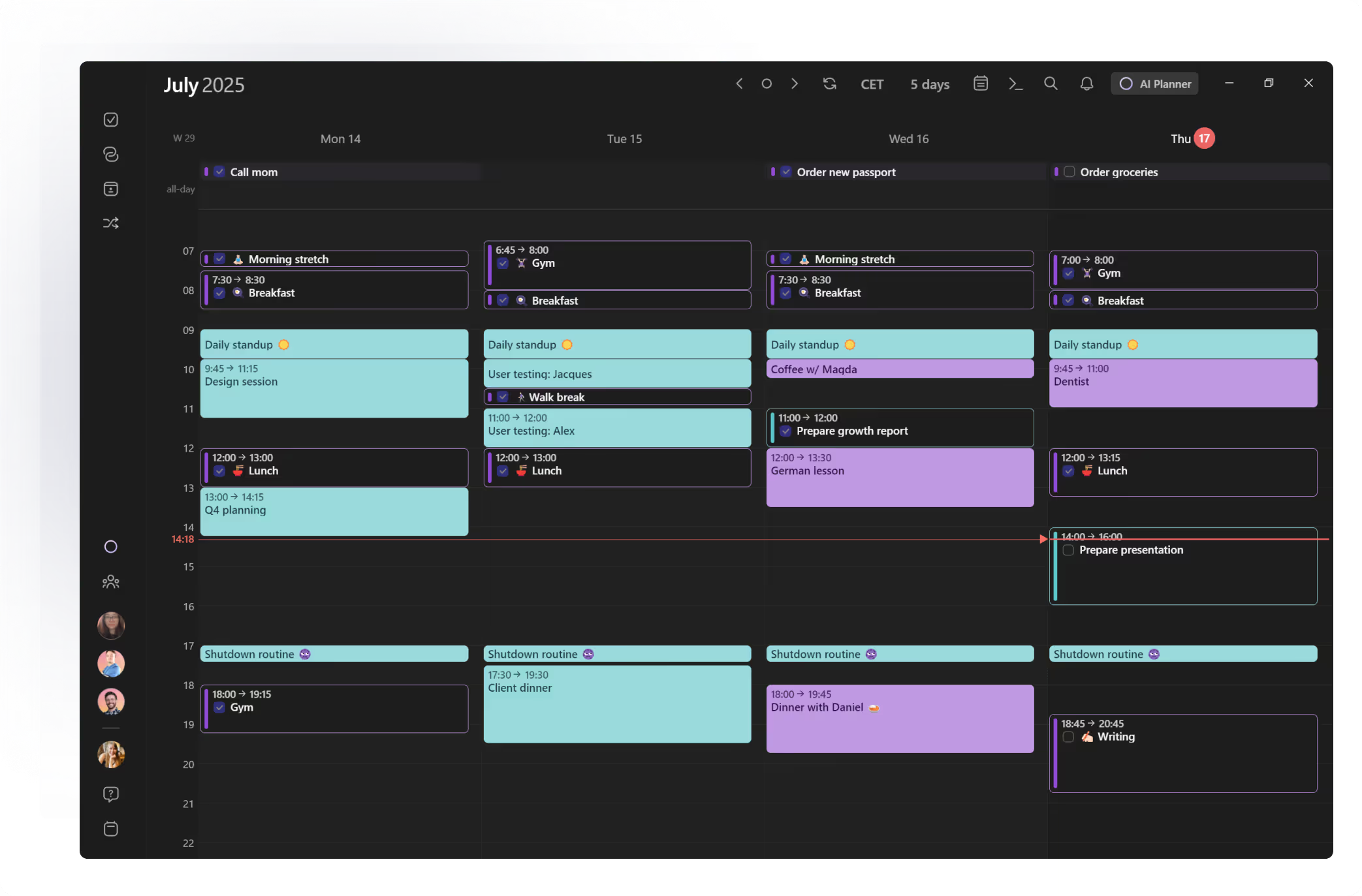


Create and manage events
Create events and send invites in Morgen from any connected calendar. Select which calendar the event belongs in, then include:
- Invitees
- Recurrence patterns
- One-click conferencing
- Locations
Stay in control of your time
Two-Way Sync
Changes in your connected calendars will always be reflected in Morgen, and vice versa.
Speedy Navigation
Shortcuts, powerful search, and a natural language command bar to blaze through your calendar.
Multiple Time Zones
View multiple time zones in your calendar to ease scheduling with global teams.
Quick Join
When it's time to join a virtual meeting, the Quick Join in mobile, desktop or browser brings you directly into the event.
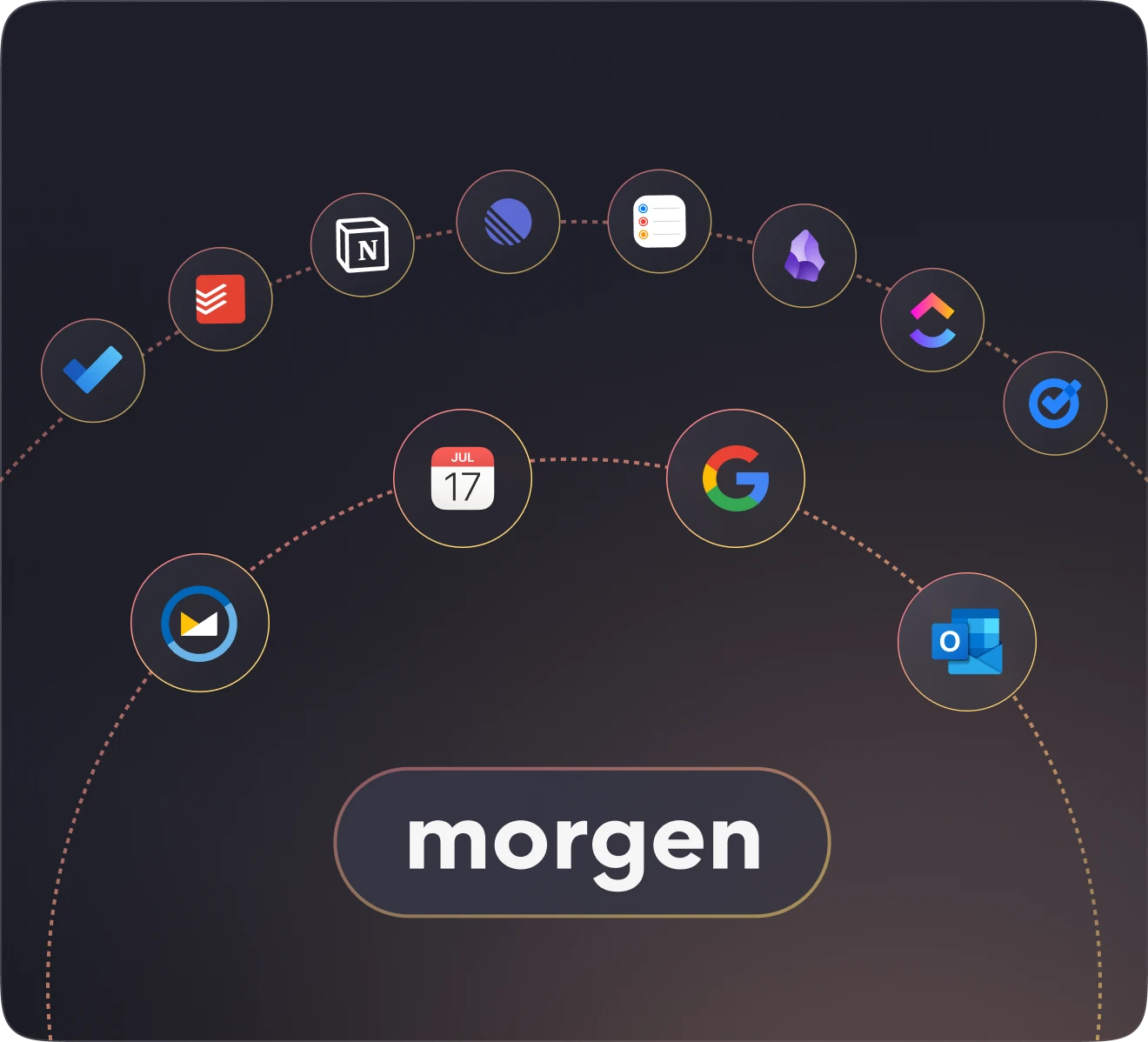
Which calendars sync with Morgen
Connect every account you use, from any mix of providers. All Morgen plans include unlimited calendar integrations.

Google Calendar
Sign in with Google to connect personal and work calendars, including shared and team calendars.


Outlook and Microsoft 365
Sign in with Microsoft to connect personal and work Outlook calendars, including shared and team calendars.

iCloud
Enter your Apple ID and an app-specific password, which Apple requires for apps like Morgen. Fully supported.

Fastmail
Sign in with Fastmail to connect every calendar in your account. Fully supported, with changes in real time.

Other CalDAV calendars
Enter a server URL, username and password to connect servers such as Nextcloud, Zoho, Synology or Radicale. Supported on a best-effort basis.

Subscription calendars
Subscribe by URL to public holidays, a class timetable or a sports schedule. Feeds are read-only and update less often.
What two-way calendar sync does, and what it doesn't
Morgen and each connected calendar show the same events, so there's nothing to import, export or copy by hand.
What it does
- Events you create, move or delete in Morgen change in the calendar they belong to.
- Changes made in Google Calendar, Outlook or any other connected app show up in Morgen.
- Invitees, recurring events, video call links and locations stay with each event, and you can reply to invitations in Morgen.
- Your calendars stay in sync on desktop, web and mobile.
What it doesn't do
It doesn't copy events from one calendar into another: each event stays in its own calendar. To block personal plans on your work calendar, use calendar propagation (here's how).
It doesn't change calendars you subscribe to by URL. Those feeds are read-only.
iCloud, Fastmail and other CalDAV
iCloud and Fastmail are fully supported, and Fastmail sends changes in real time. Other CalDAV servers work on a best-effort basis.
A CalDAV server has to be reachable over the internet, so one that only runs on a local network or behind a VPN can't connect. Workflows such as calendar propagation work with Google, Outlook, iCloud and Fastmail, not with other CalDAV servers.
Set up calendar sync in three steps
It takes a few minutes, and you can add more accounts whenever you like.
Create your account
Download Morgen for Windows, macOS, Linux, iOS or Android, or open it in your browser, and sign up.
Connect your calendars
Sign in with Google, Microsoft or Fastmail. For iCloud, use your Apple ID and an app-specific password. For another CalDAV server, enter its URL, username and password.
Choose what you see
Show or hide each calendar, group them into calendar sets and pick the calendar each new event goes into. From then on, changes sync both ways.
Unified calendar management
Consolidate calendars from Google, Outlook, iCloud, Fastmail, and more in Morgen.
No more double-bookings, overcommitted days, or jumping between apps.
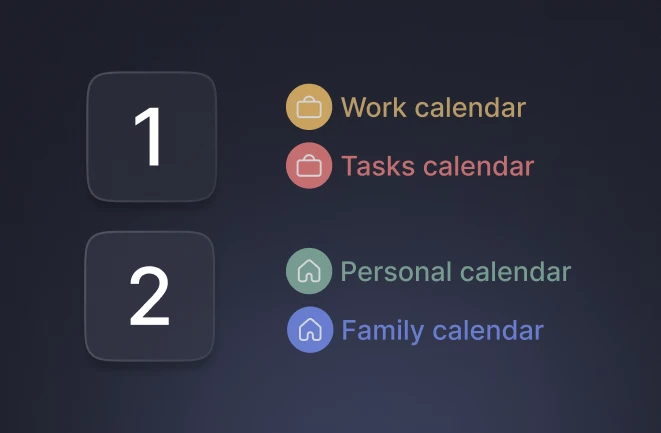
Calendar Sets
Assign shortcuts to each calendar to jump between calendars, view them calendars together, or in subsets.
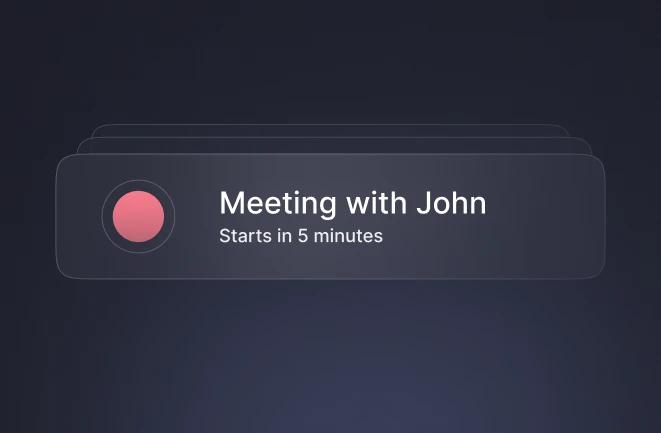
Reminders
Get custom alerts across devices for events and scheduled tasks. Set extra alerts for high importance events.
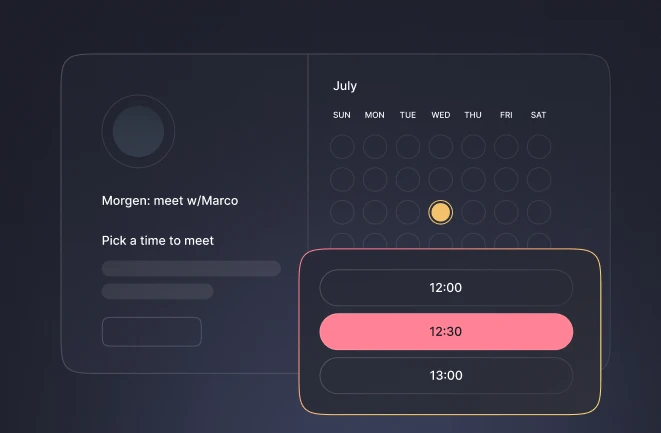
Scheduling links
Create booking links to allow others to schedule time with you. Your availability is checked across the calendars you choose.
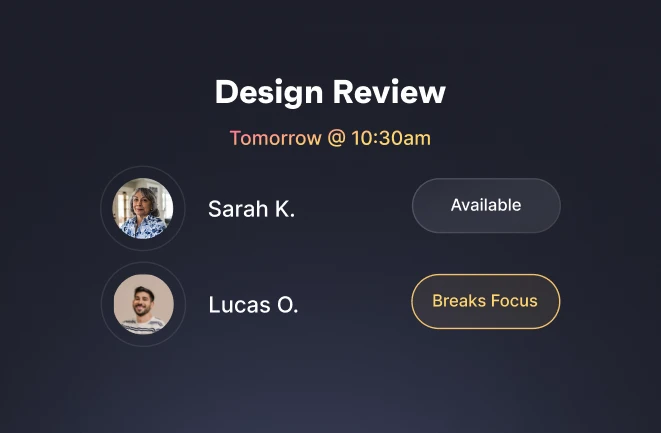
Team availability
View your colleagues' availability and find optimal times to meet that won’t disrupt focus.
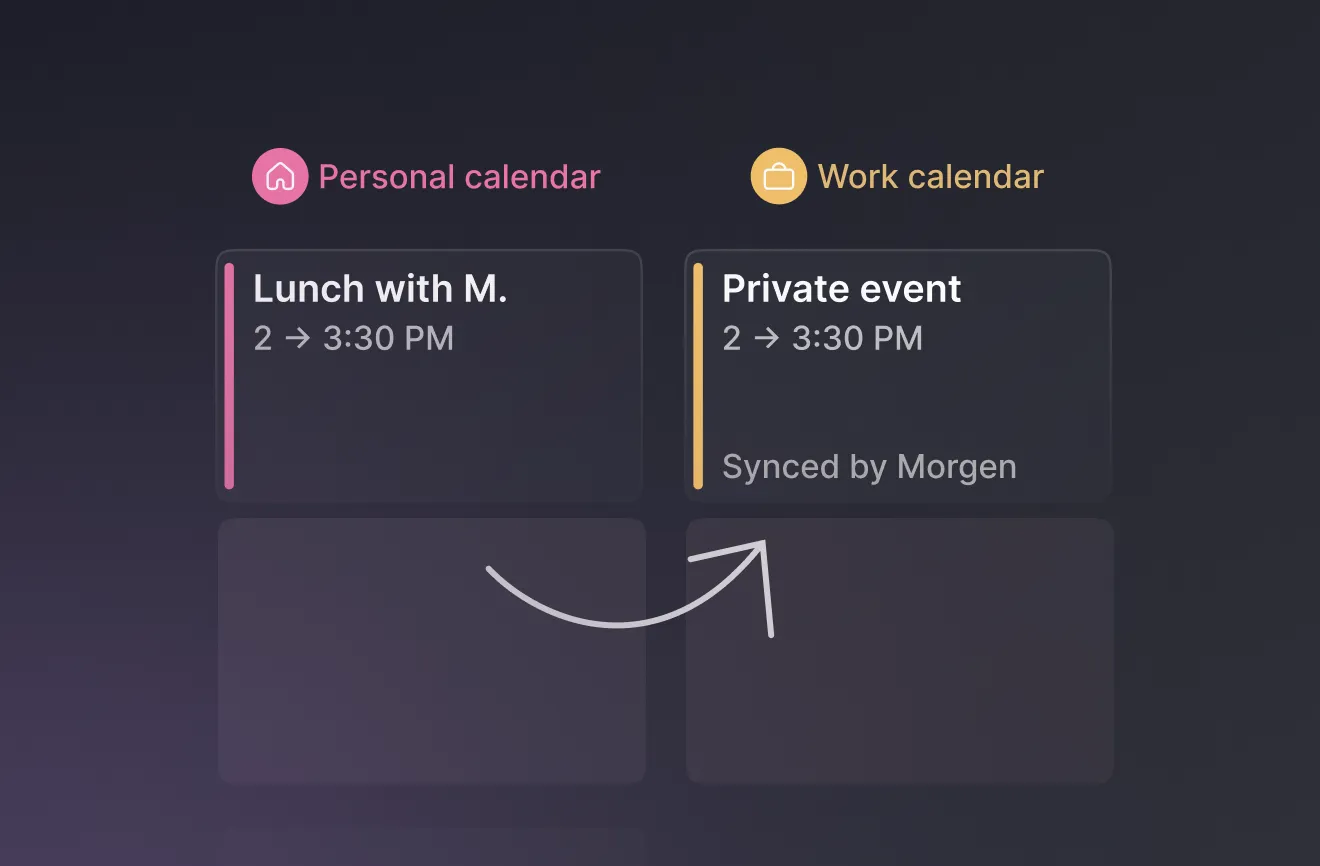
Smart calendar automation
Calendar propagation. Block events from one calendar to another for an accurate view of your availability and avoid double bookings. You can customize which events are copied and how they appear in the destination calendar.
Travel time. Morgen can calculate and schedule time to get to and from events, taking into account location, mode of travel, and time of day.
Buffer time. Automatically schedule custom buffers around meetings for intentional breaks or in case they run over.
Calendar sync FAQ
Which calendars can I sync with Morgen?
Is Morgen's calendar sync two-way?
Can I sync my work and personal calendars?
How many calendars can I connect?
Why does iCloud need an app-specific password?
Will it work with my company's calendar?
Does calendar sync work on my phone?
Where is my calendar data stored?
Ready to get started?
Bring your tasks, calendars, scheduling, and time blocking together.