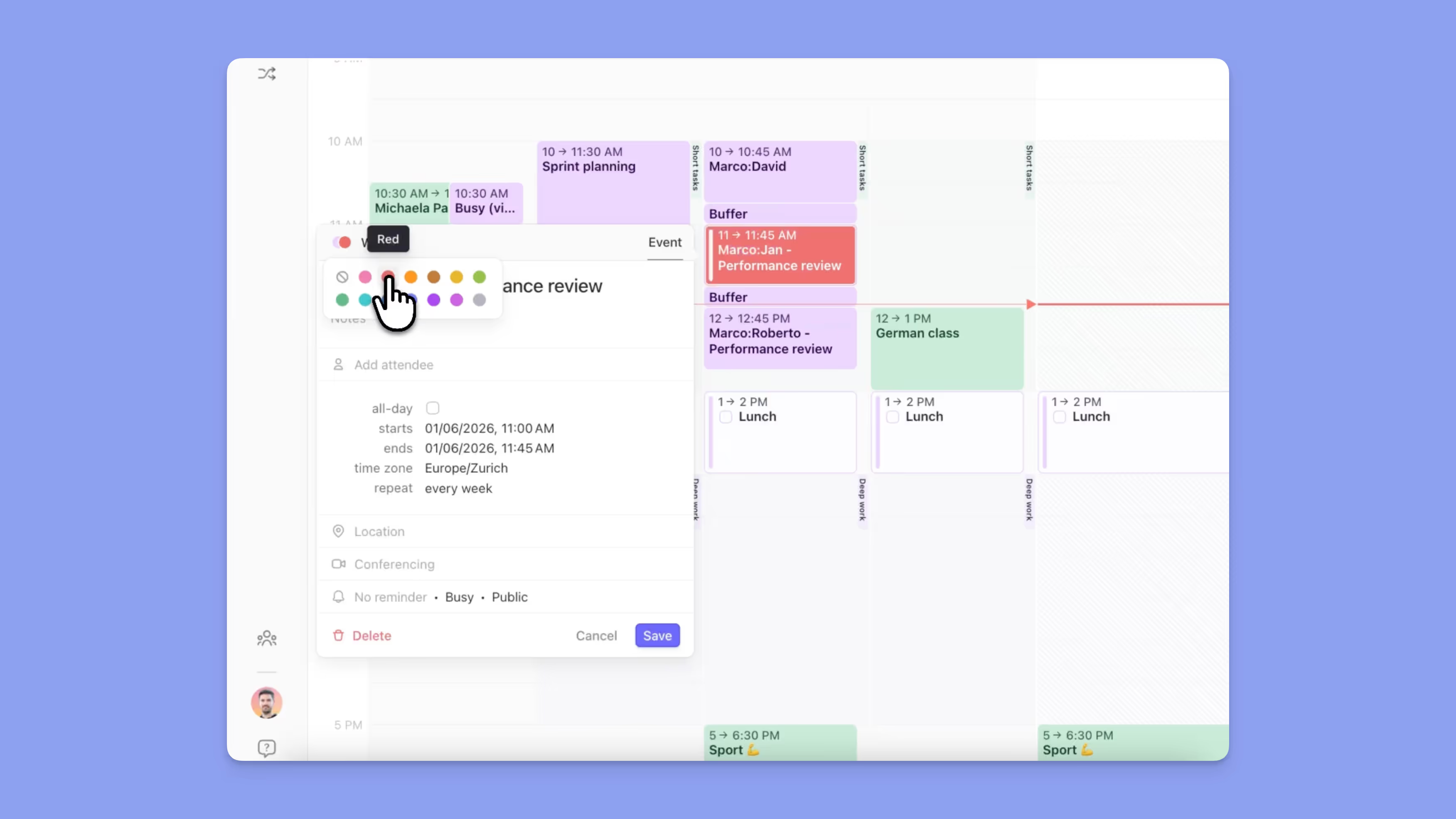

Visão Geral
Este guia explica como as Rotinas no Morgen funcionam e quando utilizá-las. Você aprenderá como as rotinas diferem das tarefas, como criar bloqueios de tempo repetidos para hábitos e estrutura diária, e como usá-las como âncoras fiáveis no seu calendário para reduzir o esforço de planeamento e proteger tempo importante.
O que são Rotinas no Morgen?

Rotinas são atividades com bloqueio de tempo que acontecem regularmente numa hora específica, como pequeno-almoço, almoço, treinos ou encerramentos noturnos.
Ao contrário das tarefas, as rotinas:
- Têm sempre uma hora no calendário
- Repetem-se num horário
- Não aparecem na barra lateral de tarefas
Por Que Usar Rotinas?
As rotinas podem ajudá-lo a:
- Proteger tempo para atividades inegociáveis
- Reduzir o esforço de planeamento para repetir a estrutura diária
- Manter a sua lista de tarefas focada em coisas que precisam de tomada de decisão
Como Criar uma Rotina
- Clique e arraste no calendário
- Selecione Rotina
- Edite a hora de início e fim se necessário
- Escolha uma regra de repetição (diária, semanal, personalizada)
- Opcionalmente atribua uma cor (consulte o Guia de Cores)
- Guarde
A rotina aparecerá agora no seu calendário para todas as ocorrências futuras.
Completar Rotinas

- As rotinas podem ser marcadas como concluídas diretamente no calendário
- Completar uma rotina não a arquiva—a próxima ocorrência permanece
Dicas Morgen
💡 Colora as Suas Rotinas: Dê às rotinas uma cor consistente para que se destaquem das reuniões e tarefas.
💡 Use Rotinas como Âncoras: Construa o seu planeamento em torno de rotinas como refeições, treinos e rituais de encerramento.
Precisa de Ajuda?
📖 Guia de codificação por cores
💬 Ainda tem dúvidas? Contacte-nos, temos prazer em ajudar!
.avif)
.png)