Back to Content Hub
CONTENT ASSETS
Sync Calendars
Affiliate Assets
See all your calendars in one unified view. Demos, videos, and suggested hooks for promoting Morgen's multi-calendar sync feature.

The Hook
Stop double-booking yourself—sync all your calendars to see your true availability in one place.
Demo Video
Problem → Solution
| Problem | Solution |
|---|---|
| Juggling multiple calendar apps leads to missed meetings | Unified view shows all events from every provider |
| Manual cross-checking wastes time and causes errors | Automatic two-way sync keeps everything current |
| Booking links don't know about all your commitments | Scheduling links check availability across all calendars |
Key Features
- Two-way sync – Changes in Morgen reflect back to original calendars automatically
- Multi-provider support – Google, Outlook, iCloud, Fastmail, CalDAV, and iCal feeds
- Calendar sets – Jump between views with keyboard shortcuts
- Smart scheduling – Booking links check all calendars for true availability
- Calendar propagation – Block time across calendars automatically (e.g., personal events block work calendar)
How It Works
- Connect calendars during onboarding (Google, Outlook, etc.)
- Toggle which calendars to display in the sidebar
- View all events unified in one timeline
- Create events on any connected calendar
- (Optional) Set up propagation to sync busy time between calendars
Assets
Setup Guide
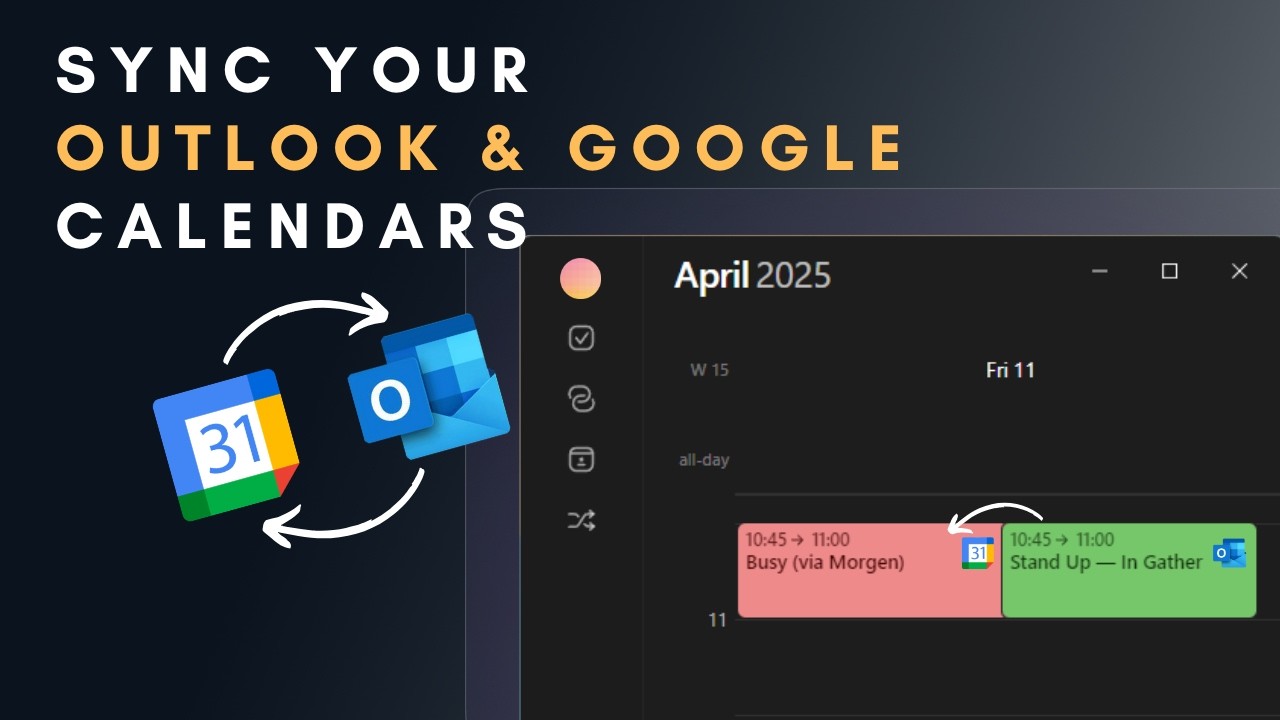
Step-by-step instructions for syncing Google and Outlook calendars, including calendar propagation to block time across accounts.
.png)
Landing Page
Official sync calendars page—explains unified calendar view, two-way sync, and smart scheduling across multiple providers.

All Supported Calendars
Complete list of calendar integrations—Google, Outlook, iCloud, Fastmail, CalDAV, and iCal feeds. Link to show provider support.

How-To Video
YouTube walkthrough showing how to connect and sync multiple calendars in Morgen—great for embedding or linking in content.
Top Search Queries
- calendar project management tool
- calendar manager
- ai calendar
- best apps for integrating calendars and managing tasks
Content Strategy
Key Insight: Users have a concrete, urgent problem. They're ready to buy—just need to find the right solution.
- Problem-focused – Start with the pain of juggling multiple calendars
- Solution-oriented – Show how syncing works in practice
- Multi-calendar scenarios – Work + personal, multiple Google accounts, mixed providers
Suggested Content Hooks
- "How to finally sync your work and personal calendars"
- "I stopped missing meetings by connecting all my calendars"
- "The app that unified my 4 different calendars"
- "Calendar chaos? Here's how I fixed it"