








Smoother on phones
Scroll the page freely while the grid is on screen, no zoom jumps on iPhone, and clearer time labels. Best-time suggestions now keep one continuous window together, even overnight.
%20(1).webp)
%20(1).webp)
Top performers from leading companies rely on Morgen


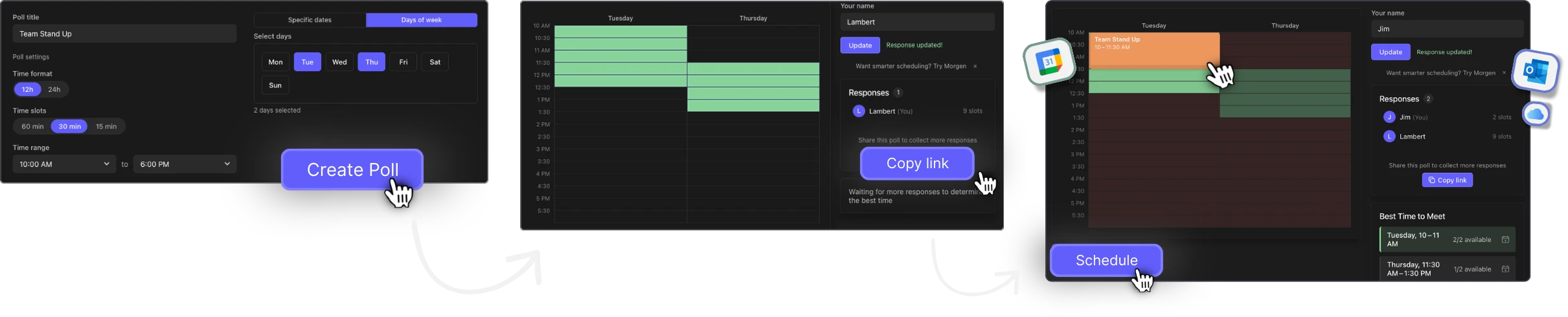
Find the best meeting time for your group in three easy steps. Create a poll, share the link, and let participants mark their availability on a visual grid.
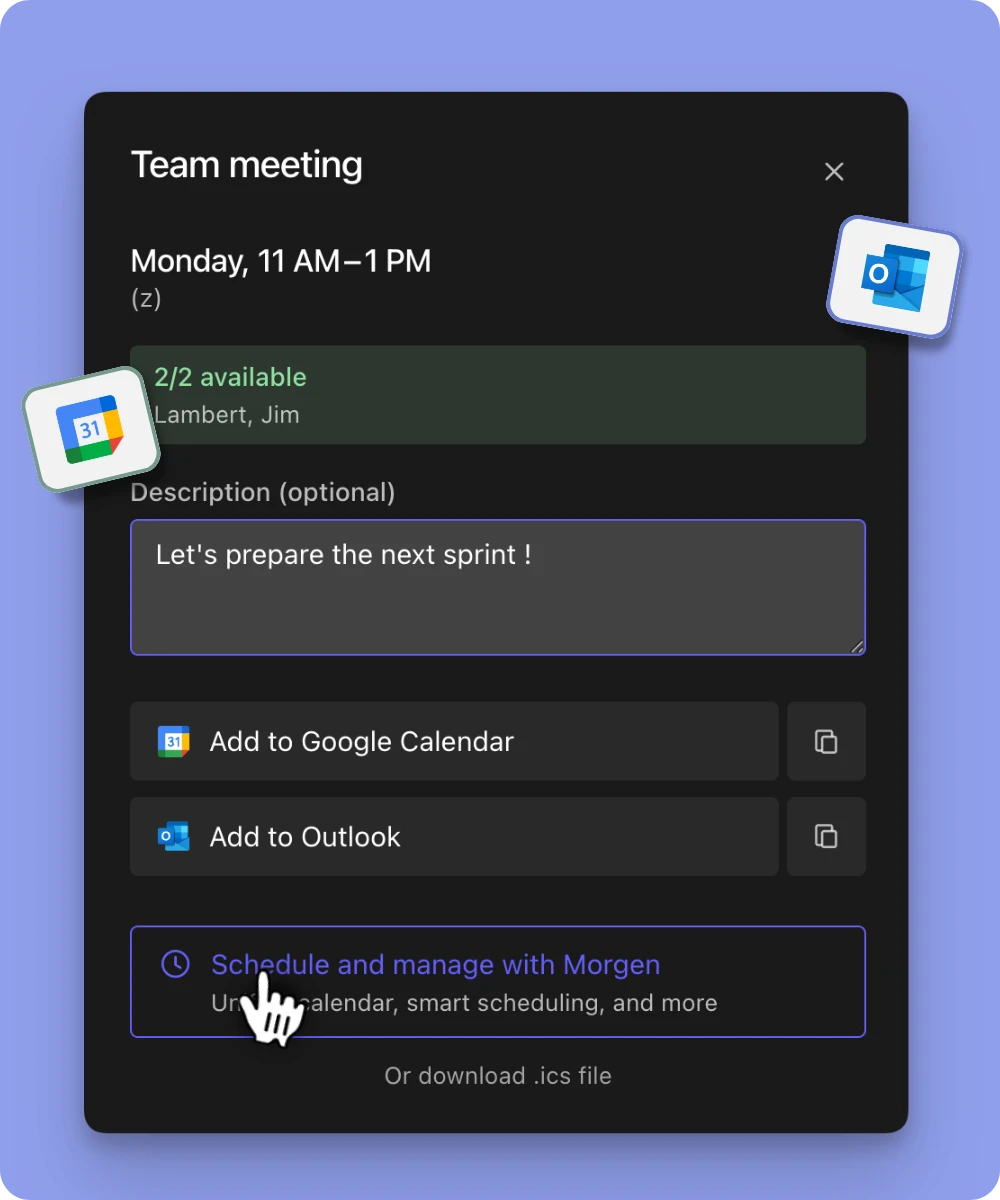
When someone clicks your link, they see a complete calendar invite, no manual entry, no missing details. They just hit "Yes" and it's saved. That's how you turn a link into a confirmed attendee.
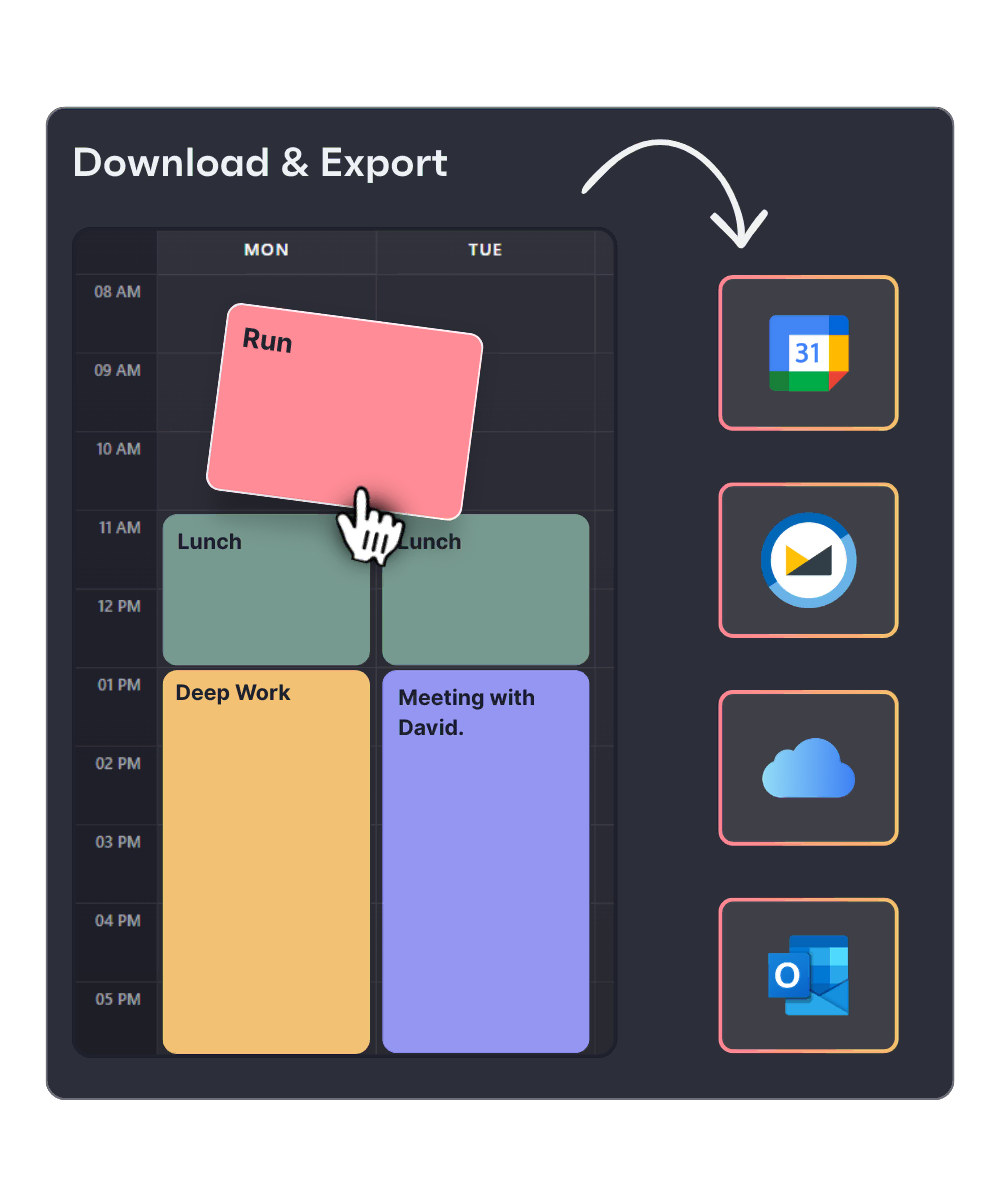
Open the link, type your name, and drag across the grid to mark when you're free. Submit in one click. A live heatmap shows where the group overlaps — and the best meeting time surfaces automatically. Schedule it to Google Calendar, Outlook, or .ics in one click.
Finding a 1-hour slot that works for six people across three departments shouldn't take a Slack thread with 47 messages. Create a poll, share the link, and let the heatmap do the work.
Setting up a weekly sync? Use the generic weekday mode to poll availability across Monday through Friday — no specific dates needed. Find the slot that works every week.
Planning a dinner, study group, or weekend hike? Share a poll link in the group chat. Everyone picks their times in 30 seconds. No app installs, no accounts.
Working with teammates or clients in different time zones? Every participant sees the grid in their local time. No conversion errors, no "wait, did you mean EST or ET?"
Builders, founders, and engineers who take their time seriously use Morgen daily to stay focused and in control.
"Honestly, I LOVE Morgen. Instead of flipping between 10 different tabs, browsers and apps, I now open just one. Managing all of my time in one place, in a nice interface, definitely makes my life so much easier."
Product Hunt"I am a daily Morgen user and love it. It combines my task management with my calendar and I love it! I can only recommend."
Product Hunt"This tool and its user experience (UX) are awesome. Can't wait for new features and integrations! Overall, the tool is fantastic!"
Product Hunt"The platform is really simple and easy to use – much better than using Outlook on Mac. Keep up the hard work, guys!"
Product Hunt"Love this app! My life became much easier when I started to use it. Thank you! I would love to test the version for the teams."
Product Hunt