Schedule Builder
%20(1).webp)
%20(1).webp)
Top performers from leading companies rely on Morgen


How does Morgen's Schedule Builder work?
Create a visual weekly schedule in minutes. Drag and drop time blocks, organize your tasks and meetings, then export to any calendar appm, or sync directly with Morgen*
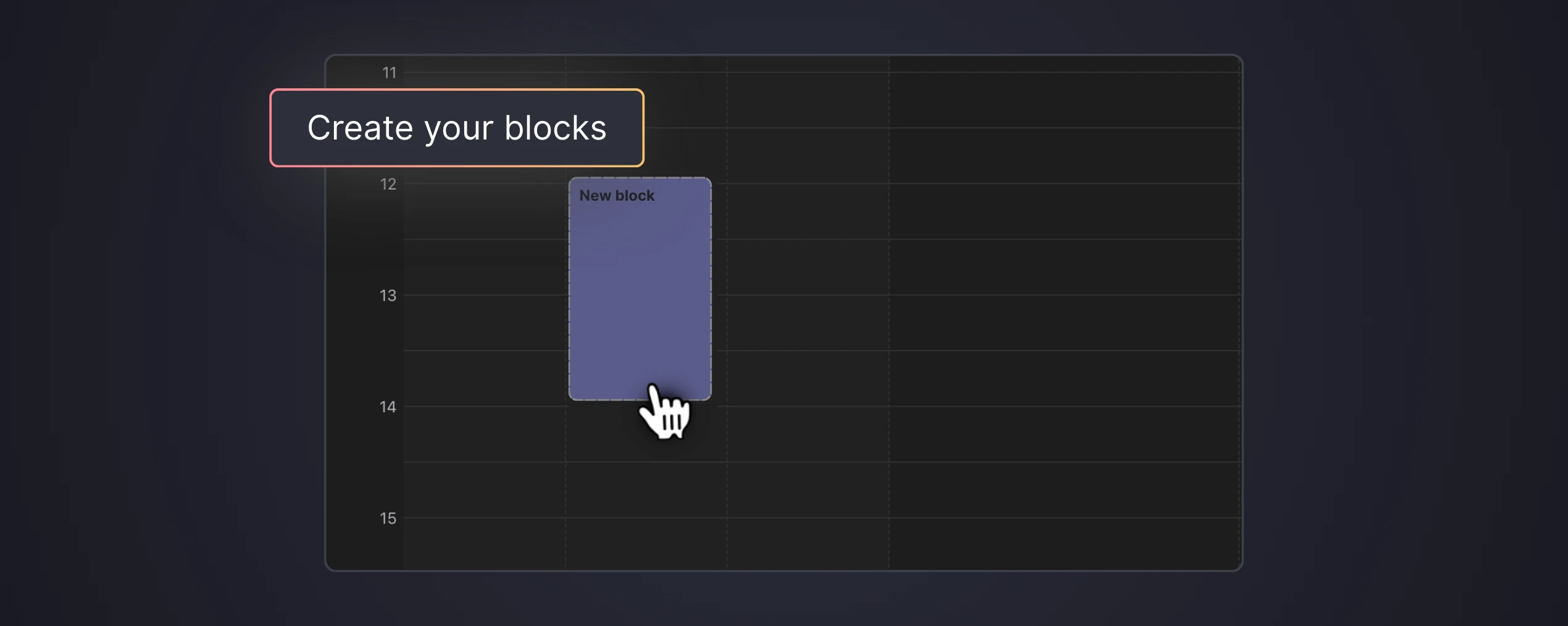
Click any time slot to create a block
Add tasks, events, or time-blocked focus sessions to your weekly schedule. Each block snaps to the grid for clean, organized planning.
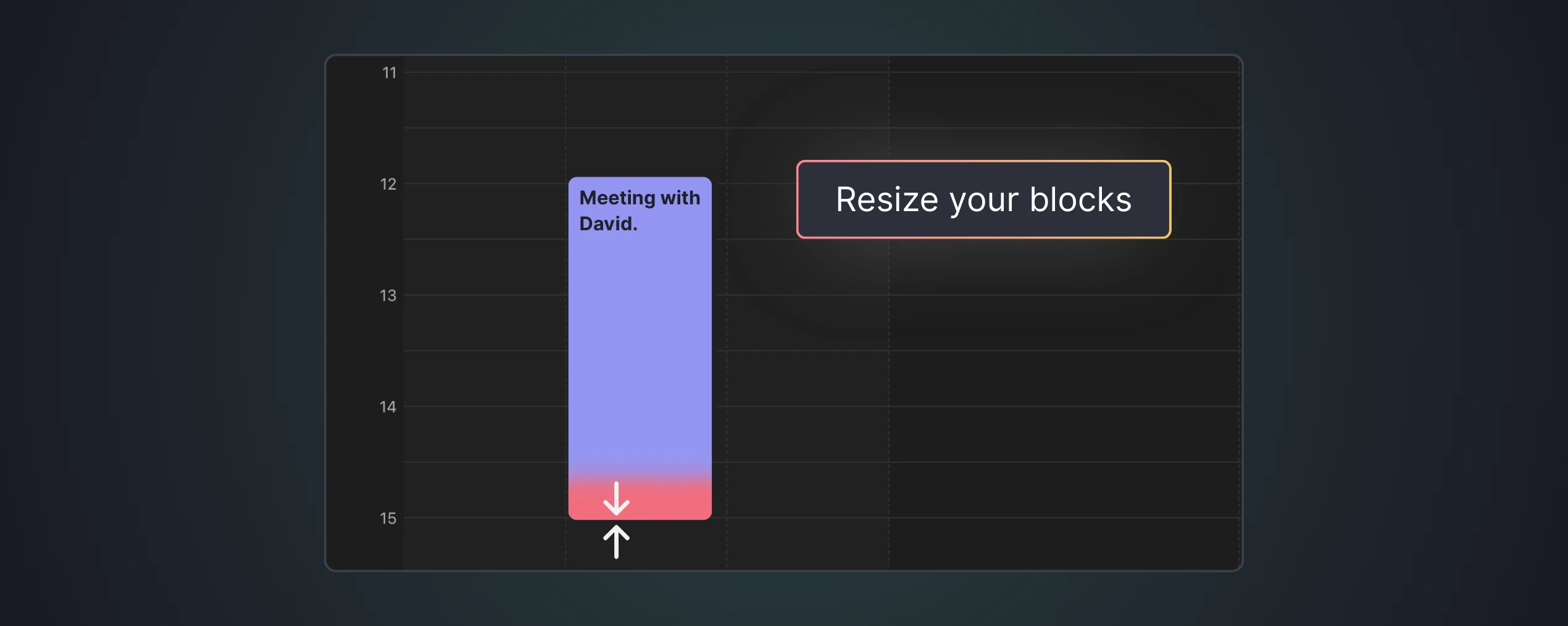
Drag, drop, and resize to fit your week
Move blocks between days or adjust their duration by dragging the edges. Your schedule updates in real-time as you refine your ideal week.
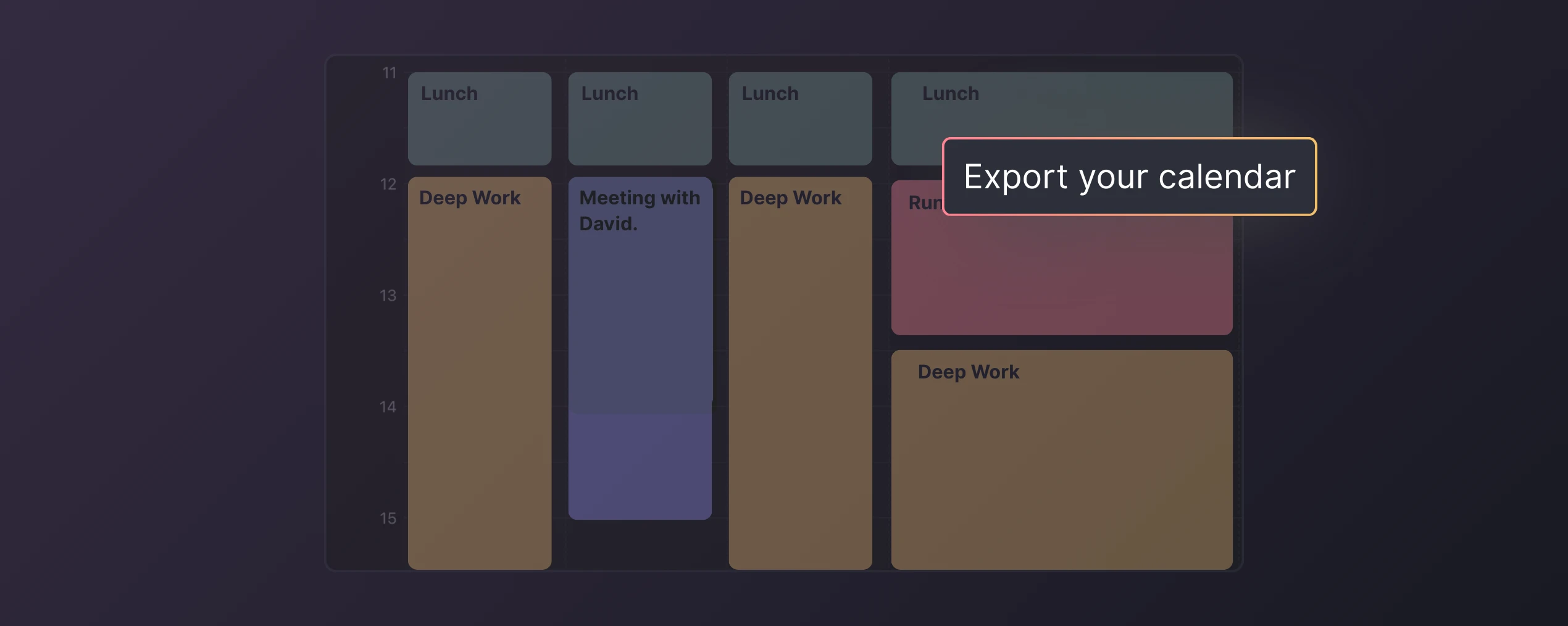
Export or sync to your calendar
Download your schedule as an ICS file to import into Google Calendar, Outlook, or Apple Calendar. Or open directly in Morgen for AI-powered scheduling.
*It is not yet possible to integrate your schedule directly into Morgen. If this integration would be useful to you, please let us know!
Everything you need to build the perfect schedule
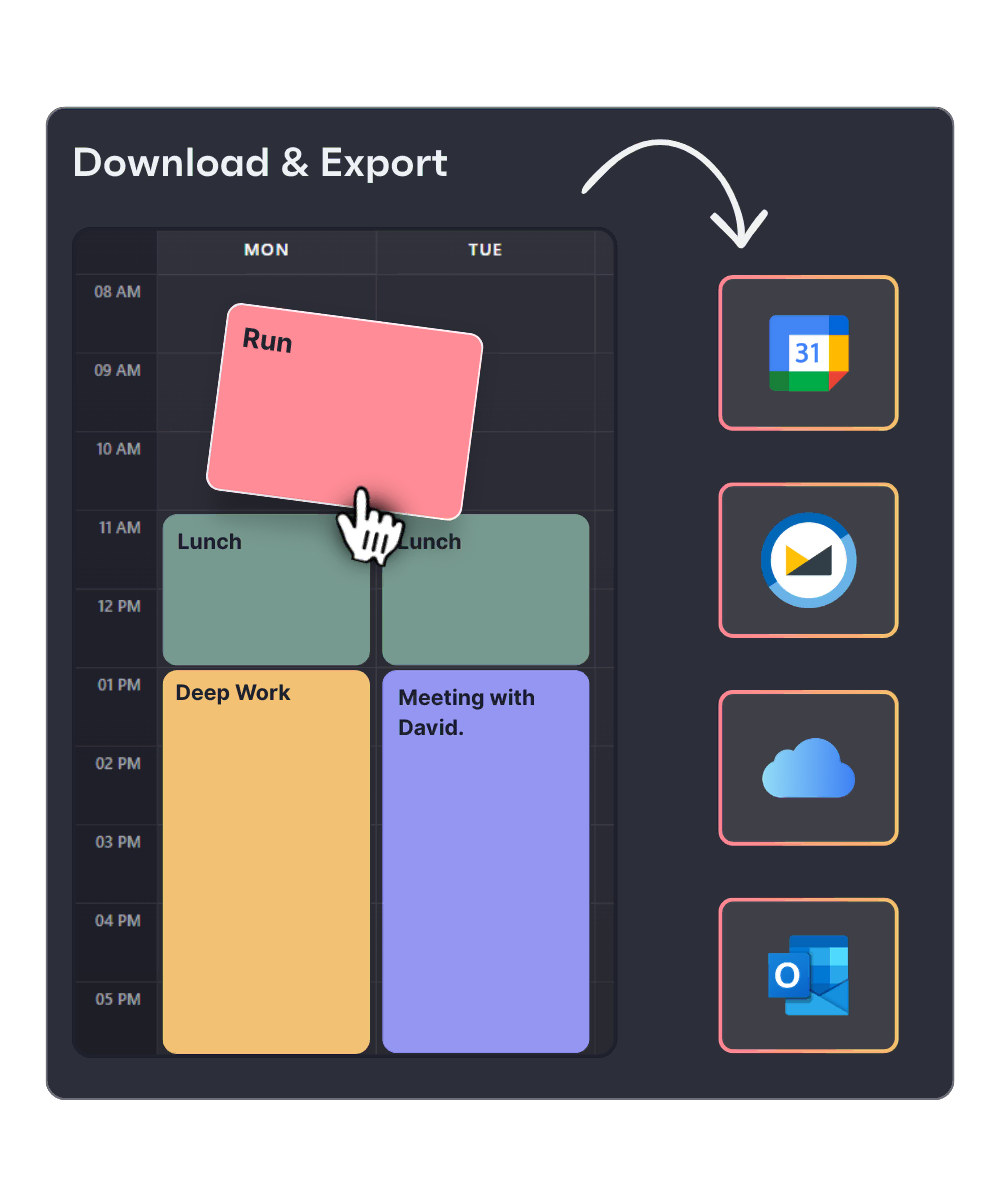
- See your entire week at a glance on a clean, intuitive calendar view. Hours run vertically, days horizontally—just like the planners you're used to.
- Click to create, drag to move, pull edges to resize. Building your schedule feels as natural as arranging sticky notes on a whiteboard.
- Assign colors to differentiate tasks, meetings, and focus time. Instantly see how your time is distributed across different activities.
- Create events for fixed appointments, tasks for to-dos, or frames for flexible time blocks that adapt to your day.
- Start building immediately. Your schedule saves to your browser—no account needed for basic use.
- Download your schedule as an ICS file compatible with Google Calendar, Outlook, Apple Calendar, and virtually any calendar app.
When should you use a schedule builder?
Block time for focused, uninterrupted work
Protect your most productive hours by scheduling dedicated focus blocks. Research shows time blocking can increase productivity by up to 80%.
Plan your week before it starts
Sunday evening or Monday morning—map out your entire week in one session. Visualize commitments, identify gaps, and ensure nothing falls through the cracks.
Design your ideal weekly template
Build a recurring schedule that reflects your goals. Block exercise, learning time, meetings, and admin work into a sustainable routine you can follow every week.
See your whole life on one calendar
Combine work deadlines, personal appointments, and self-care into a single visual schedule. Spot conflicts and maintain boundaries between work and life.
What is Morgen
It syncs with leading task management tools (Notion, ClickUp, Linear, and Todoist) to time block tasks directly into your calendar. Either time block manually or with the AI Planner to suggest a schedule based on Morgen’s Priority Factor (prioritizes tasks based on importance, due dates, capacity, and more).
The AI Planner creates realistic, energy-aware schedules by splitting long tasks in multiple work sessions, scheduling breaks, adjusting for conflicts, and keeping your day balanced and on track.
By using Frames, you can template your week based on task categories, sources, tags, or projects. You can guide the AI Planner to theme your days (work, personal, side hustle, etc.), schedule tasks in the blocks of time devoted to deep work, and ensure nothing slips through the cracks.
Top founders and operators join the Morgen community
Builders, founders, and engineers who take their time seriously use Morgen daily to stay focused and in control.

"Honestly, I LOVE Morgen. Instead of flipping between 10 different tabs, browsers and apps, I now open just one. Managing all of my time in one place, in a nice interface, definitely makes my life so much easier."
Product Hunt
"I am a daily Morgen user and love it. It combines my task management with my calendar and I love it! I can only recommend."
Product Hunt
"This tool and its user experience (UX) are awesome. Can't wait for new features and integrations! Overall, the tool is fantastic!"
Product Hunt


"The platform is really simple and easy to use – much better than using Outlook on Mac. Keep up the hard work, guys!"
Product Hunt
"Love this app! My life became much easier when I started to use it. Thank you! I would love to test the version for the teams."
Product Hunt