Haz la tarea correcta en el mejor momento para ti
Tu tiempo es demasiado valioso para dejarlo en piloto automático: el plan es tuyo para ajustar y aprobar.
%20(1).webp)
%20(1).webp)
How does Morgen’s Time Zone Meeting Planner work?
Morgen’s time zone meeting planner helps you find the most convenient meeting hour for everyone, no matter where they are in the world. Here’s how the tool works:
.avif)
Add the cities or participants’ time zones
Enter the locations of everyone attending your meeting : Zurich, New York, Singapore, Ho Chi Minh City, or any city worldwide. The planner automatically detects their local times and aligns them on a single, shared timeline.

Identify the best overlapping meeting window
The horizontal timeline instantly highlights when everyone is in their working hours.
Yellow = ideal time
Orange = acceptable,
Red = outside working hours.You can also navigate through the day or let the tool suggest the most suitable time slot.
Schedule your meeting in Morgen
Once you’ve selected the perfect time, copy the meeting details with one click and open Morgen.Paste the information into a new event, your meeting is scheduled in seconds and synced with all your calendars.
When should you use a time zone meeting planner?
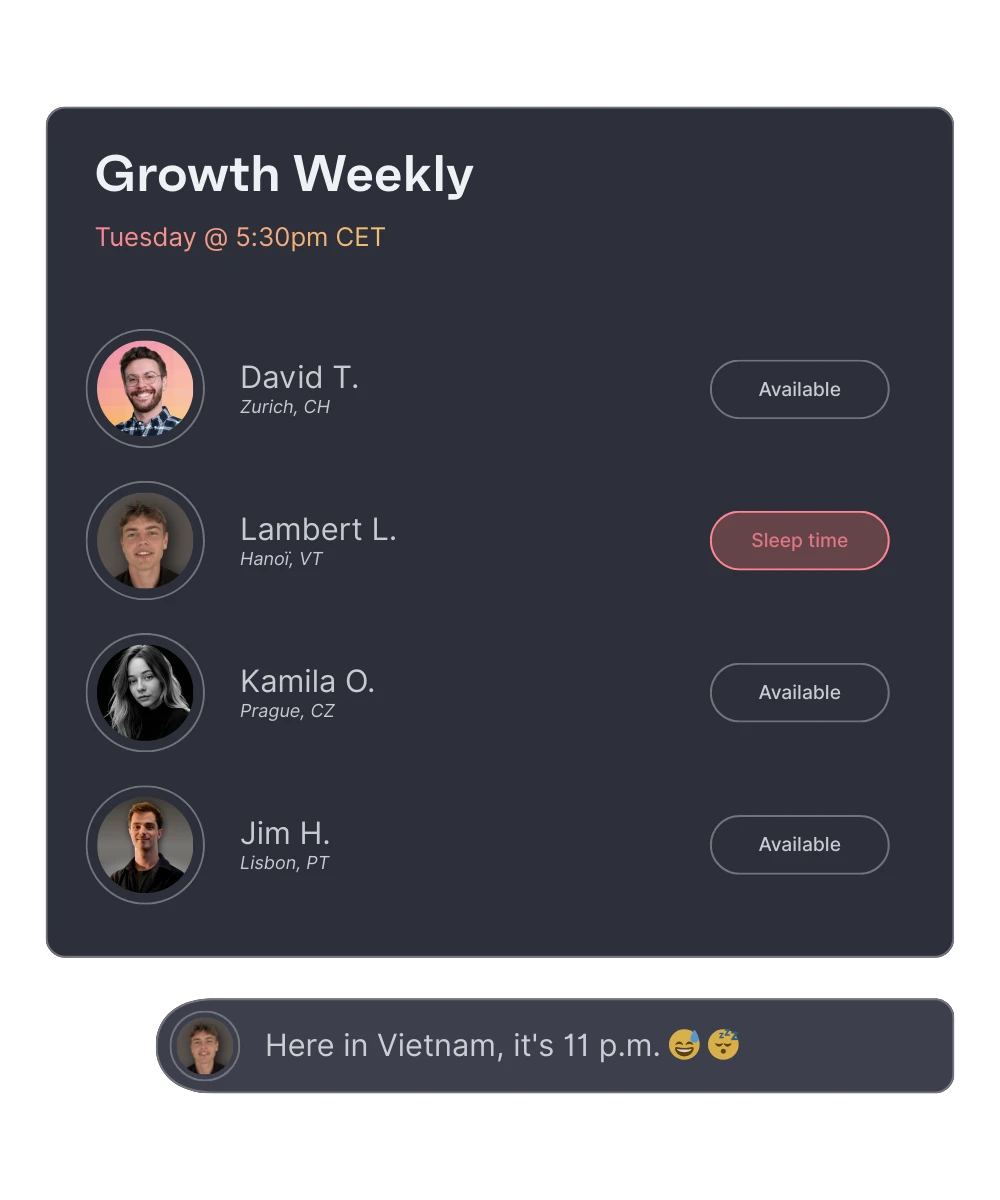
A time zone meeting planner is essential whenever you collaborate with teammates, clients, or partners across different regions.
It helps you :
- Avoid scheduling meetings during someone’s night
- Find working-hour overlaps instantly
- Save time compared to manual checking
- Improve global collaboration
- Prevent “Did you mean my time or your time?” confusion
- Create fair meeting schedules across continents
Los mejores profesionales de empresas líderes confían en Morgen


What is Morgen
It syncs with leading task management tools (Notion, ClickUp, Linear, and Todoist) to time block tasks directly into your calendar. Either time block manually or with the AI Planner to suggest a schedule based on Morgen’s Priority Factor (prioritizes tasks based on importance, due dates, capacity, and more).
The AI Planner creates realistic, energy-aware schedules by splitting long tasks in multiple work sessions, scheduling breaks, adjusting for conflicts, and keeping your day balanced and on track.
By using Frames, you can template your week based on task categories, sources, tags, or projects. You can guide the AI Planner to theme your days (work, personal, side hustle, etc.), schedule tasks in the blocks of time devoted to deep work, and ensure nothing slips through the cracks.
Frequently asked questions
How does this time zone meeting planner work?
Is this tool free to use?
What is the best time of day for international meetings?
PS: You can still use manual scheduling in Morgen.
Can I schedule the meeting directly in Morgen?
The AI Planner uses this information, in conjunction with your available capacity and the filters you apply to your Frames when suggesting your time blocked plan.