.svg)
→ Choisissez Morgen si vous voulez les avantages du « smart planning » de SkedPal sans la complexité—vous obtenez le time blocking centré sur le calendrier plus un plan IA que vous pouvez prévisualiser et approuver, guidé par Frames et des intégrations fortes entre tâches et calendrier, ainsi que la planification des routines.
→ Choisissez Motion si vous voulez l'automatisation la plus autonome—idéal pour les équipes et les cadres qui sont heureux de laisser l'IA réorganiser agressivement les tâches et les priorités toute la journée.
→ Choisissez Sunsama si vous voulez un rituel de planification quotidienne calme et intentionnel—parfait pour les professionnels indépendants qui préfèrent la réflexion guidée à la logique de planification et l'automatisation.
→ Choisissez Akiflow ou Reclaim.ai si votre principal problème est la fragmentation—Akiflow est le meilleur pour une boîte de réception universelle et la rapidité au clavier, tandis que Reclaim est le meilleur pour protéger discrètement le temps de concentration, les habitudes et les routines dans Google/Outlook.
Si vous avez recherché des alternatives à SkedPal, vous êtes probablement déchiré en raison de sa courbe d'apprentissage abrupte, de son interface dense et de la surcharge de configuration qui peut rendre la planification quotidienne plus lourde qu'elle ne devrait l'être. Les outils de gestion de calendrier comme Morgen, Motion, Sunsama et Akiflow offrent des façons plus claires et plus rapides de planifier votre temps. De nombreux utilisateurs changent lorsqu'ils veulent des visuels plus simples, moins de configuration ou une aide IA en laquelle ils peuvent avoir confiance et configurer davantage. Ci-dessous, je vous montrerai exactement où SkedPal fait défaut—en utilisant des avis réels—et quelle alternative correspond mieux à votre style de planification.
Meilleures alternatives à SkedPal en 2026 : un aperçu
| Nom | Idéal pour | Fonctionnalité remarquable | Prix de départ | Évaluations |
|---|---|---|---|---|
| Morgen | Exécution centrée sur le calendrier | Planification assistée par IA | 15 $ | ⭐ 4.7 |
| Motion | Planification automatisée | Employés IA | 19 $ | ⭐ 4.5 |
| Sunsama | Journées de travail intentionnelles | Rituels de planification quotidienne | 20 $ | ⭐ 4.6 |
| Akiflow | Utilisateurs avancés | Flux de travail IA | 19 $ | ⭐ 4.6 |
| Reclaim | Planification des habitudes | Temps de concentration et habitudes alimentés par l'IA | 10 $ | ⭐ 4.4 |
Morgen : idéal pour la planification automatique et le time blocking

Contrairement aux systèmes entièrement automatisés, Morgen appartient à une nouvelle catégorie d'assistants de planification personnelle alimentés par l'IA qui suggèrent un plan basé sur vos priorités et votre capacité. C'est une application de productivité centrée sur le calendrier qui vous permet d'importer des tâches, des calendriers et des événements dans une seule vue avec time blocking. Contrairement à la configuration lourde initiale de SkedPal, Morgen met l'accent sur une configuration rapide, un time blocking clair et une planification IA optionnelle avec AI Planner et Frames.
Fonctionnalités clés
Si les couches et la synchronisation manuelle des tâches de Skedpal entre les outils vous ont frustré, ces fonctionnalités de Morgen offrent une approche plus flexible et conviviale pour les intégrations.
AI Planner et Frames

Le planificateur IA de Morgen crée des plans quotidiens en donnant la priorité aux tâches et aux événements qui vous importent. L'IA recommande quand protéger le temps pour les livrables, les tâches de vie et le travail créatif avec le facteur de priorité de Morgen, votre capacité et votre façon de travailler au mieux.
Il fonctionne mieux avec Morgen Frames, qui sont des cadres temporels que vous pouvez créer dans votre calendrier et utiliser des filtres personnalisés pour chaque Frame afin de planifier les bons types de tâches à des moments spécifiques.
Synchronisation multi-calendrier et tâches

Gérer les mêmes informations dans plusieurs outils, c'est du passé. Importez les calendriers Google, Outlook et iCloud dans une seule vue de planification avec Morgen, consolidez les tâches de Notion, ClickUp, Todoist et bien d'autres, et consacrez votre temps à faire le travail, pas à l'organiser.
Routines pour les activités récurrentes fixes

Vous pouvez créer des routines avec une heure de début, une heure de fin et une règle de répétition (quotidienne, hebdomadaire ou personnalisée), et Morgen les placera directement sur votre calendrier à chaque occurrence. Les routines apparaissent toujours sur le calendrier, ne s'affichent pas dans la barre latérale des tâches et sont conçues pour les activités qui se produisent à une heure fixe, comme les repas ou les pauses.
Tarification
| Plan | Prix de départ |
|---|---|
| Individuel mensuel | 30 $/mois |
| Individuel annuel | 15 $/mois |
| Équipe mensuelle | 25 $/mois |
| Équipe annuelle | 10 $/mois |
Où Morgen excelle
- Planification assistée par IA — au lieu de réorganiser aléatoirement les tâches sans votre consentement, le planificateur IA de Morgen propose un calendrier et attend votre confirmation.
- Frames de semaine idéale — bloquez les heures de travail profond, les creux d'énergie, le temps administratif, les routines, et dites à Morgen « ne touchez pas à ceux-ci ».
- Connecteurs unifiés — intégrez les calendriers (Google, iCloud, Outlook), les tâches (Notion, Todoist, ClickUp, Linear, etc.), et personnalisez les tampons/temps de trajet. Liste complète des intégrations ici.
Où Morgen fait défaut
- Pas un outil complet de gestion de projet, mais une couche au-dessus de votre outil de gestion de projet
- Non conçu pour les grandes entreprises ayant besoin de fonctionnalités de gestion de charge de travail
Avis des clients
Les utilisateurs sur G2 et LinkedIn disent souvent que Morgen est un planificateur tout-en-un magnifiquement conçu et intuitif, ce qui rend beaucoup plus facile de rester organisé lorsque vous jongler avec des vies occupées et multi-clients.


Pour qui Morgen est le mieux adapté
- Chefs de produit, ingénieurs et chercheurs – Travaillez sur plusieurs calendriers et outils de tâches, comptez sur la concentration profonde pour livrer des résultats avec un seul plan qui reflète la disponibilité réelle
- Fondateurs, chefs d'équipe et propriétaires d'agence – Passez la plupart de leur temps en réunions, surengagez-vous fréquemment sans vous en rendre compte, et ont besoin que leur calendrier protège activement le temps de concentration et prévienne l'épuisement professionnel.
- Écrivains, étudiants et créateurs indépendants – Planifiez déjà leurs semaines et font du time blocking régulièrement, mais veulent un support de planification intelligent qui réduit les efforts manuels sans prendre le contrôle.
Motion
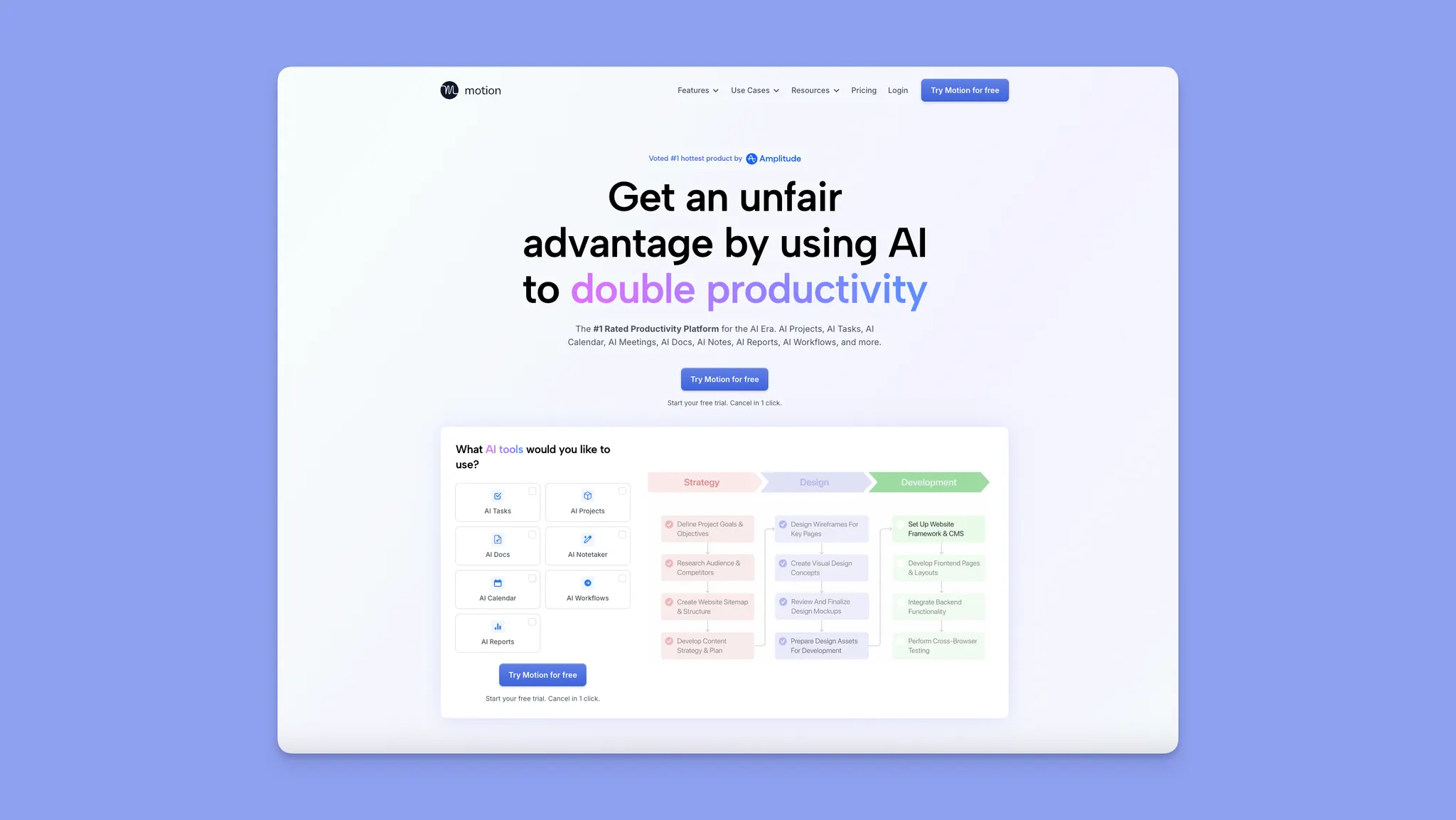
Motion est une excellente alternative à SkedPal pour les utilisateurs qui veulent un hub complet de gestion des tâches avec un système pour gérer leur calendrier entier et leurs listes de tâches. Il planifie automatiquement les tâches, les réunions et les priorités avec un apport manuel minimal.
Fonctionnalités clés
- Planification entièrement automatisée : L'algorithme contrôle votre journée.
- Employés IA : Portée agentique qui planifie + crée + coordonne les tâches dans Motion.
- Dépendances des tâches : Dépendances, équilibrage de la charge de travail, vues des risques et documents/notes IA.
Tarification
| Plan | Prix |
|---|---|
| Individuel | 29 $/mois ou 39 $/mois |
| Équipes | 19 $/siège par mois ou 29 $/siège par mois |
Où Motion excelle
- Planification sans intervention : Idéal pour les personnes qui ne veulent pas penser à la planification.
- Hub PM complet : Motion concurrence moins les planificateurs personnels et davantage les outils complets de gestion de projet alimentés par l'IA, ce qui le rend mieux adapté aux équipes qui veulent une orchestration de bout en bout plutôt qu'un contrôle du temps individuel.
Où Motion fait défaut
- Planification des tâches : Moins convivial si la plupart du travail provient d'outils externes comme Jira/Notion/etc.
- Agents IA limités : Les utilisateurs considèrent les employés IA comme des appels API glorifiés et ne sont pas disposés à payer des niveaux de prix plus élevés pour les utiliser.
Avis des clients
Sur les fils Reddit comparant Motion et SkedPal, les utilisateurs louent souvent l'automatisation de Motion mais mentionnent la frustration lorsque le système remplace les préférences personnelles.


Pour qui Motion est le mieux adapté
- Cadres : Les personnes qui veulent un plan quotidien entièrement automatisé avec un hub complet de gestion des tâches.
Sunsama

Sunsama adopte une approche très différente de celle de SkedPal. Au lieu d'une IA lourde, elle se concentre sur la planification quotidienne intentionnelle avec une gestion manuelle.
Fonctionnalités clés
- Objectifs hebdomadaires : Définissez et suivez les objectifs hebdomadaires pour maintenir votre concentration.
- Intégrations avancées : Importez les calendriers, la gestion des tâches, les e-mails et les applications de messagerie.
Tarification
| Plan | Prix |
|---|---|
| Annuel | 16 $/mois |
| Mensuel | 20 $/mois |
Où Sunsama excelle
- Analytique : Comprenez comment vous utilisez votre temps quotidien et hebdomadaire pour optimiser la charge de travail.
- Intégration Zapier : Vous permet de rationaliser les flux de travail et d'ajouter des déclencheurs supplémentaires.
Où Sunsama fait défaut
- Automatisation limitée : Les utilisateurs notent beaucoup d'efforts manuels.
- Aucune logique de planification approfondie.
Avis des clients
Les critiques de Capterra louent souvent l'UX poli et les flux de travail guidés de Sunsama, mais les utilisateurs avancés notent que son expérience mobile est décevante.


Pour qui Sunsama est le mieux adapté
- Professionnels indépendants : Les personnes qui valorisent la réflexion plutôt que l'automatisation.
Akiflow

Akiflow est une autre alternative qui extrait les tâches et les événements d'outils comme Slack, Notion, Gmail et Google Calendar dans un plan quotidien unifié avec time blocking.
Son avantage réside dans les intégrations multiples et un assistant IA, Aki, qui vous aide à gérer vos tâches, votre calendrier et vos routines.
Fonctionnalités clés
- Boîte de réception universelle : Extrayez les tâches d'outils comme Slack, Gmail, Notion, Asana et bien d'autres.
- Flux de travail IA : Utilisez des invites existantes ou créez un flux de travail personnalisé en langage simple.
Tarification
| Plan | Prix |
|---|---|
| Pro annuel | 19 $/mois |
| Pro mensuel | 34 $/mois |
Où Akiflow excelle
- Intégrations + barre de commandes : Extrayez les tâches de l'e-mail, Slack et des outils PM en un seul endroit, et planifiez votre journée avec des flux de travail orientés vers le clavier.
- Time blocking axé sur le contrôle : Les tâches restent où vous les mettez sans réorganisation surprise.
Où Akiflow fait défaut
- Replanification manuelle en cas de chaos : Lorsque les priorités changent en milieu de journée, Akiflow nécessite un nettoyage pratique.
- Automatisation plus légère et lacunes de fiabilité : Le support IA est plus étroit, et certains utilisateurs signalent des problèmes de synchronisation, des comportements IA immatures et des réponses d'assistance plus lentes.
Avis des clients
Bien que la plupart des critiques G2 louent Akiflow pour ses fonctionnalités, il y a un certain nombre de Redditors insatisfaits du niveau de support d'Akiflow et de ses inconvénients IA.


Pour qui Akiflow est le mieux adapté
- Utilisateurs avancés de productivité : Ceux qui jonglent avec de nombreux outils et ont besoin de flux de travail IA.
Reclaim

Reclaim.ai est un assistant de calendrier intelligent axé sur la protection de votre temps plutôt que sur la refonte de votre flux de travail. Il vit dans Google Calendar ou Outlook et planifie automatiquement le temps de concentration, les habitudes, les tâches et les réunions.
Sa force n'est pas la gestion complète des tâches ou des projets, mais l'automatisation défensive : s'assurer que le travail profond, les routines et la disponibilité ne sont pas mangés par les réunions.
Fonctionnalités clés
- Temps de concentration et habitudes : Planifie et replanifie automatiquement le travail profond, l'exercice, l'apprentissage et les routines.
- Réunions intelligentes : Trouve le meilleur moment pour les participants, respecte les priorités, les tampons et les jours sans réunion.
Tarification
| Plan | Prix |
|---|---|
| Lite | Gratuit |
| Starter | 10 $/mois |
| Business | 15 $/mois |
| Enterprise | 22 $/mois |
Où Reclaim excelle
- Configuration sans friction : Connectez votre calendrier, définissez quelques règles, et laissez-le fonctionner—sans configuration lourde.
- Excellent pour les utilisateurs de Google/Outlook : Se sent natif plutôt qu'un outil de planification séparé.
Où Reclaim fait défaut
- Lacunes d'intégration : Pas de support iCloud et moins d'intégrations que des outils comme Akiflow ou Morgen.
- Bizarreries occasionnelles du calendrier : Certains utilisateurs signalent des événements dupliqués ou des conflits entre les calendriers.
Avis des clients
Les utilisateurs sur G2 louent Reclaim pour avoir sauvé le temps de concentration, réduit la surcharge de réunions et être facile à adopter. Les critiques tendent à se concentrer sur les intégrations manquantes et les problèmes occasionnels de synchronisation du calendrier.


Pour qui Reclaim est le mieux adapté
- Individus et travailleurs indépendants qui veulent que leur calendrier protège automatiquement le temps de concentration.
- Constructeurs d'habitudes cherchant à planifier les routines sans effort manuel.
Raisons de considérer une alternative à SkedPal
Ci-dessous se trouvent les points de rupture les plus courants soulevés par les utilisateurs de SkedPal à long terme, et pourquoi beaucoup finissent par chercher ailleurs.
Courbe d'apprentissage abrupte
Les utilisateurs de Skedpal signalent à plusieurs reprises que même après des mois d'utilisation, il est toujours difficile de comprendre complètement pourquoi les tâches sont planifiées de cette façon. Le simple nombre de paramètres, de règles et de cas limites signifie que vous gérez souvent le système.
Si vous voulez un planificateur qui vous aide à décider quoi faire ensuite, lutter avec la logique de configuration va à l'encontre du but.
Comment Morgen aborde la courbe d'apprentissage
Morgen remplace la configuration lourde en règles par Frames, des cadres temporels simples et visuels « semaine idéale » dans votre calendrier (travail profond, administratif, routines) qui guident la planification sans vous obliger à micromanager la logique. L'IA propose un calendrier, mais vous l'examinez et l'approuvez, donc rien ne semble mystérieux ou hors de votre contrôle.
L'interface est dense, maladroite et visuellement limitée
Plusieurs critiques décrivent l'interface de SkedPal comme surchargée, maladroite ou partiellement implémentée. Bien que l'outliner soit flexible, les utilisateurs souhaitent constamment :
- Une meilleure planification visuelle
- Des vues de tâches de style tableau avec tri et filtrage
- Des représentations de calendrier plus claires de leur travail
Comment Morgen aborde l'interface utilisateur
Morgen est construit autour d'un calendrier propre et visuel où les tâches et les événements coexistent. Vous pouvez faire glisser le travail directement dans le temps, voir les dates d'échéance sur le calendrier et planifier visuellement, sans vous plonger dans les paramètres imbriqués ou les outlines.
Problèmes de fiabilité, d'expérience mobile et de confiance dans les données
Même les utilisateurs fidèles mentionnent :
- Les modifications ne sont parfois pas enregistrées
- Les notes disparaissent de manière inattendue
- Aucun moyen de créer une sauvegarde locale complète
- Une application mobile qui est « brute » et limitée principalement à la capture de boîte de réception
Comment Morgen aborde cette UX
Morgen se concentre sur être une couche de planification au-dessus de vos outils existants (Google, Outlook, Notion, Linear, Todoist, etc.), plutôt qu'un silo fragile tout-en-un. Les tâches restent dans leurs systèmes source, les calendriers restent natifs, et Morgen vous aide à planifier entre eux dans une seule vue, réduisant le risque de perte de données et le temps nécessaire pour la migration.
Un dernier mot sur Morgen
Si SkedPal vous semblait puissant mais épuisant, Morgen est le « chemin du milieu moderne » : la planification IA quand vous la voulez, le time blocking manuel quand vous ne la voulez pas, et une vue de calendrier propre en laquelle vous pouvez avoir confiance.
Explorez le Morgen AI Planner ici : https://www.morgen.so/ai-planner, ou consultez les plans et la tarification ici : https://www.morgen.so/pricing.

.svg)
.webp)