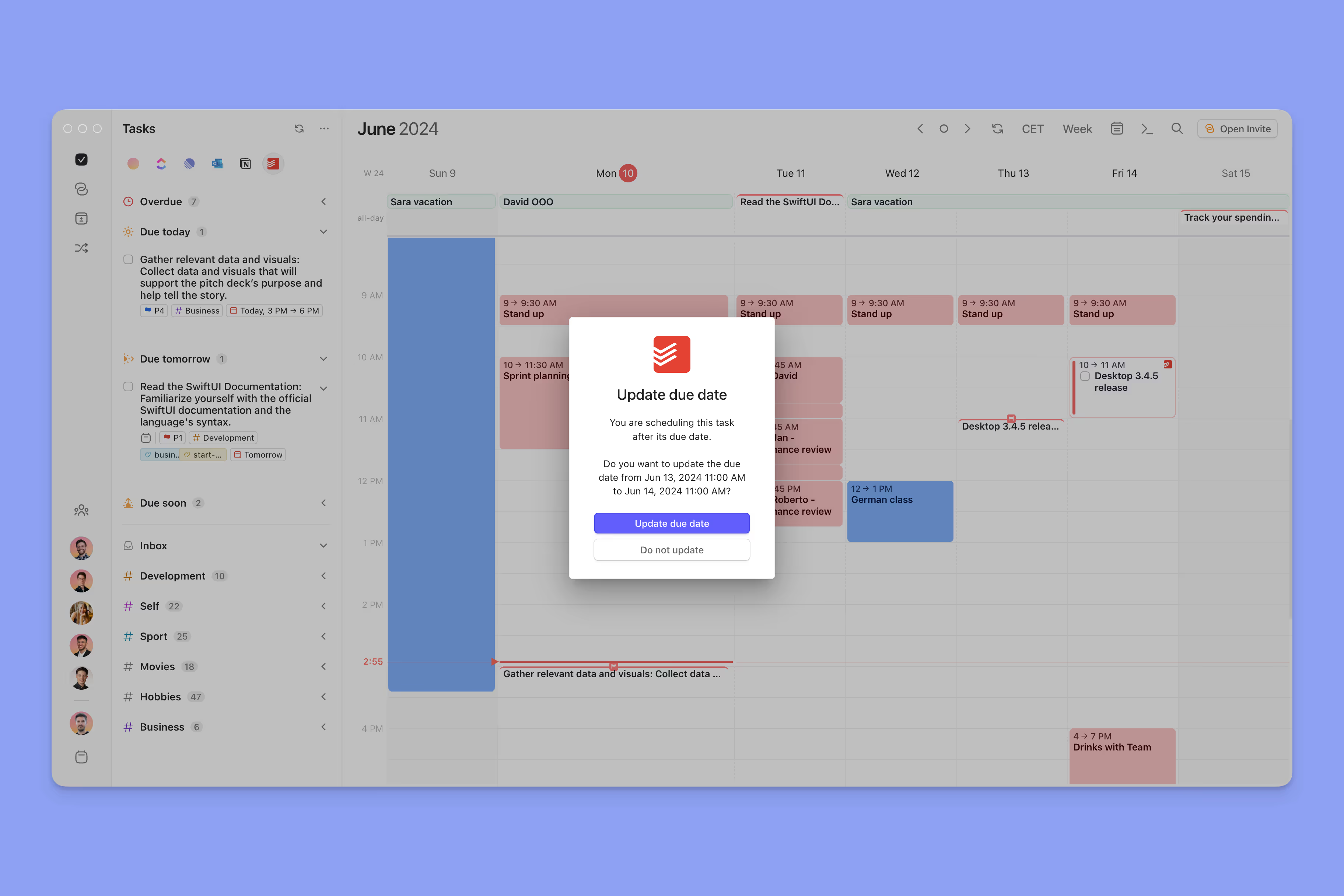

Unlock the full potential of Morgen's web app by mastering its keyboard shortcuts. These shortcuts are designed to enhance your productivity and streamline your workflow, allowing you to navigate the app with ease.
Why Master Shortcuts?
Using keyboard shortcuts can significantly reduce the time spent on repetitive tasks. By minimizing mouse usage, you can focus more on your work and less on navigation. Here are some key benefits:
- Increased efficiency in task management
- Faster access to features and settings
- Improved focus and reduced distractions
Essential Shortcuts to Know
Navigation Shortcuts
- ⌘ + N / Ctrl + N - Create a new event quickly
- ⌘ + T / Ctrl + T - Open the task panel for quick access
- ⌘ + R / Ctrl + R - Refresh your calendar to see the latest updates
Task Management Shortcuts
- E - Edit the selected event or task
- Delete - Remove the selected item instantly
- Esc - Cancel the current action
Pro Tips for Efficiency
To maximize your productivity, consider the following tips:
- Practice using shortcuts regularly to build muscle memory.
- Customize your shortcuts in the settings for a personalized experience.
- Utilize the Command Bar (⌘ + K / Ctrl + K) for quick access to all features.
Getting Started
- Familiarize yourself with the essential shortcuts listed above.
- Start using the Command Bar to streamline your workflow.
- Regularly review and practice shortcuts to enhance your efficiency.
By mastering these shortcuts, you can transform your experience with Morgen's web app, making your calendar management tasks quicker and more efficient.
Need Assistance?
Contact us for any questions or support you may need. We're here to help!