.svg)
→Tweek's "no clock" weekly checklist works until you need hourly time blocking, real calendar sync, or integrations with task tools you already use.
→ The seven alternatives below cover four jobs: paper-planner feel (TeuxDeux), task-first with calendar (TickTick, Todoist), calendar-first (Notion Calendar, Akiflow, Sunsama), and AI-assisted planning (Morgen).
→ Free options: Notion Calendar, Todoist (5 projects), TickTick (calendar paywalled). Paid options run $3/mo to $19/mo.
→ Morgen is the only tool here that pulls Notion, Todoist, ClickUp, and Linear tasks onto a real calendar grid and uses AI to draft your week before you approve it.
Tweek shows your week as a paper-style list and lets you drag tasks around without picking a time of day. That's why people leave it. Once you need hourly slots, real calendar sync, or tasks from Notion or Todoist, Tweek's simplicity becomes the ceiling. Pricing below was re-verified in April 2026.
The 7 Best Tweek Alternatives shortlist
1. Morgen: Best for AI Weekly Planning Across Every Calendar
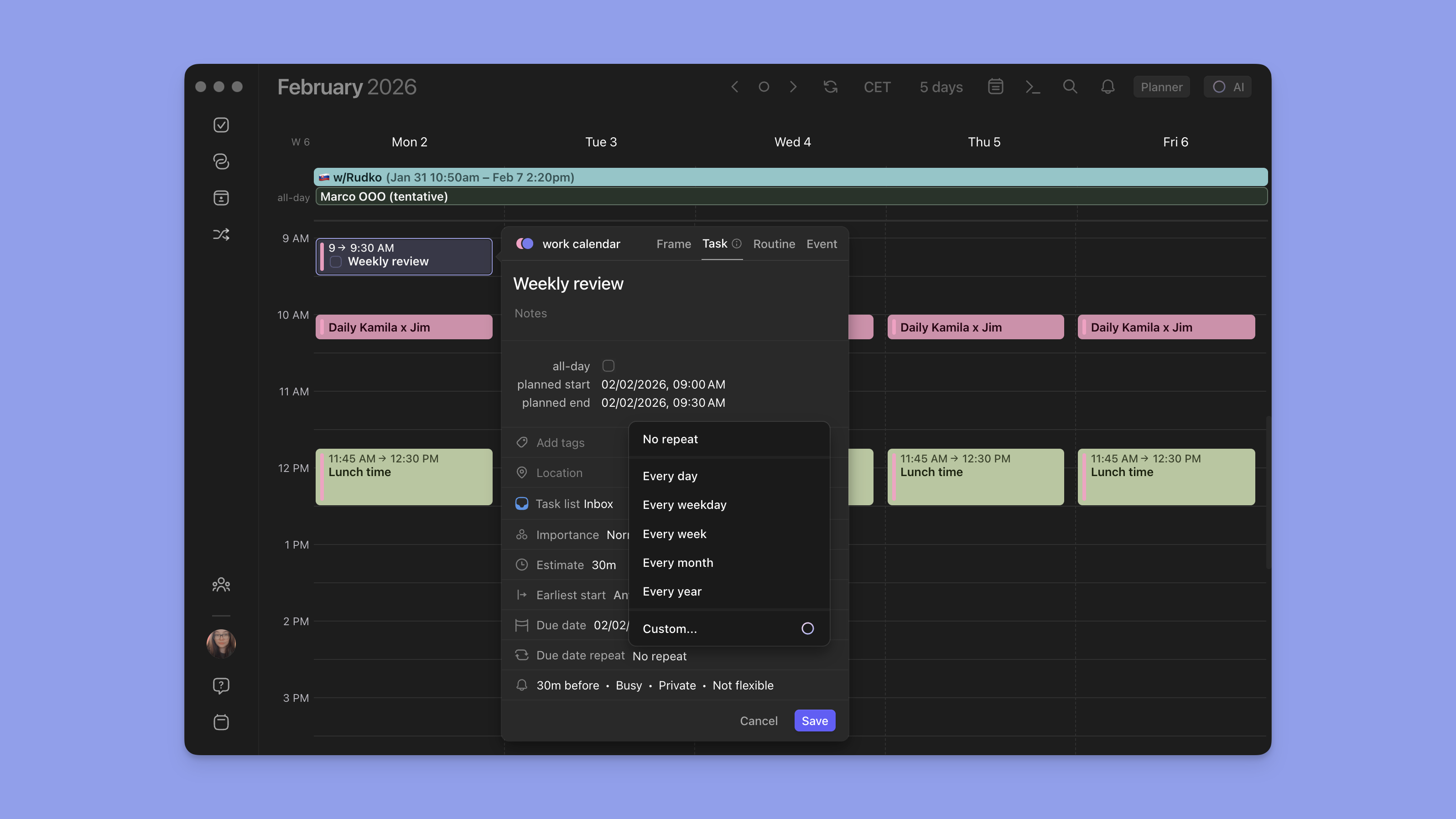
Morgen consolidates Google, Outlook, iCloud, Fastmail, and Zoho calendars in one app, then uses AI to draft a daily schedule you approve before anything lands on your real calendar. Hourly slots, native time blocking, two-way sync with eight task tools.
Key Features
AI Planner
.png)
Reads your unscheduled tasks, existing events, working hours, and Frames, then drafts a daily plan as preview events you can edit, accept, or regenerate. Nothing moves to your real calendar until you approve.
Frames
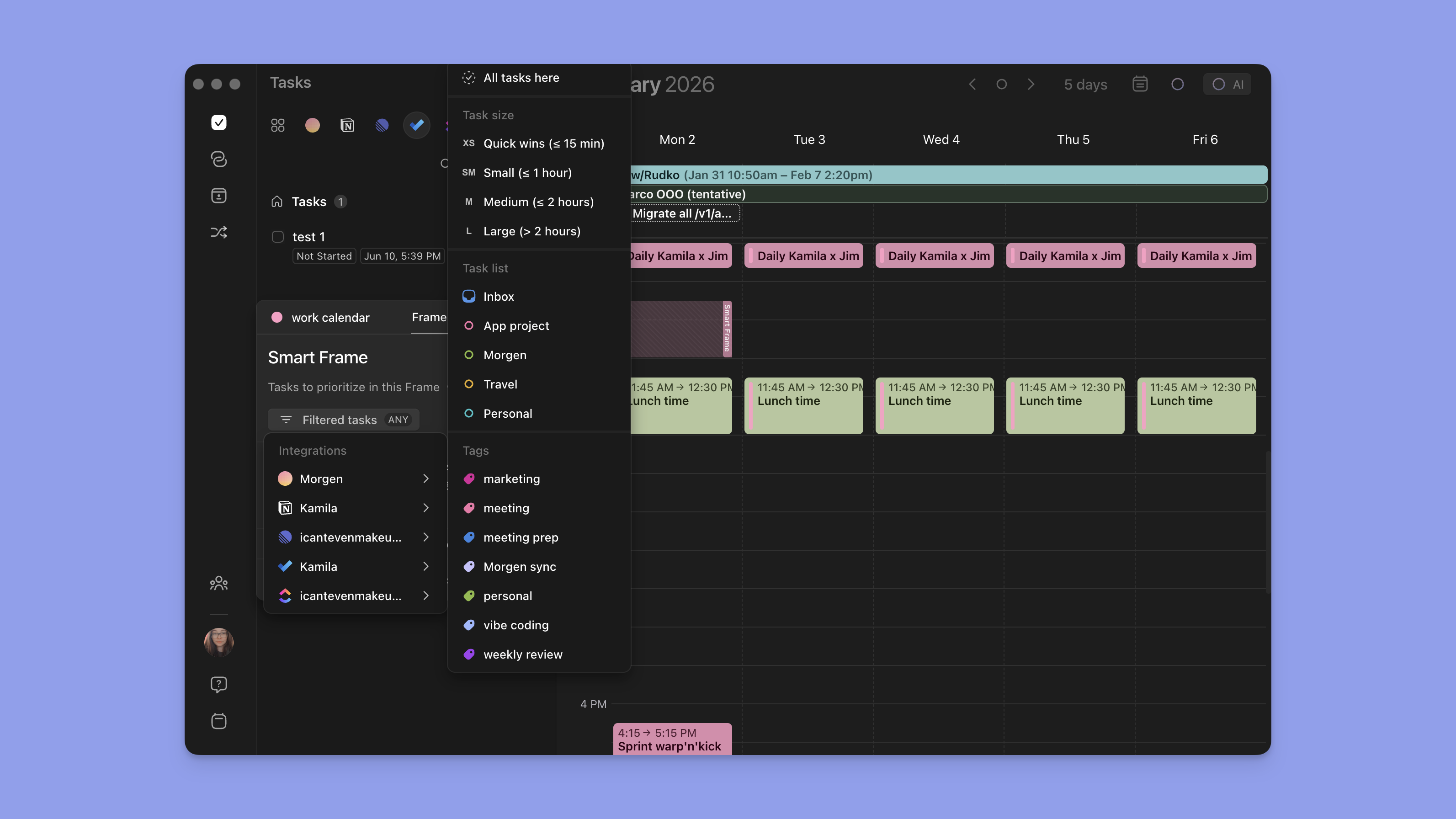
Reusable weekly time blocks devoted to a kind of work (deep work, admin, personal). Template your ideal week once and the AI Planner places tasks inside the right Frame instead of any open slot.
Multiple Task Manager integrations

Pulls tasks from Notion, Todoist, ClickUp, Linear, Google Tasks, Microsoft To Do, Apple Reminders, and Obsidian onto your calendar grid with two-way sync. The Notion + Calendar and Todoist + Calendar pages walk through setup.
Pricing
Where Morgen Shines
- Drafts your week with AI but lets you review every block before it hits your calendar. Motion and Reclaim move things on you; Morgen doesn't.
- Six calendar providers including iCloud, Fastmail, and CalDAV.
- Native Linux client. Tweek is browser-only on desktop.
Where Morgen Falls Short
- No free forever tier. The 14-day trial converts to paid; Tweek and TeuxDeux have free or near-free options.
- More setup than Tweek. Frames, Routines, and integrations need a few minutes the first week.
Morgen Customer Reviews
"As an independent consultant, I frequently juggle professional and personal commitments. Morgen has proven invaluable by seamlessly integrating multiple tools into my daily workflow, enabling me to plan my days around my complete schedule—both work and private. It offers a unified overview of my day, consolidating tasks, appointments, and events in one intuitive interface. I can effortlessly rearrange my schedule on the fly, including via mobile while on the go. Morgen has truly been a game-changer for my productivity." - SBE via Trustpilot

Who Morgen Is Best For
Anyone moving on from Tweek who needs hourly time blocks, real calendar sync, or task pull-in from Notion, Todoist, ClickUp, or Linear. Cross-platform users not locked to Apple or Google.
2. Sunsama: Best for Mindful Daily Planning Rituals
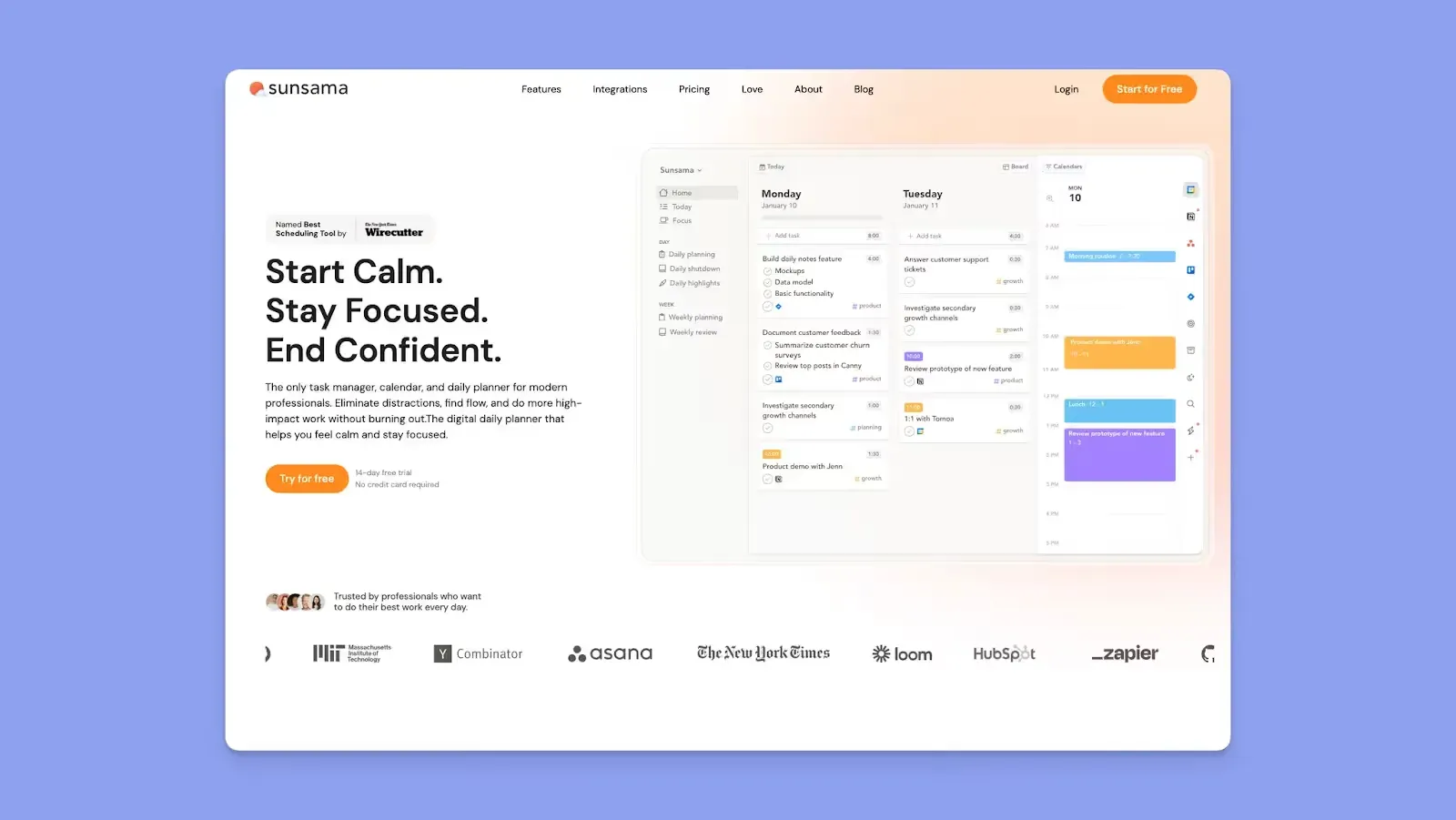
Sunsama is the closest match to Tweek's "calm planning" pitch, but with real hourly time blocking. A guided morning ritual asks what you'll accomplish; an evening shutdown ritual closes the loop.
Key Features
- Guided morning planning + daily shutdown ritual
- Hourly time blocking with two-way Google, Outlook, and Apple Calendar sync
- Twelve task and PM integrations (Asana, ClickUp, Linear, Jira, Trello, Todoist, Notion, Apple Reminders, and more)
Pricing
Full breakdown in Morgen's Sunsama pricing analysis, verified 2026-04-30.
Where Sunsama Shines
- The daily ritual format prevents over-planning
- Pro bundles AI, MCP, and Zapier.
Where Sunsama Falls Short
- No scheduling links, no Linux app
- ~3x Tweek Premium ($17/mo vs $5.99/mo annual).
Sunsama Customer Reviews
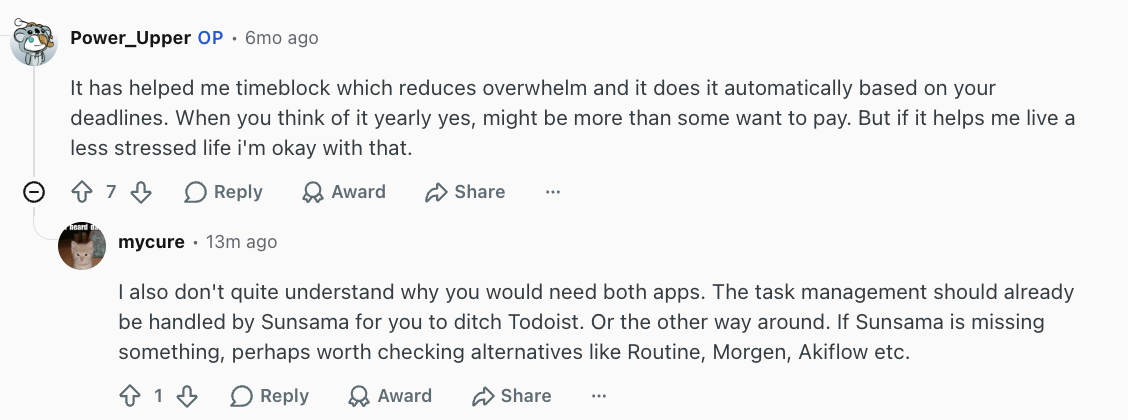
"It has helped me timeblock which reduces overwhelm and it does it automatically based on your deadlines. When you think of it yearly yes, might be more than some want to pay. But if it helps me live a less stressed life i'm okay with that." - Reddit user via Reddit
Who Is Sunsama Best For
Tweek users who liked deliberate weekly planning but want real calendar slots. Strong overlap with Morgen's mindful productivity framing.
3. TickTick: Best for Cross-Platform Task Management with a Calendar View
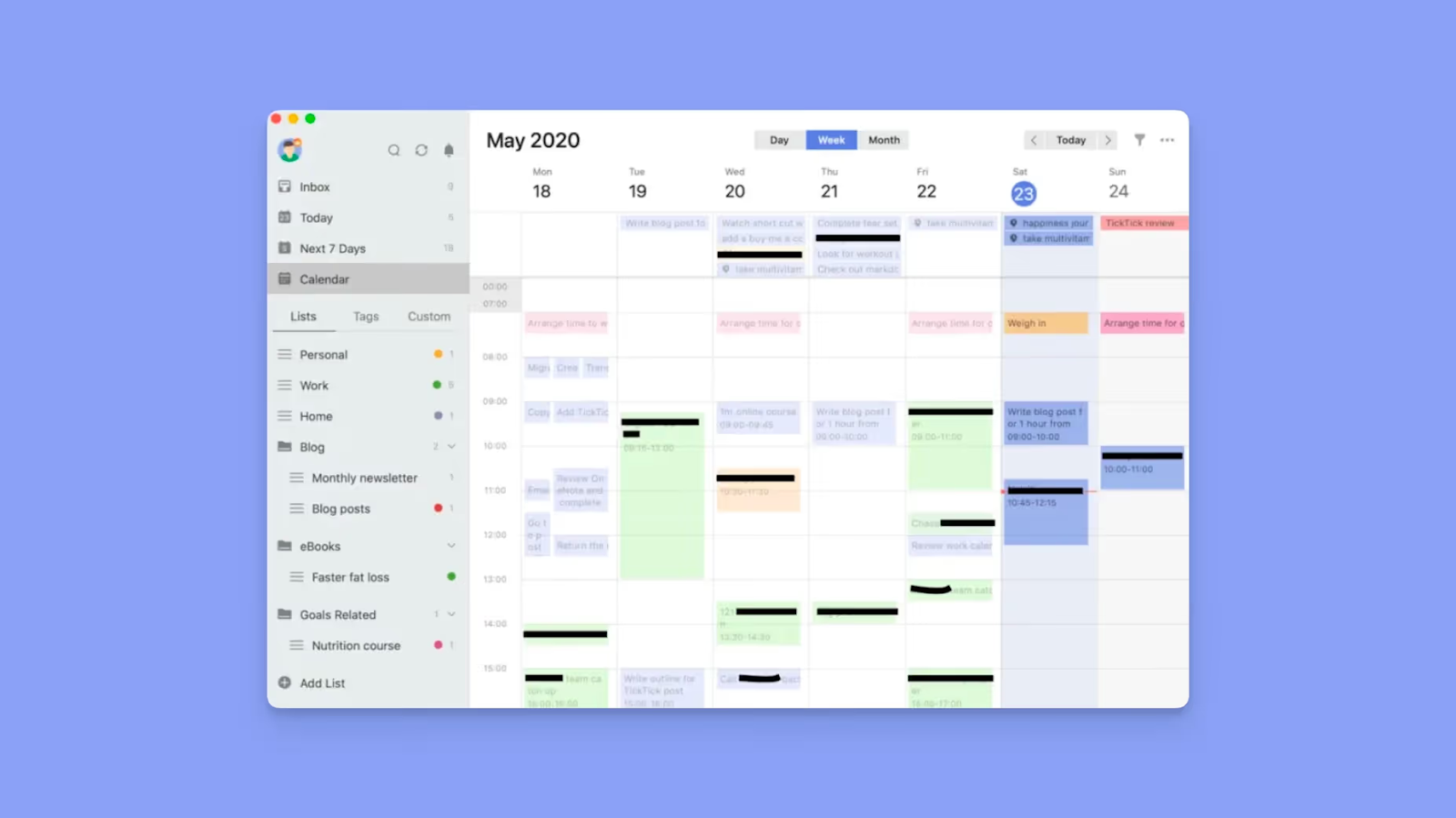
TickTick is the broadest task manager on this list, running on web, macOS, Windows, Linux, iOS, Android, Apple Watch, and Wear OS. The free tier covers task lists and reminders; the calendar view sits behind a paywall.
Key Features
- Five calendar views (List, Day, 3-Day, Week, Month) on Premium
- Built-in habit tracker
- Built-in Pomodoro timer
- Eisenhower matrix view
- Third-party calendar subscription on Premium
Pricing
Verified 2026-04-30.
Where TickTick Shines
- Truly cross-platform including Linux and Wear OS
- Habit tracking
- Pomodoro
Where TickTick Falls Short
TickTick Customer Reviews
"The widget integration could be better. It looks good, but I feel like it could be more engaging and let us do more things directly from the widget. I also wish more of these features were included in the free version, because right now too much is behind a paywall." - G2 reviewer

Who Is TickTick Best For
Anyone who wants a single task app on every device they own, with habit tracking and a calendar view as add-ons.
4. Todoist: Best for Natural-Language Task Capture
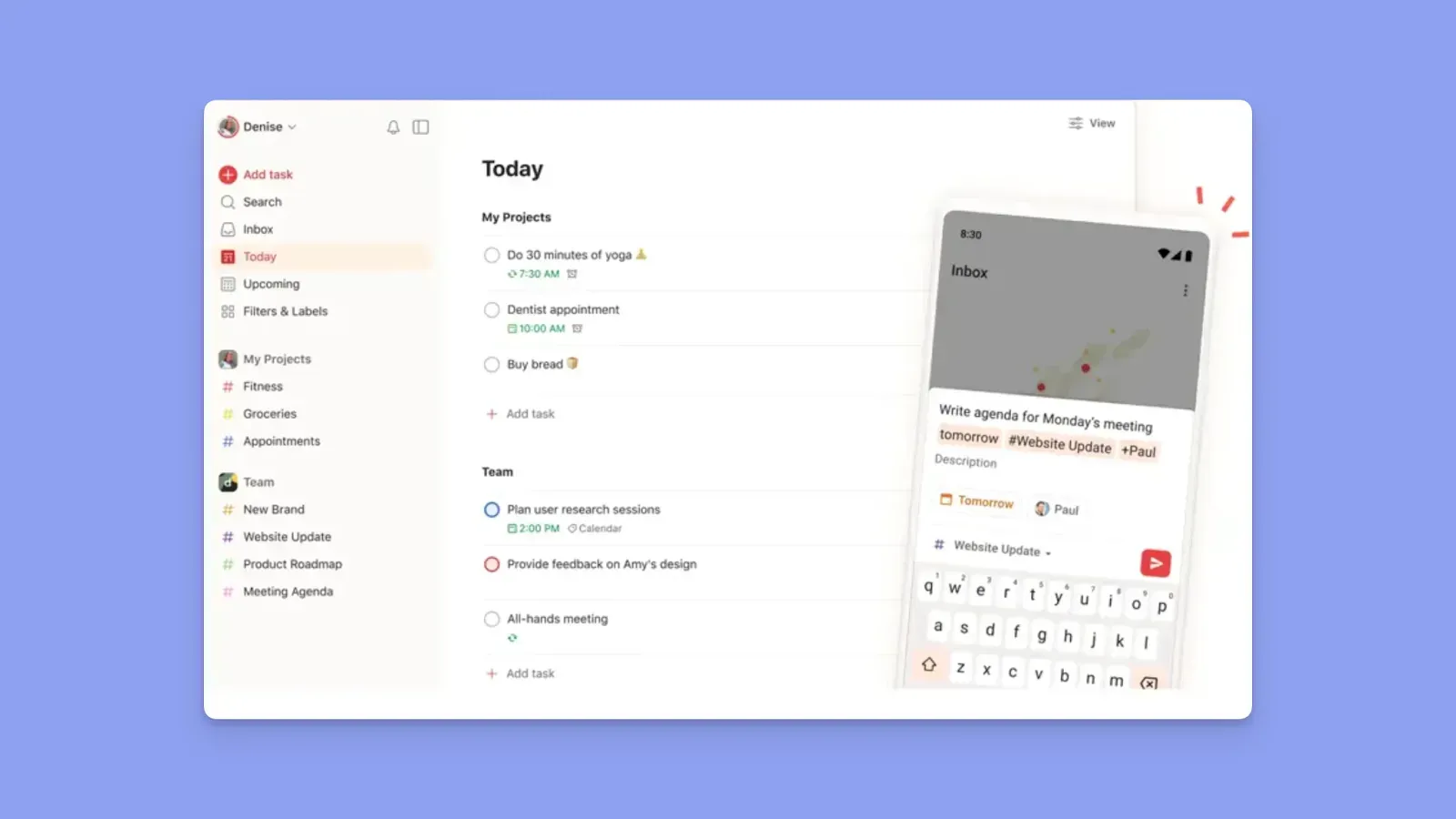
Todoist is the most-used task manager in the world. Type "Pay rent every 1st 9am" and it parses date, time, and recurrence. A 2024 calendar layout added a visual planner.
Key Features
- Natural-language Quick Add
- Calendar layout (Pro)
- 300 personal projects on Pro vs 5 on Free
- 150 saved filter views on Pro
- Capture from Apple Watch, Siri, Alexa, and Slack
Pricing
Full breakdown in Morgen's Todoist pricing analysis, verified 2026-04-30.
Where Todoist Shines
- The free tier is a real daily planner, not a teaser.
- Natural-language input is faster for recurring tasks.
Where Todoist Falls Short
- The visual calendar layout is locked behind Pro.
- Google Calendar sync is one-way; no native Outlook or iCloud sync.
- The 2025 price hike was unpopular, discussed on r/ProductivityApps.
Todoist Customer Reviews
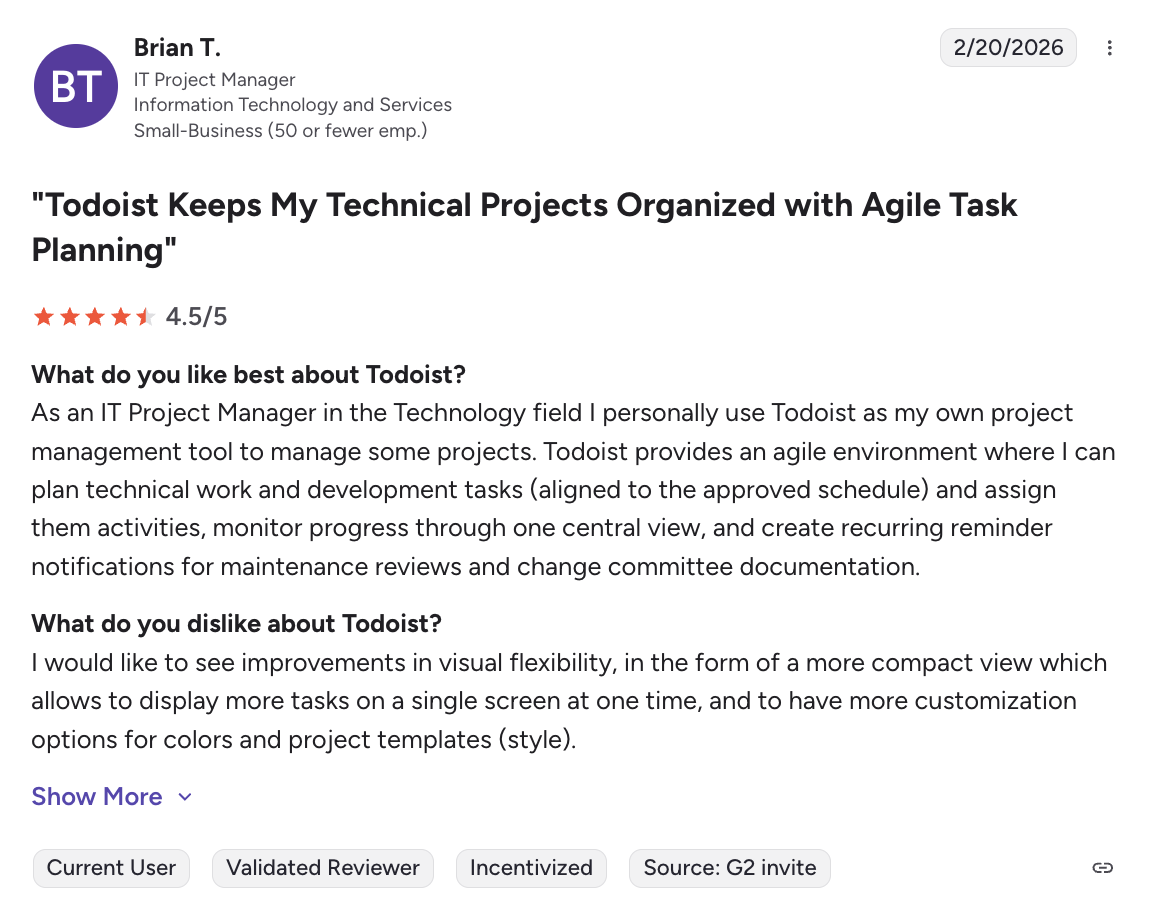
"I would like to see improvements in visual flexibility, in the form of a more compact view which allows to display more tasks on a single screen at one time, and to have more customization options for colors and project templates (style)." - Brian via G2
Who Is Todoist Best For
Keyboard-first capture. Pairs well with Morgen if you want Todoist's input plus a real calendar grid.
5. Akiflow: Best for Power-User Time Blocking
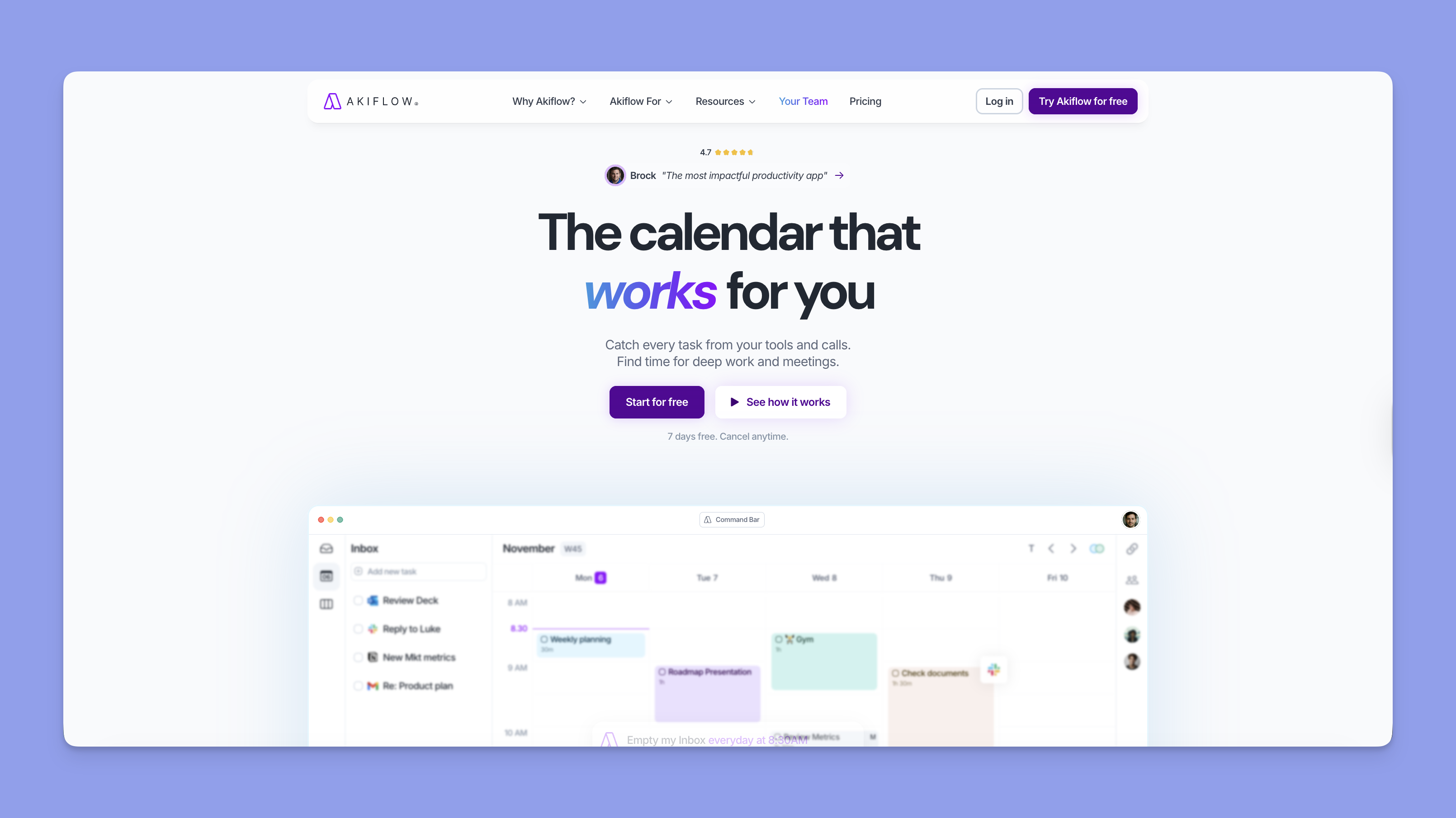
Akiflow is the command-bar-first power tool of this list, targeting busy professionals who time block aggressively and capture tasks from 18+ sources. Its AI ("Aki") ships 12 workflow templates.
Key Features
- Universal command-bar capture
- Drag-to-calendar time blocks
- Aki AI for schedule overviews and conflict alerts
- 18+ integrations (Slack, Gmail, Notion, Asana, ClickUp, Zoom, Todoist, Jira, Linear, Outlook, Zapier)
Pricing
Verified 2026-04-30, see Akiflow pricing.
Where Akiflow Shines
- Universal capture is faster than anything Tweek offers
- Command-bar time blocking is the keyboard-first version of Tweek's drag-and-drop.
Where Akiflow Falls Short
- $19/mo annual is 3x+ Tweek Premium
- 7-day trial is shorter than Tweek's 14-day
- In case you get charged during your trial, there's no refund.
Akiflow Customer Reviews
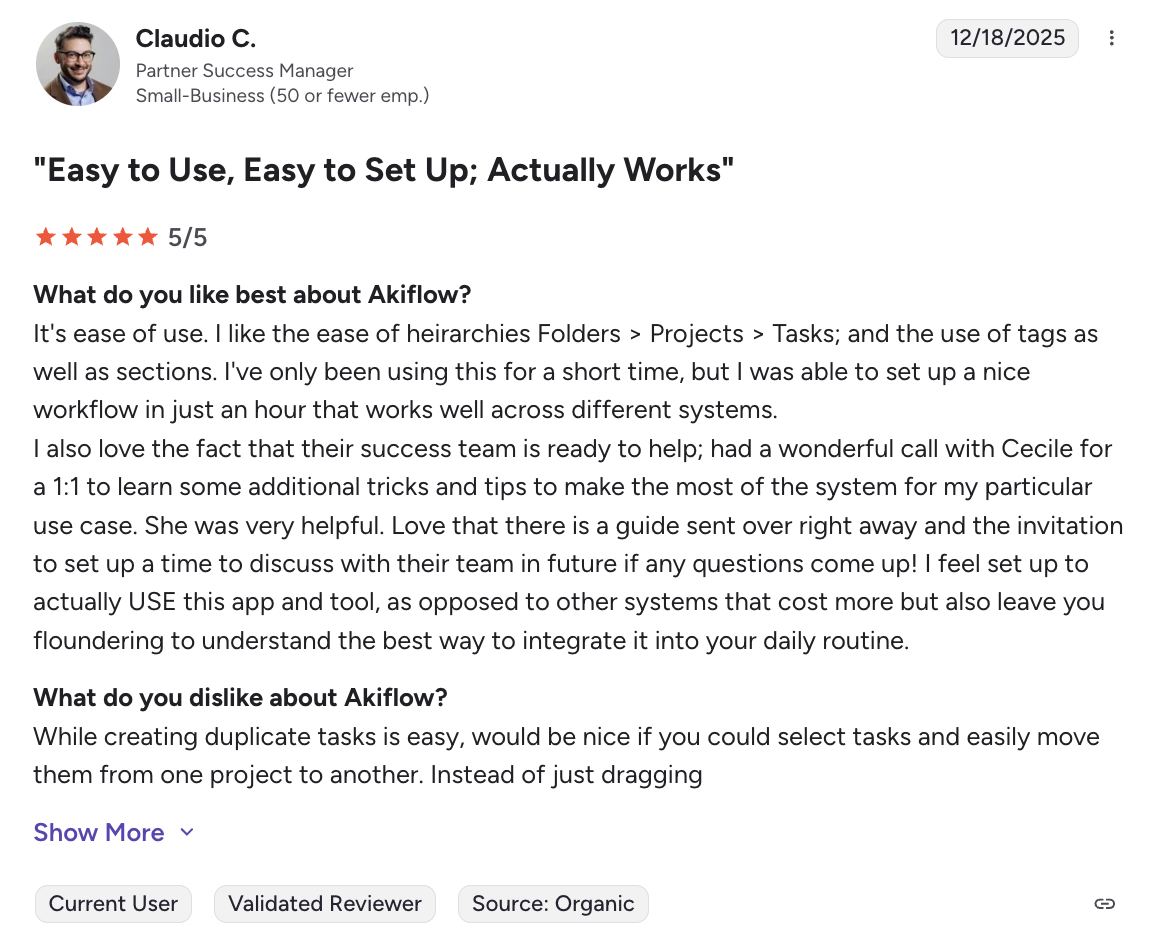
"While creating duplicate tasks is easy, would be nice if you could select tasks and easily move them from one project to another. Instead of just dragging" - Claudio via G2
Who Is Akiflow Best For
Power users who plan at the keyboard and want one inbox for every task and meeting.
6. Notion Calendar: Best Free Calendar for Notion-First Workflows

Notion Calendar (formerly Cron) is the only fully free option here with calendar sync. Two-way Notion database sync is its killer feature: any Notion database with a date field becomes a calendar event. In 2026 it added iCloud alongside Google and Outlook.
The catch: it's calendar-first, not task-first. No rolling weekly to-do columns, no auto-rollover, no habit tracker. If your tasks live in Notion databases, this is the cleanest free upgrade from Tweek. If they don't, it won't feel like a planner.
Pricing
Verified 2026-04-30.
7. TeuxDeux: Best for the Pure Paper-Planner Aesthetic
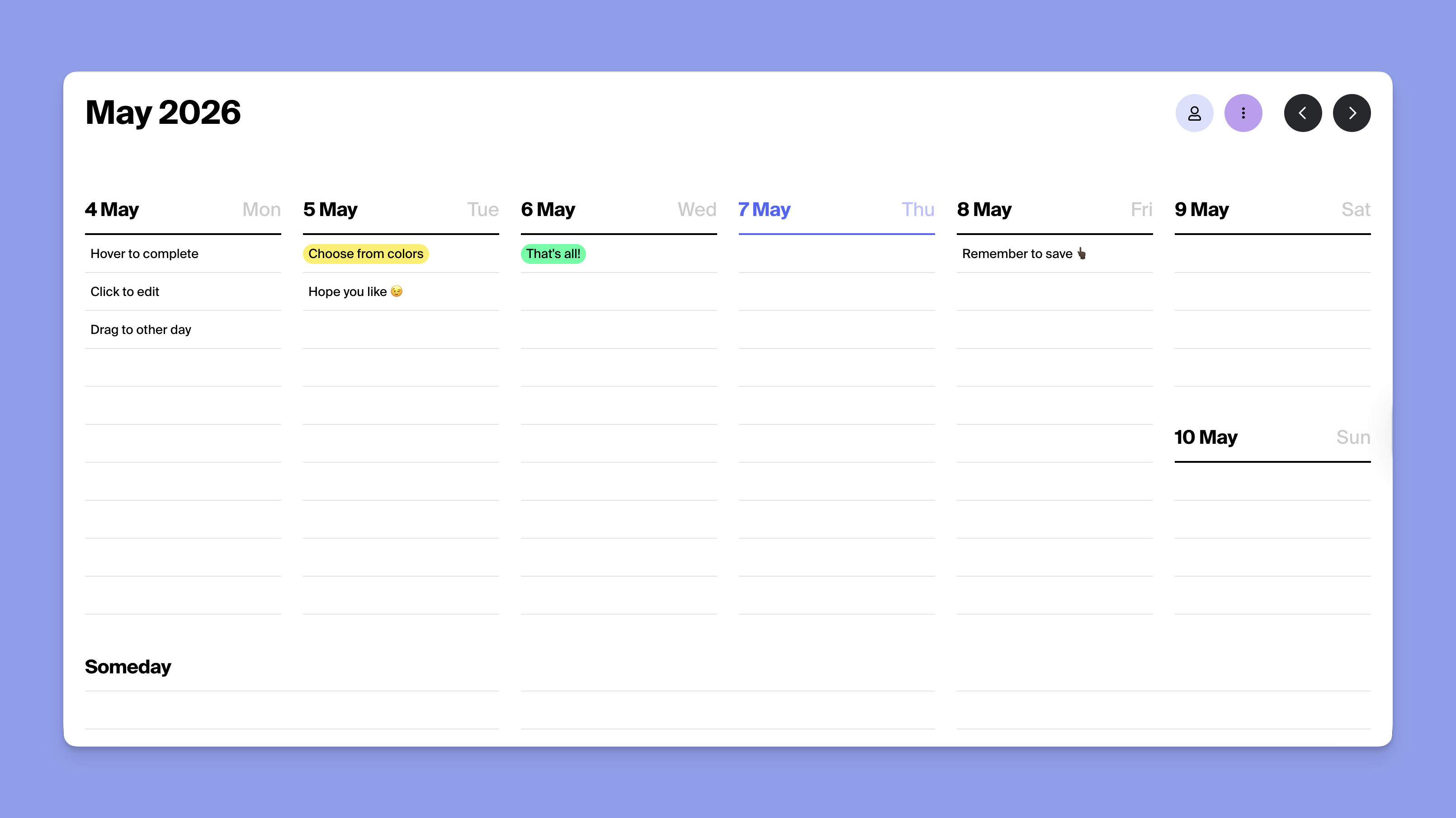
TeuxDeux launched in 2009 and pioneered the weekly column layout Tweek refined. It's the cheapest tool here, with identical features on both plans: weekly columns, auto-rollover, recurring tasks, highlight colors, focus mode, search. It does less than Tweek: no calendar sync, no native macOS or Windows apps, no subtasks or attachments. As one Redditor in the r/ADHD Tweek thread put it: "I LOVED TeuxDeux back in like 2012, but drifted away." The honest answer: TeuxDeux is Tweek without the Premium tier.
Pricing
Verified 2026-04-30.
Reasons to Look Beyond Tweek
Tweek's constraint (no hourly slots, no free-tier sync, no integrations) works until your job changes. Three patterns push people to alternatives.
#1: You need hourly time blocks
Tweek rejects the clock by design. Once your week has back-to-back meetings and travel time, a paper list can't represent it. Morgen's task management and monotasking workflow drops tasks into calendar slots with auto-scheduled buffer and travel time.
#2: Your tasks live in Notion, Todoist, or ClickUp
Tweek doesn't pull from external task tools, so if you've standardized on Notion or Todoist, Tweek means double-entry. Morgen integrates with eight task tools natively, including ClickUp, Linear, and the full integrations list.
#3: You want help planning the week, not just space to do it
Tweek shows you the week; it doesn't help you decide what fits. Morgen's AI Planner reads your tasks, meetings, and Frames, drafts a realistic week, and waits for approval. As u/Current_Meaning_8211 in r/ADHD wrote about Tweek: "being able to see the whole week on one page really helps with time blindness." Same instinct, with realistic time estimates baked in.
Use Morgen to Plan Your Week Without Outgrowing It
.png)
If you've hit Tweek's ceiling, Morgen gives you the visual weekly planning Tweek does well plus calendar sync across six providers, eight task integrations, and AI planning that respects your approval. From $15/mo yearly with a 14-day free trial.
FAQs
Is Tweek free?
Tweek has a free tier with two active calendars and three "someday" columns. Premium is $5.99/mo monthly or $49.99/yr and unlocks Google/Apple Calendar sync, subtasks, recurring tasks, reminders, attachments, and themes.
What is the best Tweek alternative for ADHD?
Morgen, TickTick, and Sunsama are the most-recommended options in current Reddit threads. Morgen adds AI weekly planning, TickTick adds habit tracking and Pomodoro, and Sunsama adds a guided morning ritual.
Does Tweek sync with Google Calendar?
Two-way Google Calendar sync is Premium-only. For free Google Calendar sync, Notion Calendar is the closest equivalent on this list.
What's a good free alternative to Tweek?
Notion Calendar is fully free and syncs Google, Outlook, and iCloud. Todoist has a free tier with five projects. TickTick's free tier covers task lists and reminders, though the calendar view requires Premium.
Can I use Tweek as a Notion calendar?
No. Tweek doesn't integrate with Notion. Notion Calendar offers two-way database sync. Morgen's Notion integration pulls Notion tasks onto a calendar grid for time blocking, which is closer to what most "Notion calendar" searches actually want.

.svg)
.webp)