.svg)
→ Best overall AI calendar app: Morgen the best overall ai calendar app which brings calendars, tasks, notes, and meetings into one planner. Best for users wanting manual, automated, or AI planned flexibility managing multiple calendars and task tools.
→ Best for manual daily planning: Sunsama offers morning and evening routines for people who prefer manual planning without AI automation.
→ Best for keyboard-first power users: Akiflow has a command-bar UX for people who capture tasks from 15+ sources and prefer shortcuts over clicks.
→ Best free option: Notion Calendar is free and works well if you already live in Notion, though it only supports Google Calendar.
We tested 9 AI calendar and planner tools over 30 days to find the ones that actually help you plan, protect your time, and get more done. Here's what we found, starting with the tools that do the most.
9 Best AI Calendar Apps: A Quick Overview
A side-by-side comparison of every AI calendar planner app tested, sorted by overall capability.
Morgen: Best AI Calendar App for Planning Your Day
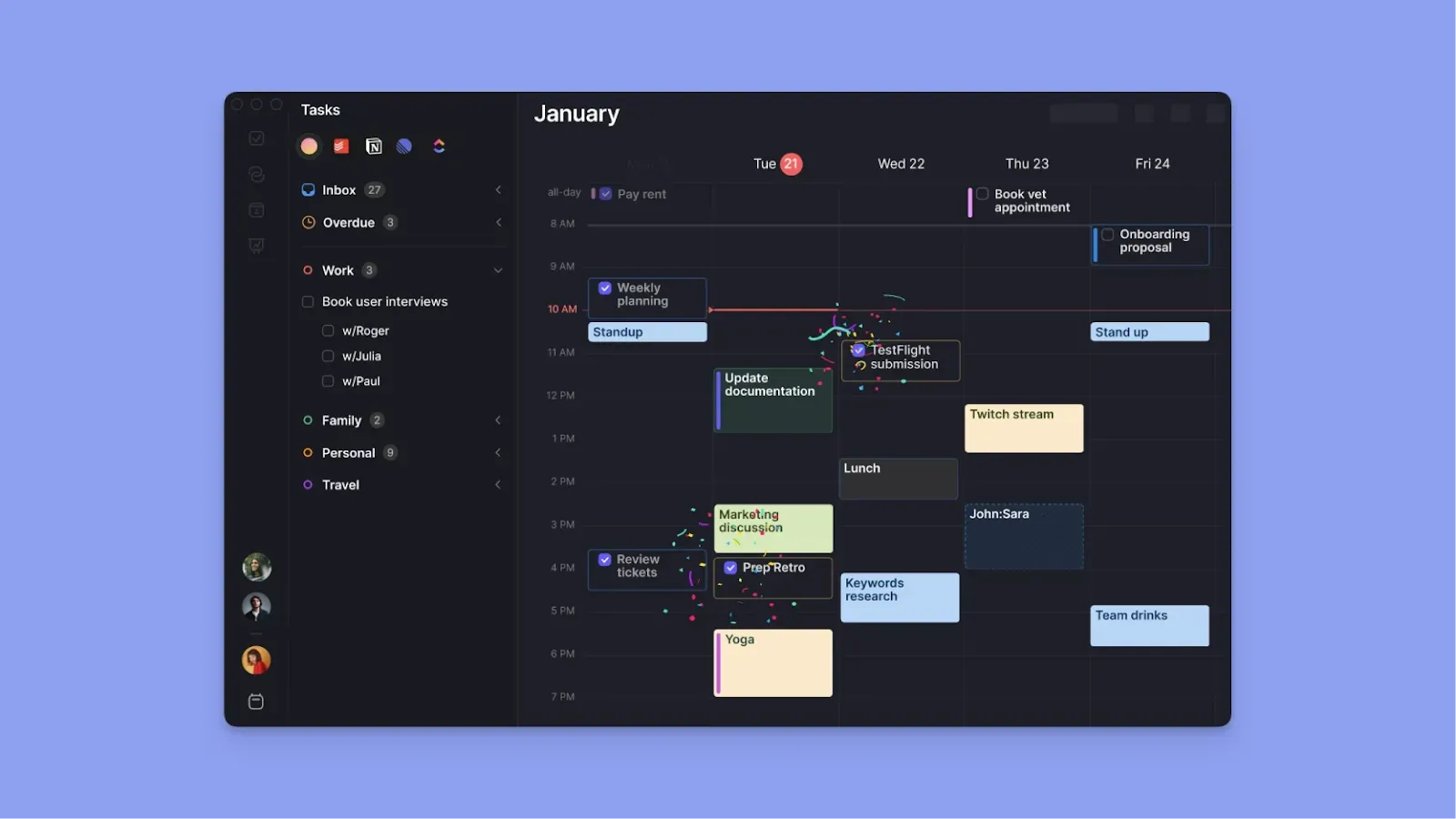
Morgen is an all-in-one daily planner that connects your calendars, tasks, notes, and meetings into one place. It covers features the other tools have, such as daily routines, but what truly sets it apart is the AI Planner. It drafts your entire day based on your tasks, priorities, and existing meetings, then hands you the plan to review and approve before anything is committed.
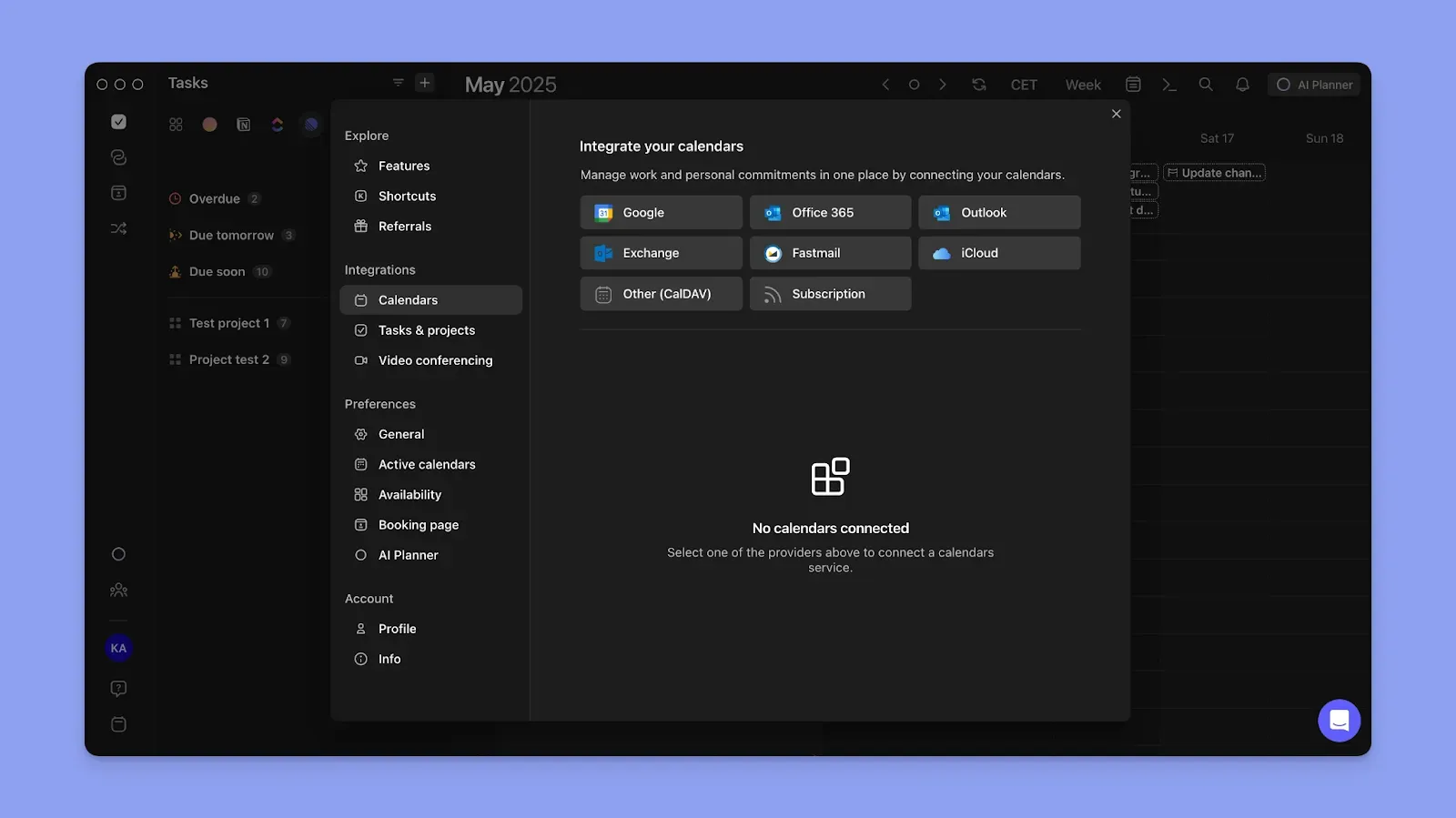
Morgen connects to 5 calendar providers (Google, Outlook, iCloud, Fastmail, Zoho), 8 task tools (Notion, Todoist, ClickUp, Linear, Google Tasks, MS To Do, Apple Reminders, Obsidian), and runs natively on macOS, Windows, Linux, iOS, Android, and web. It also includes built-in scheduling links, meeting recording, and calendar automations like travel time and buffer blocks.
Morgen Key Features
Three standout capabilities that no other AI calendar app on this list offers together.
1. AI Planner: Your day, drafted and ready for approval
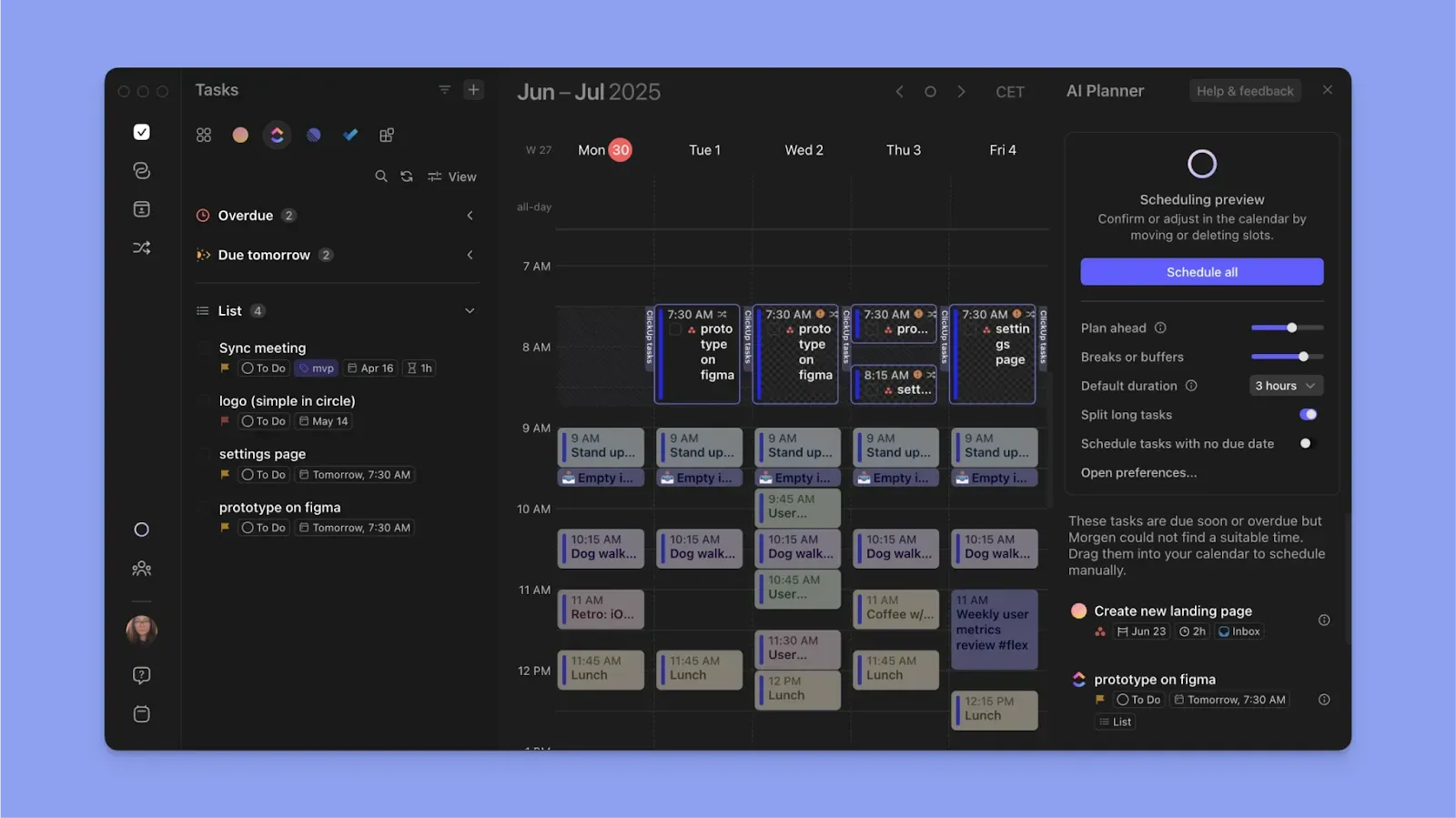
Morgen's AI Planner analyzes your calendar, your tasks from 8 integrated tools, and your typical weekly patterns (via Frames), then generates a daily schedule. It pads time estimates by 20% by default so plans are realistic.
You preview the plan live in your calendar, drag things around if needed, and approve. Nothing commits until you say so. This is the core difference between Morgen and auto-schedulers that move your events without asking.
2. Unified calendar, task, and meeting surface
Instead of switching between your calendar, your task manager, and your scheduling tool, Morgen consolidates everything. You see your Google and Outlook calendars, your Notion tasks, your meeting recordings, and your open scheduling invites on one surface.
3. Color-coded calendars and task categories
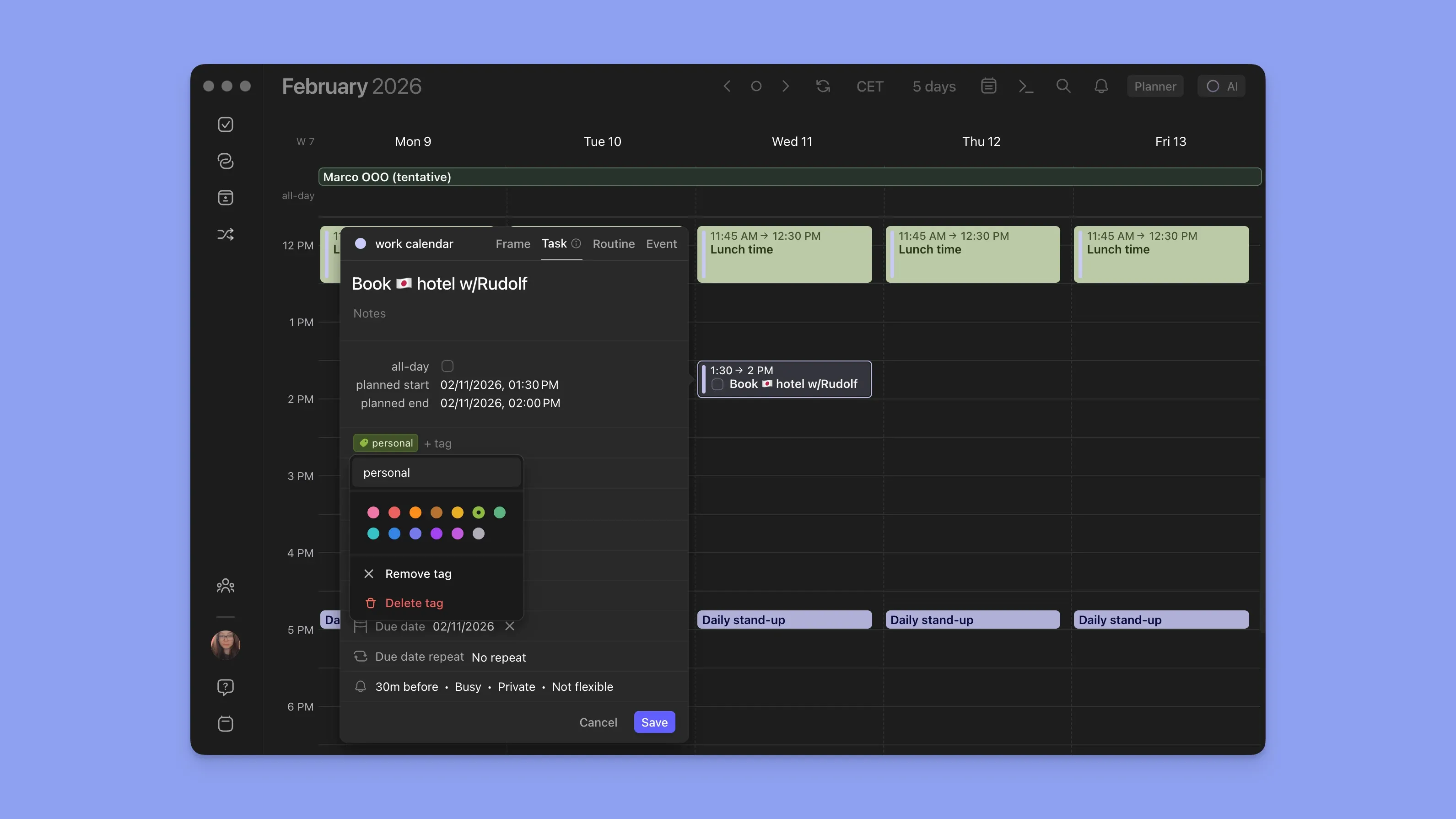
Morgen assigns distinct colors to each calendar and task list so you can scan your week and immediately tell what belongs where. You can customize colors per calendar, per integration, and per task list, making it easy to spot when deep work is being eaten by meetings or when personal commitments overlap with a deadline.
Morgen Pricing
Where Morgen shines
- Meeting-ready out of the box: Connects to Zoom, Webex, Microsoft Teams, and Google Meet so you can surface upcoming meetings, create events, and share booking pages or meeting links without leaving the app.
- Easy to pick up: Minimal UI, intuitive navigation, keyboard shortcuts for power users, and a mobile app for checking your schedule on the go.
- Every view you need: 24-hour, day, weekday, week, two-week, monthly, annual, and custom 2-to-9-day views so you can zoom in or out depending on how you plan.
- Granular task controls: Tags, priority filters, reminders, due-date sorting, and saved custom views keep long task lists manageable without extra tooling.
Where Morgen falls short
- No free forever tier: only 14-day trial.
- No built-in project management: Morgen integrates with your existing PM tools (Notion, ClickUp, Linear) rather than replacing them.
Morgen Customer reviews
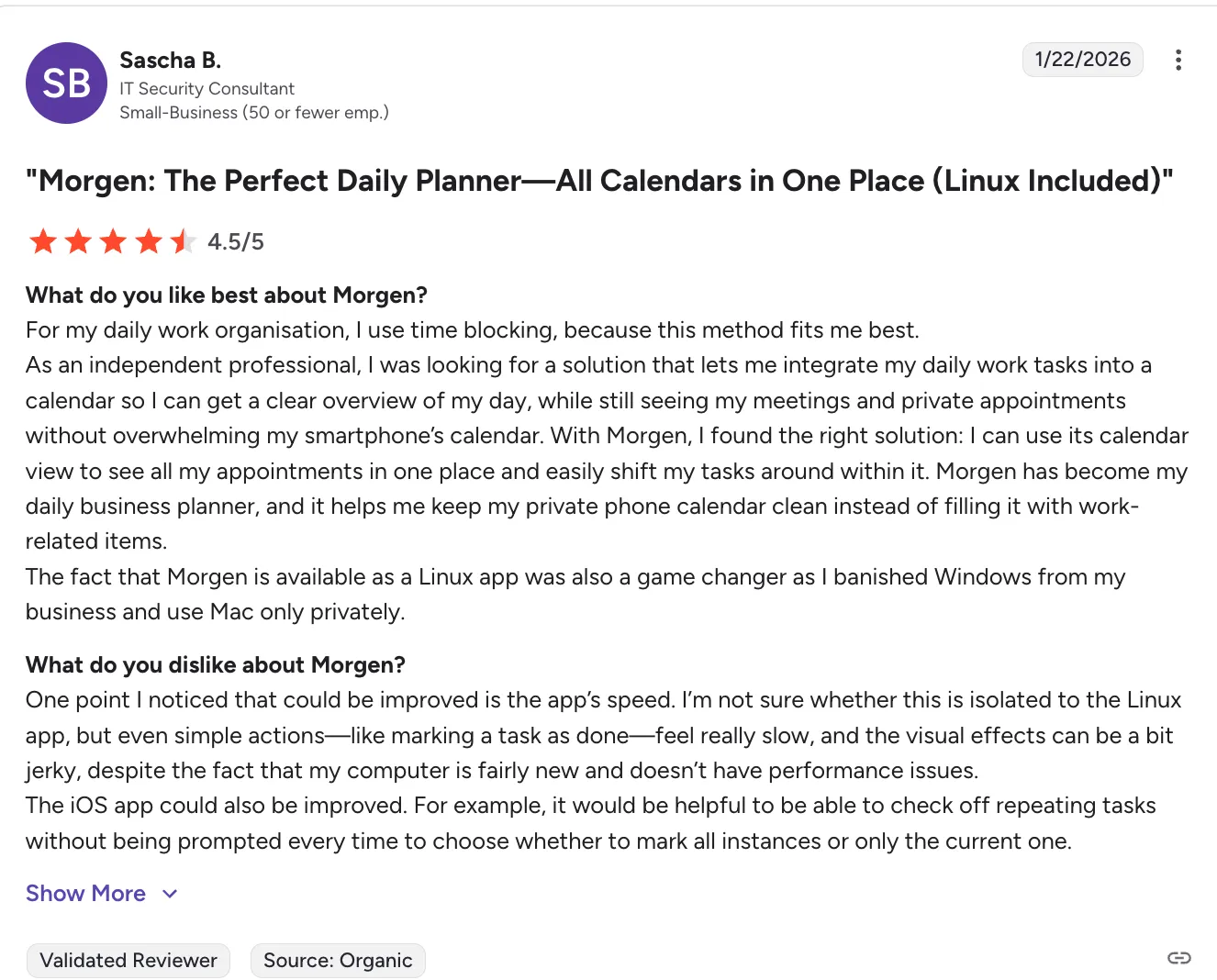
“I use Morgen for calendar and task management, and it's really easy to find my schedule and make adjustments. I particularly like the shortcuts, like being able to look at my different calendars with one number. “ — Korey via G2
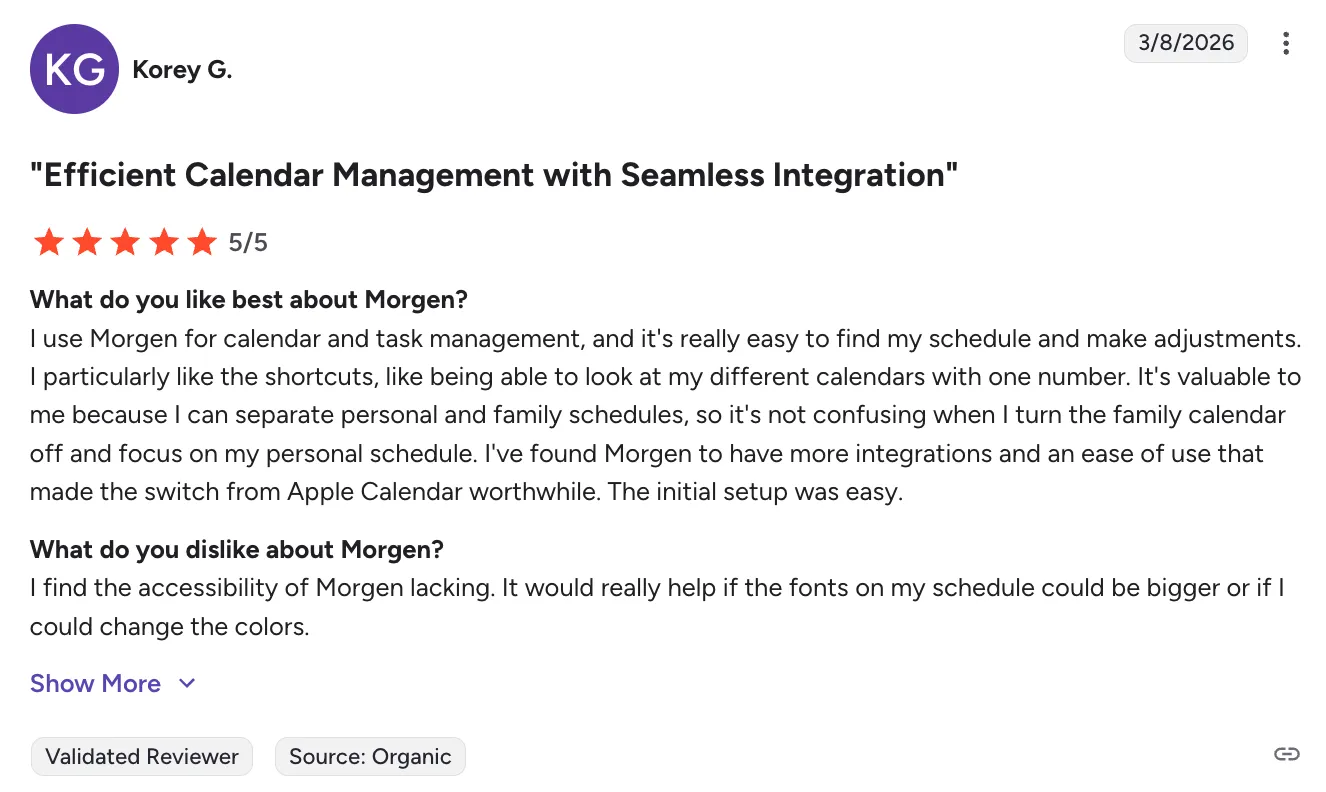
“As an independent professional, I was looking for a solution that lets me integrate my daily work tasks into a calendar so I can get a clear overview of my day, while still seeing my meetings and private appointments without overwhelming my smartphone’s calendar. With Morgen, I found the right solution: I can use its calendar view to see all my appointments in one place and easily shift my tasks around within it. Morgen has become my daily business planner, and it helps me keep my private phone calendar clean instead of filling it with work-related items.
The fact that Morgen is available as a Linux app was also a game changer as I banished Windows from my business and use Mac only privately.” — Sascha via G2
Who Morgen is best for
- Knowledge workers and founders: managing multiple projects, calendars, and task tools daily
- Multi-calendar professionals: juggling work (Outlook) + personal (Google/iCloud) + side projects
- ADHD and time-blind planners: the visual calendar surface + padded time estimates make the day physical.
- Linux users: the only AI planner app with a native Linux desktop app
Sunsama: Best for Ritual-Based Daily Planning
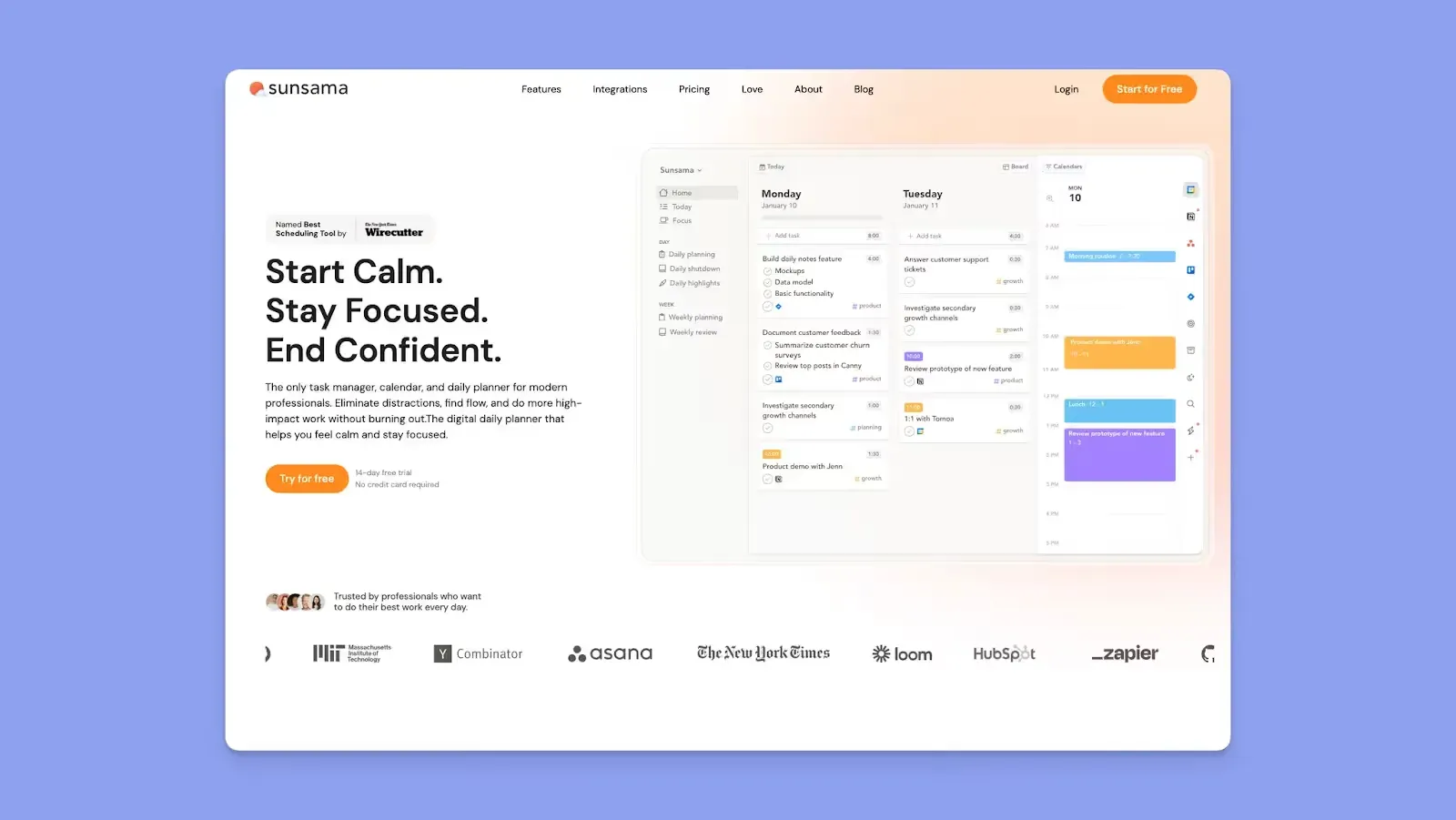
Sunsama structures your day around guided rituals. A morning planning session prompts you to pick tasks and time-box them with weekly objectives for a longer view. There is no AI that generates your schedule, and the planning is manual.
Sunsama Key features
- Morning planning ritual: walks you through picking tasks for the day and assigning time blocks
- End-of-day shutdown: reviews completed and incomplete work, prompts reflection
- Task integrations: connects to Todoist, Notion, Asana, ClickUp, Linear, Jira, Trello, Google Tasks, MS To Do, Apple Reminders
Sunsama Pricing
Where Sunsama shines
- Ritual structure: The morning/evening routine is built into the product, not something you have to set up yourself
- Broad task integrations: Connects to 10+ task and PM tools
Where Sunsama falls short
- No AI daily planning: Planning is entirely manual.
- No scheduling links: You'll need Calendly or a separate tool. Morgen includes them
- No Linux app: macOS, Windows, iOS, Android, Web only
Sunsama Customer reviews
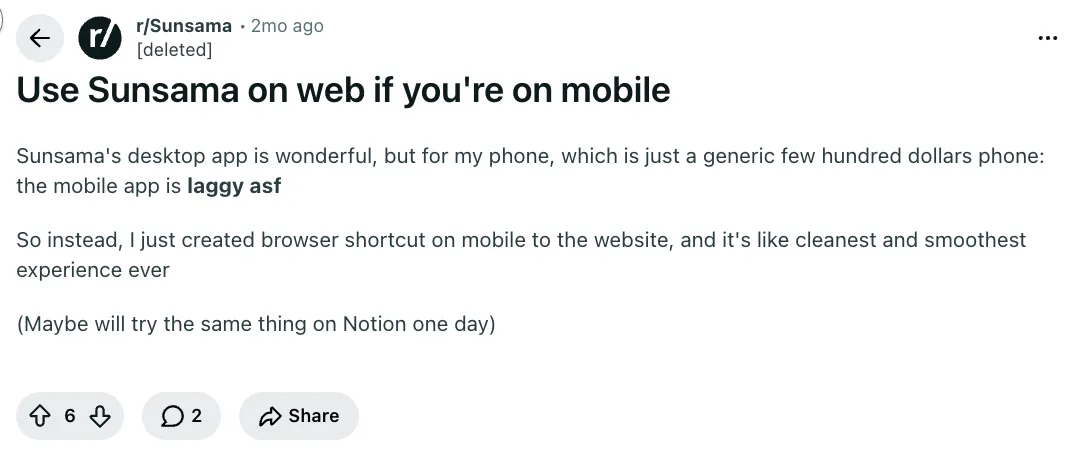
“Sunsama's desktop app is wonderful, but for my phone, which is just a generic few hundred dollars phone: the mobile app is laggy asf” a Reddit user
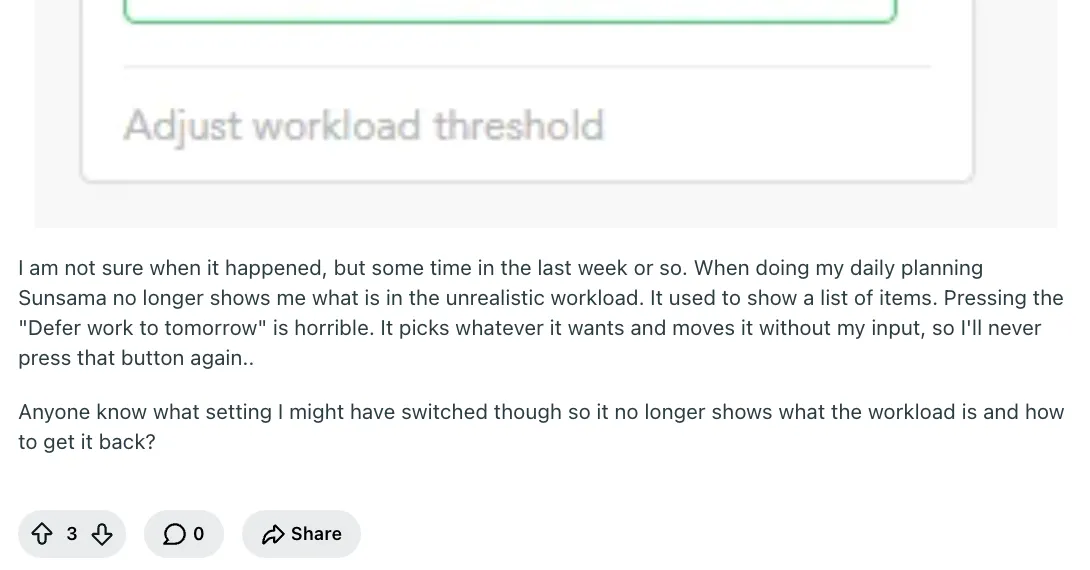
“When doing my daily planning Sunsama no longer shows me what is in the unrealistic workload. It used to show a list of items. Pressing the "Defer work to tomorrow" is horrible. It picks whatever it wants and moves it without my input, so I'll never press that button again..” - Ehansalytics via Reddit
Who Sunsama is best for
- Ritual-driven planners: people who want daily routine setting
- Manual planners: people who prefer to choose every task themselves rather than AI-generated plans
Akiflow: Best for Keyboard-First Users
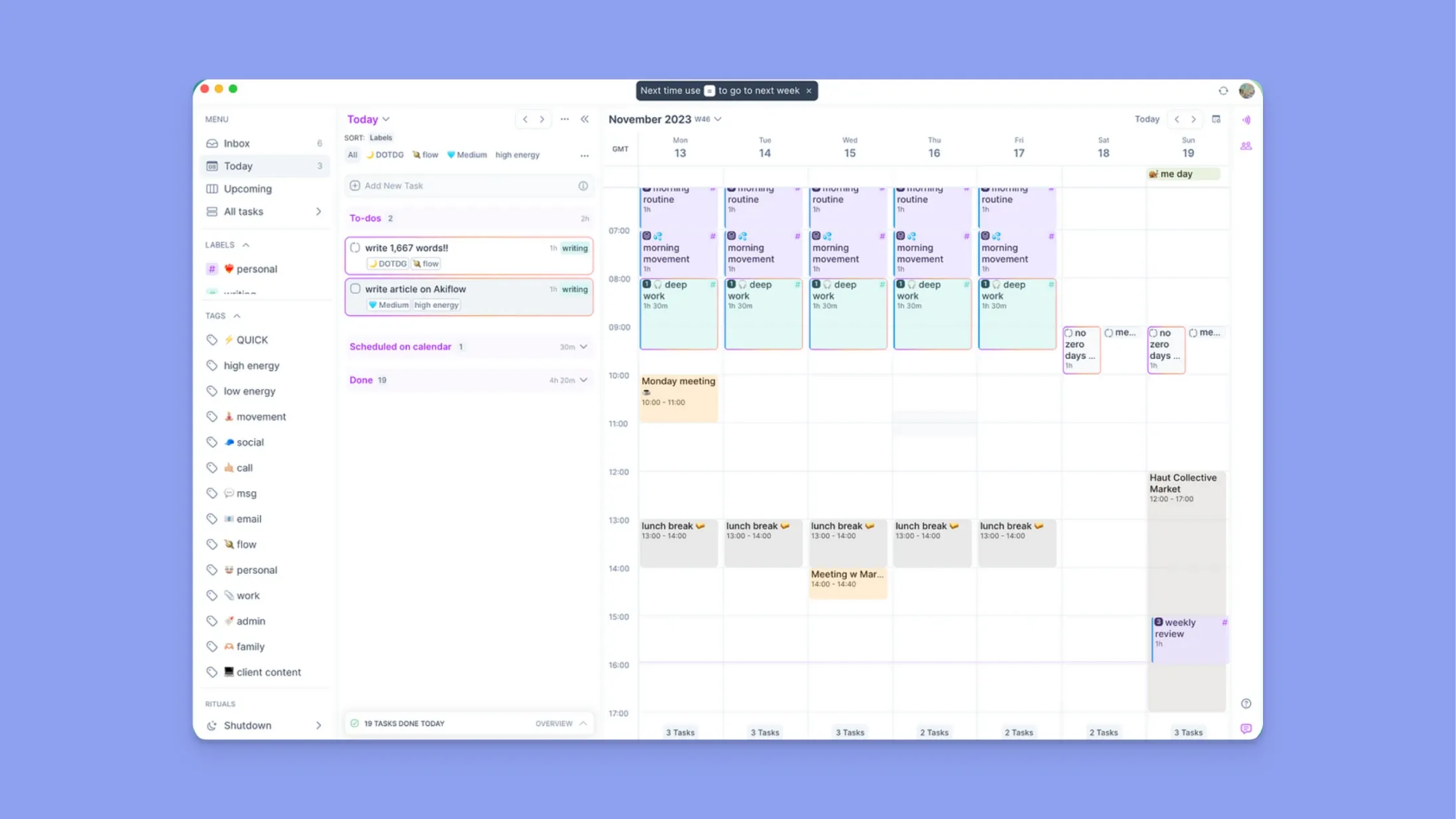
Akiflow is another planner built around a command bar and keyboard shortcuts. You capture tasks from Gmail, Slack, Microsoft Teams, and more into a universal inbox, then drag or shortcut them into the calendar as time-blocked slots. It also includes daily rituals (morning planning and shutdown reviews), automations, and booking links for sharing availability.
Akiflow Key features
- Command bar with special characters: Create tasks, events, and meetings using shortcuts and special characters for duration, project, tags, and deadlines
- Booking links: Share free calendar slots externally for scheduling, with options for single or recurring availability
- AI workflows: Natural language based automations based on an AI wrapper
Akiflow Pricing
Where Akiflow shines
- Speed: The command bar and special-character shortcuts make task creation and calendar navigation faster than any click-based interface tested
Where Akiflow falls short
- No AI daily planning: Automations are rule-based. No AI planned schedules.
- Limited calendar providers: Google and Outlook only.
Akiflow Customer reviews
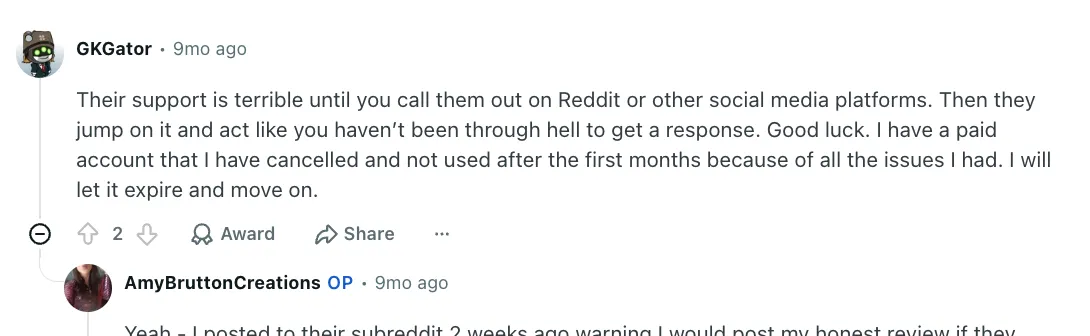
“Their support is terrible until you call them out on Reddit or other social media platforms. “ — GKGator via Reddit
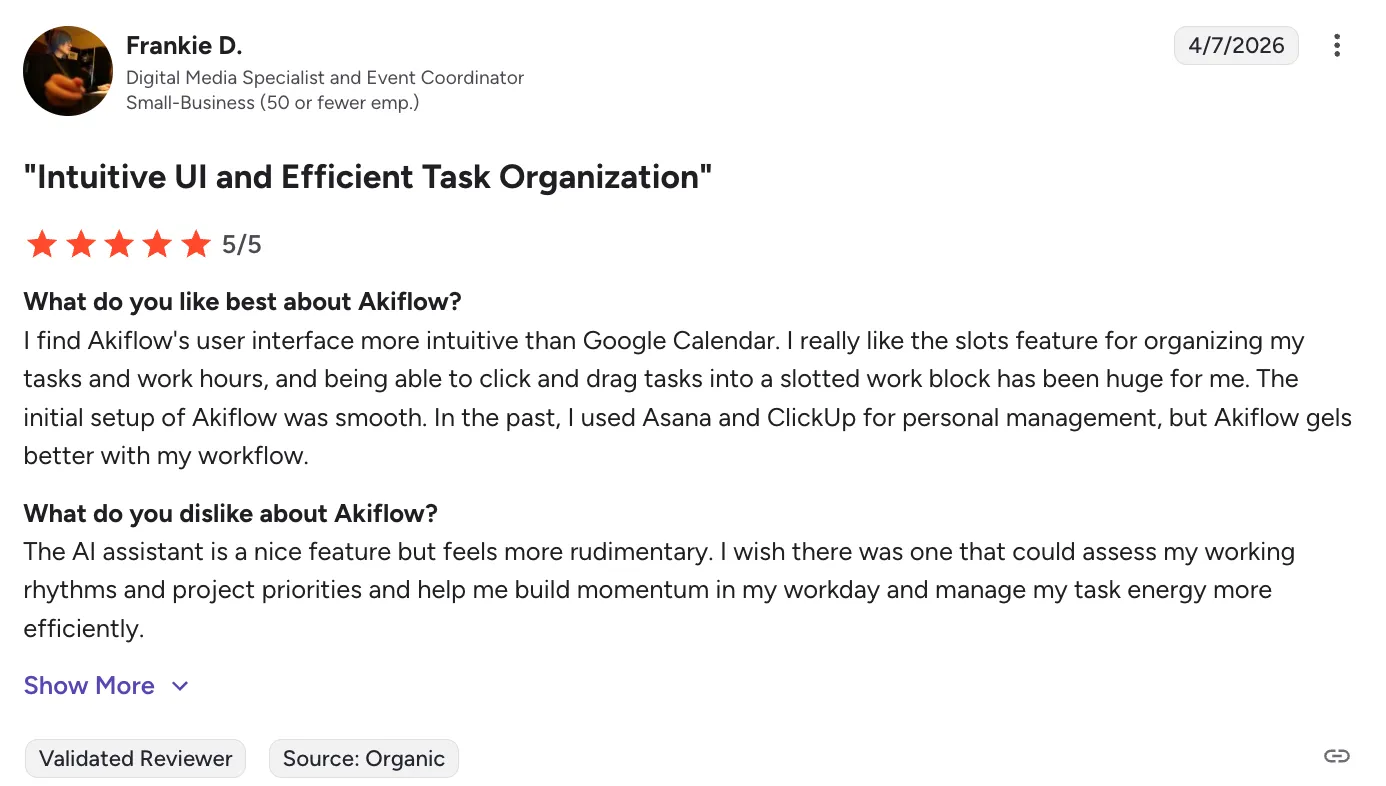
“The AI assistant is a nice feature but feels more rudimentary. I wish there was one that could assess my working rhythms and project priorities and help me build momentum in my workday and manage my task energy more efficiently.” — Frankie via G2
Who Akiflow is best for
- Non power users: Akiflow offers lightweight automations and connects with the majority of popular apps, doesn't offer complicated workflows for power users, hence it's more suited for beginners who are looking for a smart calendar.
Fantastical: Best for Apple Ecosystem Calendar
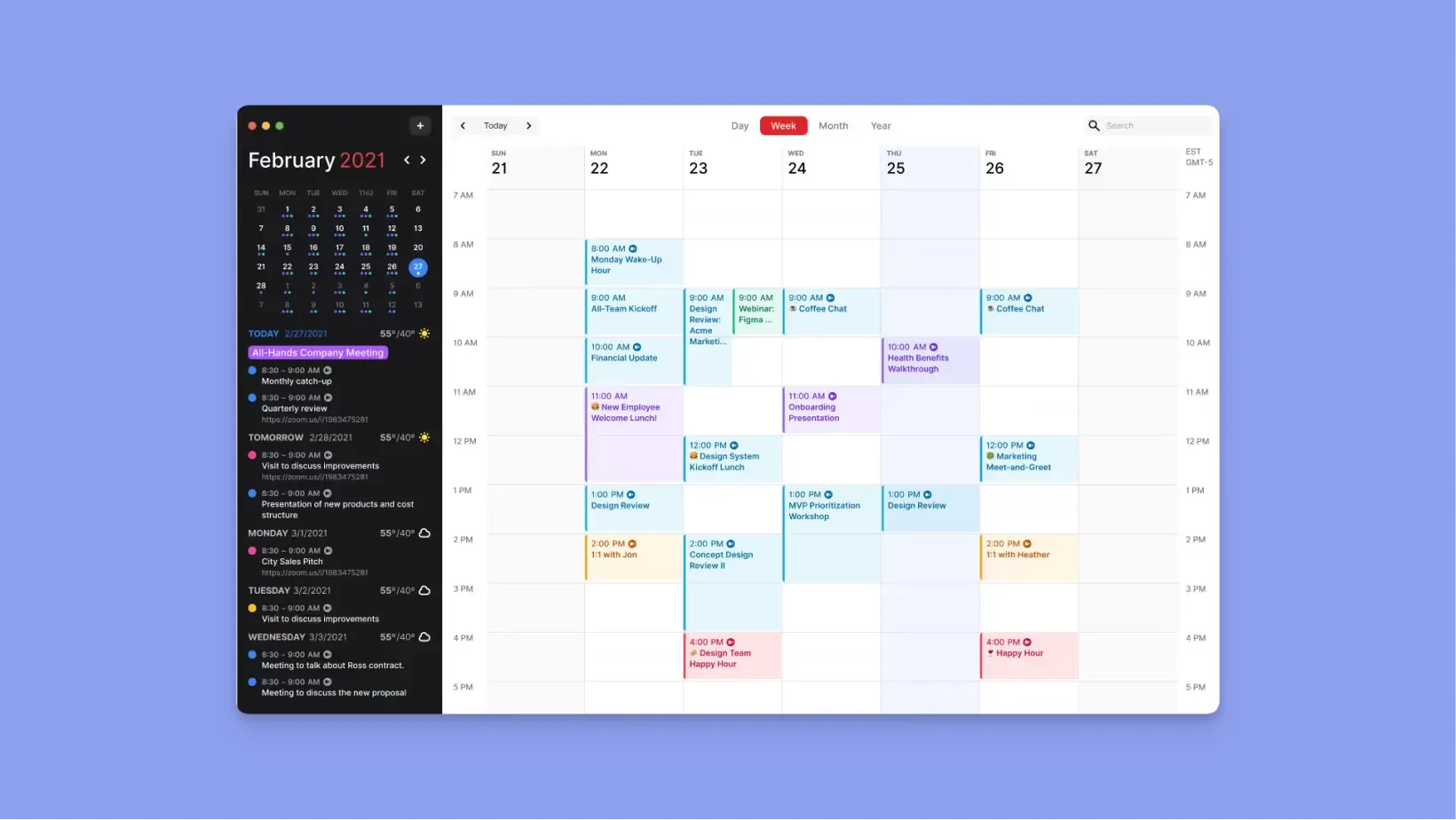
Fantastical is a calendar app for the Apple ecosystem. It reads multiple calendar providers (Google, Microsoft 365, Exchange, iCloud, CalDAV) and displays them in one interface. Natural-language event creation is the standout feature. There is no AI planning and no task-aware scheduling.
Fantastical Key features
- Natural-language entry: Type "Meeting with Sarah at 3pm tomorrow at the office" and it creates the event
- Multiple calendar views: DayTicker, Day, Week, Month, Quarter, Year
Fantastical Pricing
We dive deeper into Fantastical’s pricing here.
Where Fantastical shines
- Apple-native depth: Widgets, Watch, Vision Pro support that no other calendar offers
- Natural-language entry: Fastest way to create events by typing
Where Fantastical falls short
- No AI planning: No AI-generated daily plans of any kind.
- One task integration: Todoist only.
- No Android, no Linux: Apple and Windows only.
Fantastical Customer reviews
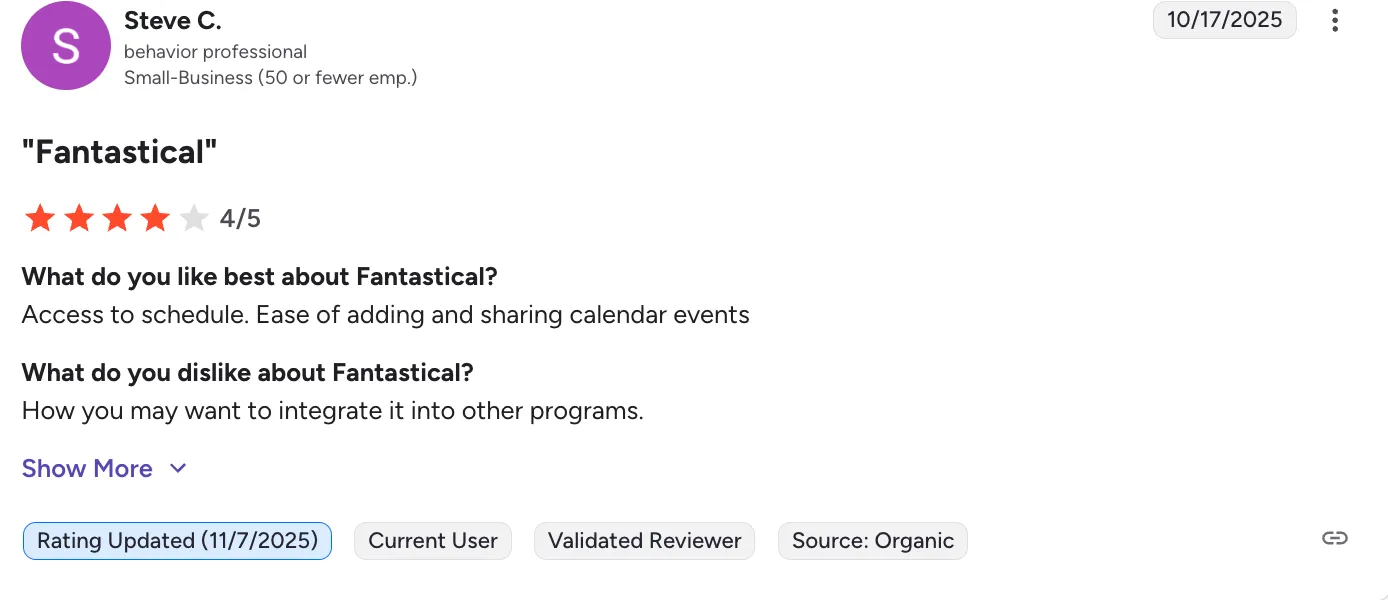
“How you may want to integrate it into other programs.” - Steve via G2
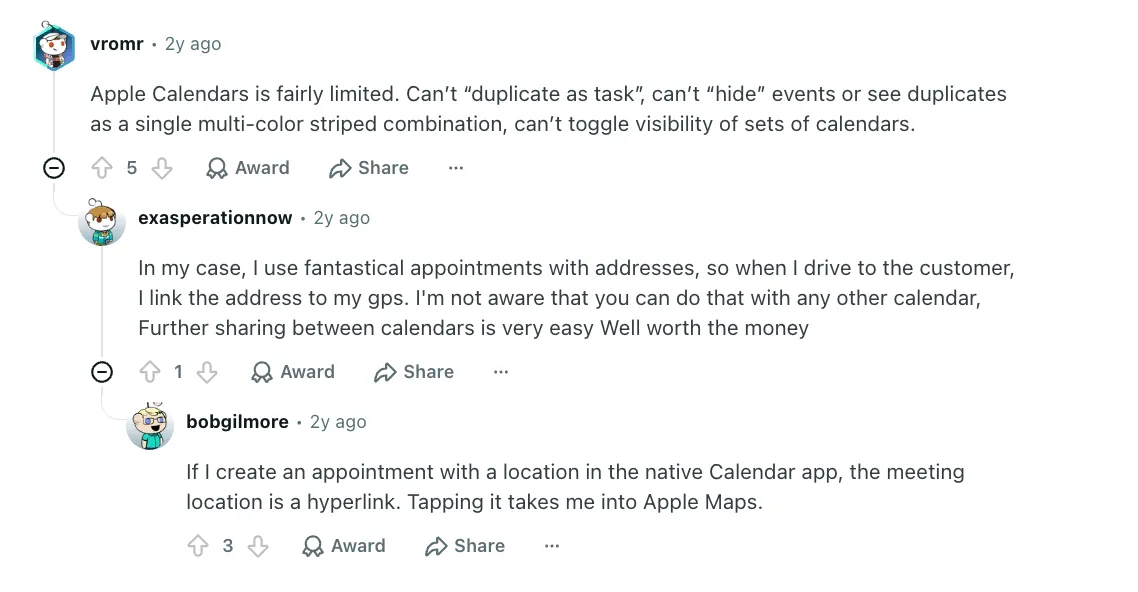
“In my case, I use fantastical appointments with addresses, so when I drive to the customer, I link the address to my gps. I'm not aware that you can do that with any other calendar, Further sharing between calendars is very easy Well worth the money” — exasperationnow via Reddit
Who Fantastical is best for
- Apple-only professionals: people on Mac + iPhone who want premium calendar UX
Notion Calendar: Best Free AI Calendar Option
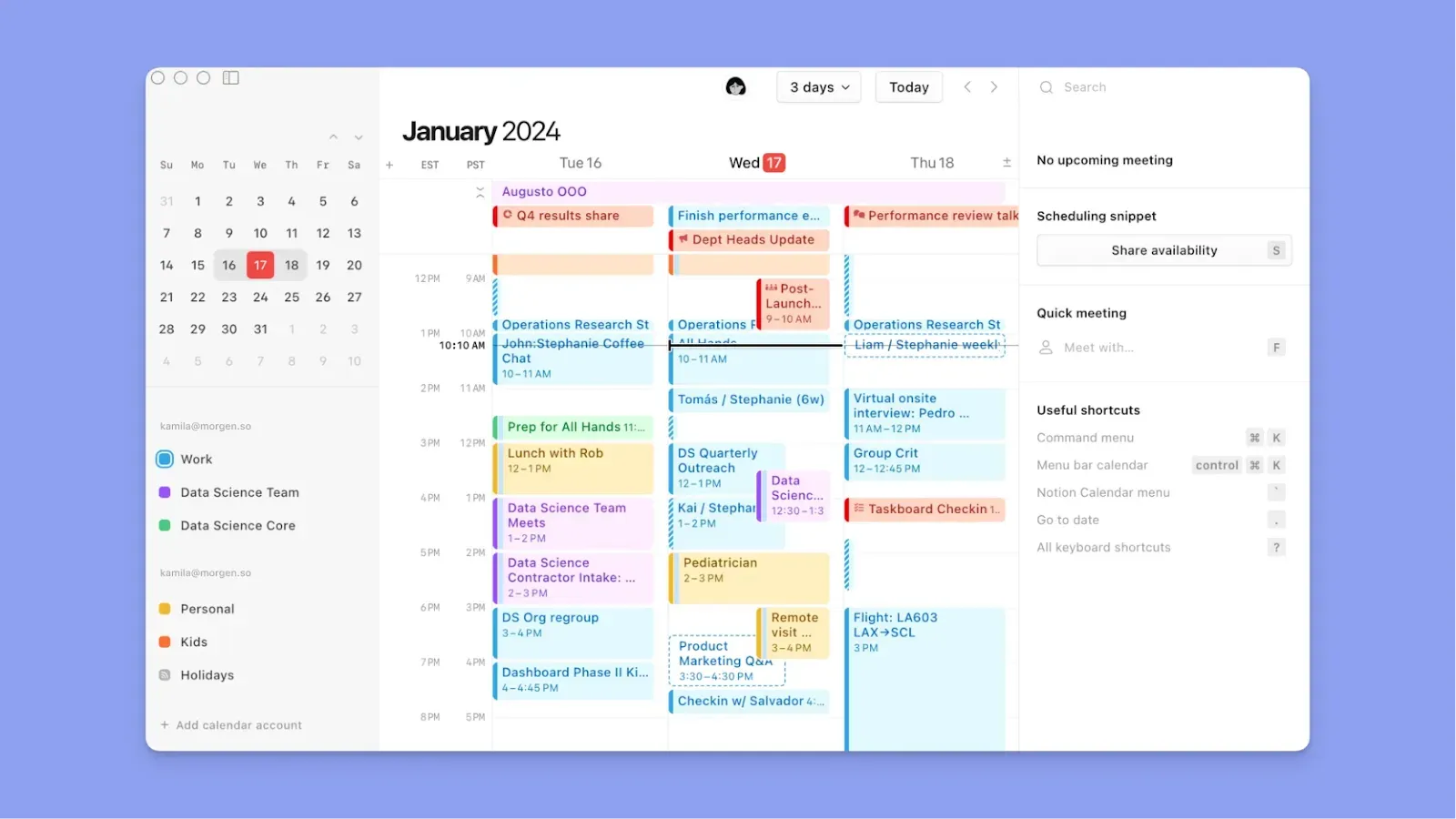
Notion Calendar (formerly Cron) is a free calendar app that connects with Google Calendar and displays Notion pages and databases alongside events. You have to already plan in Notion as this is the only integration available. It does not generate AI daily plans, does not integrate with task tools beyond Notion, and only works with Google Calendar.
Notion Calendar Key features
- Notion integration: Display Notion pages and databases alongside calendar events
- Scheduling links: Built-in availability sharing
- Free: No paid tier required
Notion Calendar Pricing
Where Notion Calendar shines
- Free: No cost, no trial limitations
- Notion-native: Deep integration with Notion pages and databases
Where Notion Calendar falls short
- Google Calendar only: No Outlook, iCloud, or Fastmail.
- No AI planning: No AI-generated daily plans
- No task integrations beyond Notion: If your productivity system runs in other tools you have to switch to Notion
Notion Calendar Customer reviews
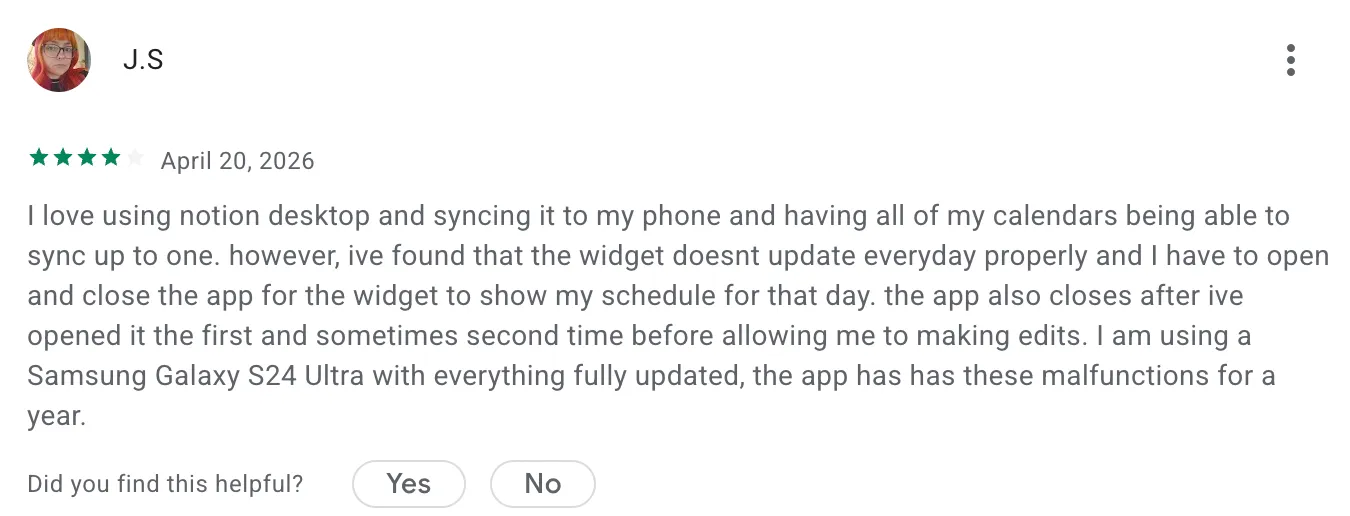
“ love using notion desktop and syncing it to my phone and having all of my calendars being able to sync up to one. however, ive found that the widget doesnt update everyday properly and I have to open and close the app for the widget to show my schedule for that day.” - J.S via Google play store
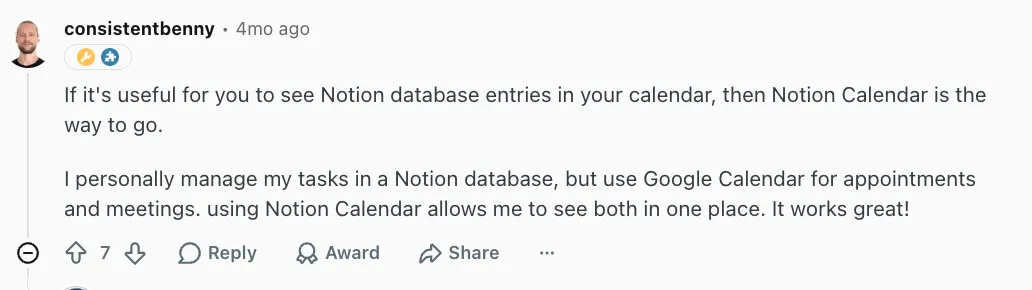
“If it's useful for you to see Notion database entries in your calendar, then Notion Calendar is the way to go.” - consistentbenny via Reddit
Who Notion Calendar is best for
- Notion-only users: people who already manage projects and tasks in Notion
Vimcal: Best for Meeting-Heavy Professionals
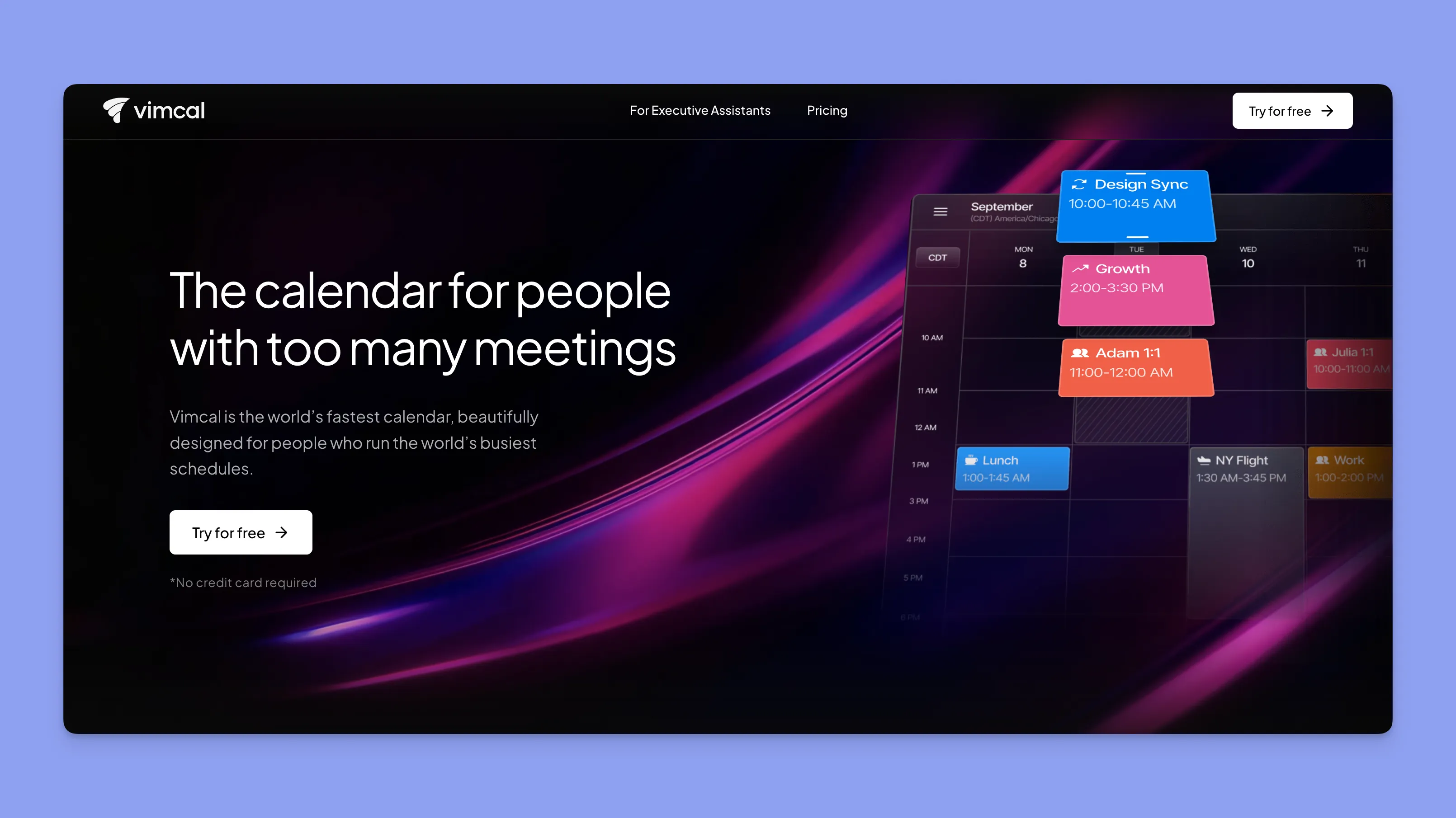
Vimcal's standout feature is AI Time Finder, which extracts meeting candidates from screenshots, emails, and Calendly links and drops them onto the calendar. It has scheduling links and team slots. But it does not offer daily task planning, has no task integrations, and does not support Linux or Android.
Vimcal pricing: iOS free. Desktop $16.67/mo billed yearly ($20/mo monthly).
Where Vimcal shines: Meeting scheduling speed via AI Time Finder.
Where Vimcal falls short: No task integrations. Oriented to meetings, not deep work or daily planning. No Linux or Android.
Reclaim: Best for Automated Habit and Task Scheduling
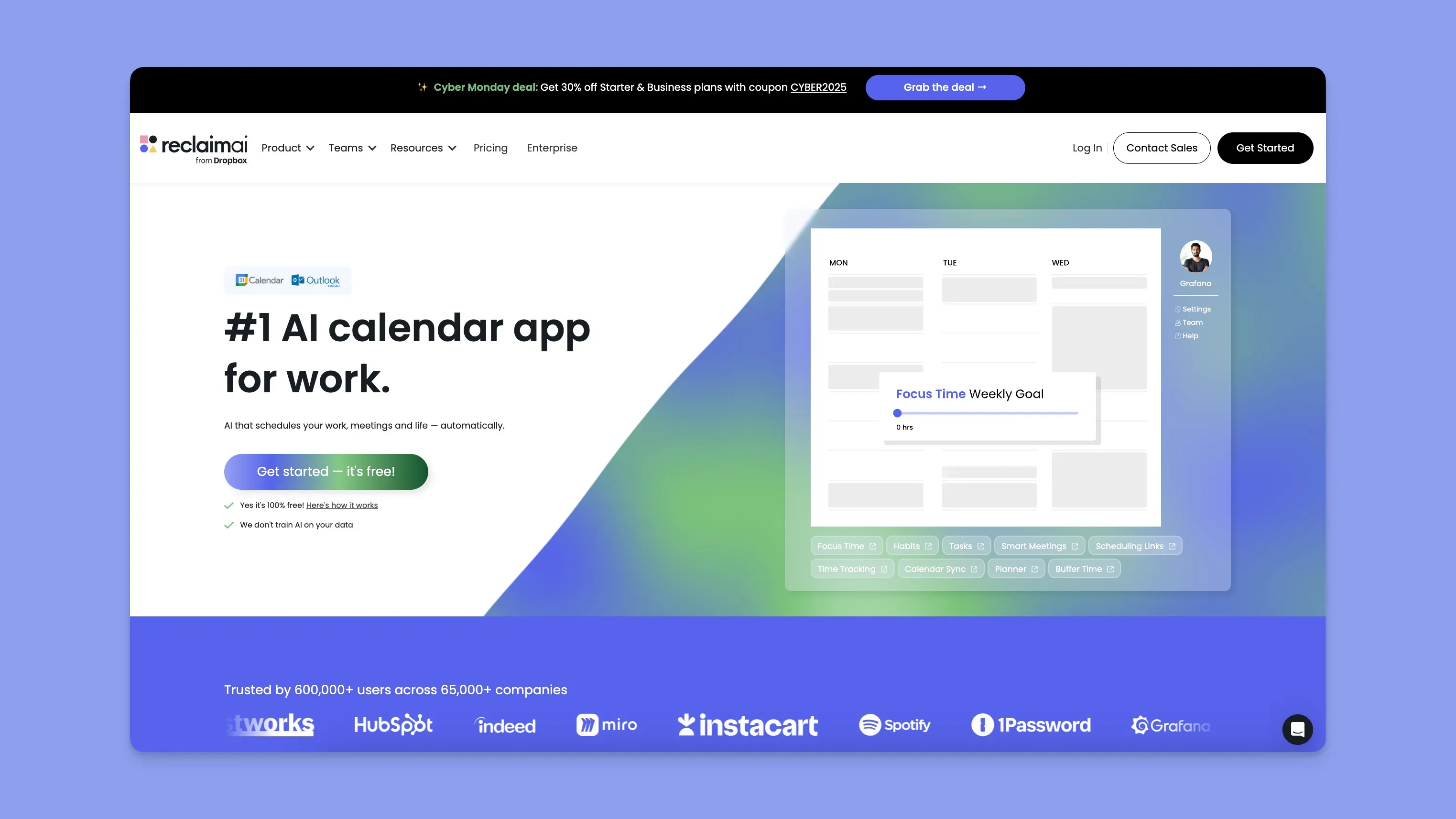
Reclaim auto-schedules your tasks, habits, and 1:1s onto your Google or Outlook calendar based on priority and available time. It's the most aggressive auto-scheduler on this list, because the focus time, recurring habits, and flexible tasks all get placed by the AI without asking you first. That's the feature for people who want set-and-forget planning, and the dealbreaker for people who want to see and approve their day before it commits.
Reclaim pricing: Lite free (1 user, 1 habit, 1 scheduling link). Starter $10/seat/mo annual. Business $15/seat/mo annual.
Where Reclaim shines: 130+ pre-built habit templates. Auto-defends focus time against incoming meeting invites. Strong team analytics for managers.
Where Reclaim falls short: Google and Outlook only. Free tier is very limited (1-week range, 1 habit). If you’re switching from Reclaim or were a past user of Clockwise, you can enjoy the switch discount of up to 35% off.
SkedPal: Best for Time Budgeting
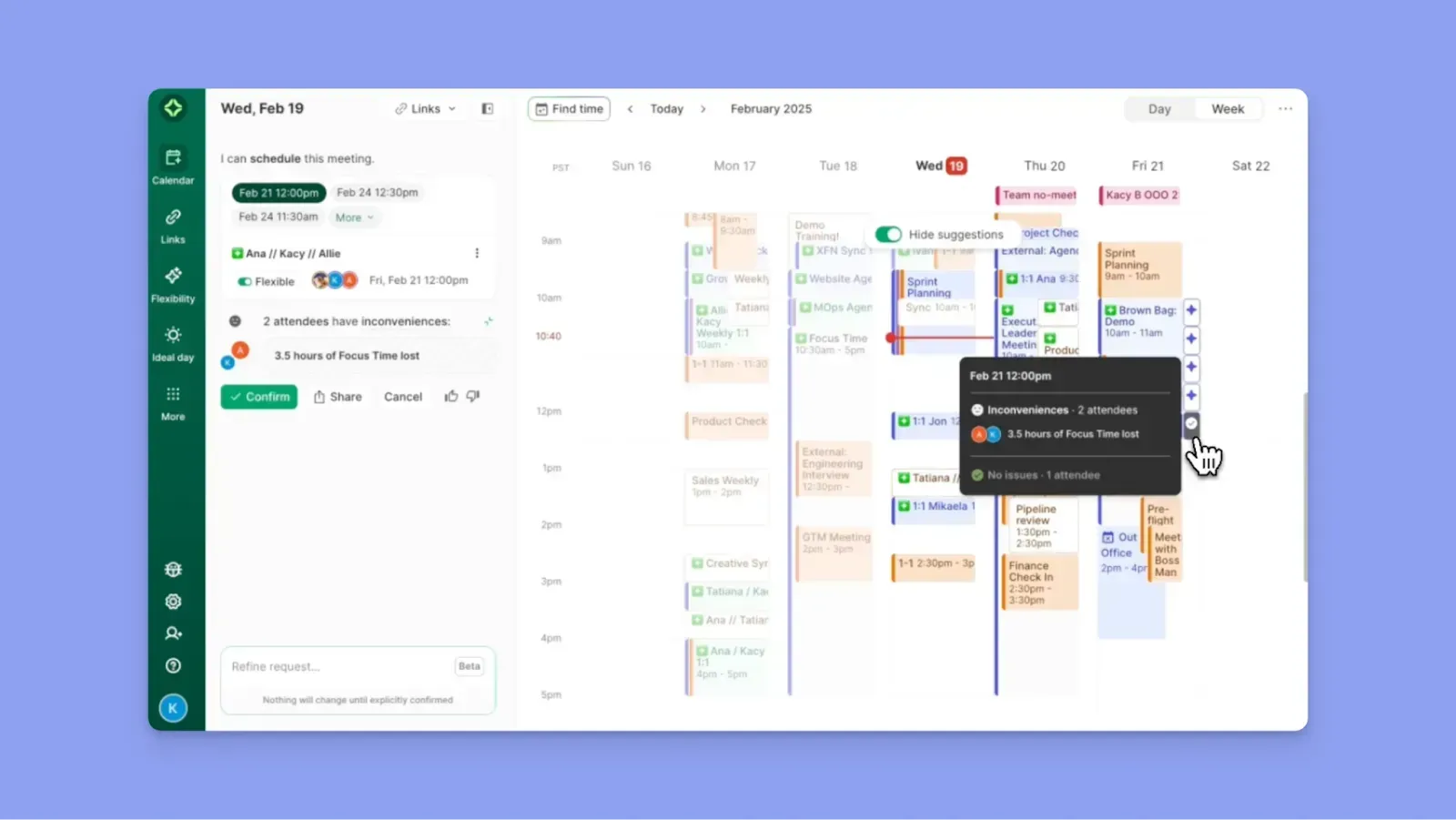
SkedPal uses Time Maps to define when different types of work should happen (deep work mornings, admin after lunch, personal on Fridays). It auto-schedules tasks against those constraints. Integration coverage is narrow (Asana only for tasks), and there are no native desktop apps.
Skedpal pricing: $9.95/mo Core, $14.95/mo Pro (annual).
Where Skedpal shines: Constraint-based time budgeting for people who think about time allocation as a portfolio.
Where Skedpal falls short: Asana is the only real task integration. No scheduling links.
TickTick: Best Budget-Friendly Planner with Timer
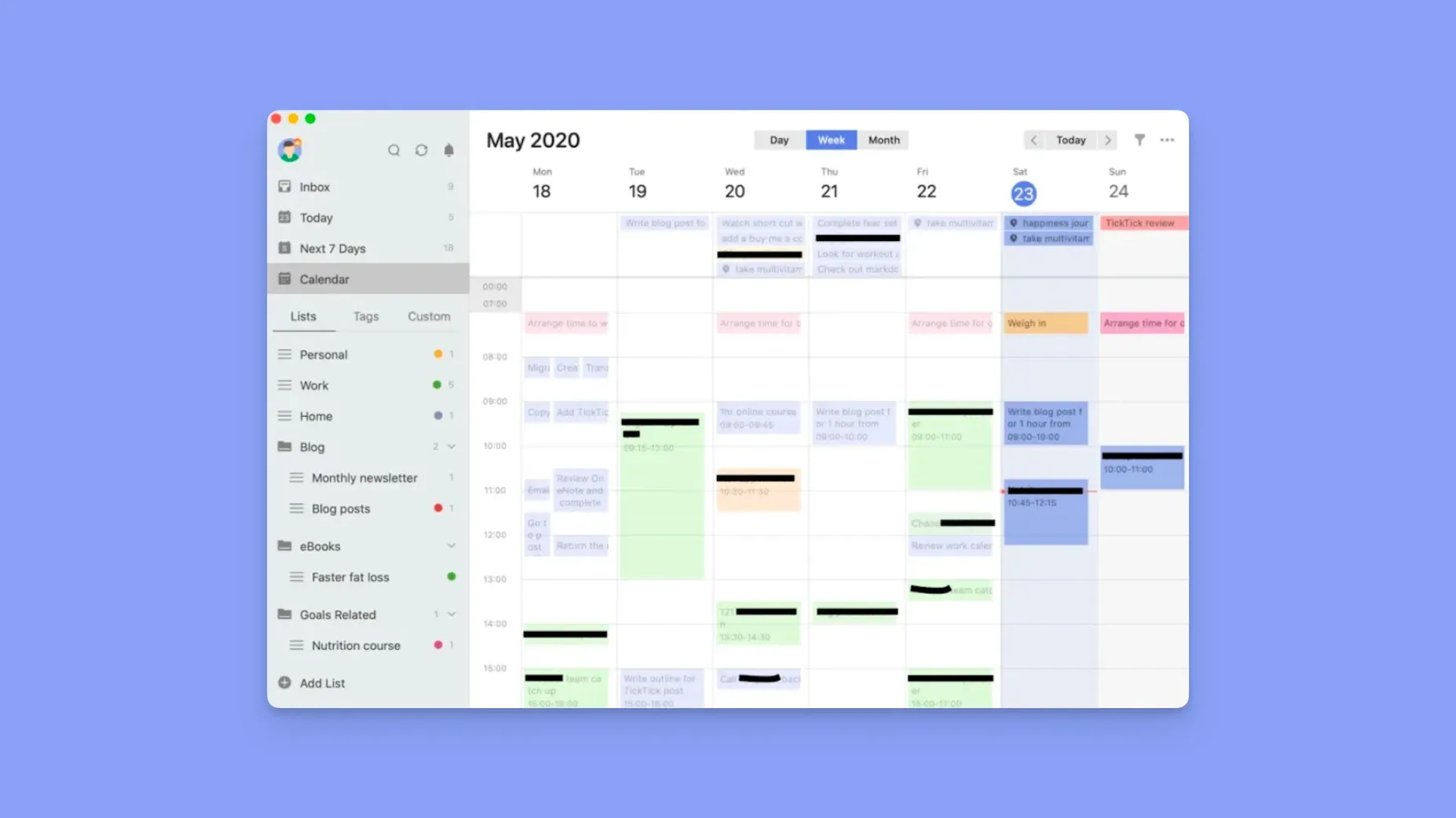
TickTick combines a task manager with a built-in Pomodoro timer and a basic calendar view. It's affordable and works as a standalone task tool. The calendar view is basic compared to dedicated calendar apps, there's no AI daily planning, and external calendar integration is limited.
TickTick pricing: Free tier available. Premium ~$3/month.
Where TickTick shines: Affordable task management with a built-in Pomodoro timer.
Where TickTick falls short: Calendar view is basic. No AI planning. No external calendar integration.
How to Choose an AI Calendar App
Picking the right AI calendar or planner app comes down to a few key questions. Here's what matters when comparing:
Does the AI plan your day, or just display it?
Most apps labeled "AI calendar" just show your events. A real AI planner app should analyze your tasks, your meetings, and your available time, then propose a schedule and let you adjust before anything commits.
How many calendars and task tools does it actually connect to?
If you use Google Calendar at work, iCloud for personal, and Todoist for tasks, your planner app needs to hold all three. Most apps support only Google + Outlook. Morgen connects to 6 calendar providers and 8 task tools, all with two-way sync.
Do you stay in control, or does the AI decide for you?
Some schedule apps auto-schedule your day without asking. Others do nothing. The best approach: AI drafts, you approve. That way you get the time savings without losing control over your own calendar.
Does it work on your devices?
Some planner apps only work on Mac + iOS. Others are web-only. If you move between platforms (or use Linux), check before you commit.
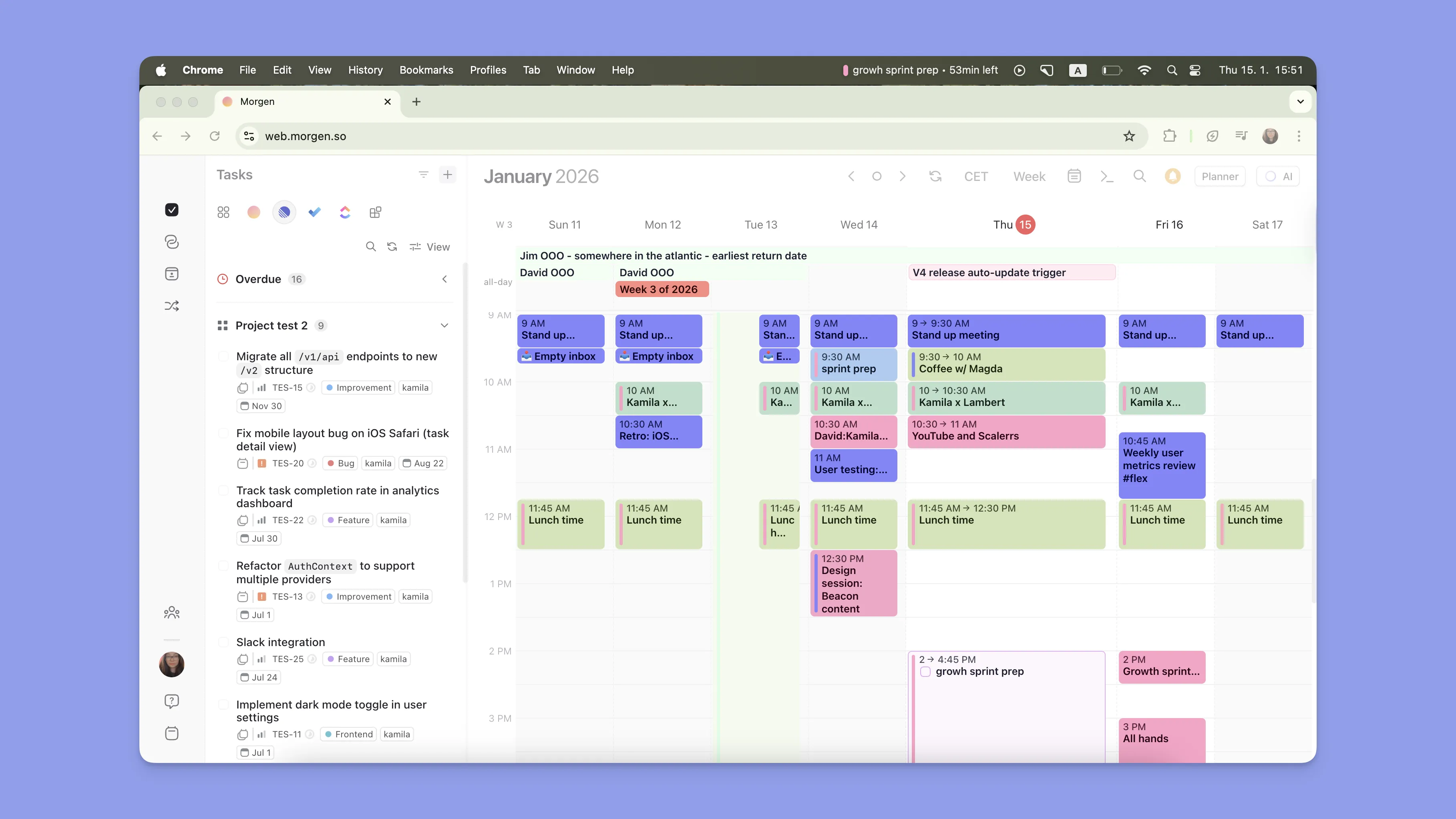
Morgen runs natively on macOS, Windows, Linux, iOS, Android, and web. Download for your platform.
Prioritize What's Important with Morgen's AI Planner
The right AI calendar app should do more than show your events. It should help you decide what to work on, when, and give you a realistic plan you can actually follow.
If you manage multiple calendars, use task tools like Todoist or Notion, and want AI that plans your day without taking over, Morgen is built for that. Start with a 14-day free trial and see how the AI Planner handles your actual week.

.svg)
.webp)