.svg)
→ Best when everyone's on a different calendar provider: Morgen is the only app on this list that shares across Google, Outlook, iCloud, Fastmail, and Zoho. If your work runs on Outlook and your partner lives in Gmail, this is the fix.
→ Best for activities not work scheduling: Cozi adds grocery lists, meal plans, and kids' activities on top of the calendar, built for family logistics.
→ Best free option if everyone uses Google: Stick with Google Calendar. Two clicks to share, no cost.
→ Best for Apple-only couples and families: Apple Calendar with iCloud Family Sharing is free and already set up on every iPhone, iPad, and Mac in the house.
The shared calendars that work for a couple on iPhones are not the ones that work for a 50-person marketing team, and neither work well if half the group is on Gmail and the other half on Outlook. We put 9 shared calendar apps through real-world use and scored each one on providers, sharing permissions, and who it fits.
9 Best Shared Calendar Apps: A Quick Overview
| App | Best For | Standout Feature | Starting Price | Rating |
|---|---|---|---|---|
| Morgen | Families with multiple calendars | Share any combination of 6 calendar providers | $15/mo (annual) | 4.8/5 (Product Hunt) |
| Google Calendar | Free general use | Free for anyone with a Google account | Free | 4.5/5 (G2) |
| Microsoft Outlook Calendar | Enterprise teams | Deep Microsoft 365 and Teams integration | $6/seat/mo (M365) | 4.5/5 (G2) |
| Apple Calendar (iCloud) | Apple-only households | Shared iCloud family calendar | Free (with iCloud) | 4.3/5 (App Store) |
| Cozi | Family activities | Shared grocery lists, meal plans, and calendar | Free / $39.99/yr Gold | 4.6/5 (App Store) |
| TimeTree | Couples and small groups | Per-event comments and chat | Free / $4.49/mo Premium | 4.7/5 (App Store) |
| Howbout | Friend groups | Group availability overlay for casual plans | Free / $3.99/mo Plus | 4.6/5 (App Store) |
| Teamup | Clubs, schools, public schedules | Public shared calendars without user accounts | Free / $8/mo Plus | 4.6/5 (G2) |
| FamilyWall | Families who want messaging + maps | Shared calendar, family chat, and location sharing | Free / $3.99/mo Premium | 4.4/5 (App Store) |
Morgen: Best for Calendar Sharing Across Work and Personal Schedules
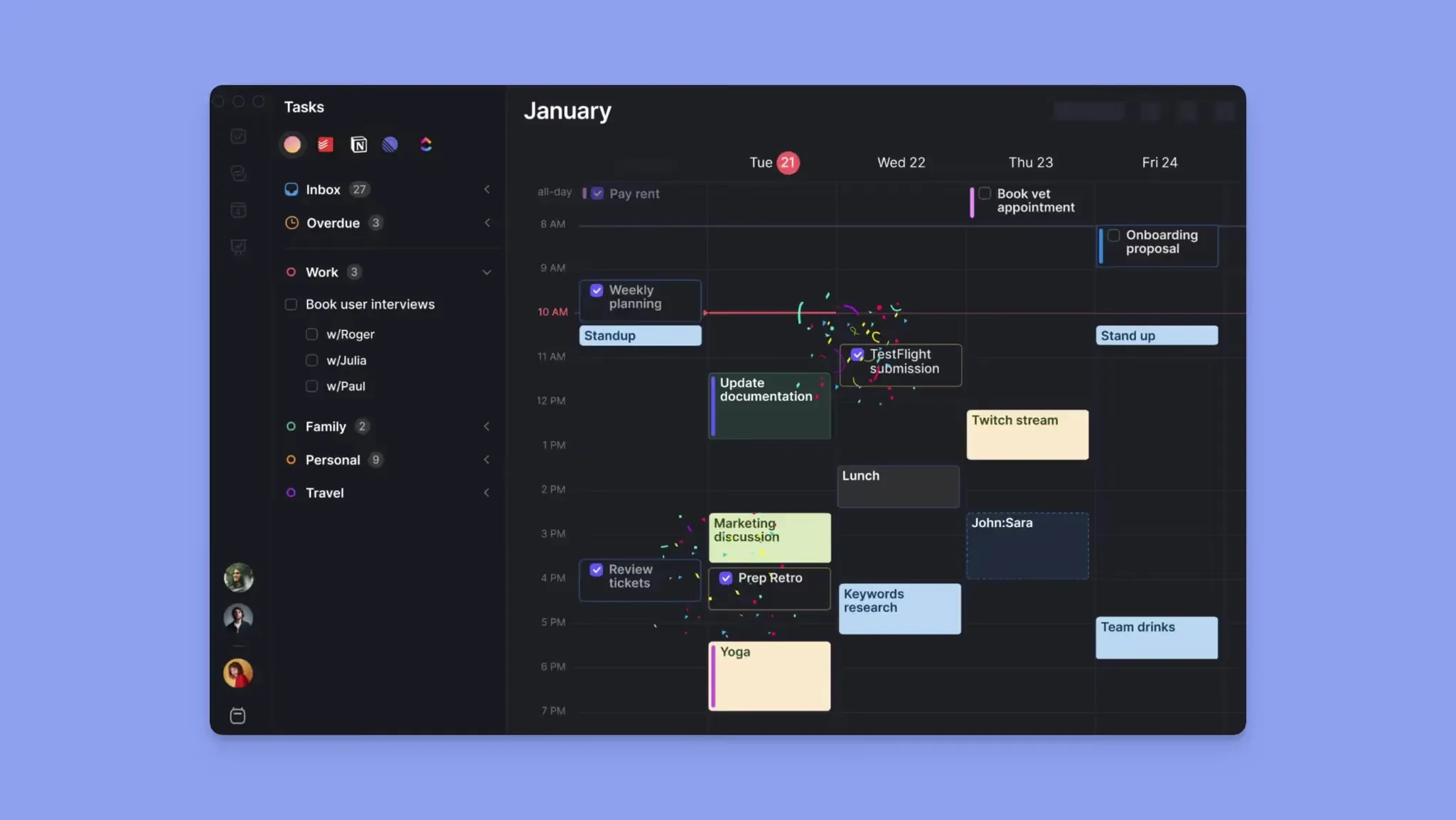
Morgen sits on top of your personal or work calendar, whereas every other tool in this roundup ties you to one ecosystem. Morgen pulls in 5 calendar providers side by side (Google, Outlook, iCloud, Fastmail, and Zoho), and sharing happens on top of that combined view. Work meetings from Outlook, school events from iCloud, and your freelance invoicing calendar on Google can all flow through one app, and you decide exactly which pieces each person sees.
Morgen Key features
Three features that make Morgen different from any default shared calendar built into Google, Outlook, or iCloud.
1. Calendar Sets: share a context, not a calendar
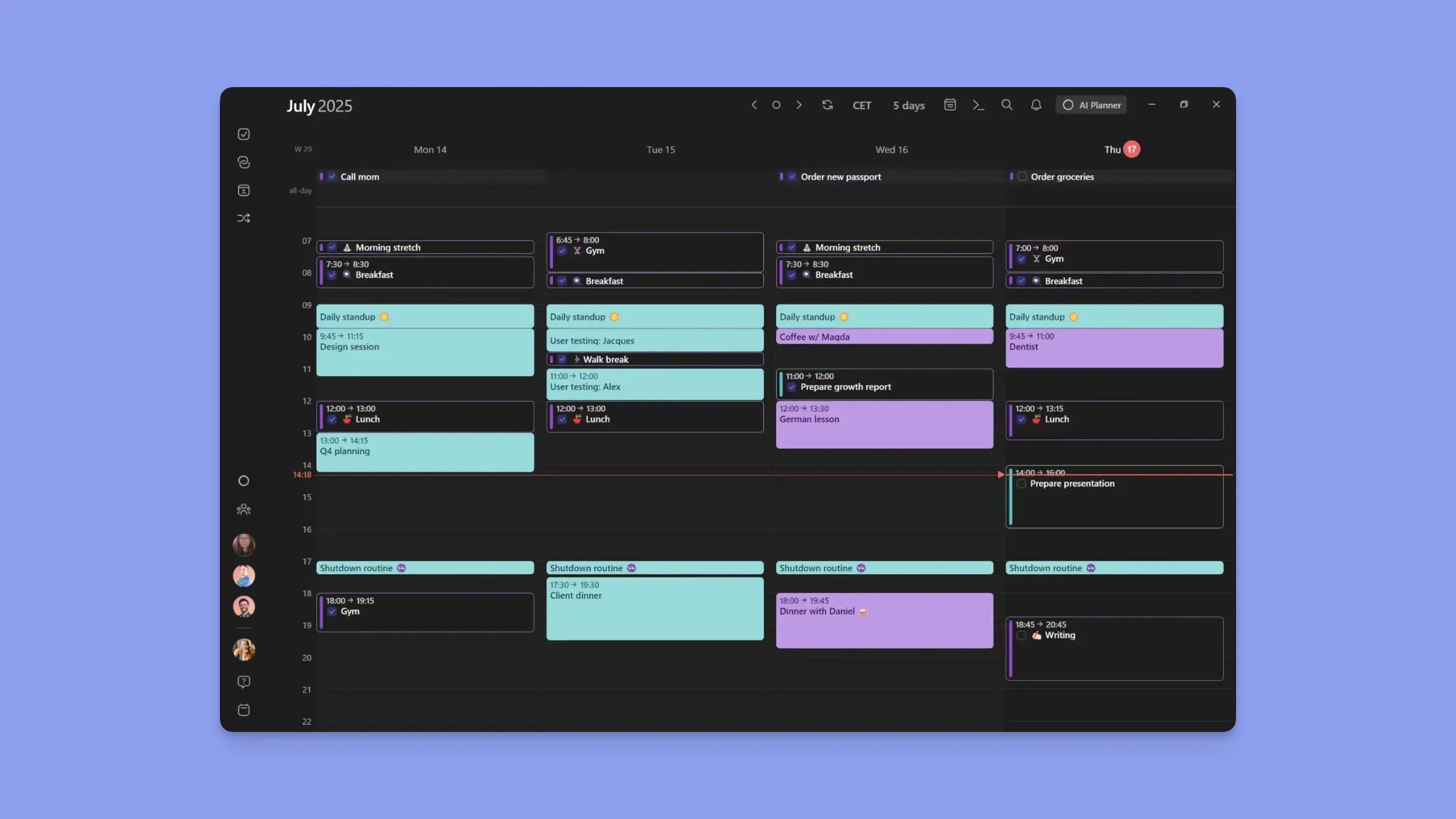
Create named calendar groups like "Work", "Family", or "Side Projects", and toggle them on and off with one click. You can share the visibility of a Calendar Set with a partner or team so they see exactly the context you want, without exposing every calendar you own.
2. Team availability overlay
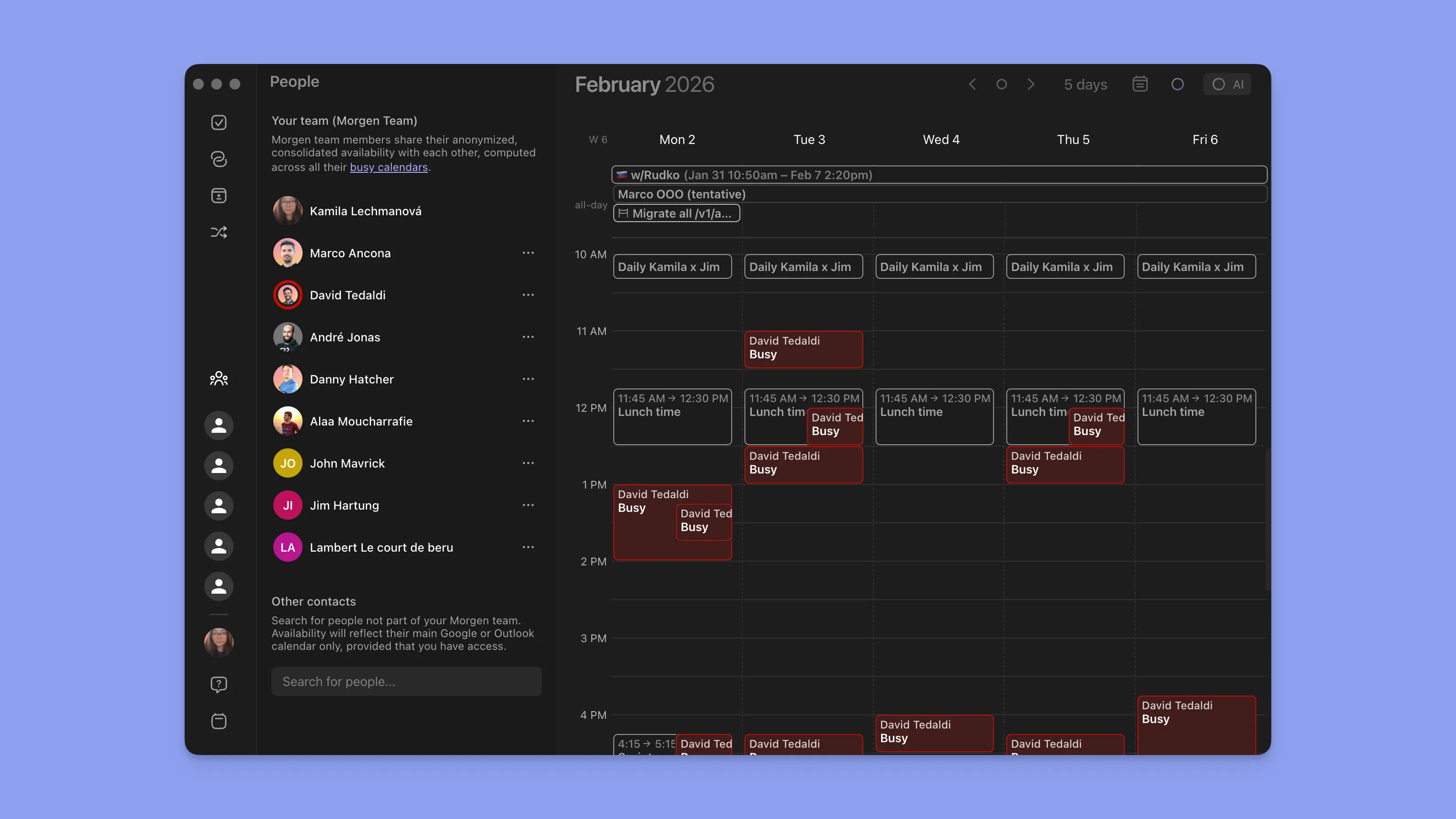
Overlay colleagues' free/busy blocks on your own calendar without revealing event details. Pick the best meeting slot in seconds, without back-and-forth in Slack. See how to check your colleagues' availability.
3. Scheduling links that respect every shared calendar
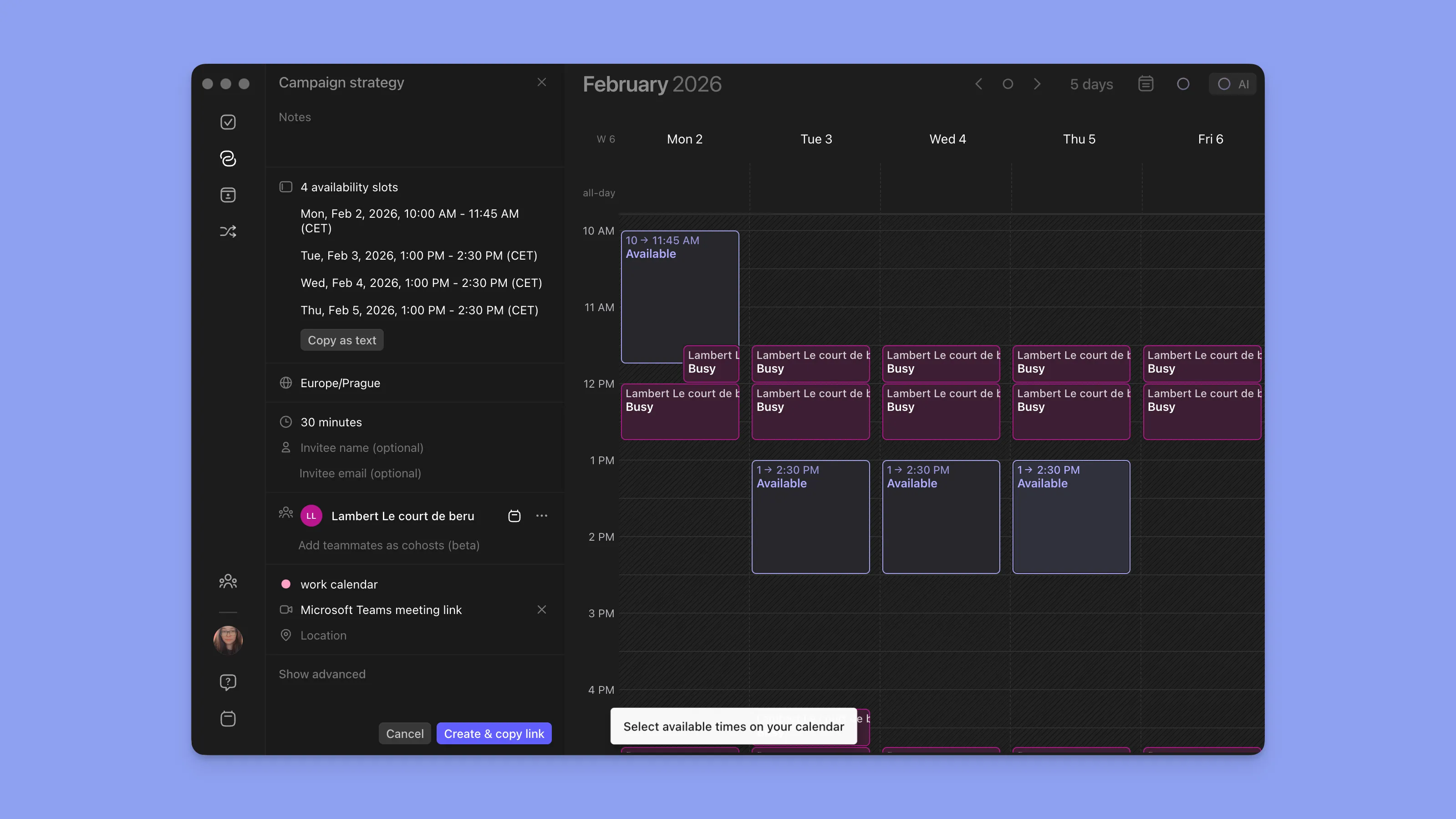
Create a scheduling link that pulls availability from every connected calendar, so you never get double-booked between your Outlook work meetings and your Google personal events.
Morgen Pricing
| Plan | Monthly | Annual |
|---|---|---|
| Individual | $30/mo | $15/mo |
| Team | $25/seat/mo | $10/seat/mo |
| Free trial | n/a | 14 days, full access |
Where Morgen shines
- Bridges ecosystems nothing else will: Your IT-locked Outlook account, your spouse's Gmail, your parents' iCloud, all live in one surface, and sharing respects each.
- Per-context sharing, not per-calendar: Calendar Sets let you hand your team visibility into "work hours" and hand your partner visibility into "family + personal" without moving events around.
- No device tax: Runs natively on macOS, Windows, Linux, iOS, Android, and web. Anyone in your shared group can actually use the app, regardless of what hardware they own.
Where Morgen falls short
- Paid after 14 days: No forever-free tier. Two people who just want to share birthdays will do fine on Google Calendar or Apple Calendar for $0.
- Not a household operations hub: No chore tracker, no grocery list, no meal planner. If that's your use case, Cozi does it better.
Morgen Customer reviews
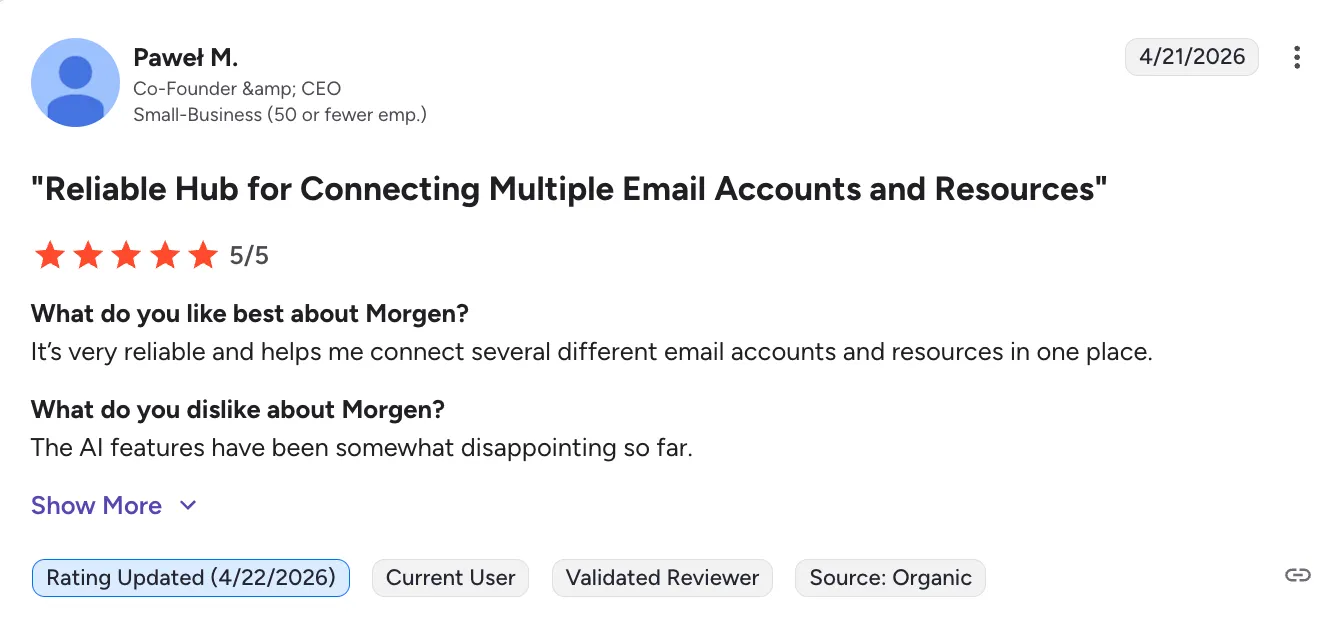
“It’s very reliable and helps me connect several different email accounts and resources in one place.” - Pawel via G2
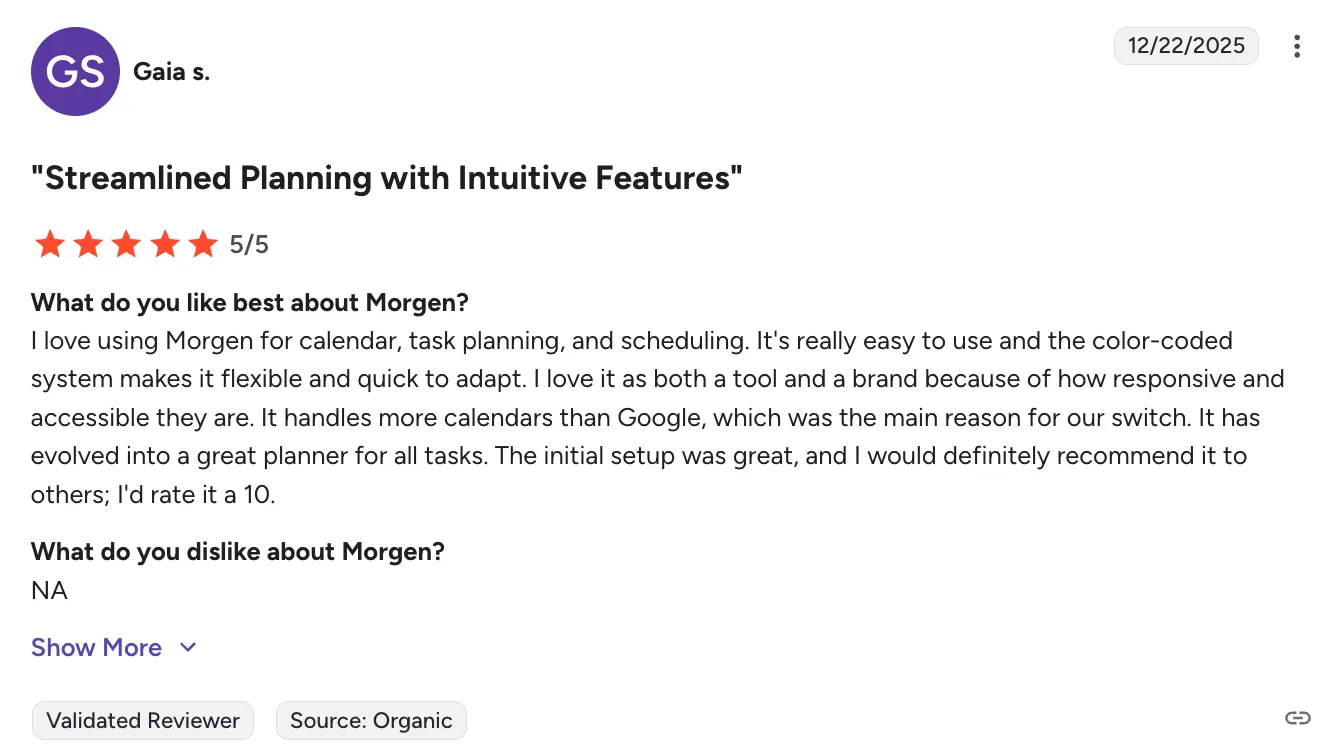
“I love using Morgen for calendar, task planning, and scheduling. It's really easy to use and the color-coded system makes it flexible and quick to adapt. “ - Gaia via G2
Who Morgen is best for
- Mixed-provider households: One partner on Google, the other on iCloud or Outlook, and nobody wants to migrate.
- Distributed teams on different calendar stacks: Startups and freelancers coordinating with clients whose IT departments don't agree.
- Parents with side projects or consulting work: Family calendar, day job, and a second stream of client meetings, all worth sharing differently.
Google Calendar: Best Free Shared Calendar for General Use
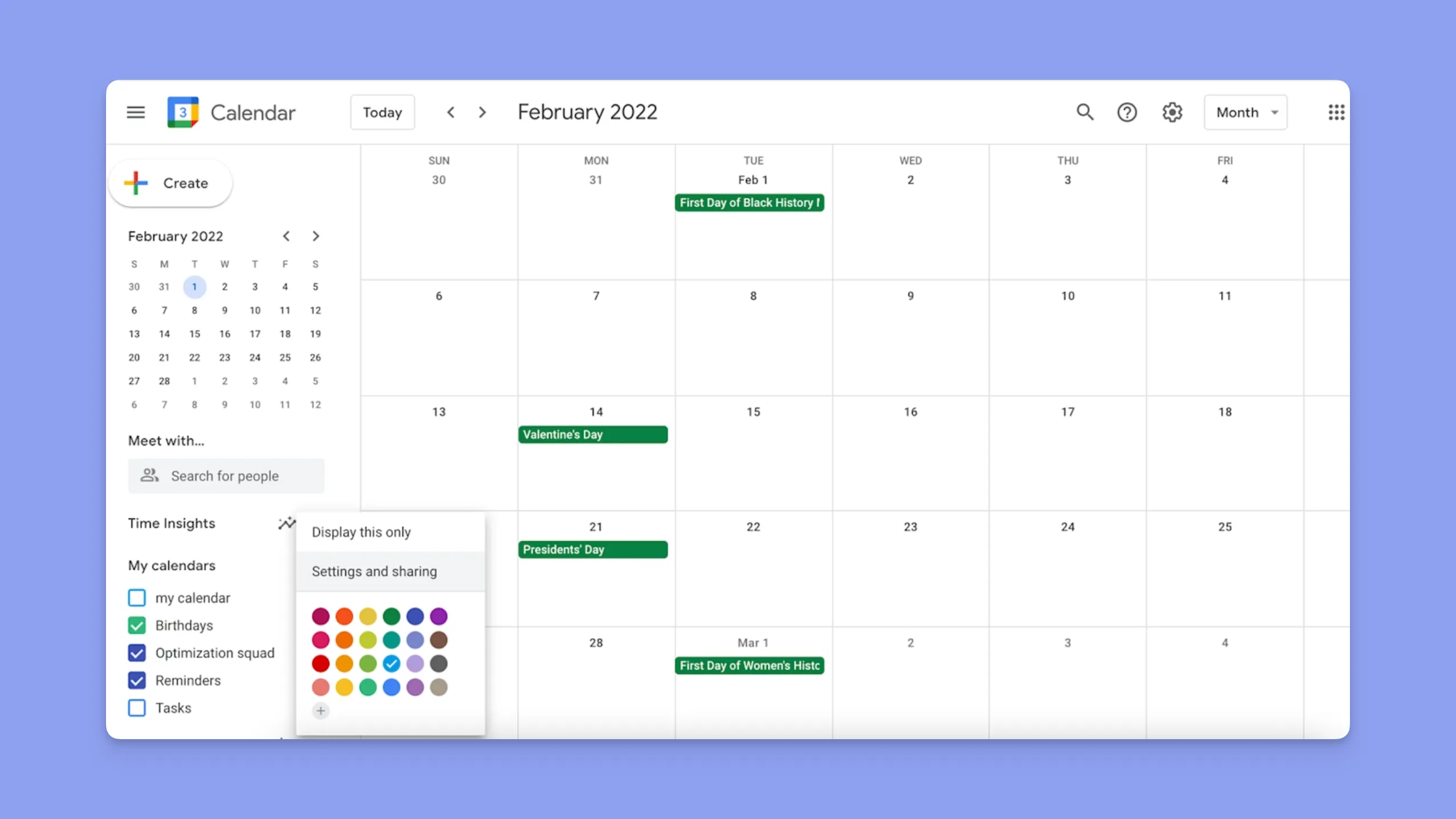
Google Calendar is the default shared calendar app for anyone with a Gmail account. It's free, it's fast, and sharing a calendar with another Google user takes two clicks. The catch: it only shares well with other Google users, and it doesn't connect to Outlook, iCloud, or Fastmail calendars without workarounds.
Google Calendar Key features
- Granular sharing permissions: Four permission levels per person, from "see free/busy only" to full edit access.
- Multiple calendar creation: Create as many secondary calendars as you want and share each separately (e.g., "Kids' Sports", "Work", "Book Club").
- Public calendar URLs: Share a read-only calendar via a public link.
- Google Workspace integration: Works seamlessly with Gmail, Meet, and Drive.
Google Calendar Pricing
| Plan | Price |
|---|---|
| Personal | Free |
| Workspace Business Starter | $6/user/mo |
| Workspace Business Standard | $12/user/mo |
Where Google Calendar shines
- Truly free: No feature gate for personal sharing. You get the full product for $0.
- Universal: If the people you're sharing with use Gmail, onboarding is instant.
- Reliable sync: Changes propagate across devices in seconds.
Where Google Calendar falls short
- Google-only ecosystem: Sharing with Outlook or iCloud users is clunky. The other person has to import an .ics URL, which doesn't support write access.
- No unified view for non-Google calendars: If you also have an Outlook account, you need a third-party tool to unify them.
- Thin family features: No grocery lists, chore charts, or meal planning.
Google Calendar Customer reviews
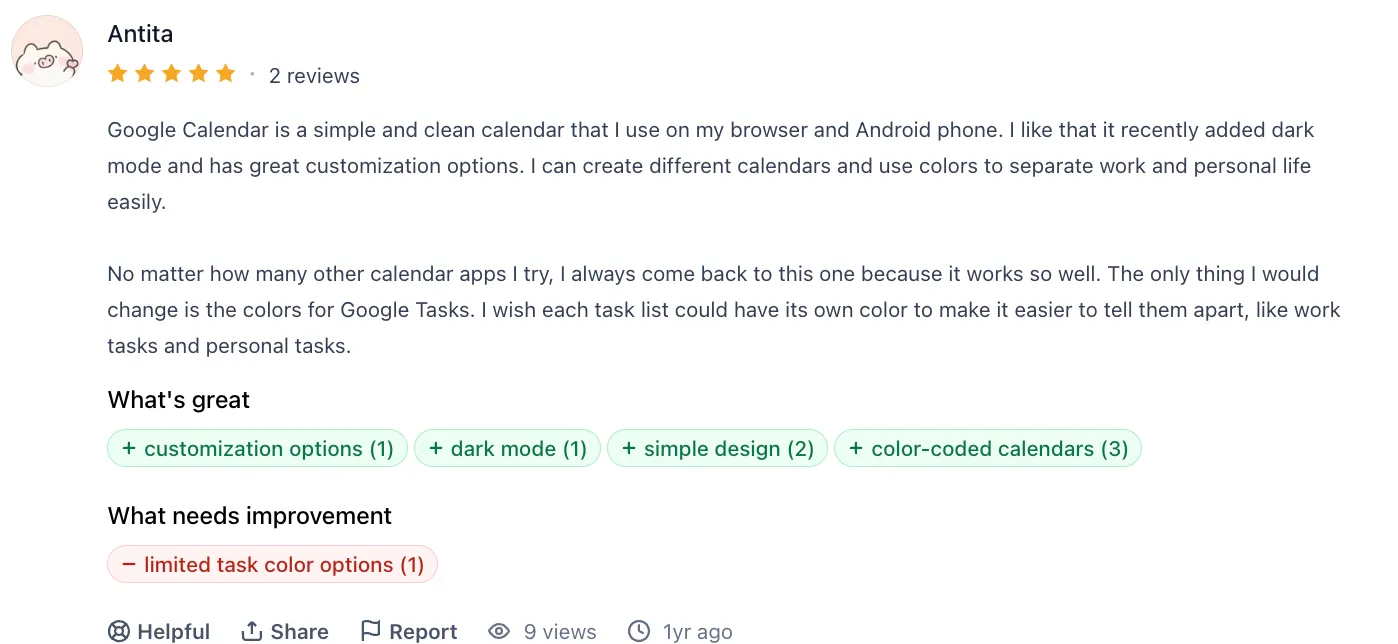
“No matter how many other calendar apps I try, I always come back to this one because it works so well. The only thing I would change is the colors for Google Tasks. I wish each task list could have its own color to make it easier to tell them apart, like work tasks and personal tasks.” - Antita via ProductHunt
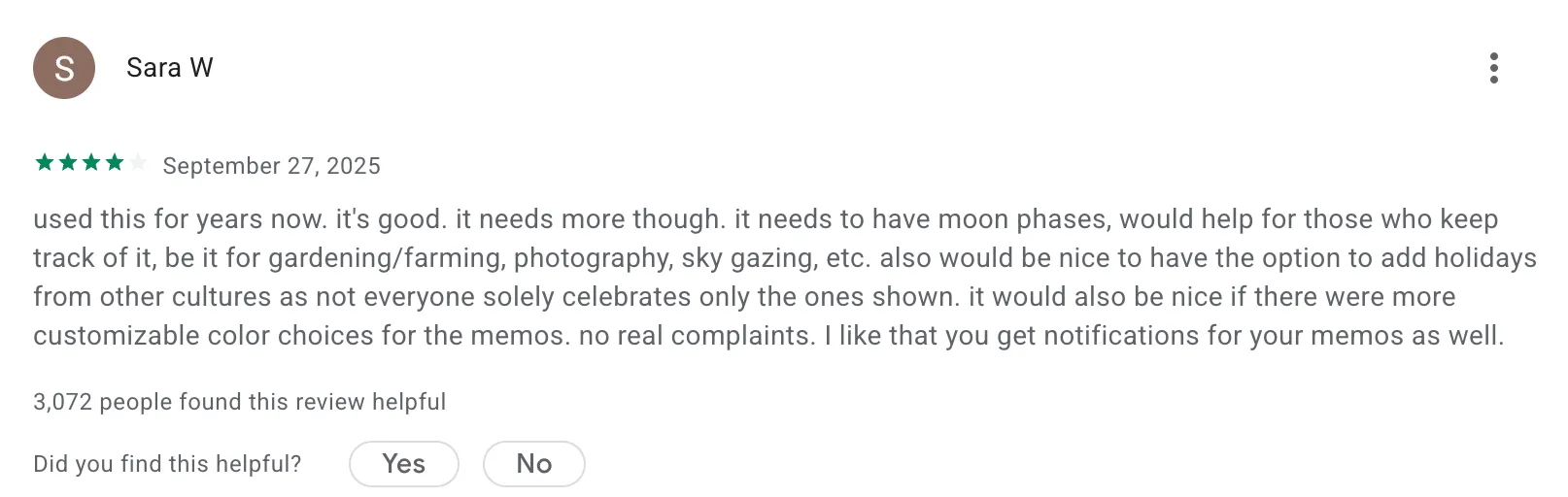
“used this for years now. it's good. it needs more though. it needs to have moon phases, would help for those who keep track of it, be it for gardening/farming, photography, sky gazing, etc. also would be nice to have the option to add holidays from other cultures as not everyone solely celebrates only the ones shown. it would also be nice if there were more customizable color choices for the memos. no real complaints. I like that you get notifications for your memos as well.” - Sara via Google Play Store
Who Google Calendar is best for
- Google-native households or teams: Everyone you share with has a Gmail address.
- Budget-conscious users: You want a free option and don't need cross-provider support.
You can read some of our comparisons of Motion vs Google Calendar or Fantastical vs Google Calendar.
Microsoft Outlook Calendar: Best for Enterprise Teams
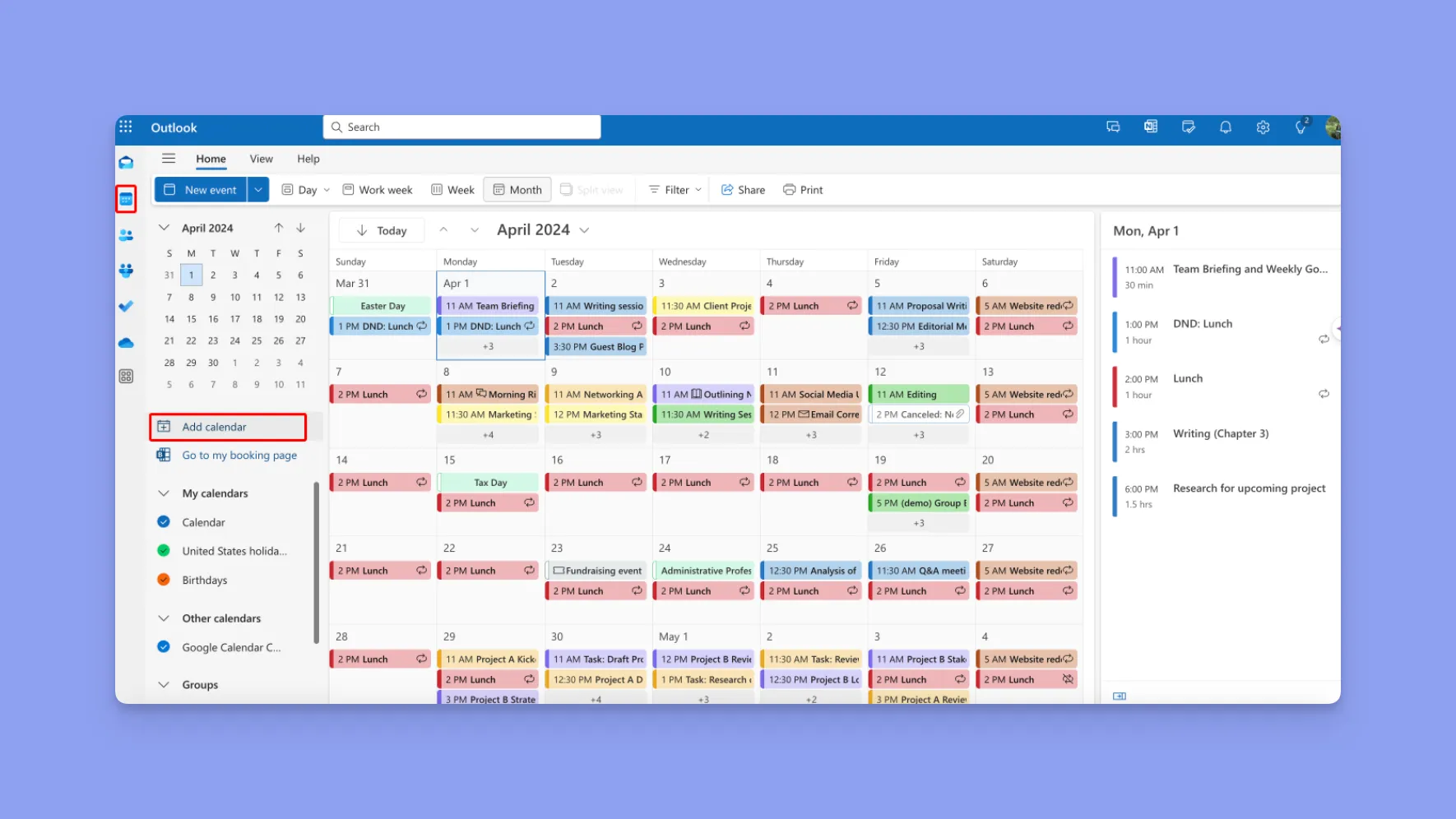
Outlook Calendar is the default shared calendar for most corporate environments. If your company runs on Microsoft 365, sharing calendars with colleagues is built in at the org level, with no third-party app required. It's less flexible outside the Microsoft ecosystem, but inside it, nothing else competes.
Outlook Calendar Key features
- Org-level directory sharing: See every colleague's free/busy availability without needing explicit permission.
- Microsoft Teams integration: Meeting invites, availability, and scheduling tied together in one stack.
- Scheduling Assistant: Find a meeting time that works for everyone invited.
- Delegation: Assign an assistant to manage your calendar on your behalf.
Outlook Calendar Pricing
| Plan | Price |
|---|---|
| Outlook.com Personal | Free |
| Microsoft 365 Business Basic | $6/user/mo |
| Microsoft 365 Business Standard | $12.50/user/mo |
Where Outlook Calendar shines
- Enterprise-grade permissions: IT admins control sharing, delegation, and resource booking (rooms, equipment) at scale.
- Deep Teams integration: Meetings created in Outlook auto-populate in Teams and vice versa.
- Scheduling Assistant: The classic "find a time that works for 7 people" feature still holds up.
Where Outlook Calendar falls short
- Poor cross-provider sharing: Sharing with Gmail or iCloud users requires workarounds.
- Heavy UI: Less skimmable than Google or iCloud for personal use.
- Not great for family or personal sharing: Overkill for two-person households.
Outlook Calendar Customer reviews
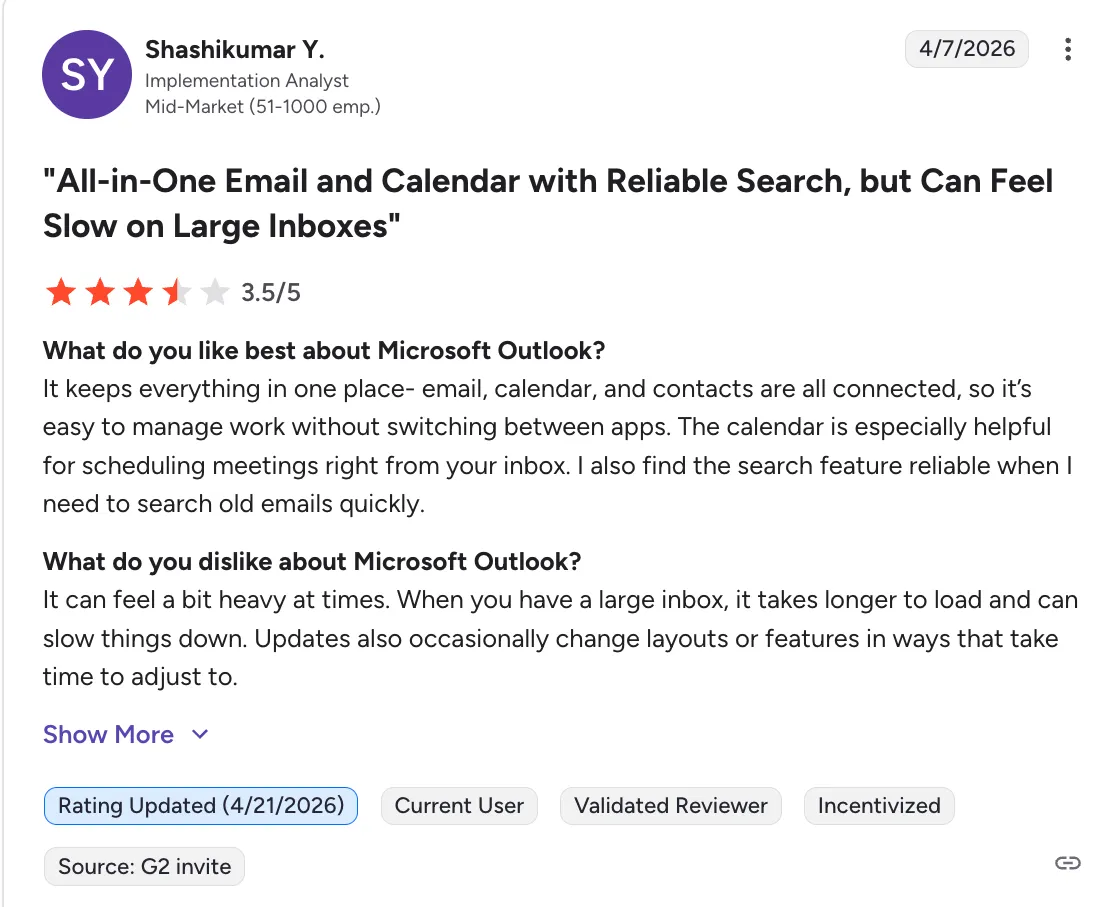
“The calendar is especially helpful for scheduling meetings right from your inbox. I also find the search feature reliable when I need to search old emails quickly.” - Shashikumar via G2
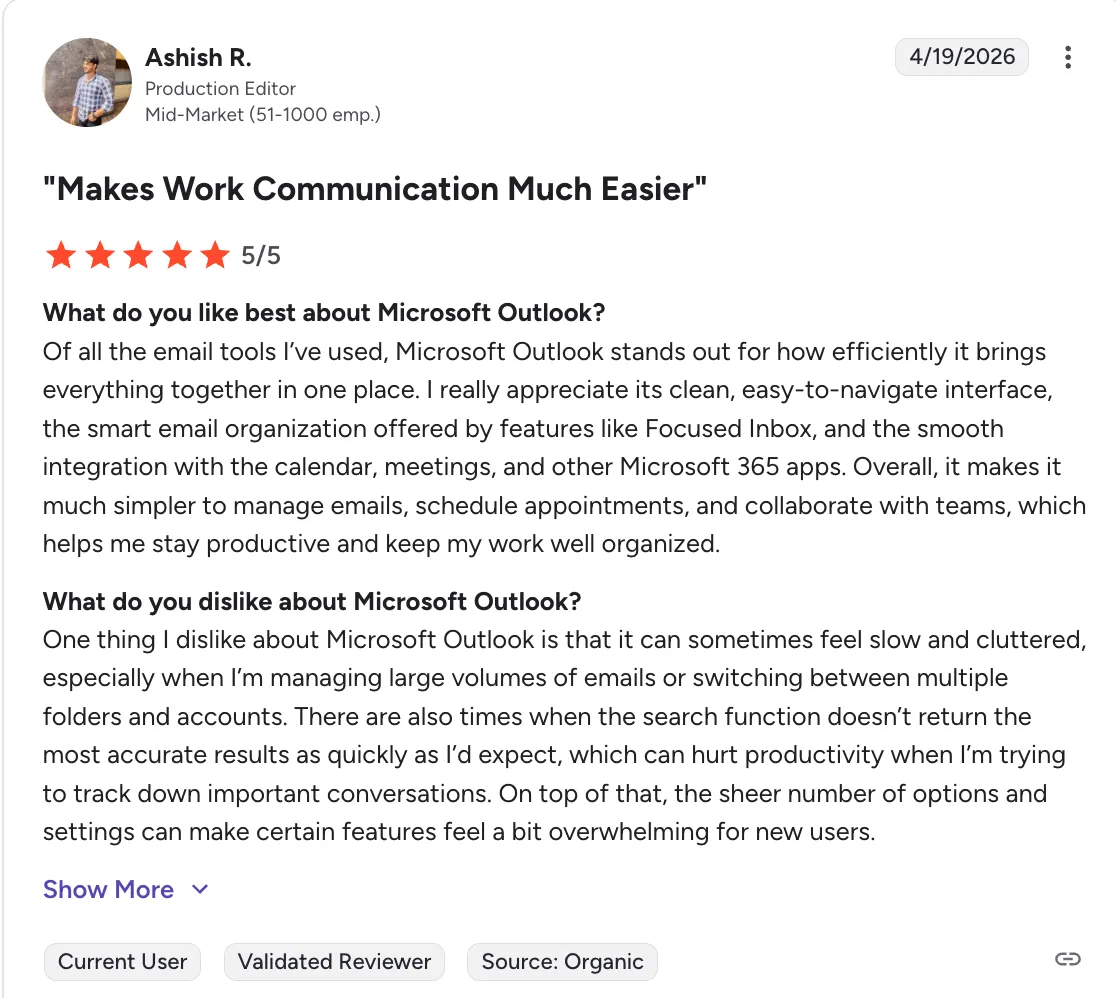
“There are also times when the search function doesn’t return the most accurate results as quickly as I’d expect, which can hurt productivity when I’m trying to track down important conversations. On top of that, the sheer number of options and settings can make certain features feel a bit overwhelming for new users.” - Ashish via G2
Who is Outlook Calendar best for
- Corporate employees: Your company is on Microsoft 365 and scheduling happens inside the org.
- IT admins managing shared resources: Meeting rooms, equipment, and delegated calendars at scale; pairing the calendar with equipment management software keeps the physical side of those bookings accounted for.
Apple Calendar (iCloud): Best for Apple-Only Households
%20Best%20for%20Apple-Only%20Households.webp)
Apple Calendar with iCloud Family Sharing is the easiest shared calendar for families where everyone already uses iPhone, iPad, and Mac. Turn on Family Sharing and a shared family calendar appears on every device, with no setup and no separate app. It falls short the moment one person switches to Android or PC.
Apple Calendar Key features
- iCloud Family Calendar: Automatically appears for every family member in Family Sharing (up to 6 people).
- Shared individual calendars: Share any of your own calendars with one or more iCloud users.
- Siri integration: "Add to the family calendar, dentist Tuesday at 4pm."
- Native app on every Apple device: Same UI on iPhone, iPad, Mac, and Apple Watch.
Apple Calendar Pricing
| Plan | Price |
|---|---|
| Apple ID | Free |
| iCloud+ 50GB | $0.99/mo |
| iCloud+ 200GB (family) | $2.99/mo |
Where Apple Calendar shines
- Zero friction for Apple families: If everyone owns an iPhone, sharing is already set up.
- Privacy by default: Calendar data syncs through iCloud with end-to-end encryption for most content.
- Siri and widgets: Deep OS integration across every Apple surface.
Where Apple Calendar falls short
- Apple-only: Android and Windows users can't meaningfully participate.
- No grocery lists or chore tracking: Pure calendar. For broader household features you'd pair it with Cozi or Reminders.
- Thin on team features: No org-level sharing, no scheduling assistant at work scale.
Apple Calendar Customer reviews
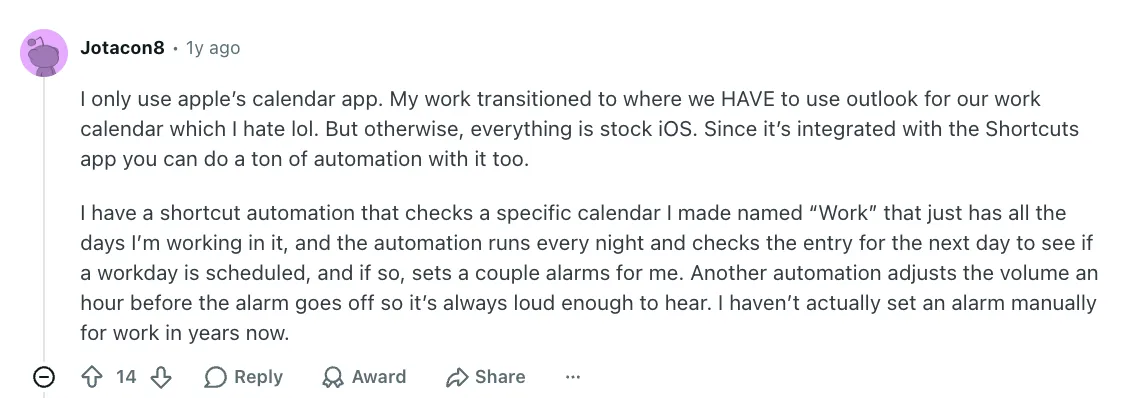
“I have a shortcut automation that checks a specific calendar I made named “Work” that just has all the days I’m working in it, and the automation runs every night and checks the entry for the next day to see if a workday is scheduled, and if so, sets a couple alarms for me. Another automation adjusts the volume an hour before the alarm goes off so it’s always loud enough to hear. I haven’t actually set an alarm manually for work in years now.” - Jotacon8 via Reddit
“I’ve been using iCloud calendars since I actually started using a digital calendar. I share it with my wife and it’s been effortless. The only thing I’d like to see them add like they did with Google calendar is using different colors in the same calendar” - erclark99 via Reddit

Who Apple Calendar is best for
- Apple-only households: Everyone has an iPhone or iPad and Family Sharing is already enabled.
- Privacy-minded users: Staying inside the Apple ecosystem rather than syncing to a third-party.
Cozi: Best Shared Calendar App for Family Activities
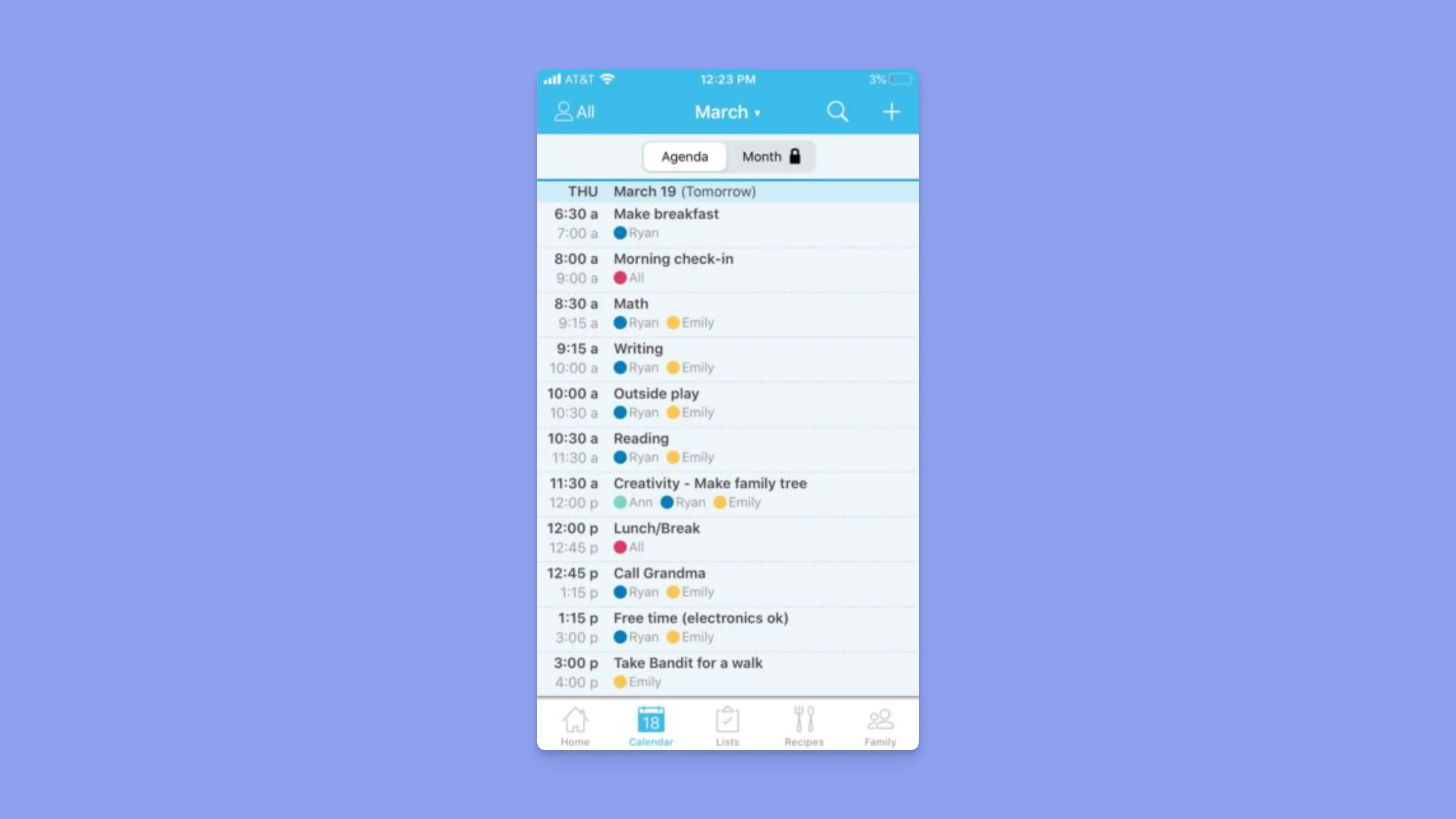
Cozi is a purpose-built app for families, not a generic calendar with family features bolted on. The calendar sits alongside shared grocery lists, meal plans, chore lists, and a family journal, all under one account that every family member can access from their own phone. It’s an extra app where you can log your family activities, rather than an app that integrates with your work and personal schedule calendars.
Cozi Key features
- Color-coded family members: Every person gets a color; you can filter the calendar by person at a glance.
- Shared shopping and to-do lists: Add to the grocery list from any device, and the whole family sees it update live.
- Meal planner: Plan the week's dinners with saved recipes.
- Family journal: A shared scrapbook for milestones and photos.
Cozi Pricing
| Plan | Price |
|---|---|
| Cozi (free) | $0 |
| Cozi Gold | $39.99/yr |
Where Cozi shines
- Family-first design: Every feature is built around household logistics, not office meetings.
- Works on every platform: iOS, Android, and web. Nobody gets left out for having the "wrong" phone.
- Free version is genuinely usable: Unlike many freemium tools, Cozi's free tier covers most families.
Where Cozi falls short
- Not a productivity tool: No time-blocking, no task prioritization, no professional features. Cozi is for the household, not the home office.
- Siloed from work calendars: It doesn't integrate with Google Workspace or Outlook, so your work meetings stay elsewhere.
Cozi Customer reviews
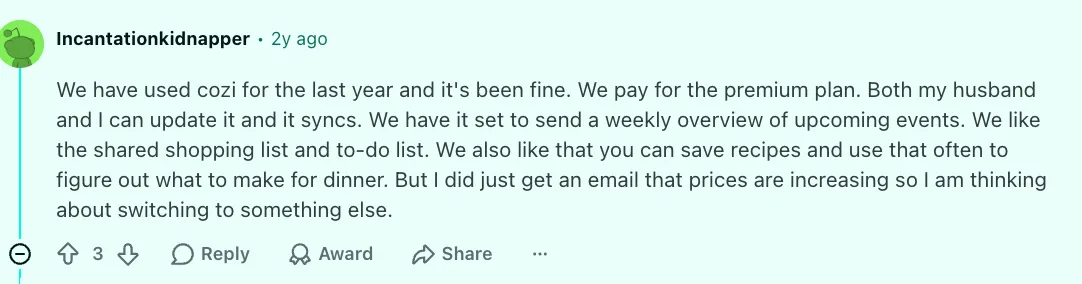
“I love its simplicity that just makes inputting easy. I wouldn’t mind an AI so I can quickly speak an event, but even without fancy features, I’ll still keep using it.” - Singingfool2u via App Store
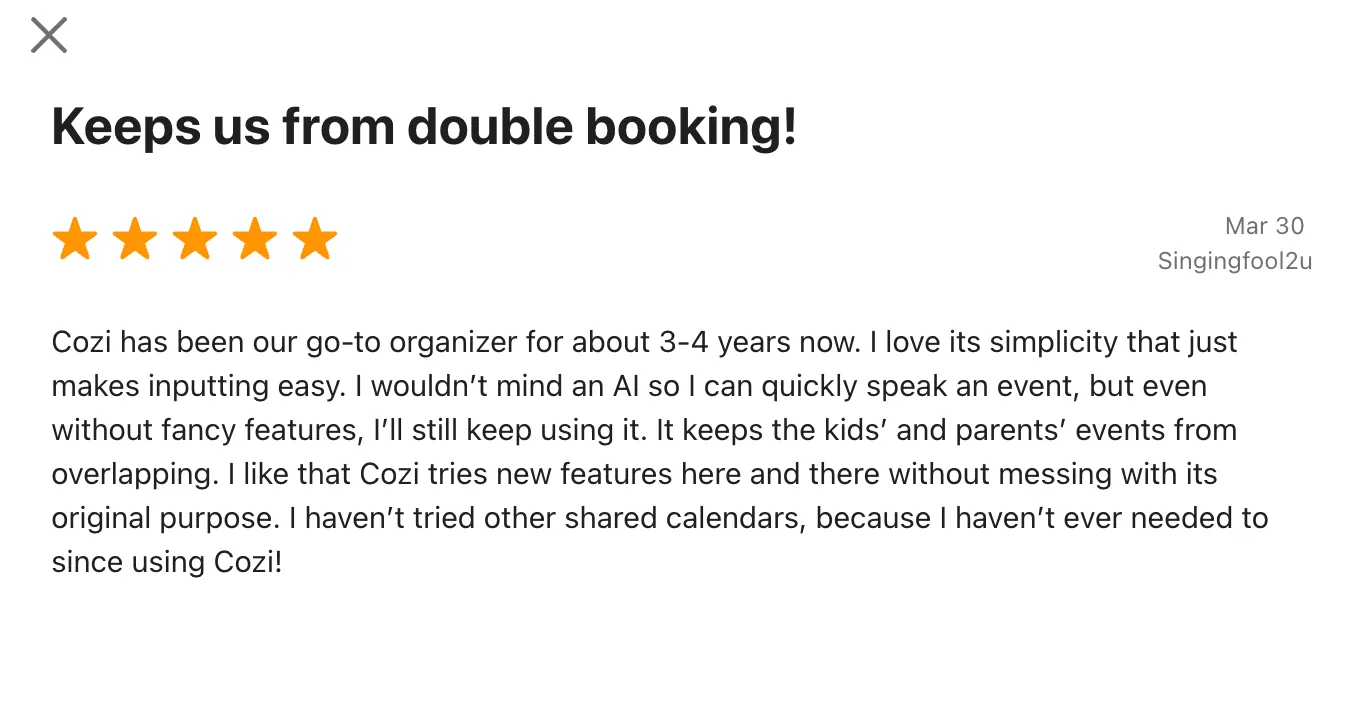
“We have used cozi for the last year and it's been fine. We pay for the premium plan. Both my husband and I can update it and it syncs. We have it set to send a weekly overview of upcoming events. We like the shared shopping list and to-do list. We also like that you can save recipes and use that often to figure out what to make for dinner. But I did just get an email that prices are increasing so I am thinking about switching to something else.” - incantationkidnapper via Reddit
Who Cozi is best for
- Busy families with kids: Managing activities, school schedules, and household logistics in one place.
- Multi-device households: A mix of iPhones, Androids, and tablets.
TimeTree: Best Joint Calendar App for Couples and Small Groups
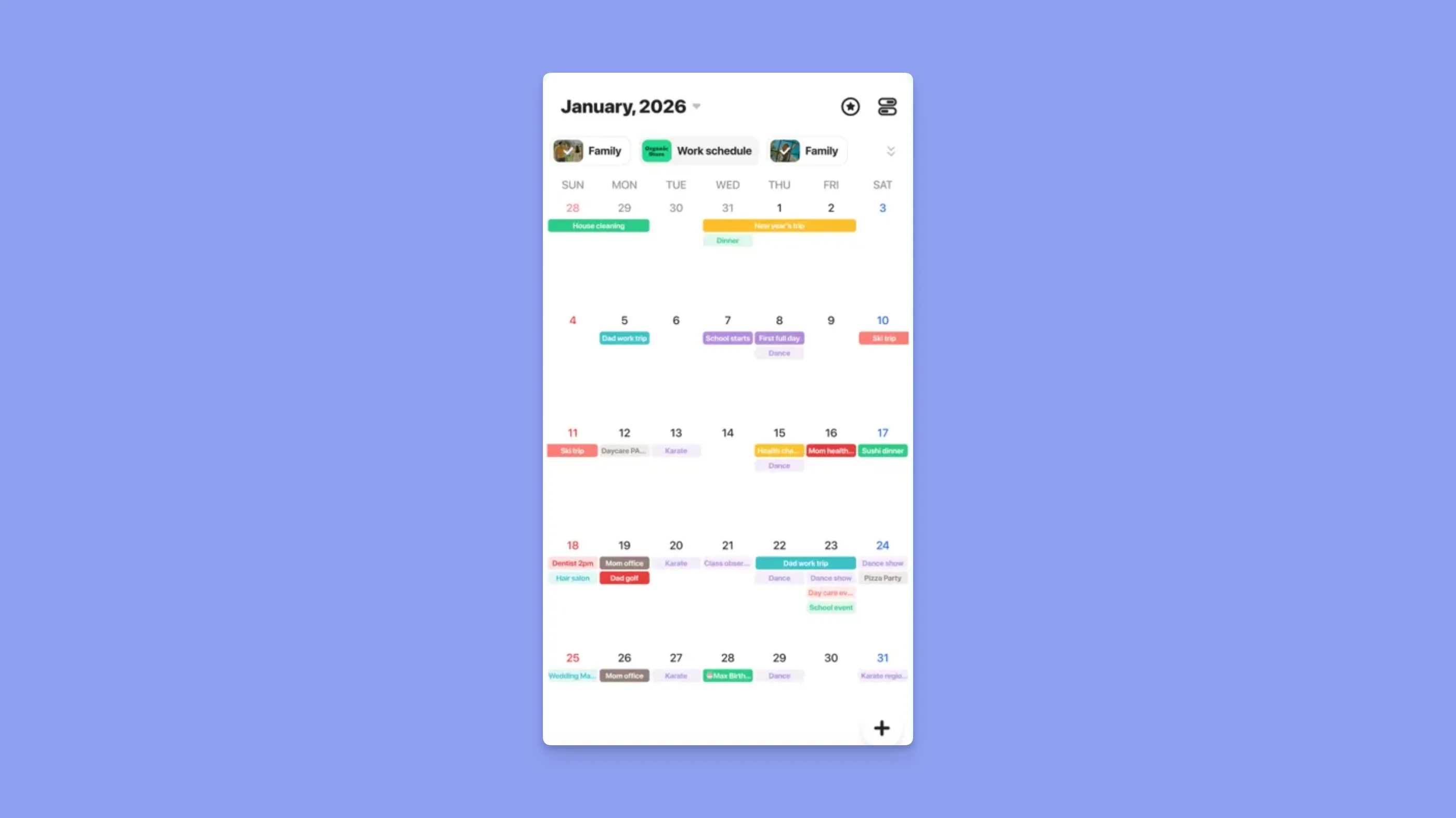
TimeTree is a joint calendar app built for two to five people to coordinate without email threads or spreadsheets. Create a shared calendar, invite members, and every event gets its own chat thread for comments and photos. It's the lightest option on this list for couples, roommates, and close friend groups who just want to see each other's plans without the overhead of a family-planner suite.
TimeTree pricing: Free. Premium at $4.49/month removes ads and unlocks themes.
Best for: Couples and small groups (2–5 people) who want a clean shared calendar with conversation attached to each event.
Review sentiment: App Store users consistently praise the per-event chat for trip and event coordination (4.7/5, 100k+ ratings).
Howbout: Best Group Calendar App for Friends
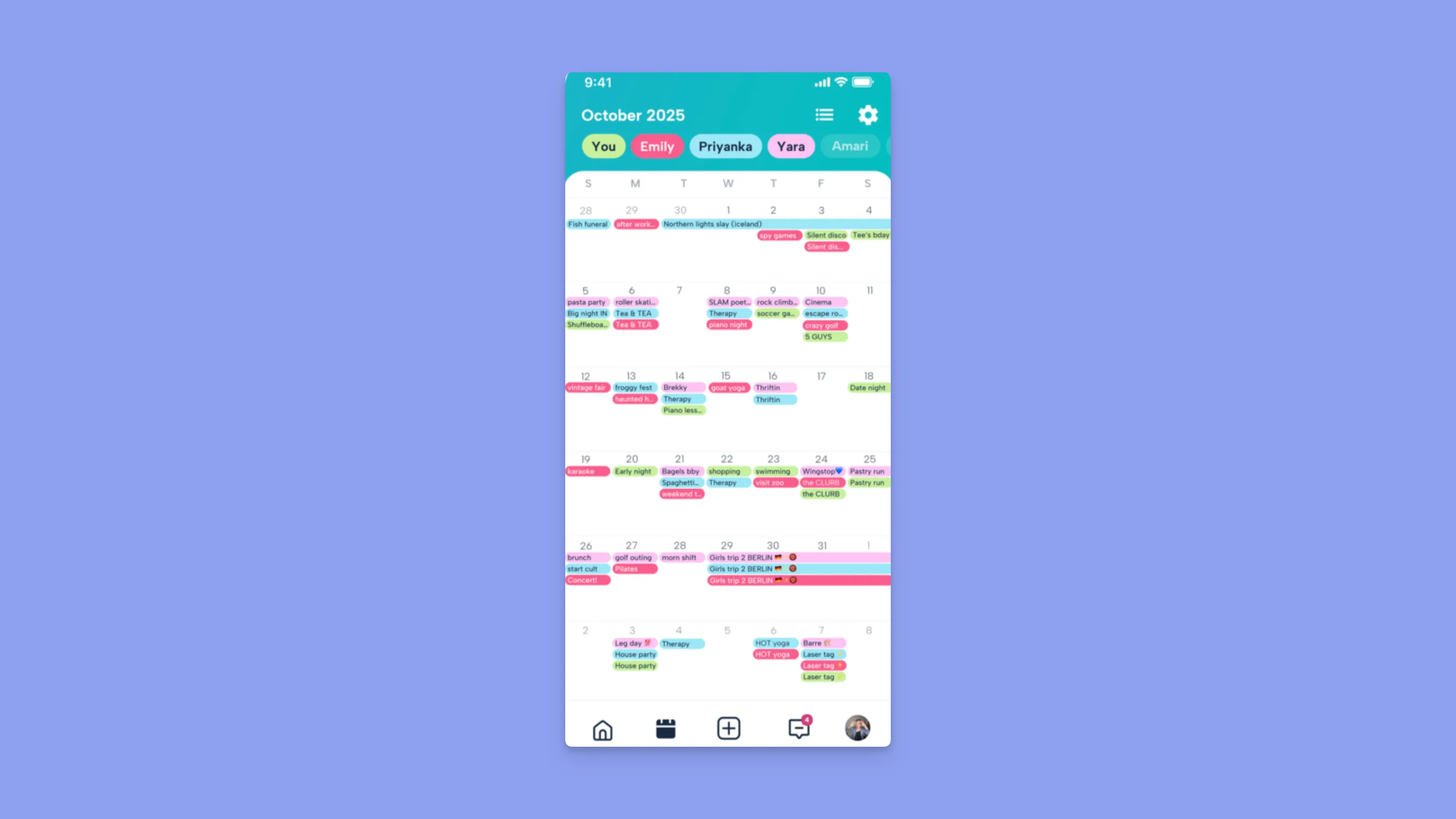
Howbout is a friend group calendar app where you can see a lightweight overlay of when everyone is free, without sharing the underlying events. Plan nights out, trips, and casual meetups without the back-and-forth. It's not a primary calendar replacement, but it sits nicely on top of Google or Apple Calendar as a group-coordination layer.
For a one-off plan, you don't even need an app: a free scheduling poll lets everyone mark when they're free from a shared link, and a heatmap surfaces the time that works for the whole group.
Howbout pricing: Free. Plus at $3.99/month adds group chat and polls.
Best for: Friend groups who want to coordinate plans without exposing their full personal calendars.
Review sentiment: App Store reviewers highlight how much faster group planning becomes and how well the availability overlay works (4.6/5).
Teamup: Best for Public or Club-Style Shared Calendars
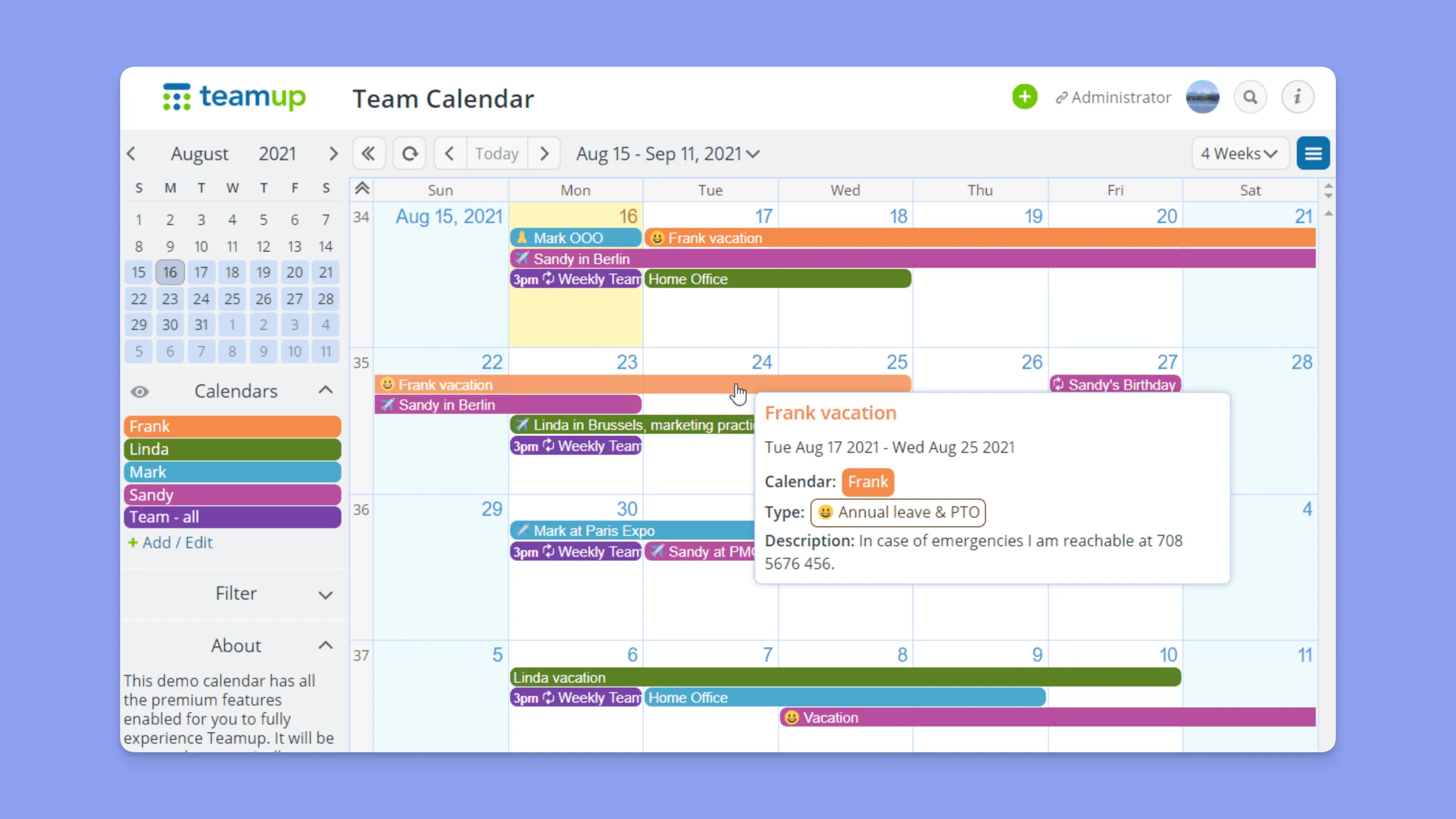
Teamup fills a niche no consumer app covers well: shared calendars for clubs, sports teams, schools, volunteer groups, and shift-based workplaces, where contributors and viewers don't all have Google or Microsoft accounts. You create a Teamup calendar, generate access links with different permission levels per link, and share. No login required for read-only viewers, which is why community groups lean on it.
Teamup pricing: Free tier with unlimited events and 8 sub-calendars. Paid plans start at $8/month for more sub-calendars, API access, and admin controls.
Best for: Clubs, sports teams, schools, shift-based businesses, and any group where viewers shouldn't need to create an account.
Review sentiment: G2 reviewers call out permissioned access links as the feature that makes Teamup unique (4.6/5).
FamilyWall: Best for Families Who Want Chat and Location Sharing

FamilyWall bundles a shared family calendar with group messaging, shared shopping lists, meal planning, and live location sharing. It's in the same category as Cozi but leans harder on real-time communication, which matters if you're coordinating teens, school pickups, or older parents who want to know where everyone is. The location layer is opt-in and is FamilyWall's main differentiator over Cozi.
FamilyWall pricing: Free tier. Premium at $3.99/month (or $29.99/year) adds unlimited entries, map history, and ad removal.
Best for: Families that want one app for calendar, chat, and "where is everyone right now?" coordination.
Review sentiment: App Store users praise the all-in-one approach; a subset flag battery drain from continuous location tracking (4.4/5).
How to Choose the Best Shared Calendar App
The right shared calendar app depends on three questions: who you're sharing with, which calendars they already use, and what you're sharing (just events or the whole household's logistics).
1. Which calendar providers do the people you share with use?
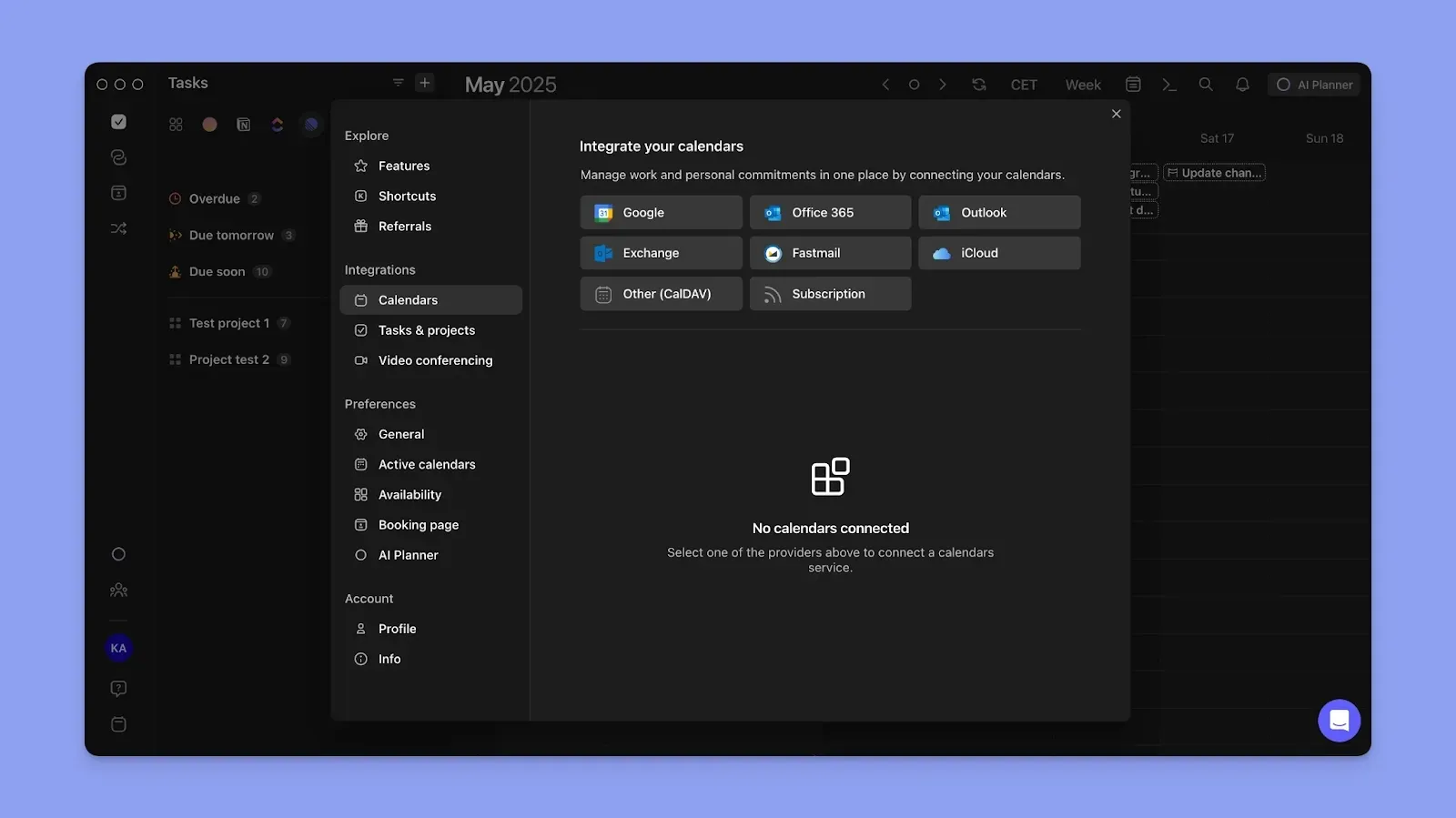
If everyone uses Gmail, Google Calendar is the easiest choice. If everyone is on iPhone, Apple Calendar is already set up. Problems start when providers mix: your work Outlook, your partner's Gmail, your parents' iCloud. Morgen connects all six major calendar providers in one view and shares any slice with anyone, regardless of which calendar they use.
2. Do you need some ADHD assistance to be more productive?

Color-coding can help to surface the different calendars and schedules with one look at your calendar. Use dedicated colors for specific tasks involving others, or for non-work-related calendars to spot commitments.
3. Do you want AI to help you plan around the shared schedule?
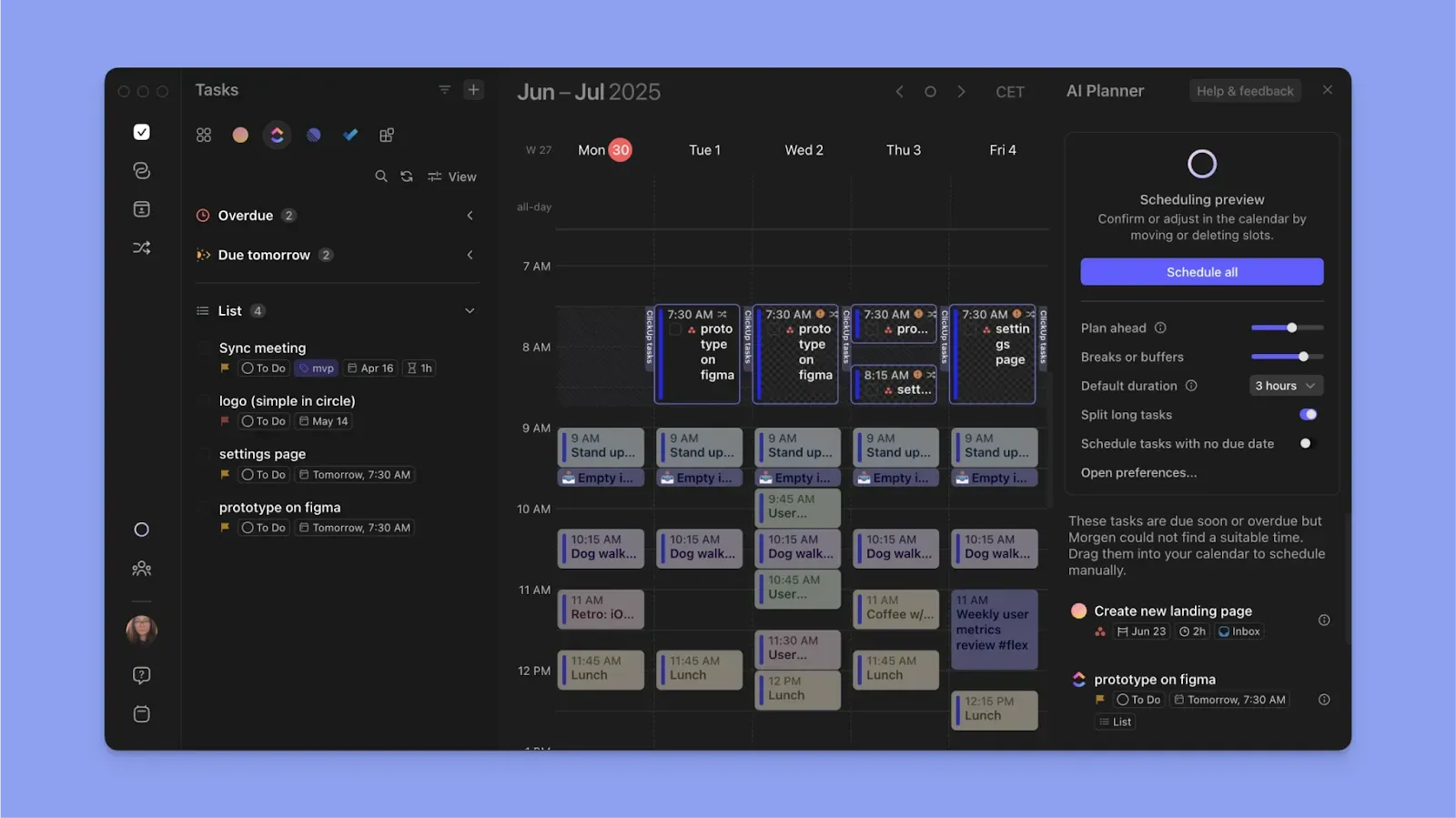
Seeing other people's events is step one. Step two is figuring out what to do with your own time around them. Google, Outlook, and Apple Calendar stop at "here's the shared calendar." Morgen's AI Planner reads your tasks from Notion, Todoist, ClickUp, and six other task tools, checks what's already blocked by shared work and family events, and drafts a daily schedule for you to approve. The AI proposes, you decide what commits. None of the other apps on this list do this.
Take Control of Calendar Sharing With Morgen
Pick the app that matches the people on the other side. All-Apple families should stick with iCloud. Gmail-native groups won't find anything easier than Google Calendar. Families running on grocery lists, meal plans, and kids' activities should try Cozi.
Everyone else, the people stuck between Outlook, Gmail, and iCloud, with no realistic path to consolidate, this is where Morgen fits. It's the one shared calendar app on this list that doesn't ask the other side of the share to switch providers first. Try Morgen free for 14 days.

.svg)
.webp)