
.svg)
→ Morgen: Best for users with complex schedules, who want a modern UI, rich calendar and task integrations, and an AI planner that prioritizes their to-dos.
→ Motion: Best alternative for teams that need aggressive auto-scheduling and AI-heavy features
→ Akiflow: Best for users who want fast keyboard workflows and manual time-blocking with tasks consolidated from multiple apps
→ Reclaim.ai: Best for Google Calendar and Outlook users who want automatic habit-based scheduling and smart focus-time protection for teams
→ Sunsama: Best for professionals who want guided daily planning, mindful time-blocking, and a calmer work-life balance routine
Fantastical is a great calendar tool, but it relies on third-party task apps and offers limited control over task scheduling, and even with its new Windows app, many workflows still feel split across tools.
We tested five Fantastical alternatives that unify calendars and tasks, work on most platforms, and use AI to support your planning without taking control. Here’s how they compare in features and pricing, plus real-world user feedback to help you pick the right fit.
1. Morgen: Best for Simple, Clean All-in-One Planning
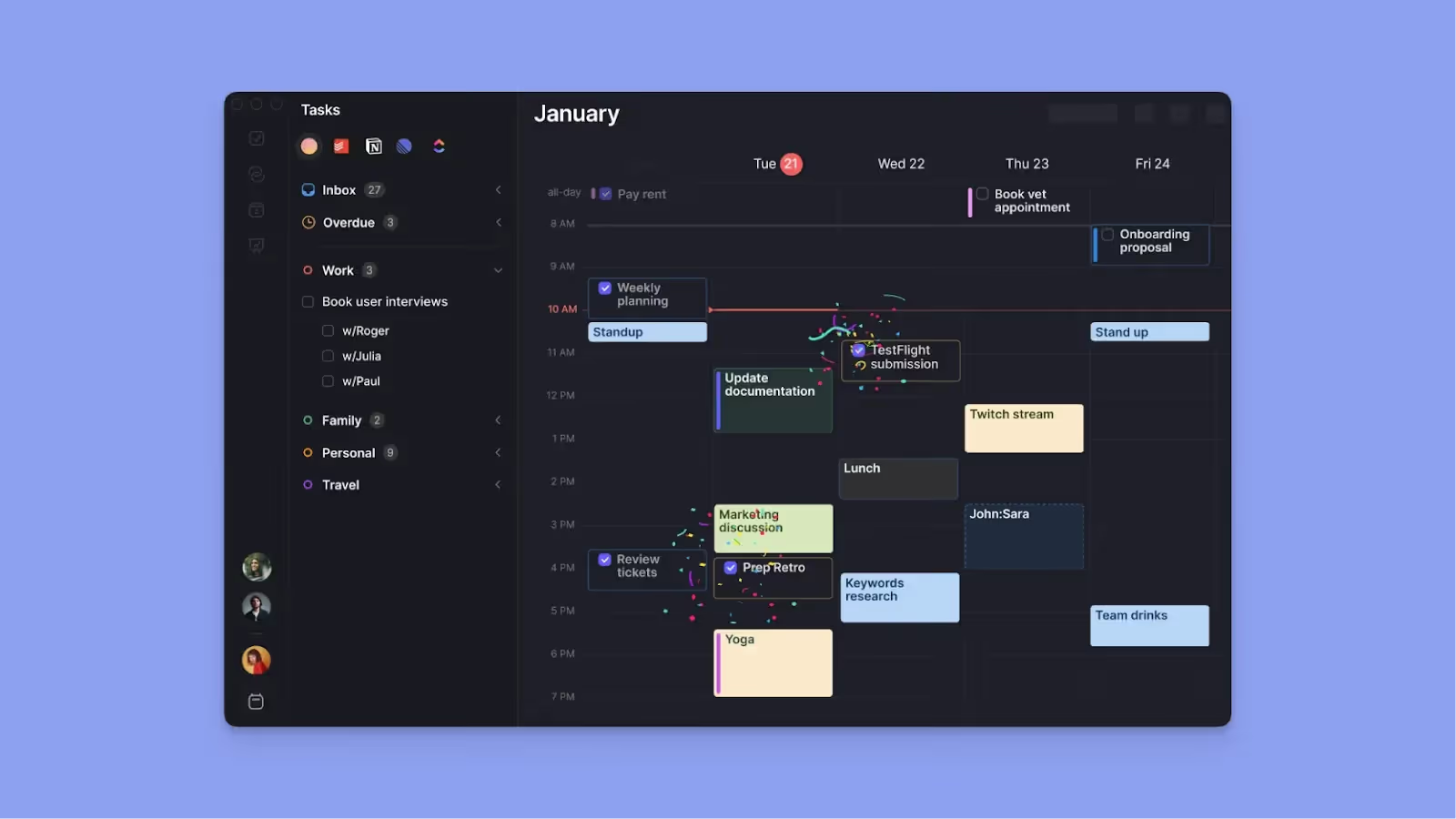
Morgen is a Fantastical alternative available on Linux, macOS, Windows, iOS, Android, and via the web. It sits on top of your calendars and task managers to give you a unified view of events with deeper integrations compared to Fantastical.
If you are currently choosing between the major players, you can also read our breakdown of Fantastical vs. Google Calendar to see how they stack up.
You can pull work from Notion, Linear, Obsidian, other task managers, and email, then schedule everything with the AI planner that suggests tasks based on Morgen's priority factors like importance, due date, duration, and capacity, without making decisions for you. When conflicts arise, you can resolve them with AI-powered suggestions that work around your existing schedule.
Key Features
Morgen is the alternative that unifies your tasks, meetings, and projects in one place. Here are some of its key features:
AI Planner with Human Approval
Morgen lets you create "frames" (dedicated time blocks app for specific work types, like Deep Work 9-11 AM, Meetings 1-3 PM). Then, the AI Planner suggests task placements within these frames, but you approve changes. For example, if you drag a meeting over tasks, Morgen asks whether to reschedule ASAP or reprioritize using AI.
Note: You can set flexible vs. fixed task flags in Morgen. Flexible tasks can be moved when the AI reschedules due to conflicts; fixed tasks stay put. This prevents the AI from moving critical deep work sessions that require specific mental preparation.
Deep Task Integrations
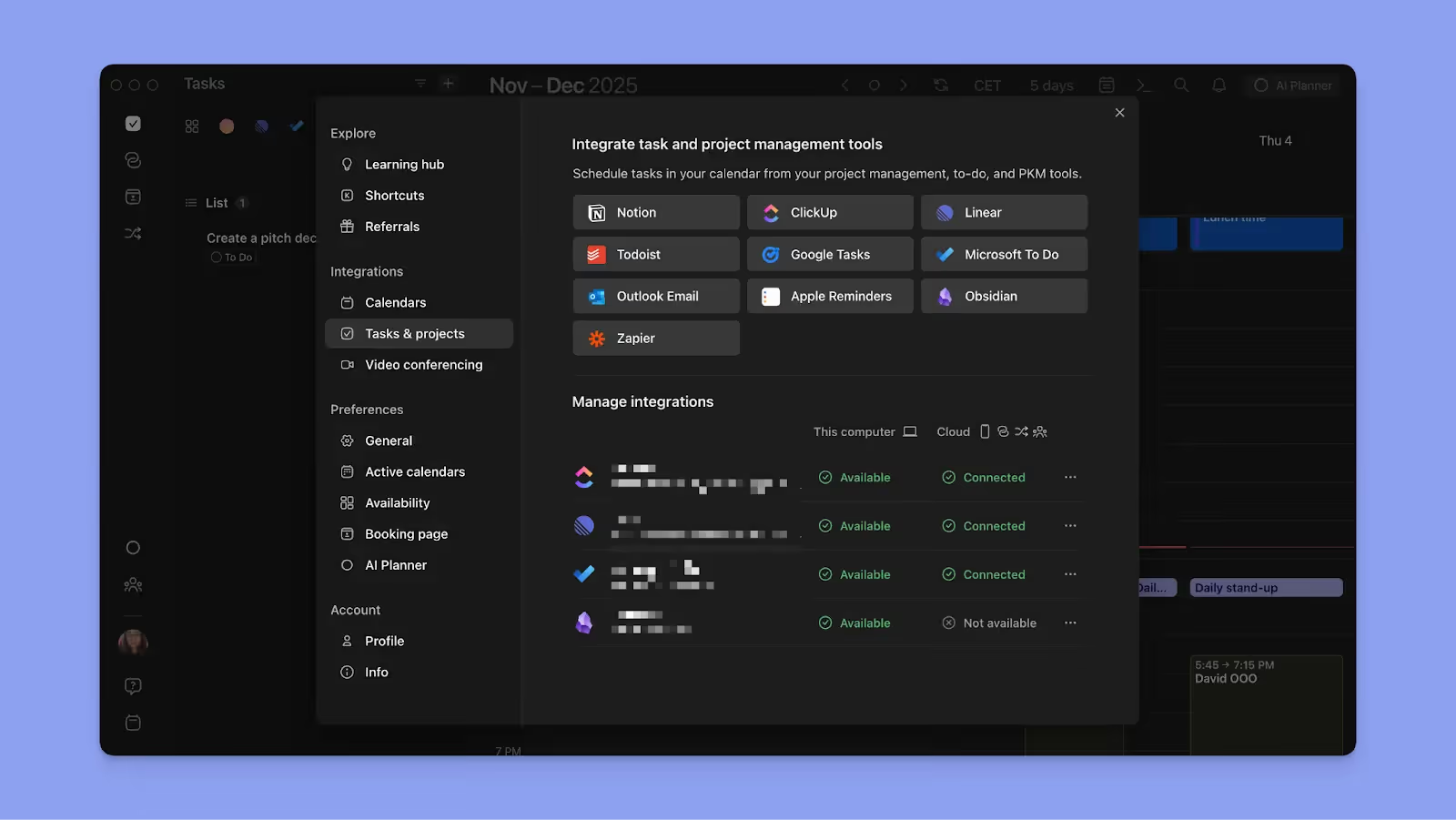
You can pull tasks from Notion, Linear, ClickUp, Todoist, Microsoft To Do, Outlook, Zapier, and Obsidian into the Morgen daily view as drag-and-drop blocks.
With these integrations, you can plan your entire task workflow from one interface. Schedule tasks for multiple work sessions, set do/due dates and notifications, and mark tasks complete when done. This eliminates decision fatigue that often triggers ADHD paralysis for busy individuals.
Unified Calendar & Task View
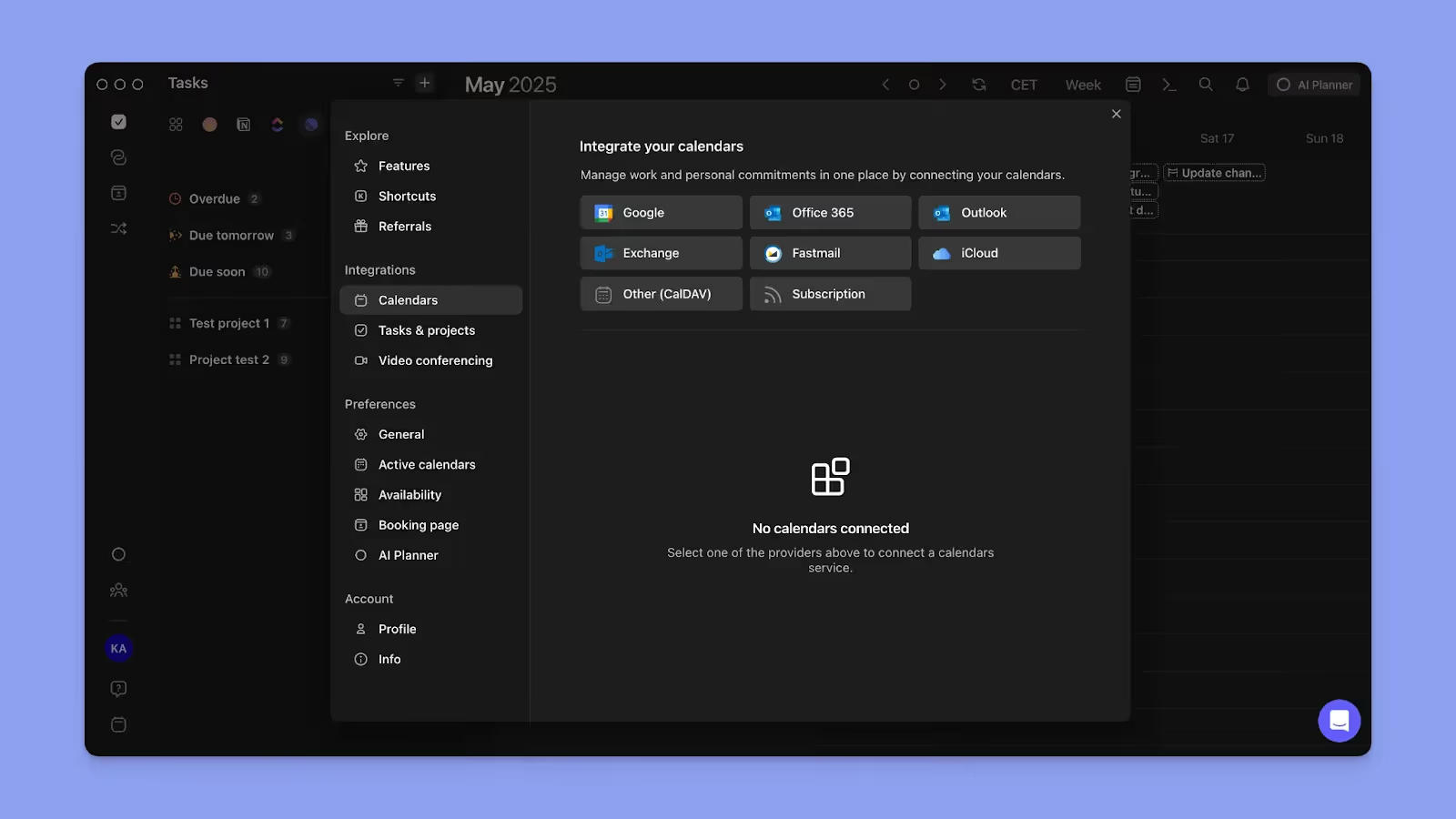
Morgen also syncs multiple calendars (Google, Office 365, Outlook, Apple iCloud, Fastmail) into one interface, which lets you drag tasks onto your calendar for time-blocking and see all commitments in one view.
Scheduling Links
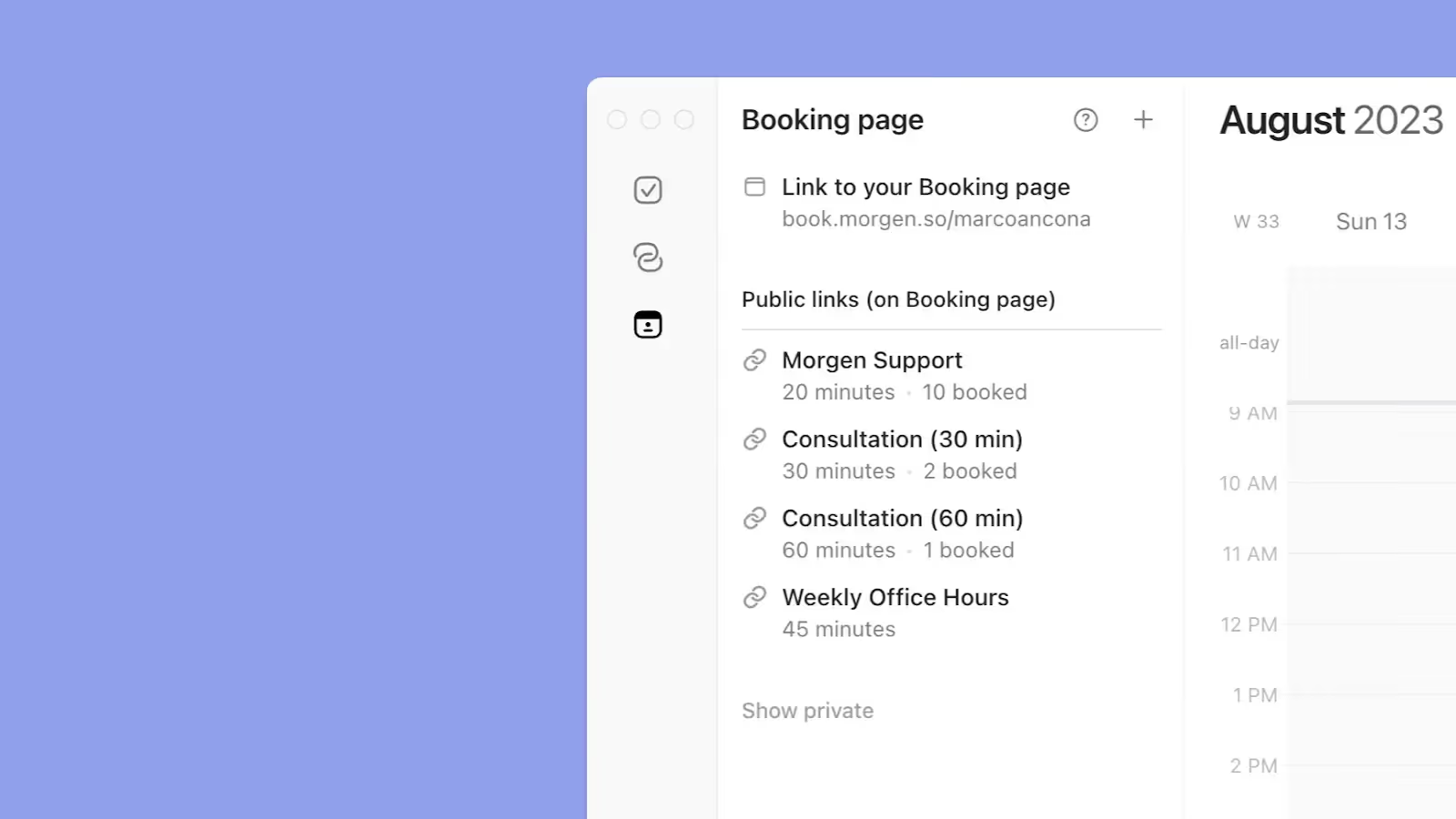
With Morgen, you can create one-off or recurring booking pages with meeting buffers, custom durations, and multi-calendar sync. The scheduling experience fits professional and privacy-sensitive environments, where you share your booking page as a link, and invitees select a day and time when you'll be available.
Pricing
Buyer Tips: You get a 15% discount on your first year after switching from Fantastical, Motion, Reclaim, or Sunsama, while students get 25% off.
Where Morgen Shines
- ADHD-friendly design: Combined task and event view prevents time blindness, while Morgen's color-coded tags let you instantly distinguish between meetings, deep work, and personal time to reduce calendar overwhelm. It’s a practical ADHD productivity solution for people who need external structure without overbearing automation.
- Keyboard-centric workflow: A number of shortcuts to make navigation easy, including pressing 'T' to return to today, using arrow keys to navigate days, and pressing 'space' to toggle the task sidebar. You can also use Calendar Sets (numbered 0-9) to instantly switch between calendar views
- Intuitive and modern UI: On Morgen, everything looks focused and pleasant to use, making daily planning feel less like work
Where Morgen Falls Short
- No free plan: Morgen offers a 14-day free trial to test all features, but there's no permanent free tier. That said, the $15/month premium plan includes a 30-day money-back guarantee, giving you over six weeks total to evaluate whether it fits your workflow before committing
- Fewer integrations: As a focus-first tool, Morgen prioritizes deep integrations with core productivity platforms like Notion, Linear, ClickUp, and Google Workspace, but the list is shorter compared to automation-heavy platforms
Customer Reviews
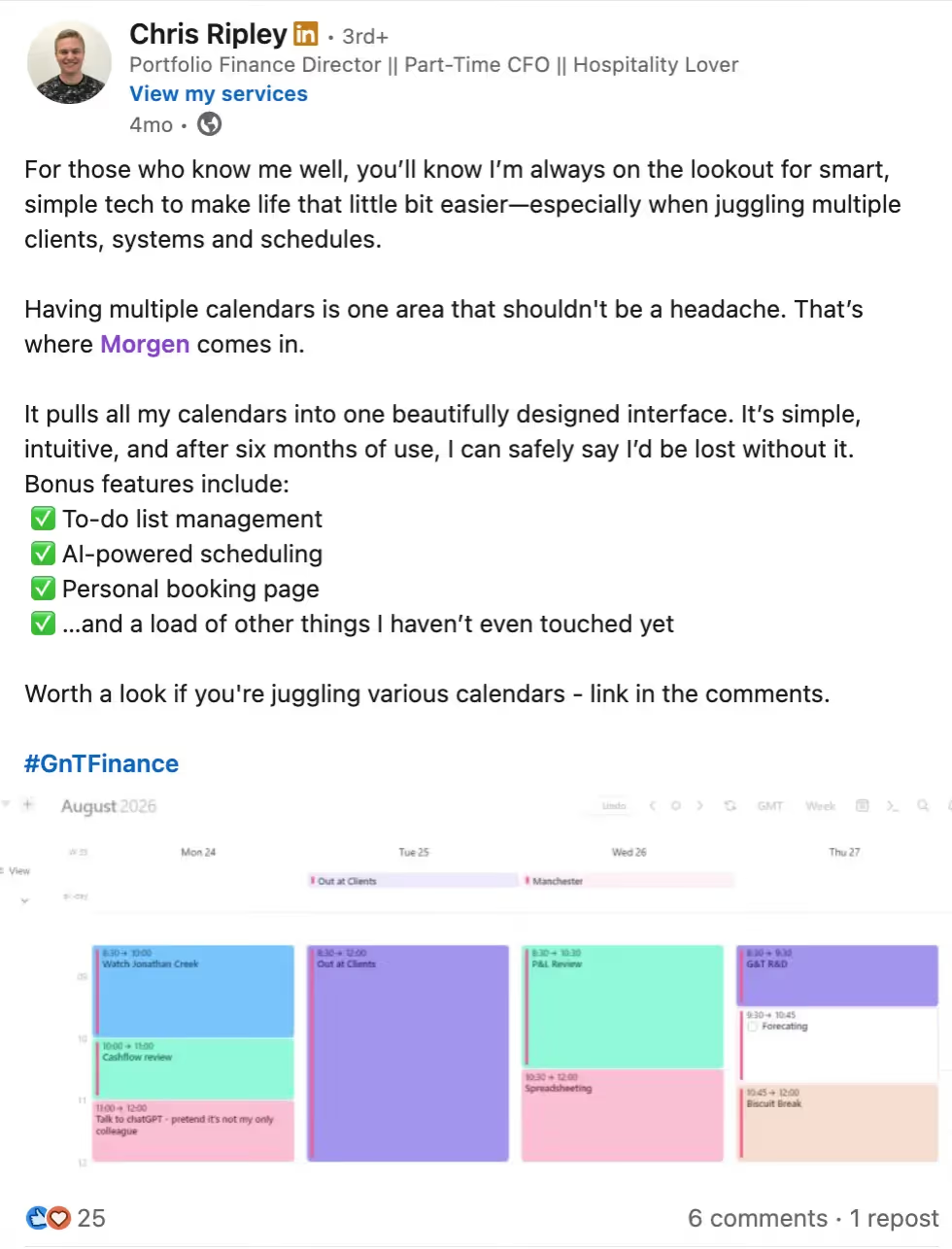
A word from Finance portfolio director Chris “I’m always on the lookout for smart, simple tech to make life that little bit easier—especially when juggling multiple clients, systems and schedules. Having multiple calendars is one area that shouldn't be a headache. That’s where Morgen comes in.”
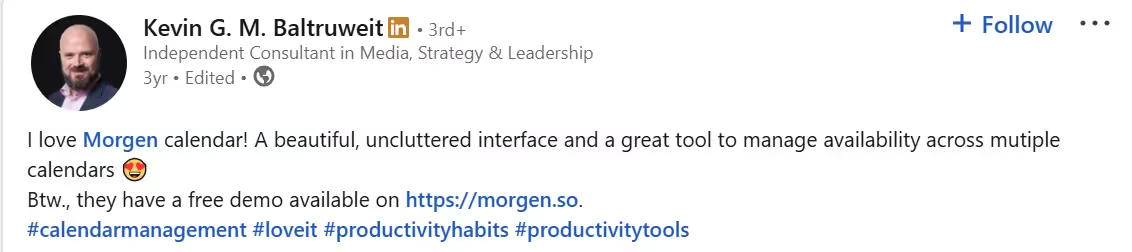
"I love Morgen calendar! A beautiful, uncluttered interface and a great tool to manage availability across multiple calendars," says Kevin Baltruweit.
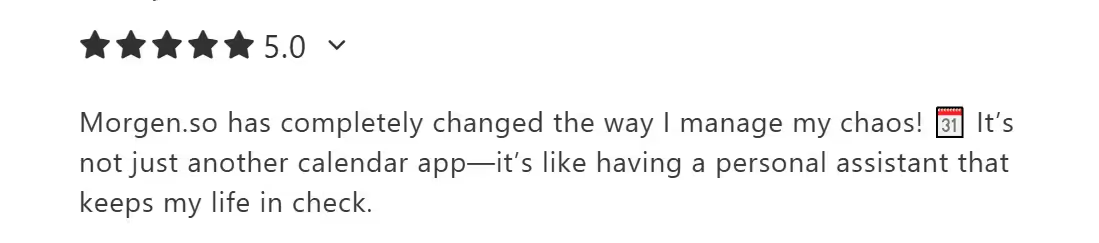
"Morgen.so has completely changed the way I manage my chaos! 🗓️ It’s not just another calendar app—it’s like having a personal assistant that keeps my life in check," says Przemek S.
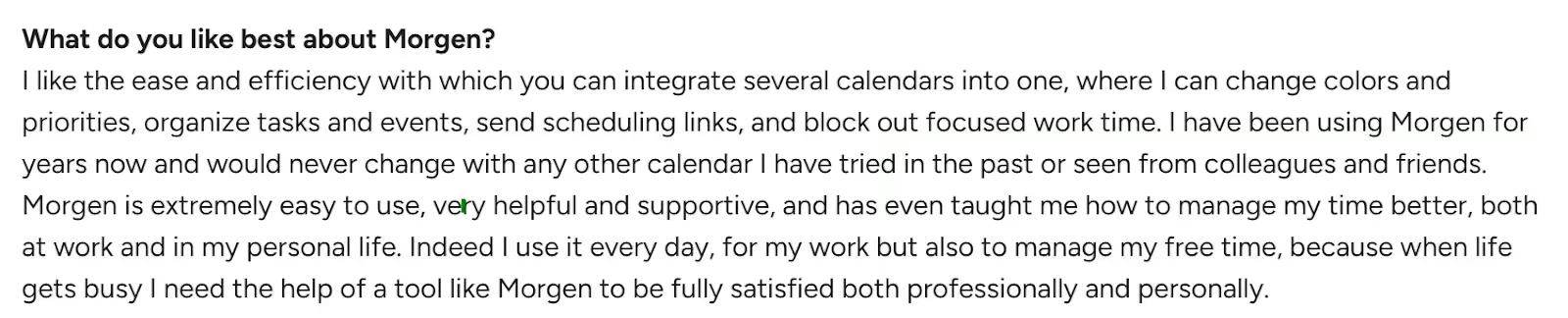
"I like the ease and efficiency with which you can integrate several calendars into one," shares Elisa T.
Who Morgen Is Best For
- Developers and technical professionals: Native Linux support and Obsidian integration appeal to nerdy profiles who go granular
- Solopreneurs juggling multiple roles: You manage large calendars and workloads across different responsibilities without heavy team features
- People with ADHD: Structured-but-flexible approach helps externalize planning without anxiety from unpredictable AI reshuffling
Planning to travel soon and need a tool to calculate your travel time and insert helpful buffer times to your calendar? See how Morgen's auto-schedule buffer can help.
2. Motion
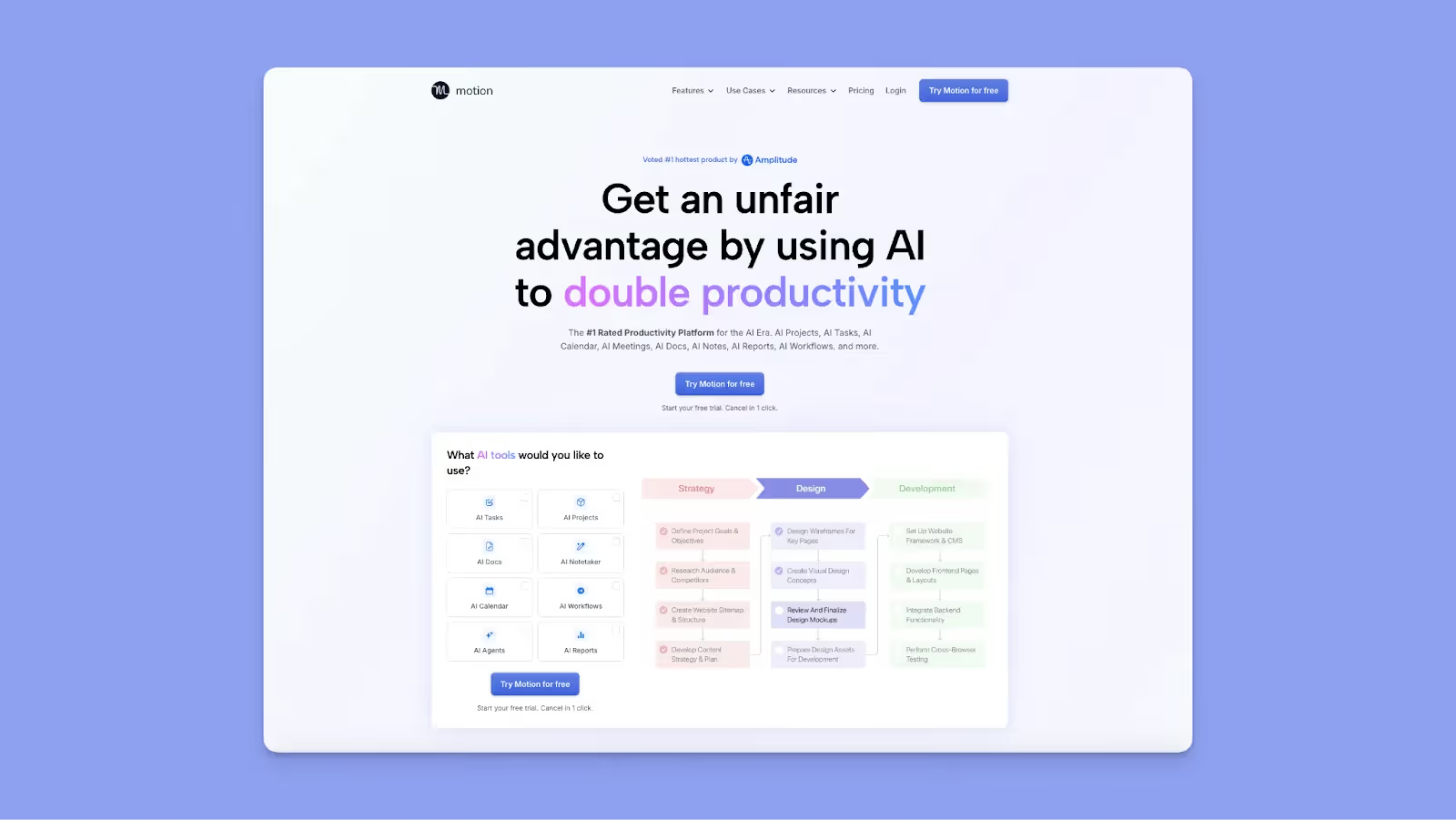
Motion combines calendar, task management, project management, and meeting scheduling into one AI-driven platform. It automatically schedules tasks based on deadlines, priorities, and duration, moving everything around when conflicts emerge.
Key Features
- Full AI auto-scheduling: Motion auto-schedules tasks based on the priorities, due dates, and parameters set. While this removes manual planning, the AI also tends to overplan, creating packed schedules that feel unrealistic and lead to missed tasks
- Project management: Motion has Kanban boards, Gantt charts, and team workload balancing for project management, teamwork, and productivity
- AI employees: Customizable AI bots trained on your data and workflows that read notes, review tasks, analyze documents, and generate action items directly into your Motion calendar
Pricing
Note: Motion charges for AI credits, too. If you select the Pro AI plan, you'll get 7,500 credits at $0.39/100 credits. If you choose the Business AI plan, you get 15,000 AI credits at $0.19/100 credits.
Where Motion Shines
- Comprehensive project management: Unlike most Motion App alternatives, you get reliable PM features that eliminate the need for separate tools like Asana or ClickUp
- Mobile app improvements: Recently improved calendar sync speed across Google, Apple, and Outlook with full iOS/Android apps
Where Motion Falls Short
- Heavy AI focus: Motion can feel "too AI-heavy" with the system moving tasks unpredictably throughout the day, a black box approach that creates anxiety when your schedule changes without direct input
- Steep learning curve: Motion has a bit of a learning curve for beginners before they get comfortable optimizing task durations, deadlines, and priorities properly
Customer Reviews
"The price is a little steep. But I still pay because I need it. OH! The main thing right up front was the very very short trial period," says Megan P.

"The AI always puts subtasks in the wrong order despite establishing a sequence for the project," shares J.T.
Who Motion Is Best For
Small teams needing all-in-one PM and calendaring: Replaces 3-4 tools (calendar, task manager, project manager, scheduler) with one platform, with AI employees to streamline most functions
3. Akiflow
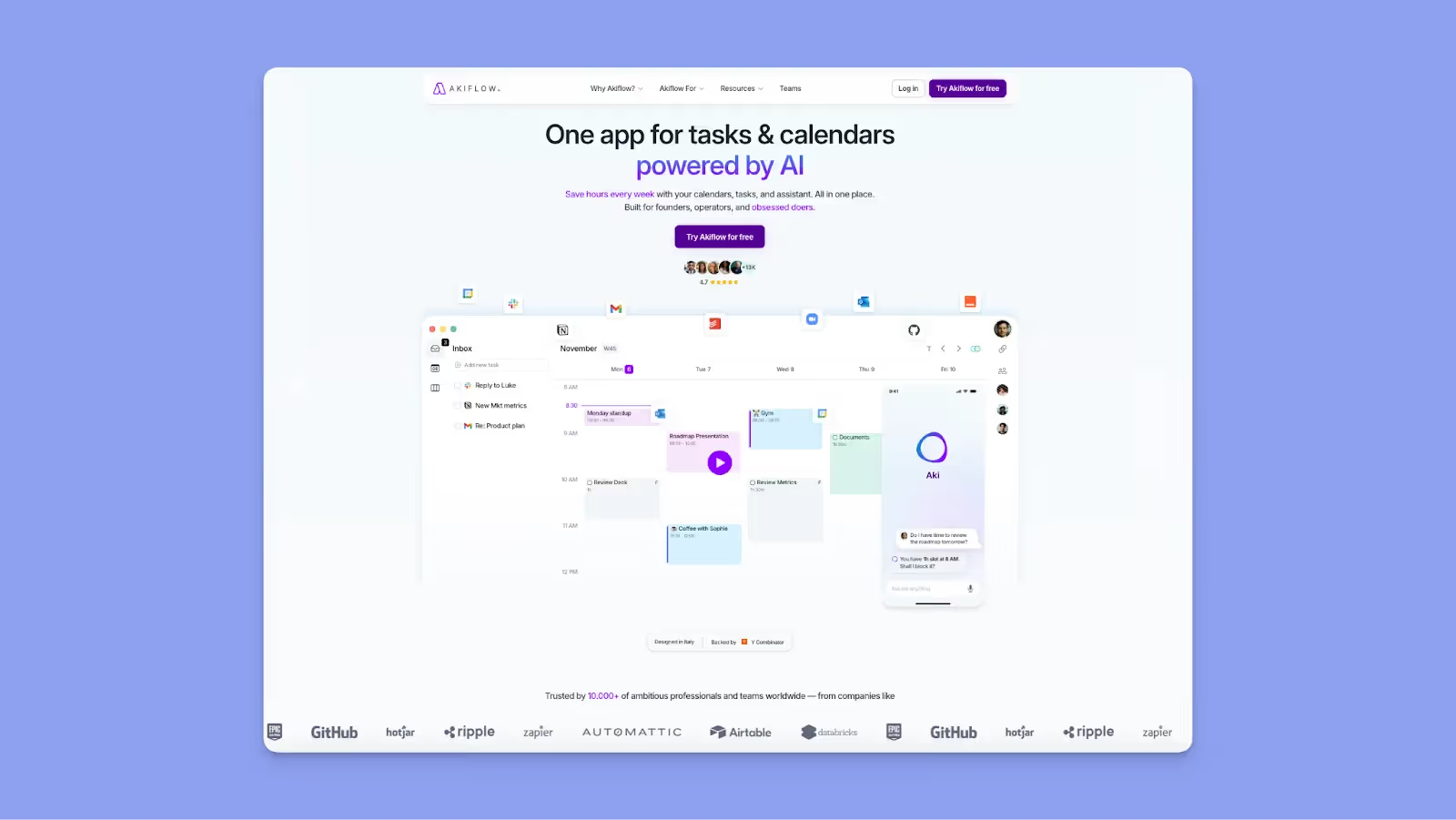
Akiflow centralizes tasks from multiple sources (Gmail, ClickUp, Notion, Asana, Slack) into one dashboard with powerful time-blocking and calendar integration. It also installs fast on macOS, Windows, and Android, and ships with simple keyboard shortcuts for speed.
Key Features
- Command bar with natural language: You can type a task in the command bar, and Akiflow will create the task on your calendar. It comes with keyboard shortcuts for every action, from navigation, task creation, scheduling, filtering, and more
- Drag-and-drop time blocking: Pull tasks directly onto your Google Calendar or Outlook schedule, with a visual representation that helps you see where work actually fits
- Availability sharing: Create booking links similar to Calendly for letting others schedule with you without back-and-forth emails
Pricing
Akiflow charges $19 per month for the Pro plan if you pay annually.
Where Akiflow Shines
- Onboarding call: You get a free onboarding call where the Akiflow team takes you through making the best of the tool for productivity and task management
- Superb integrations: Since it pulls tasks from Notion, Click-Up, and other tools, Akiflow centralizes a lot of data in one place, making it ideal for people with ADHD or really busy schedules
Where Akiflow Falls Short
- Integrations could be better: While it integrates with many tools, some of them come with limited capabilities, such as Notion not bringing in descriptions for different tasks
- Missing core features: No subtasks support, and you also get limited reminders functionality compared to better Akiflow alternatives
Customer Reviews
"So far, my only complaint is the lack of support for subtasks. I hope they'll prioritize this on their roadmap," shares Alecia Brooke W.

"Integrations need some work. They are good in theory, but not very practical for everyday use. For example, the Notion integration is very responsive, but doesn't bring in descriptions for each task," says James D.

Who Akiflow Is Best For
- Consultants managing multiple client accounts: The ability to sign into multiple project management tool accounts simultaneously works best for people juggling client workspaces
4. Reclaim.ai
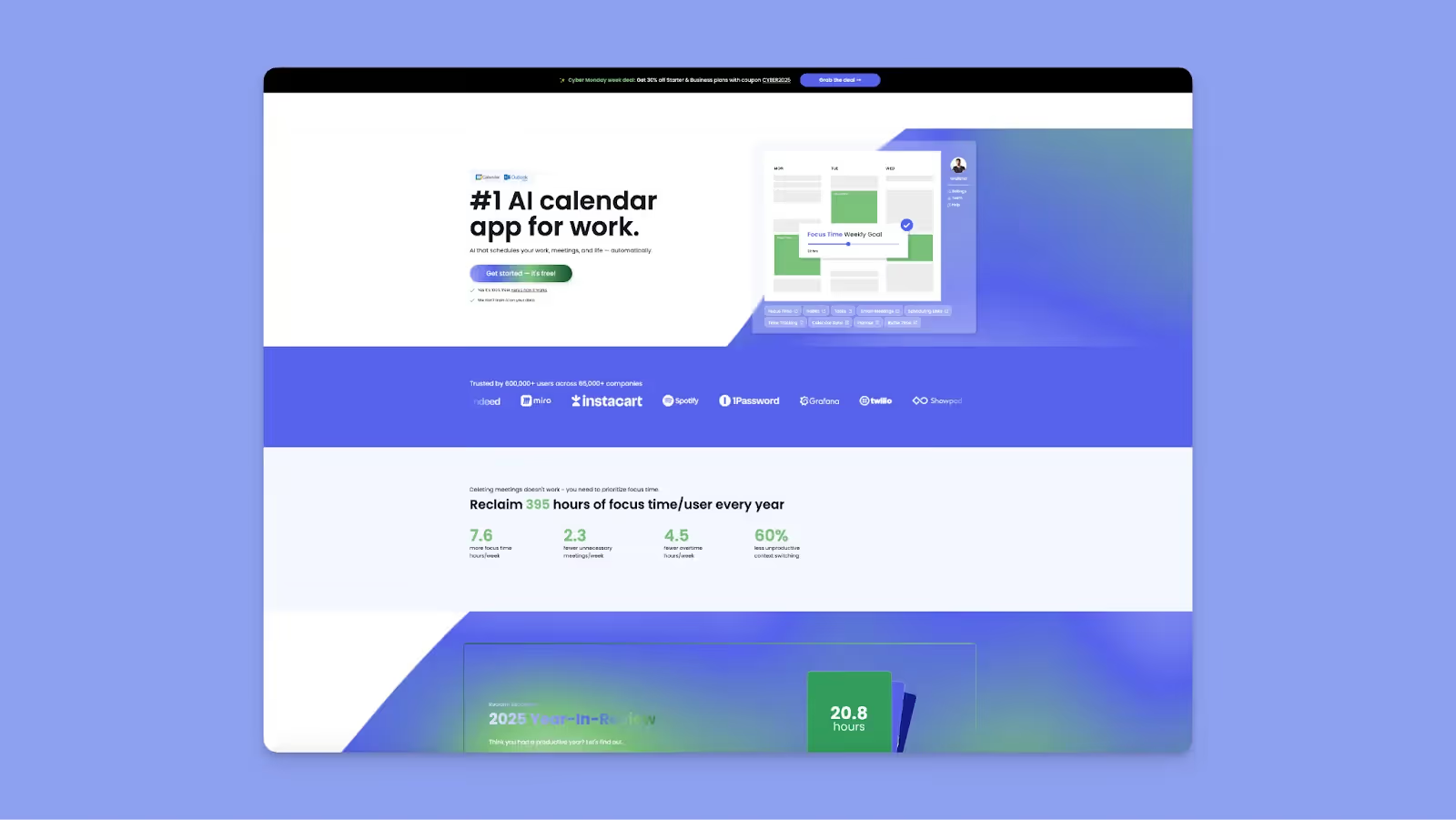
Reclaim.ai is an AI personal planning assistant that sits on top of Google Calendar and Outlook without replacing them. You can use it to create rules for how events and tasks should appear and automatically defend time for focus work, habits, and meetings.
Key Features
- Priority-based scheduling: You can assign P1 (critical) to P4 (low priority) levels to all calendar events so that when higher-priority items need time, Reclaim automatically overbooks lower-priority events and reschedules them instantly.
- Focus time defense: AI automatically defends calendar blocks for deep work while adapting to meeting demands
- Flexible habits: Create recurring activities for lunch breaks, exercise, email triage, or planning time, for habits that reschedule even when interrupted by higher-priority meetings
Pricing
Where Reclaim.ai Shines
- Ease of use: Signing up is fast, and then it's easy to authorize calendar access, set working hours, and choose a default time zone
- Good integrations: Reclaim integrates with many tools teams use, including Slack, Todoist, Jira, Asana, Linear, and Zoom
Where Reclaim.ai Falls Short
- No mobile app: Reclaim only works through desktop browsers with no mobile app, which is disappointing, especially since one in two people access digital calendars on mobile phones, according to Exploding Topics
- It tends to over-schedule some tasks: Compared to Fantastical competitors like Morgen, Reclaim can sometimes over-schedule tasks, which then makes a calendar look complicated and overwhelming
Customer Reviews
"Sometimes it over-schedules tasks, and looking at the calendar looks overwhelming," says Andrea F.

"Honestly, I wish there was a mobile app for Reclaim that I could use," shares Christian A.

Who Reclaim.ai Is Best For
- Larger teams with frequent meetings: They get smart meeting scheduling and team-wide focus time optimization
5. Sunsama
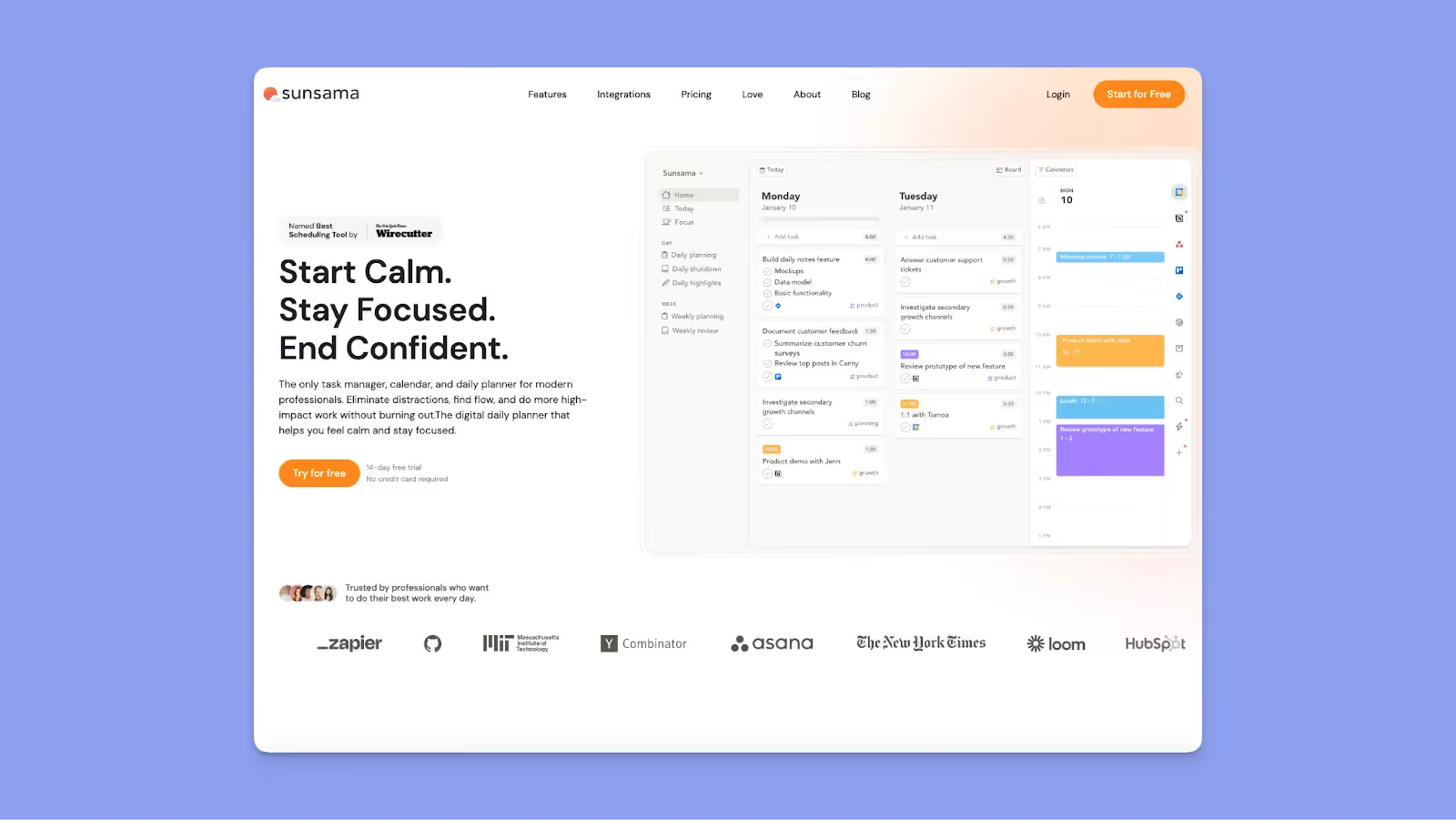
Sunsama emphasizes intentional daily planning through guided rituals. It integrates tasks from multiple sources and syncs with Google Calendar and Outlook, but the philosophy centers on slowing down to plan thoughtfully.
Key Features
- Guided rituals: Start each day with a planning session reviewing yesterday's incomplete tasks and setting today's goals, then end with a shutdown ritual reflecting on accomplishments
- Time-blocking with calendar integration: You can drag tasks from any integrated tool, including Asana, Trello, ClickUp, Jira, and Gmail, directly onto your Google Calendar or Outlook schedule
- Focus mode with Pomodoro: Minimizes distractions by displaying one task at a time until completed, so you work in focused intervals
Pricing
Where Sunsama Shines
- Work-life balance: The tool actively discourages overwork with daily shutdown rituals that help you disconnect properly and maintain boundaries, something you simply won't get from most Sunsama alternatives
- Integration quality: Seamless connections to make task import and real-time syncing work reliably
Where Sunsama Falls Short
- Limited mobile functionality: iOS and Android apps offer viewer/reader mode only, not full access to plan your day
- Missing core features: Sunsama still lacks task prioritization and import from PM tools features
Customer Reviews
"The Android app - it's intended as a companion, not as a replacement of the desktop/web version, and it lacks some functionality." Anna G.

"Sunsama lacked some core features I needed, specifically the ability to import tasks from multiple accounts of the same PM tool," shares Corey B.

Who Sunsama Is Best For
- Professionals prioritizing work-life balance over raw efficiency: If burnout is your concern and you want tools that encourage boundaries, Sunsama's philosophy aligns
Reasons to Consider an Alternative to Fantastical Calendar
Fantastical's limitations become obvious once you expand beyond the Apple ecosystem or need your calendar to offer more than a native calendar. Here are more reasons driving users toward other tools.
Different Ecosystems Support
Fantastical only recently launched for Windows and doesn't support Android devices at all, meaning you're forced to deal with clunky workarounds like web apps and constant calendar syncing issues.
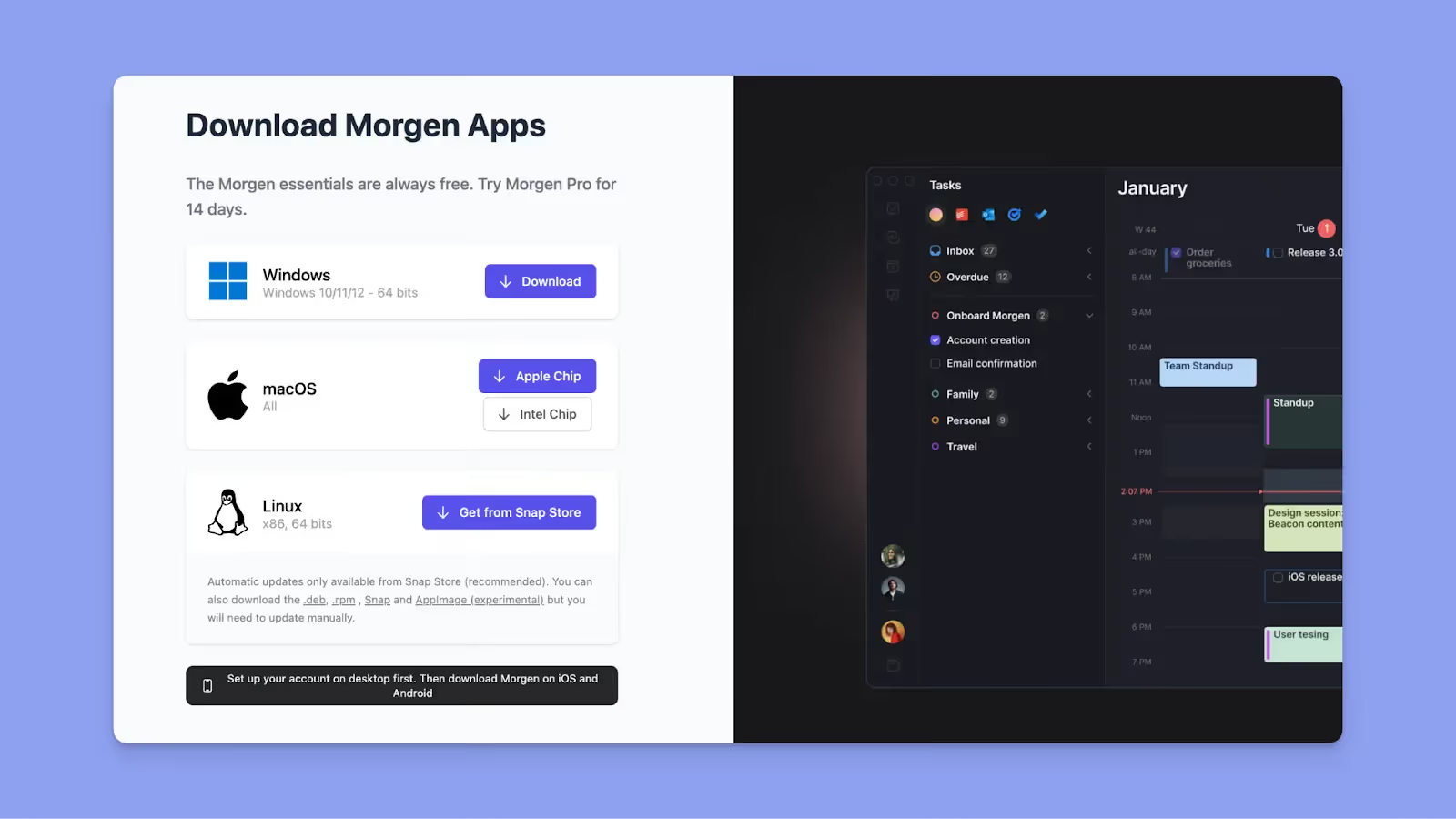
As a Fantastical alternative, Morgen offers native apps for macOS, Windows, Linux, iOS, and Android from day one, with full-feature support and syncing so your schedules stay accurate always.
AI Scheduling
If you rely on Fantastical, you get to manually drag tasks onto your calendar, figure out priorities yourself, and reshuffle everything when conflicts emerge. According to these latest statistics, moving data from one platform to another costs employees up to 10 hours a week, not to mention up to six hours scheduling meeting-related tasks.
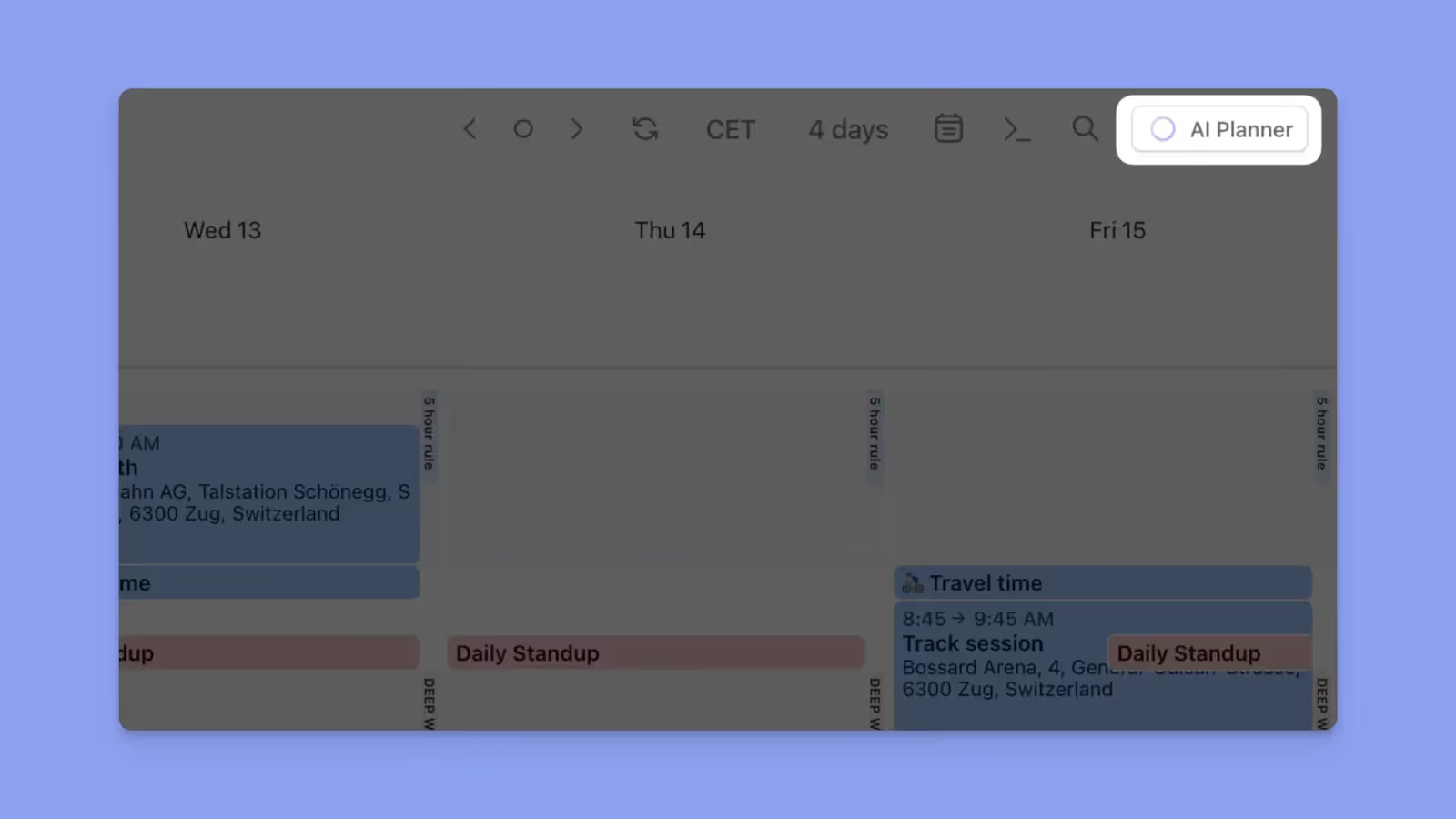
With Morgen, you can use the AI planner to suggest task placements based on deadlines and priorities. You'll approve suggestions, but the initial heavy lifting happens automatically instead of manually, which then saves you a lot of time and productivity.
Tip: When you go into AI planner mode, the proposed tasks or events will pulsate so you can distinguish them from those already scheduled.
Value for Money
Fantastical may not cost tens of dollars per user, but it offers limited functionality, especially without bare-minimum features like AI scheduling and multi-OS support.
You can use Morgen instead for full-stack calendar, task, and automation features, plus more flexibility for only $15/month with a 30-day money-back guarantee, too.
Download the new Morgen 4 for macOS, Linux, or Windows. Or, set up your desktop first, then download Morgen on iOS or Android.
A Final Word on Morgen
If you need cross-platform support, AI scheduling help, or real task integration, Morgen delivers better compared to Fantastical's limited capabilities. You get a copilot that suggests where tasks fit based on your Frames while you approve everything.
The setup takes minutes by connecting your calendars and task tools, creating a few Frames, and letting the AI suggest placements. Simply put, the system adapts to how you actually work.

.svg)
.webp)


