
.svg)
→ Morgen: best if you manage multiple calendars and task tools, and want a calendar-first planner that helps you plan without taking control away
→ Akiflow: suits power users who plan manually, rely on keyboard shortcuts, and want fast task-to-calendar workflows
→ Sunsama: works well if you need structure to avoid overcommitment and prefer intentional daily planning rituals
→ Motion: fits teams or individuals who want full AI automation and are comfortable with constant schedule reshuffling
→ Reclaim: is ideal if meetings disrupt your day and you want focus time and habits auto-protected inside your calendar
You may not realize how much time you lose trying to coordinate busy calendars until you look at the research. Switching between tasks or multitasking can reduce productivity by 40%. Add switching between tools for each task, and you have even more productivity leaks.
As a busy professional, you need the best digital calendar planner apps that consolidate calendars, tools, meetings, tasks, and routines into a single planning interface.
Here are our best picks and why.
Best Digital Calendar Planner Apps at a Glance
1. Morgen: Best Digital Calendar Planner for Busy Professionals
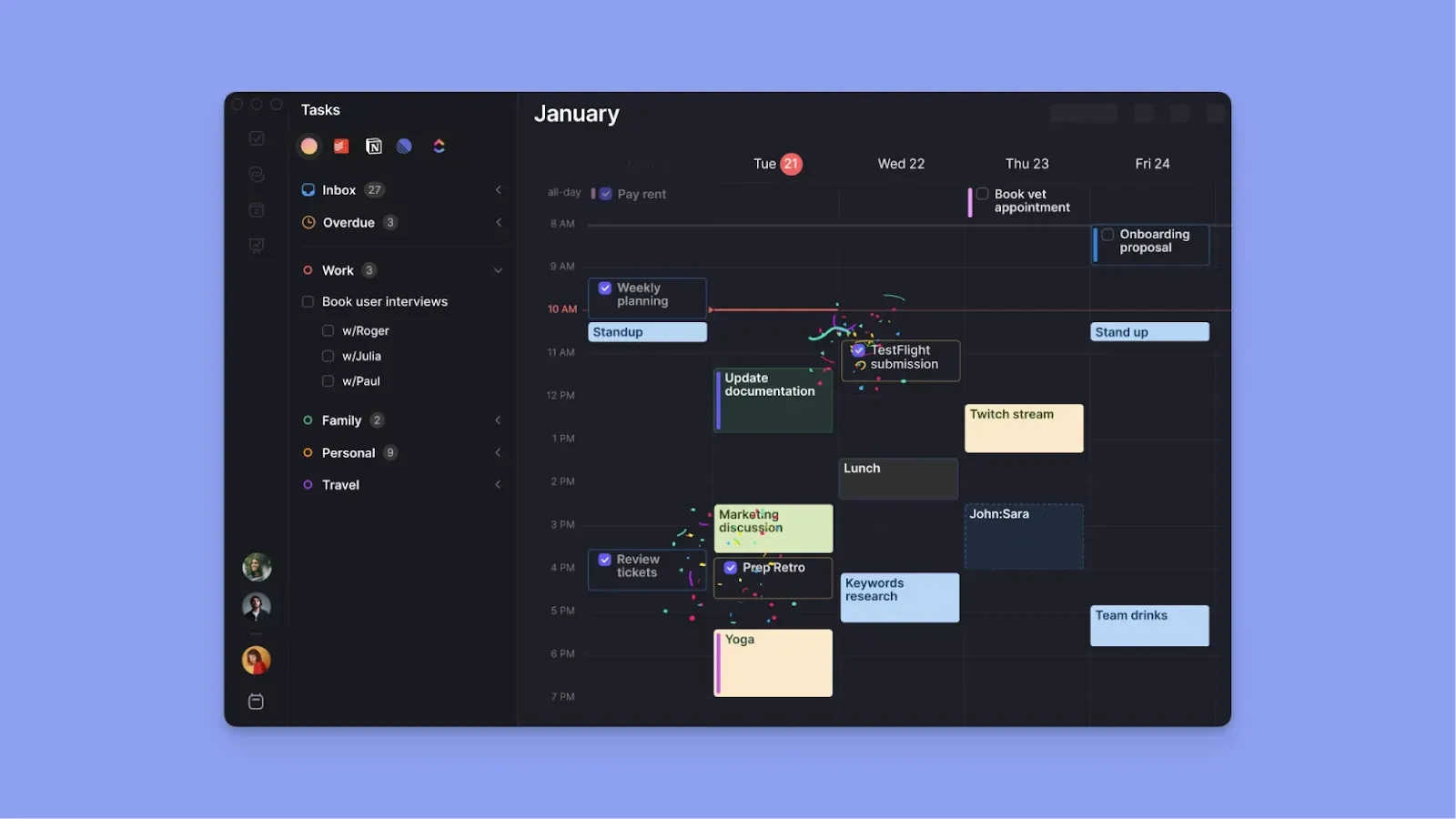
Morgen is a calendar-first digital task planner available across Linux, Windows, macOS, iOS, Android, and the web.
It unifies calendars, tasks, task tools, events, routines, and virtual conferencing planning in one interface, eliminating the need to switch between multiple apps.
Key Features
Morgen consolidates your scheduling ecosystem so you can see and manage everything happening in your day.
Multi-Calendar Support
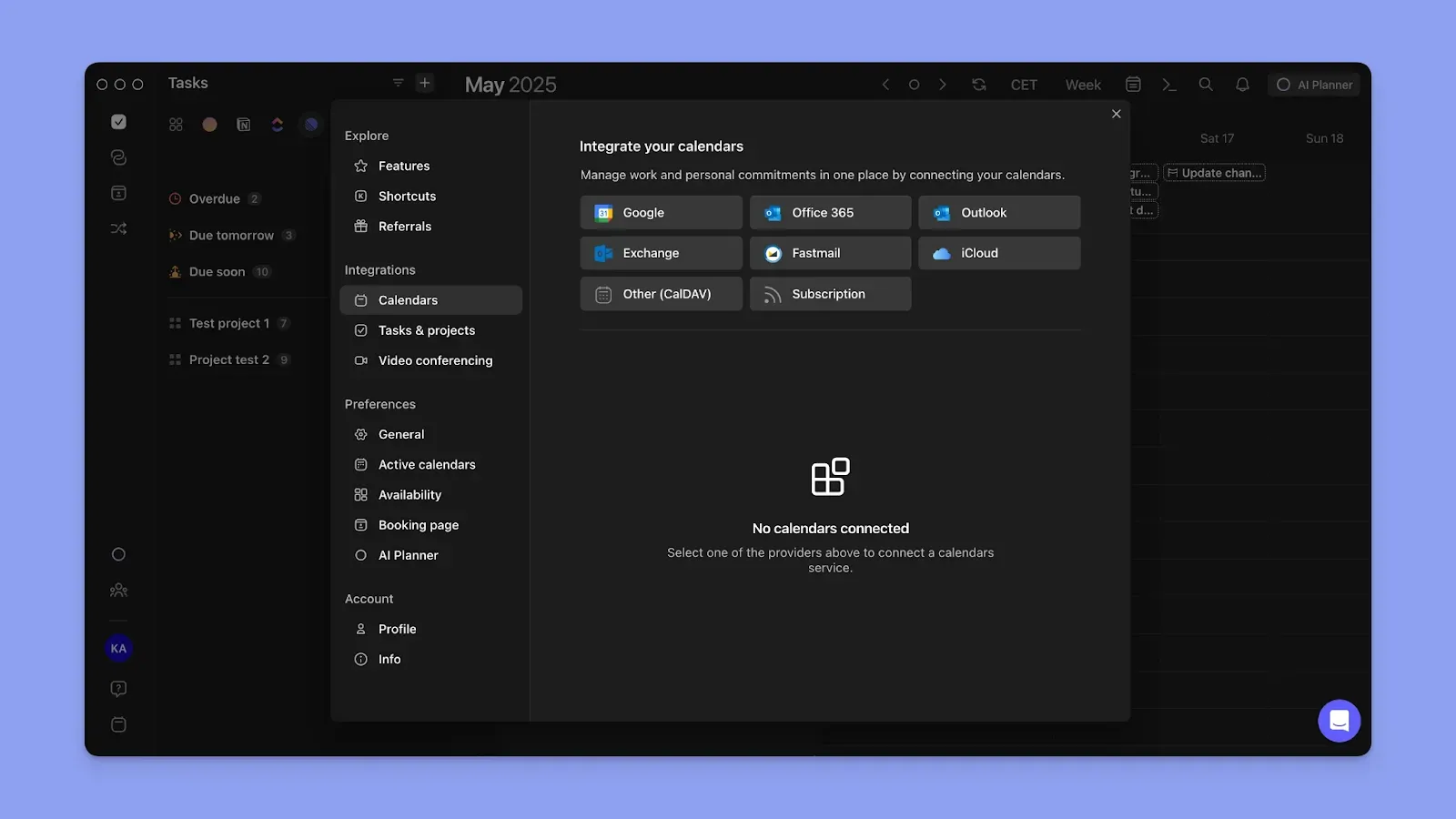
Morgen syncs multiple work and personal calendars, including Google Calendar, Outlook, Apple Calendar, and Fastmail. Sign up, connect your calendars, and your consolidated schedule displays instantly.
If you are currently deciding between platforms, you can read our comparison of Fantastical vs. Google calendar to see which base provider suits your workflow.
You can also use Calendar Propagation to unify availability across all calendars. Events or commitments on Google Calendar will automatically appear as busy blocks on Fastmail or other connected calendars. Calendar propagation prevents double-booking and keeps the details from other calendars private.
Task Tool Integrations
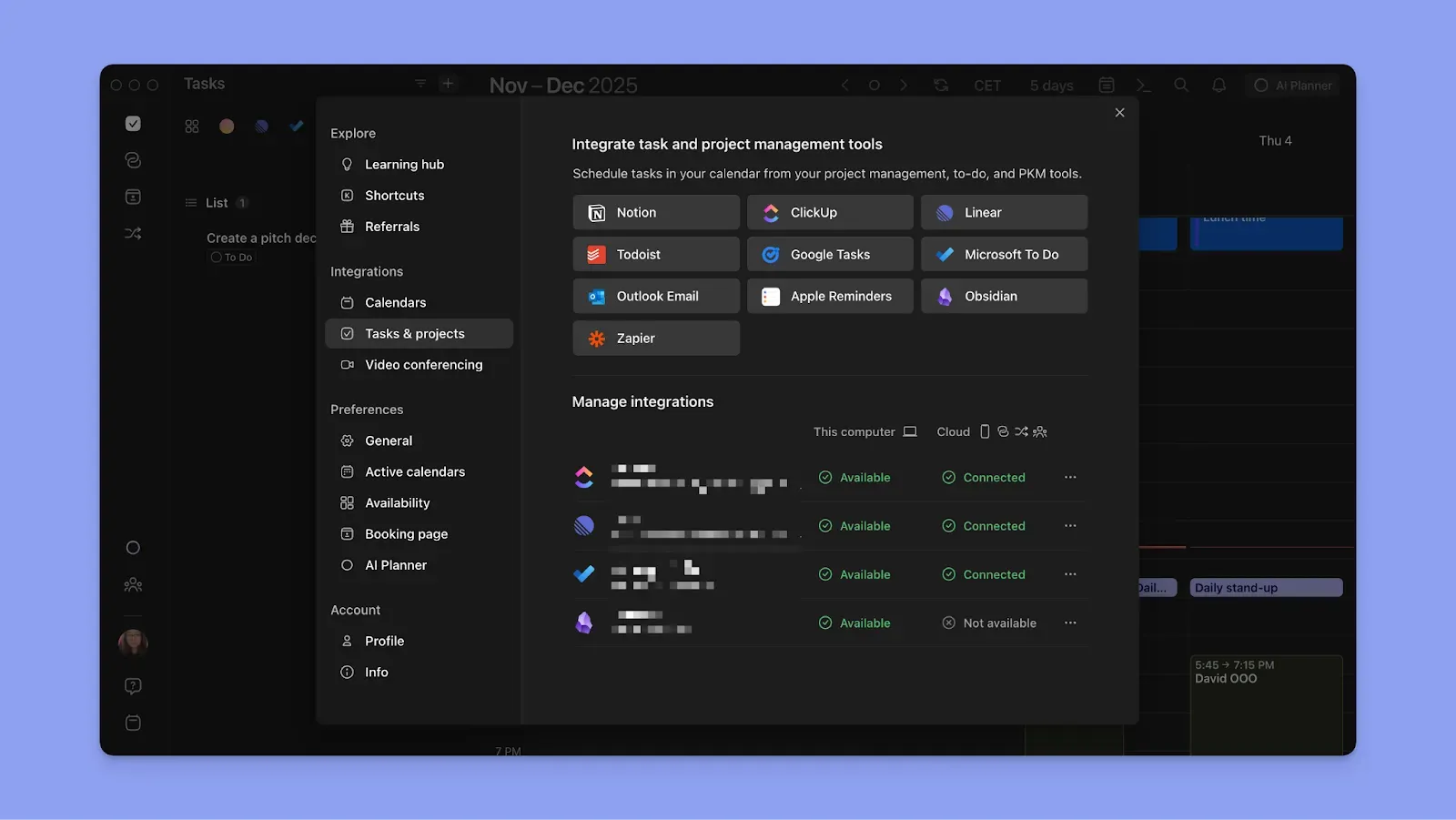
Connect task planners such as Notion, Todoist, Linear, ClickUp, Obsidian, Google Tasks, Microsoft To Do natively, or more via Zapier. After connecting calendars and task tools, you can schedule tasks around calendar events and routines to create a complete daily plan. Check how we connect Outlook Calendar and Apple Reminders.
AI-Assisted Planning
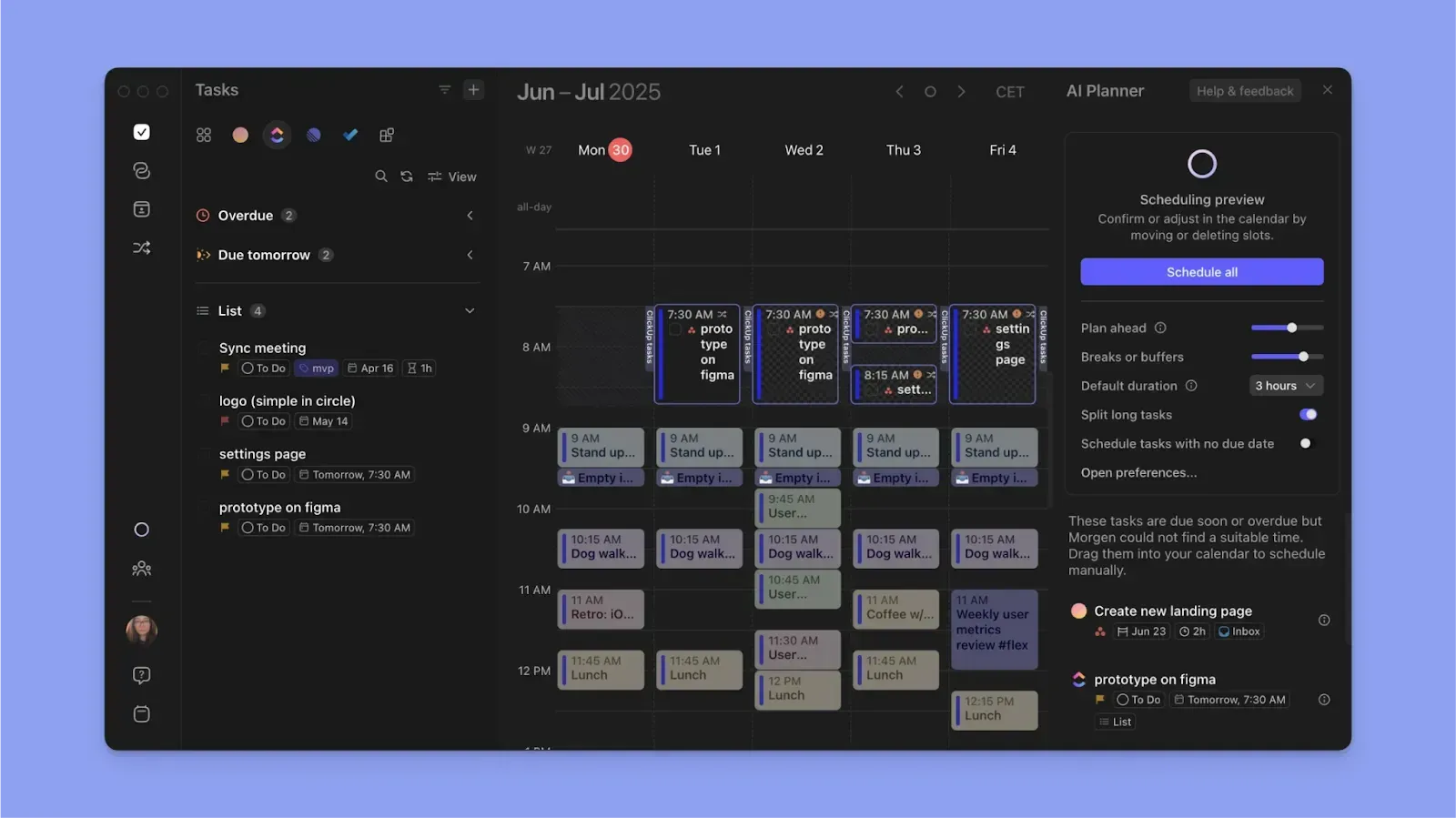
After consolidating calendars and tasks, conflicts can arise when scheduling. If you try scheduling a task over a committed timeslot, Morgen's AI Planner warns you of the conflict. You can reschedule the task to the next available slot, reorganize your entire schedule with AI suggestions, or unschedule that specific task.
If you choose AI reorganization, all suggested changes appear as pulsating blocks on your calendar. Click Schedule All to confirm the changes, and the AI Planner schedules everything. Alternatively, you can manually reorganize your schedule until conflicts clear.
Frames for Timeboxing
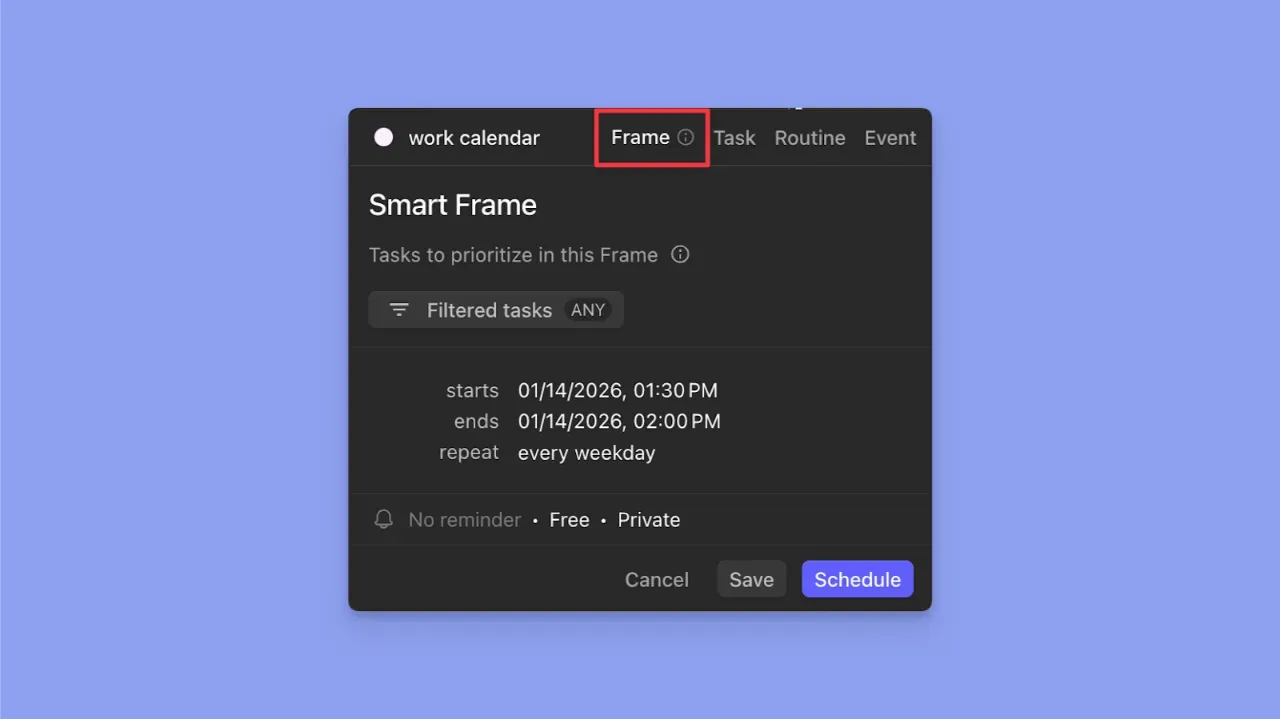
Morgen Frames help you template time-blocked recurring schedule. Click a free space in your calendar view, then choose Frame. Name it (like Deep Work), then set it to recur daily, weekly, monthly, yearly, or on a custom schedule.
Next, choose which tasks to prioritize for that Frame by selecting task sources and applying filters. The AI Planner will continuously suggest tasks for that Frame based on what's available to schedule, your availability, and task priorities.
Pricing
Note: Morgen plans include a 14-day free trial (no credit card information required) and a 30-day money-back guarantee.
Where Morgen Shines
- Create a schedule around calendar commitments: Build task schedules around meetings and routines. Morgen does not reschedule calendar commitments; it helps you plan tasks to fill availability gaps
- Deep integrations: Morgen consolidates calendars and task tools in one view, eliminating context switching that drains productivity
- Designed for busy individuals and ADHD brains: you can create tasks, events, and routines on Morgen, with color-coding to reduce cognitive load, shortcuts to plan faster, and a command bar to create tasks and events using NLP
- Simplified meeting coordination: Create and share booking pages with scheduling links that show real-time availability. You can also create multi-person links to coordinate team meetings, or open invites for specific meeting slots
Where Morgen Falls Short
- Not a full project management tool: If you need Kanban boards, Gantt charts, or visual task organization for team projects, Morgen won't replace tools like Asana or ClickUp. It focuses on calendar-based planning rather than project boards
Customer Reviews
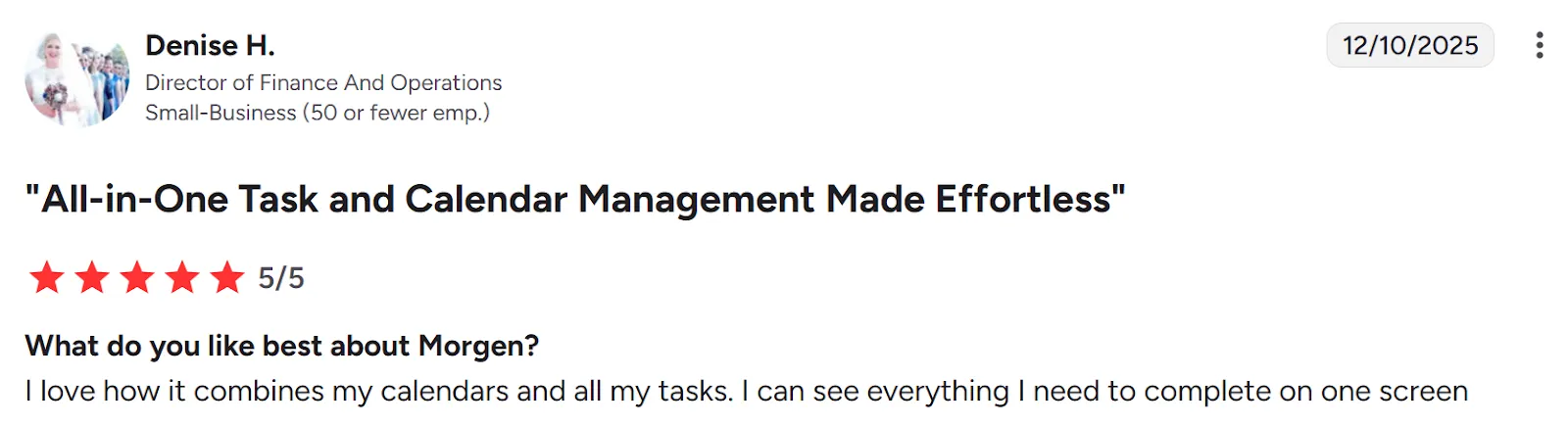
Users, like Denise H, say:
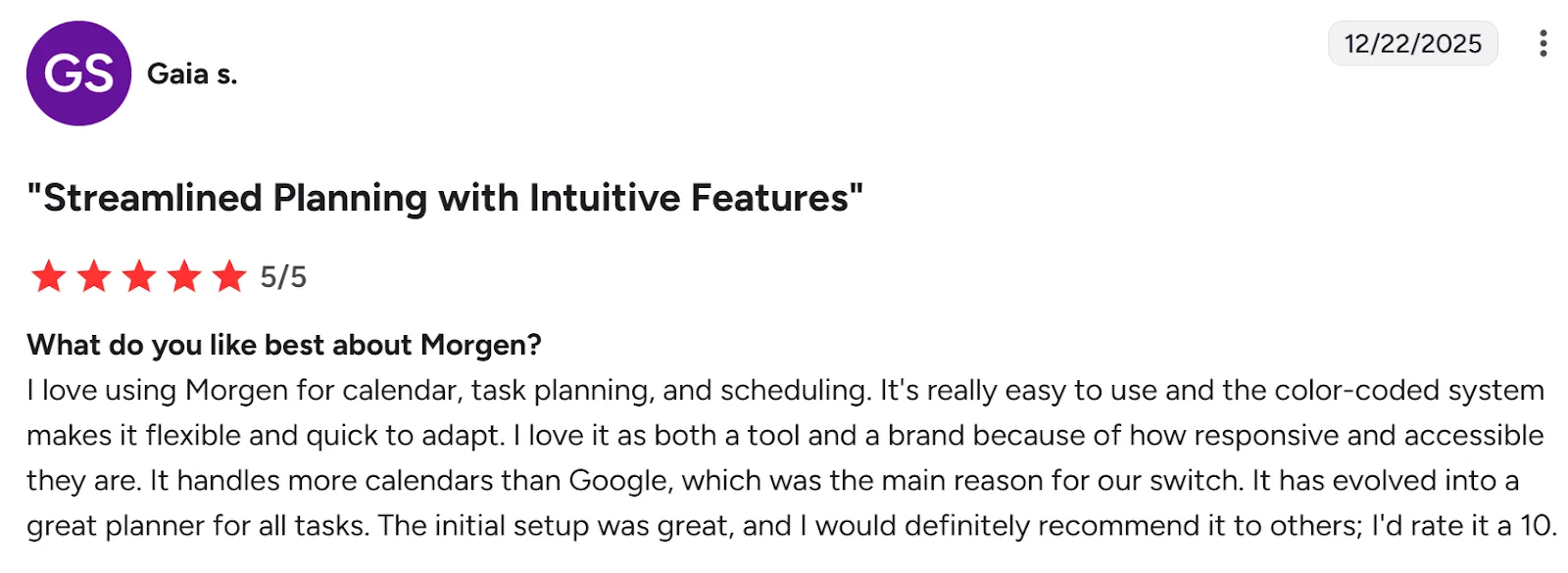
“I love using Morgen for calendar, task planning, and scheduling,” says Gaia S:
Who Morgen Is Best For
- Busy professionals: Solopreneurs, developers, and marketers managing multiple calendars and task sources who want AI assistance without surrendering control
Download Morgen now on Mac, Linux, Windows, Android or iOS, or start using it on the web for easy calendar planning!
2. Akiflow
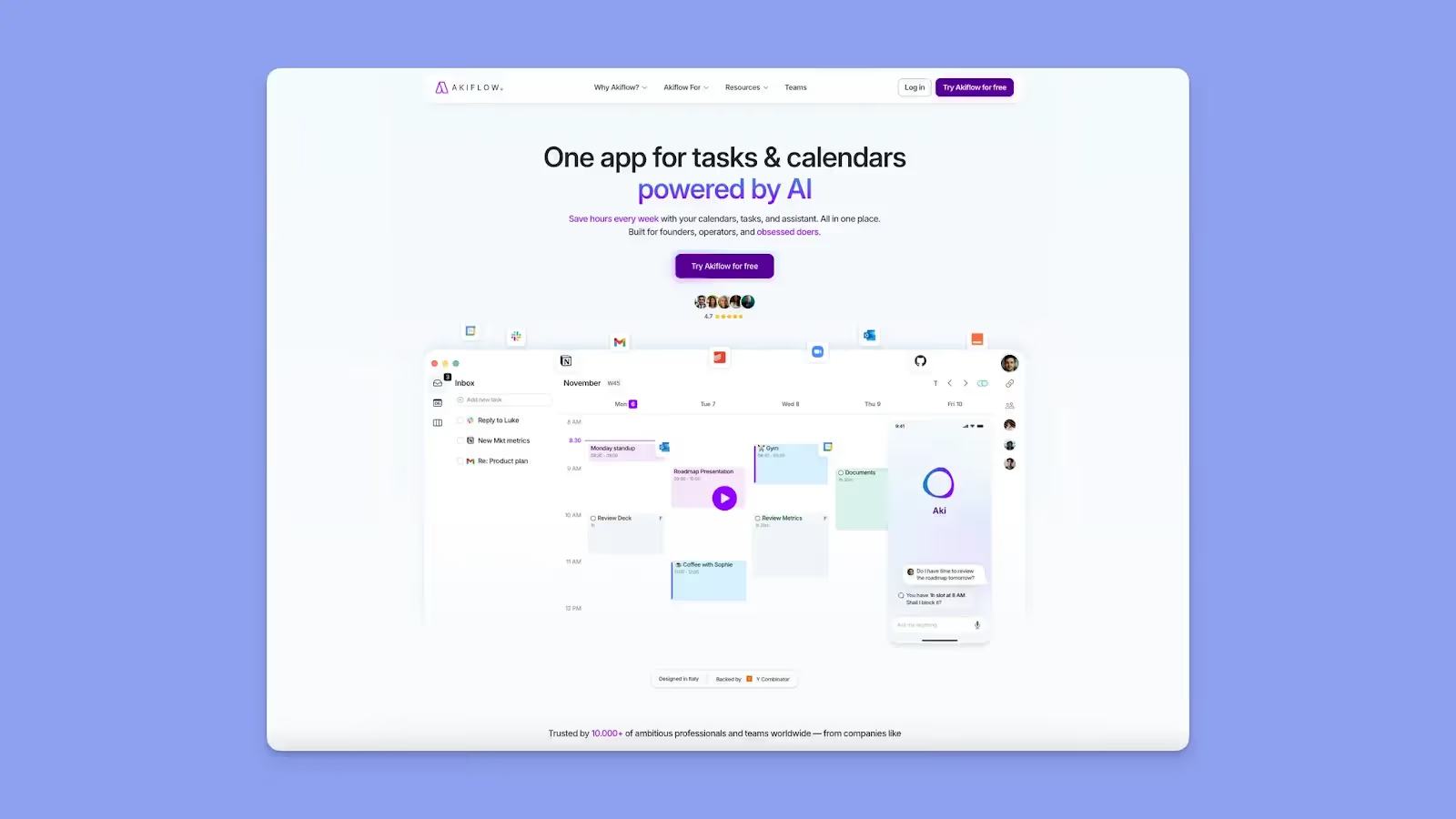
Akiflow is a daily planning tool that combines tasks and calendar time-blocking into a single command-center interface.
Key Features
- Aki AI executive assistant: For natural language task creation and scheduling, automated conflict rescheduling suggestions, daily briefings and reminders
- Deep integrations: Native two-way sync with Gmail, Slack, Notion, Asana, ClickUp, Todoist, Trello, Linear, Obsidian, and more via Zapier
Pricing
Where Akiflow Shines
- Lightning-fast task capture from anywhere: Keyboard-driven command bar lets you add tasks from any browser tab, email, or Slack message in seconds without context switching
- Color-coded calendar organization: Assign custom colors to different projects, clients, or life areas for instant visual clarity
- Seamless personal and work calendar sync: Manage multiple Google and Outlook calendars simultaneously
Where Akiflow Falls Short
- Billing complaints after cancellation: Multiple Trustpilot reviews report being charged after cancelling subscriptions
- No subtask support for complex projects: Cannot break down larger tasks into smaller steps, a common complaint on G2, Capterra, and Reddit
Customer Reviews
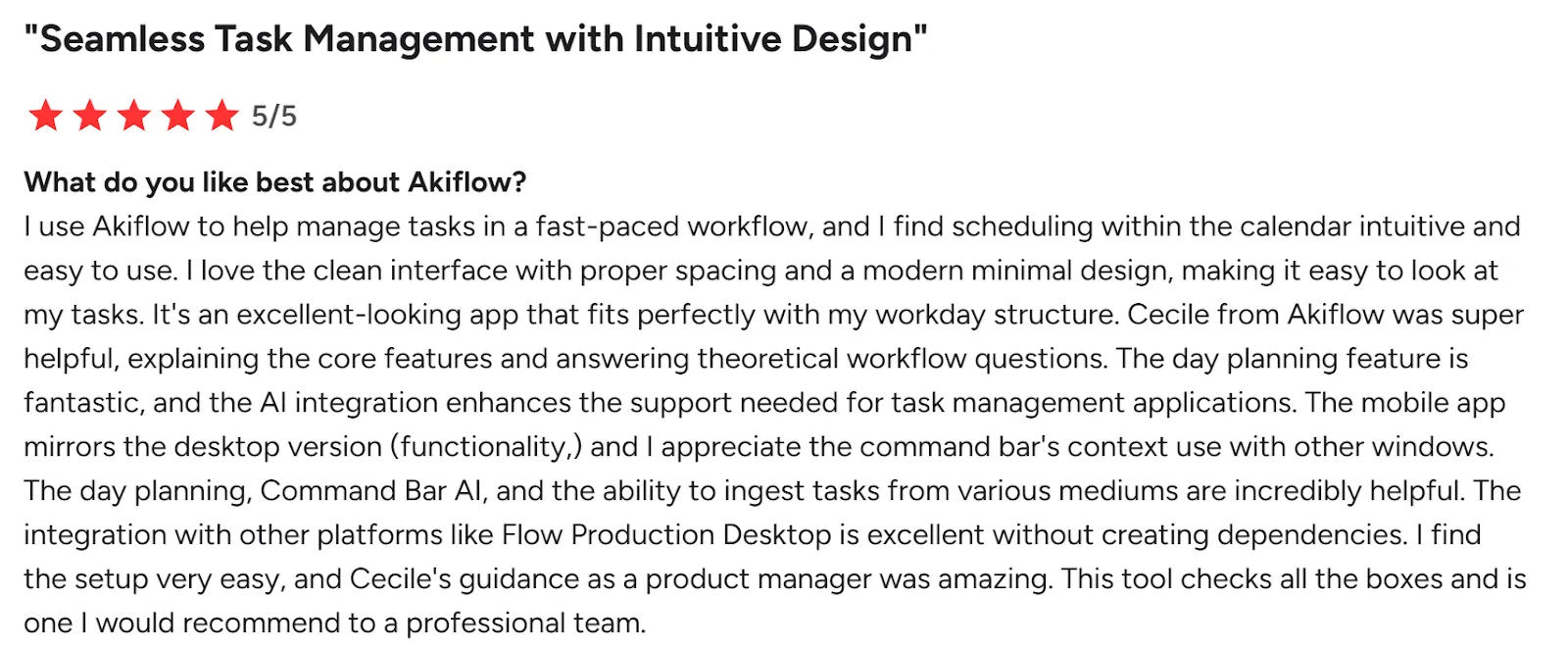
“I use Akiflow to help manage tasks in a fast-paced workflow, and I find scheduling within the calendar intuitive and easy to use,” shares a G2 reviewer:
“I’d love to see subtasks added,” shares Lucie:

Who Akiflow Is Best For
- Power users managing several productivity tools: And want keyboard-driven task consolidation with AI assistance they can control
3. Sunsama
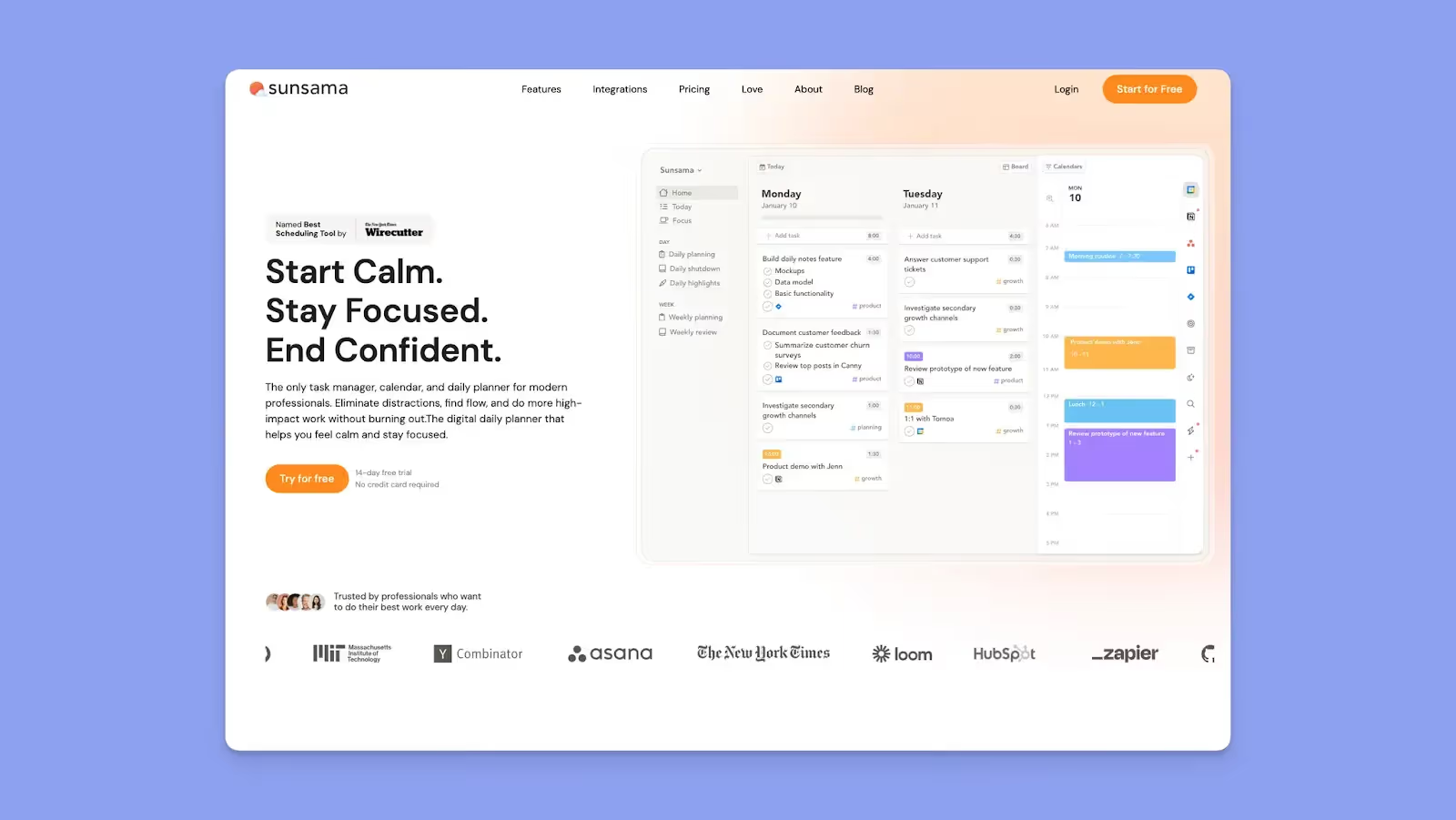
Sunsama is a daily planner focused on helping you plan realistically. It combines tasks and calendars but emphasizes reflection and workload balance over speed or automation.
Key Features
- Guided daily planning flow: Walks you through planning each day intentionally
- Task pull-in from other tools: Brings tasks from apps like Trello, Asana, and Todoist
- Workload limits: Encourages you to commit only to what fits in a day
Pricing
Where Sunsama Shines
- Prevents overcommitment and burnout: The guided planning process forces realistic scheduling by requiring time estimates and showing visual feedback when your day is full
- Creates mindful work-life boundaries: Daily shutdown rituals prompt reflection on what's complete and explicitly signal the end of the workday
Where Sunsama Falls Short
- Manual planning takes time: The 15-minute daily ritual and weekly review process requires dedicated commitment
- Two-week planning limit: Sunsama only supports daily and weekly objectives without monthly or quarterly planning
Customer Reviews
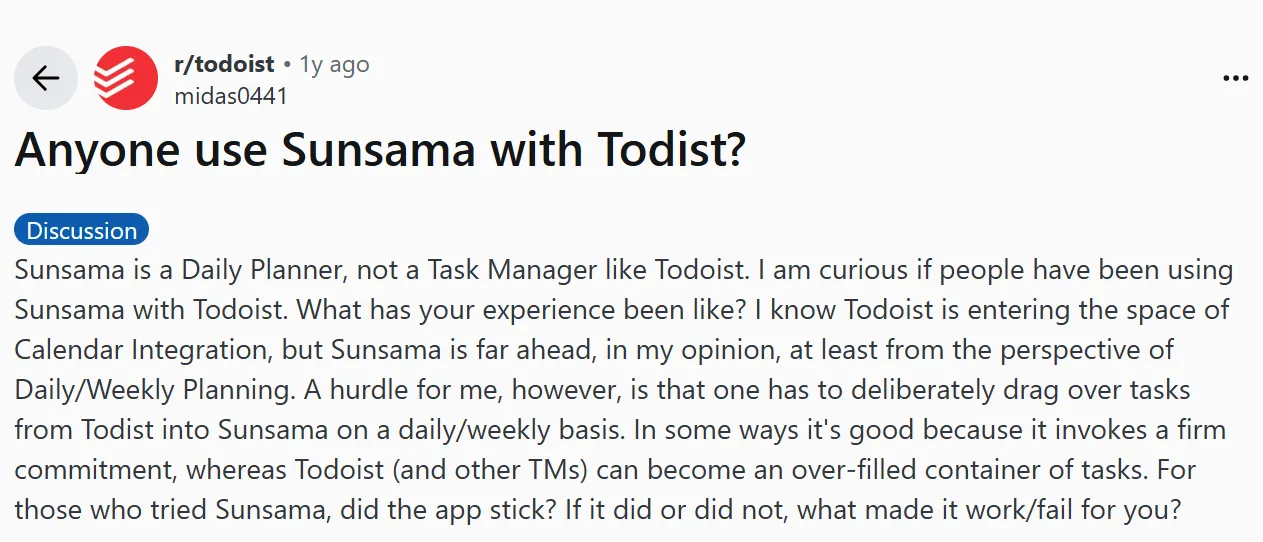
On Reddit, this user finds the daily planning a hurdle. They say:
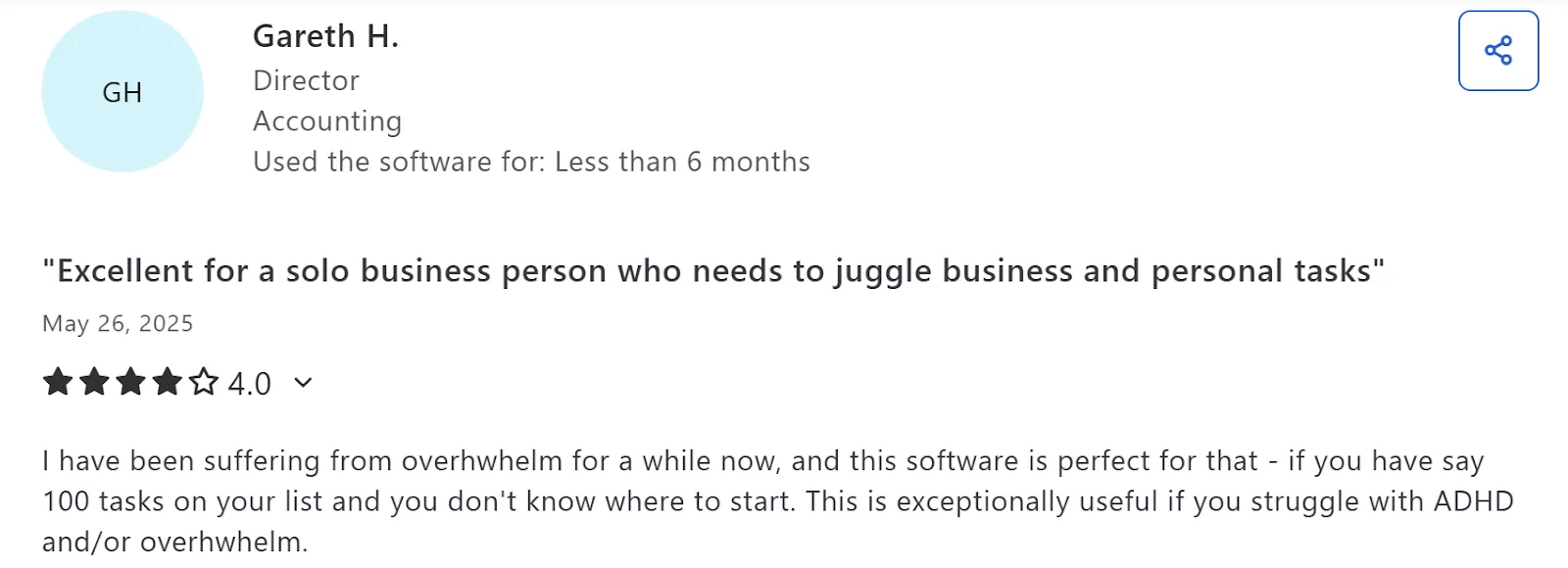
Gareth H says Sunsama is “exceptionally useful if you struggle with ADHD and/or overwhelm.”
Who Sunsama Is Best For
- Professionals experiencing burnout from overcommitment: who need structured planning rituals to create realistic schedules
4. Motion
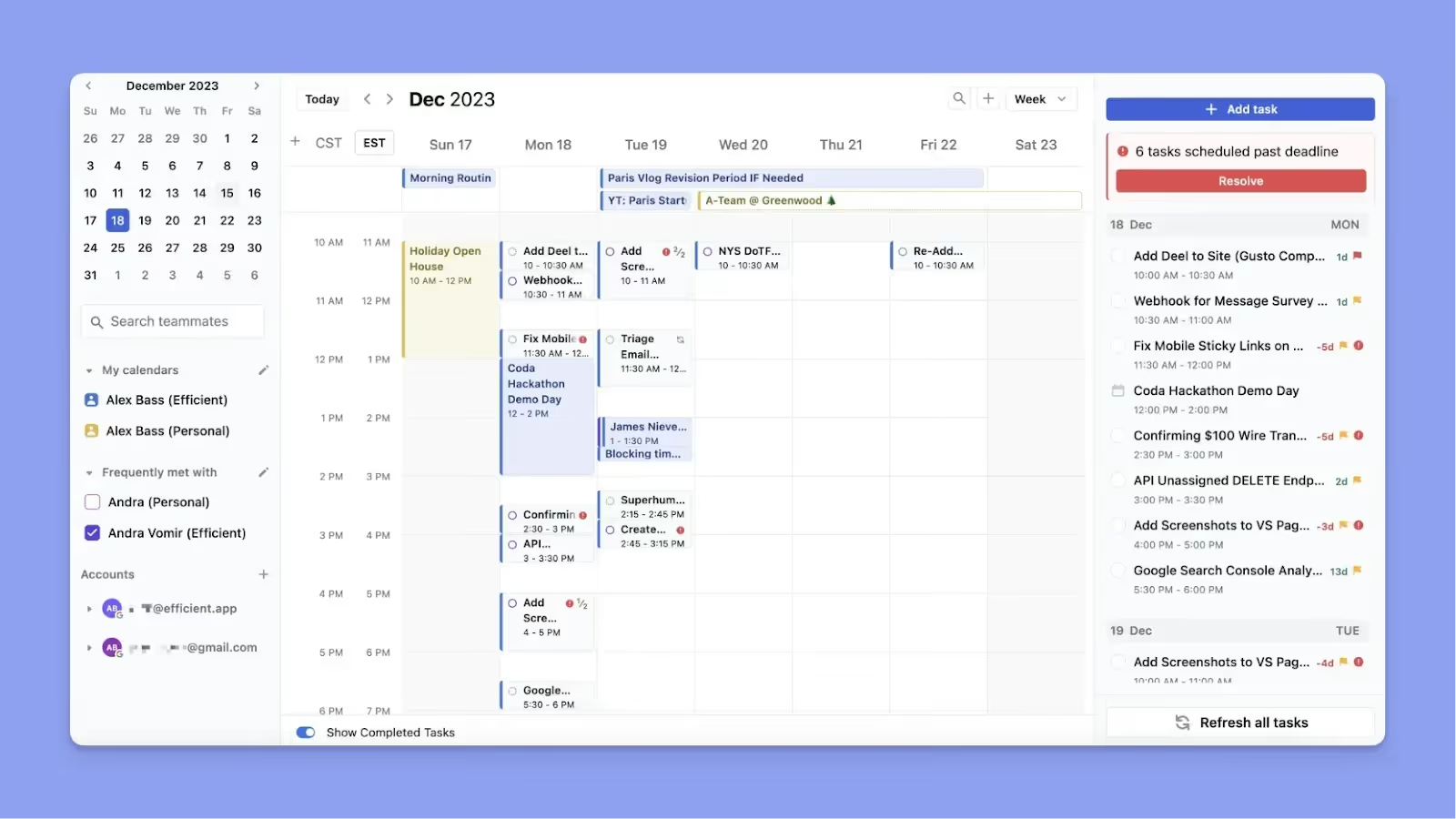
Motion is an AI scheduling tool that automatically builds and rebuilds your schedule based on deadlines, priorities, and available time. While it serves a similar market to Sunsama, the two take very different approaches; you can read more about Sunsama vs Motion to see how their automation features differ.
Key Features
- Autopilot scheduling: Motion reschedules all tasks automatically when new meetings appear, or tasks run long
- Project management with dependencies: Create projects with task dependencies, assign team members, view capacity dashboards, and receive warnings when deadlines become unrealistic based on workload
Pricing
Where Motion Shines
- AI Employees: Autonomous AI assistants that draft follow-up emails, summarize meetings, and generate step-by-step project plans
- Eliminates replanning overhead: Motion recalculates your entire day in seconds when conflicts arise
- Full workflow consolidation: Combines calendar management, task tracking, personal time management, project management with dependencies, booking pages, and AI note-taking in one platform
Where Motion Falls Short
- Unpredictable schedule shuffling can cause anxiety: Tasks move to unexpected times when Motion recalculates priorities automatically
- Steep learning curve with confusing settings: Requires extensive configuration of task priorities, work hours, dependencies, and scheduling preferences before AI performs well
Customer Reviews
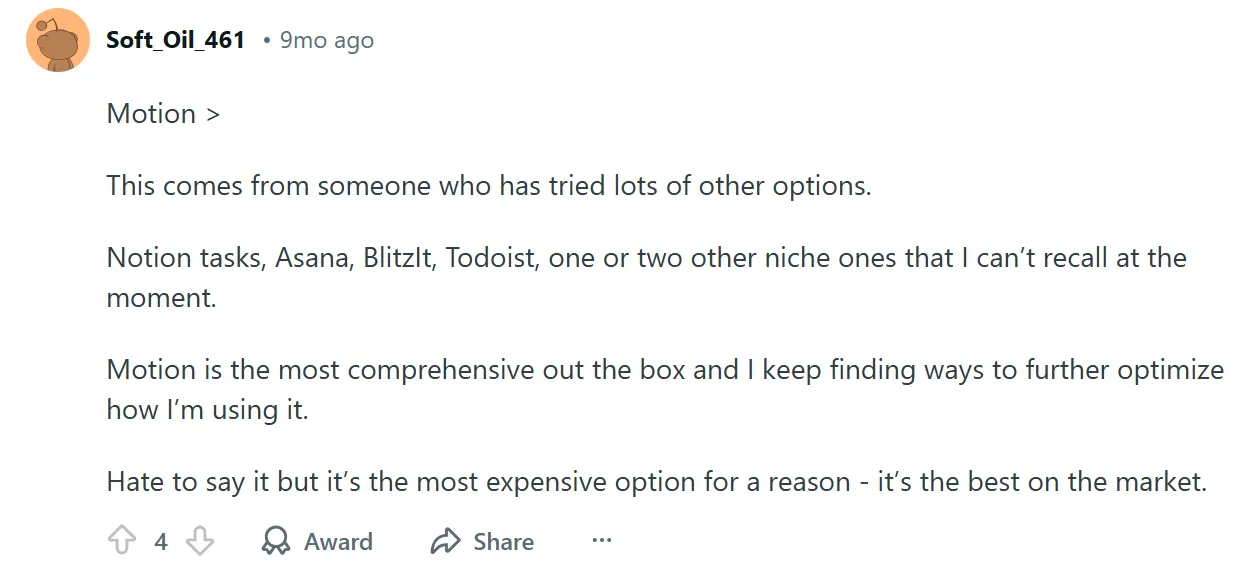
“Motion is the most comprehensive out of the box, and I keep finding ways to further optimize how I’m using it,” a user on Reddit:
“The learning curve can be a bit confusing at first,” according to Gabriel G:

Who Motion Is Best For
- Teams or individuals: who want scheduling decisions automated, even if it means constant change
5. Reclaim
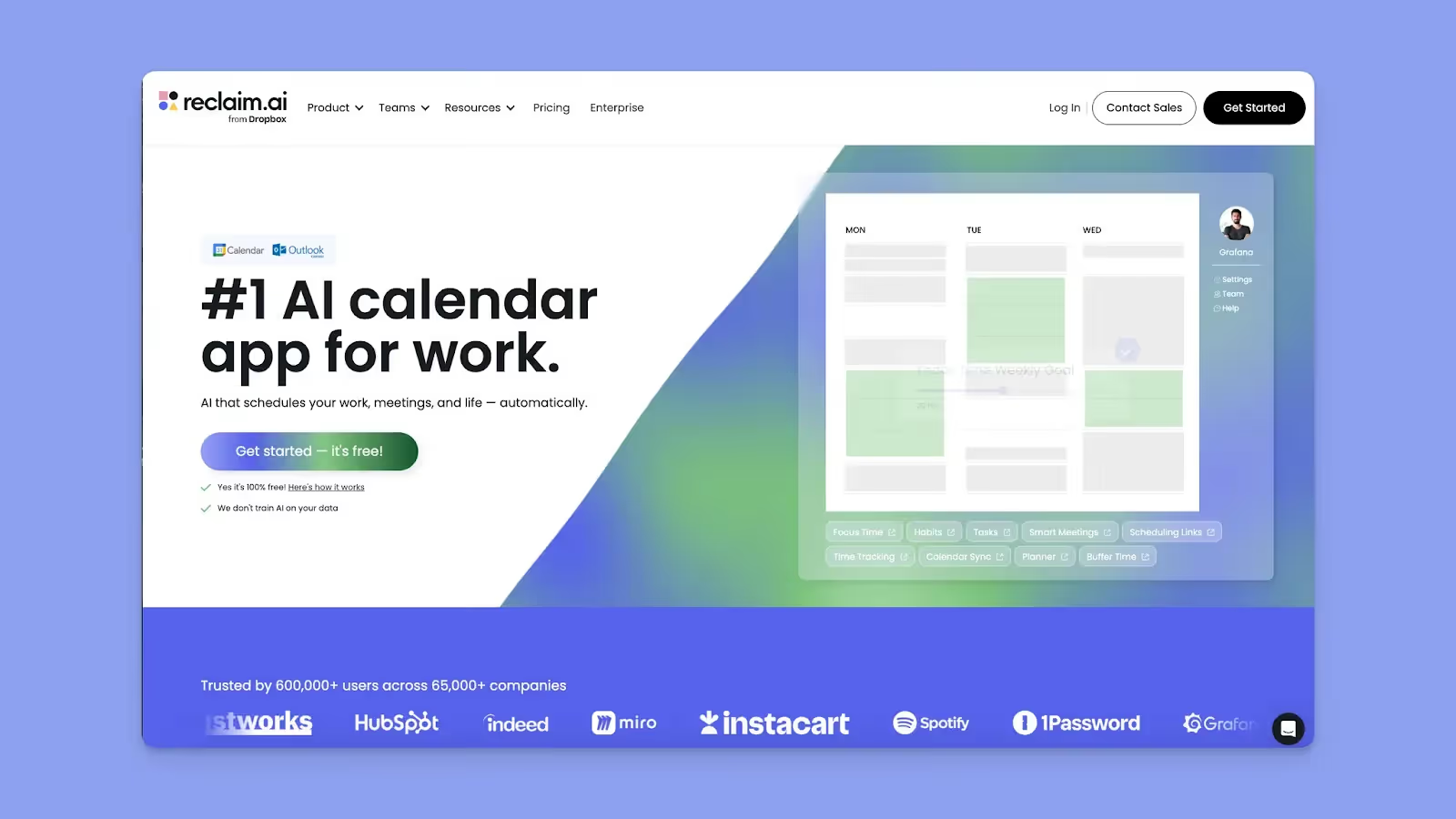
Reclaim works on top of your existing calendar to automatically protect work blocks and reschedule habits when conflicts arise.
Key Features
- Focus Time protection with daily/weekly goals: Set targets for uninterrupted deep work hours, and Reclaim blocks those periods as busy to prevent meeting creep
- Habit scheduling: Define recurring activities like exercise, lunch breaks, or focus blocks, and Reclaim finds optimal slots
Pricing
Where Reclaim Shines
- Auto-reschedules your entire day when meetings pop up: tasks and focus time shift automatically based on your priorities
- Syncs tasks: from Asana, Todoist, ClickUp, Jira, or Linear directly to your Google Calendar and Outlook Calendar with automatic time-blocking
Where Reclaim Falls Short
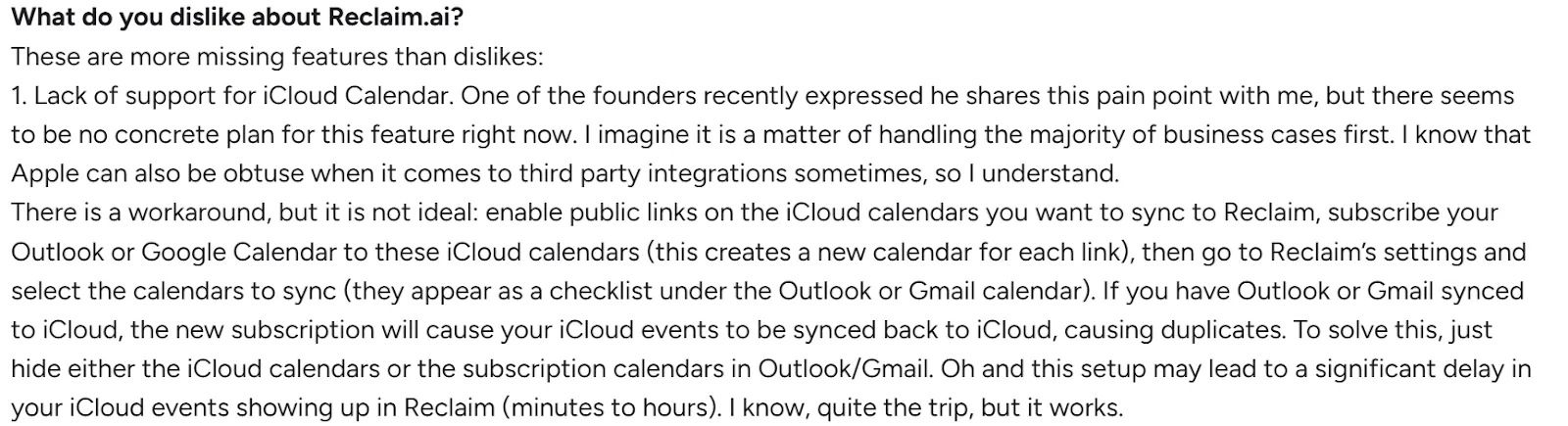
- No iCloud Calendar support: Apple Calendar users face significant limitations since Reclaim requires workarounds for importing iCal feeds into Google or Outlook
- Limited customization: Reviewers continuously say they’d like to be able to color-code for tasks
Customer reviews
Paul L says, “Reclaim.ai Knocks it Outta the Park!"
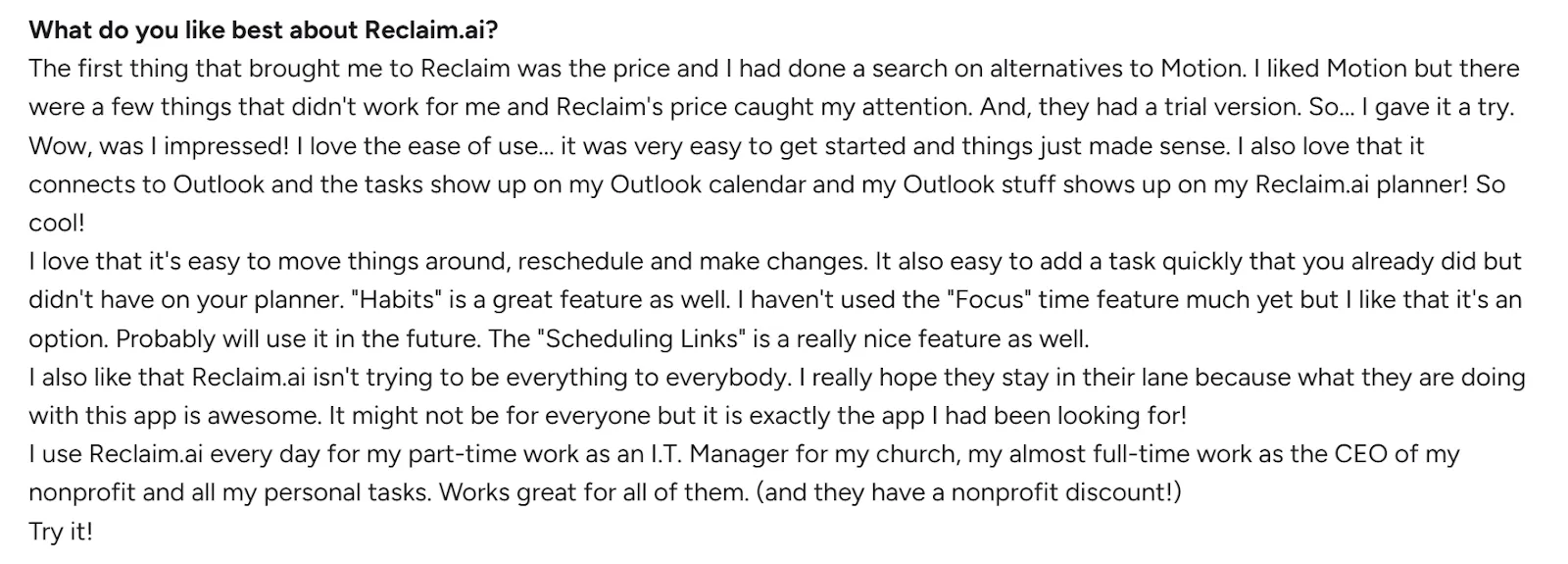
Luigi P shares:
Who Reclaim Is Best For
- Google and Outlook calendar users: whose days get disrupted by last-minute meetings and need habits, focus time, and tasks automatically rescheduled
How to Choose the Right Digital Calendar Planner
The best online digital planner reduces context switching, so look for tools that offer:
Calendar and Task Consolidation
Look for apps that sync multiple calendar accounts and connect with task tools you use daily.
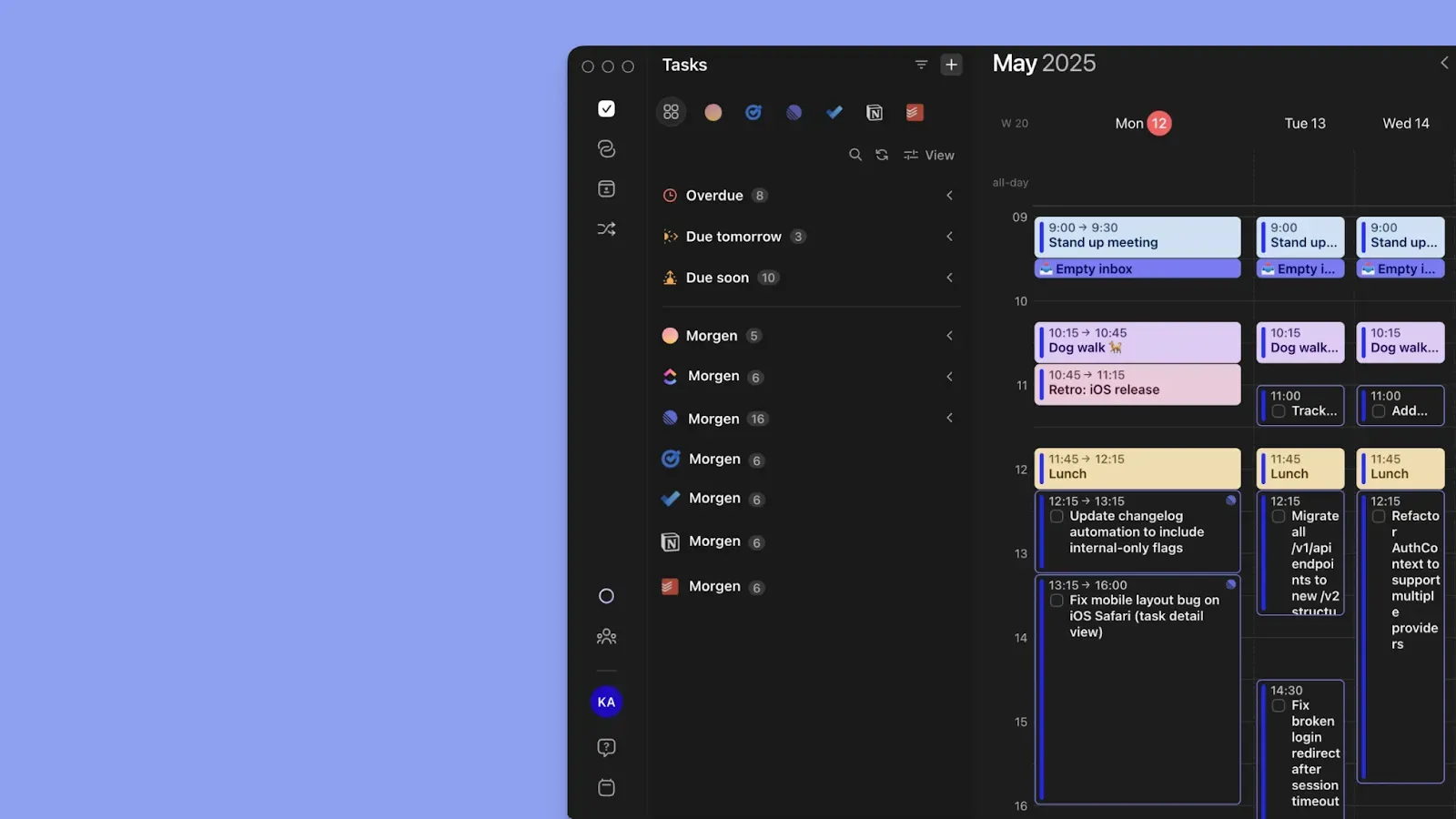
Morgen, for instance, syncs calendars like Google, Outlook, iCalendar and Fastmail, and connects to task sources like Notion, Linear, ClickUp, Todoist, Obsidian, Google Tasks, and Microsoft To Do.
Get Morgen's free Schedule Builder to start visualizing your week across all calendars and task sources.
Customizable Planning View
A clean, personalized interface helps you process your schedule at a glance.
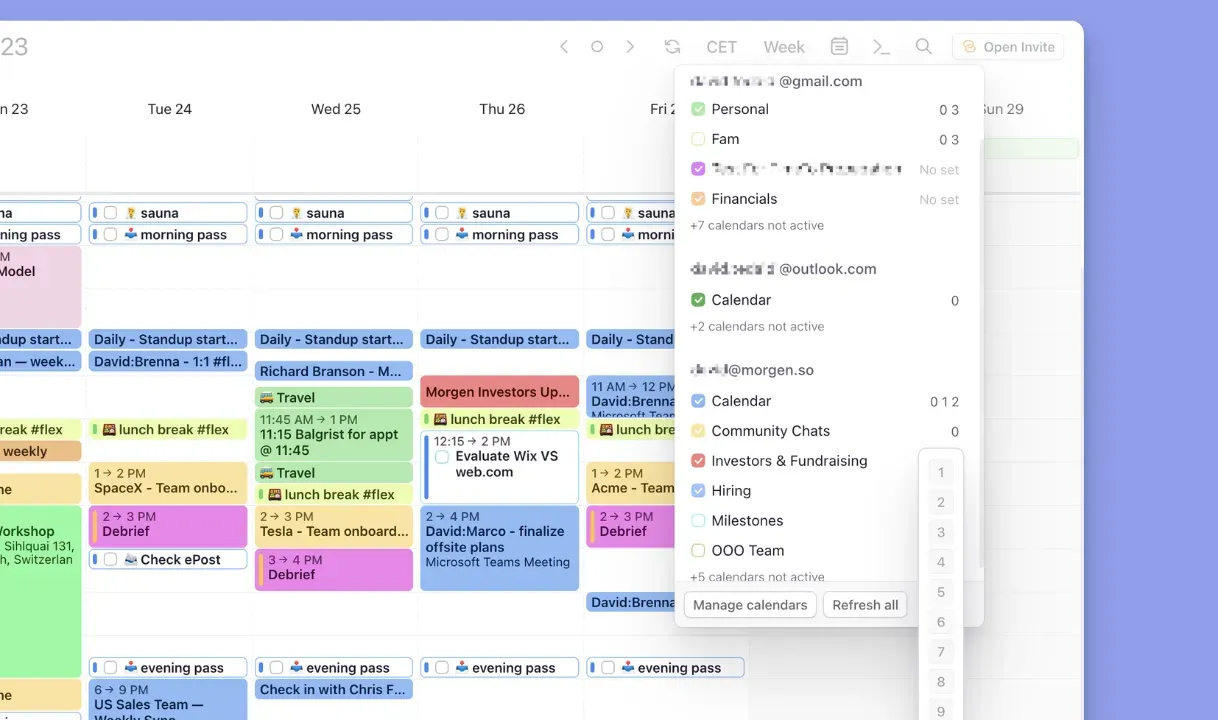
Morgen keeps the interface minimal while giving you control through 13 color options, task tags across all sources, and Calendar Sets you can toggle with shortcuts to focus on Work, Personal, or Family calendars instantly.
Planning and Productivity Features
The best aesthetic calendar planners work whether you're using dedicated task managers or not. Look for platforms that let you create tasks, events, and routines natively without forcing you into project management ecosystems.
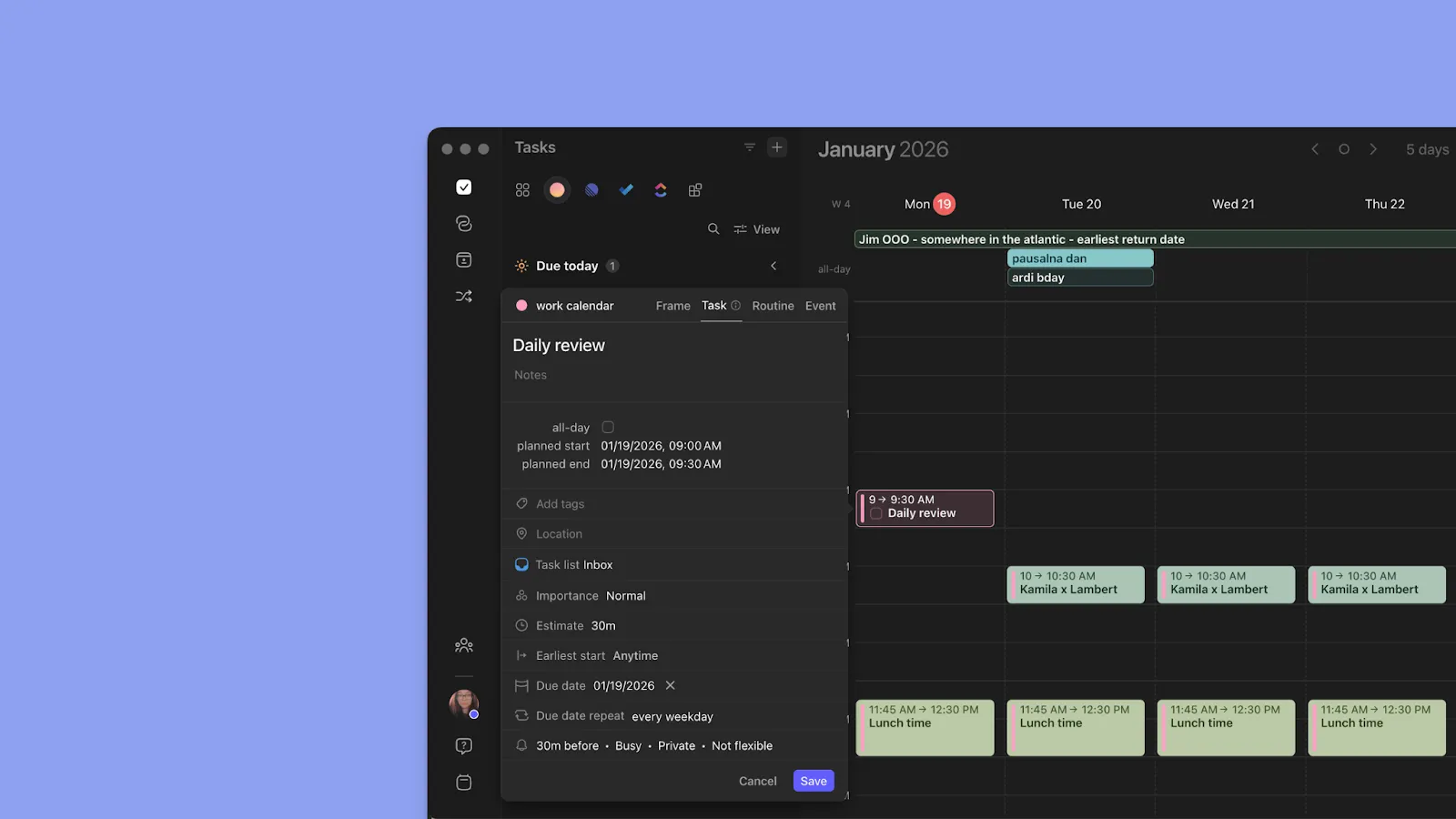
Morgen works as a standalone planner, letting you create tasks, events, Frames, and recurring routines directly from the interface, then schedule them on the calendar, and complete them without switching apps.
Use the Deep Work Timer for 90-180 minute focus sessions, and capture tasks on the go with Easy Tasks on the web.
Cross-Platform Availability and Mobile Experience
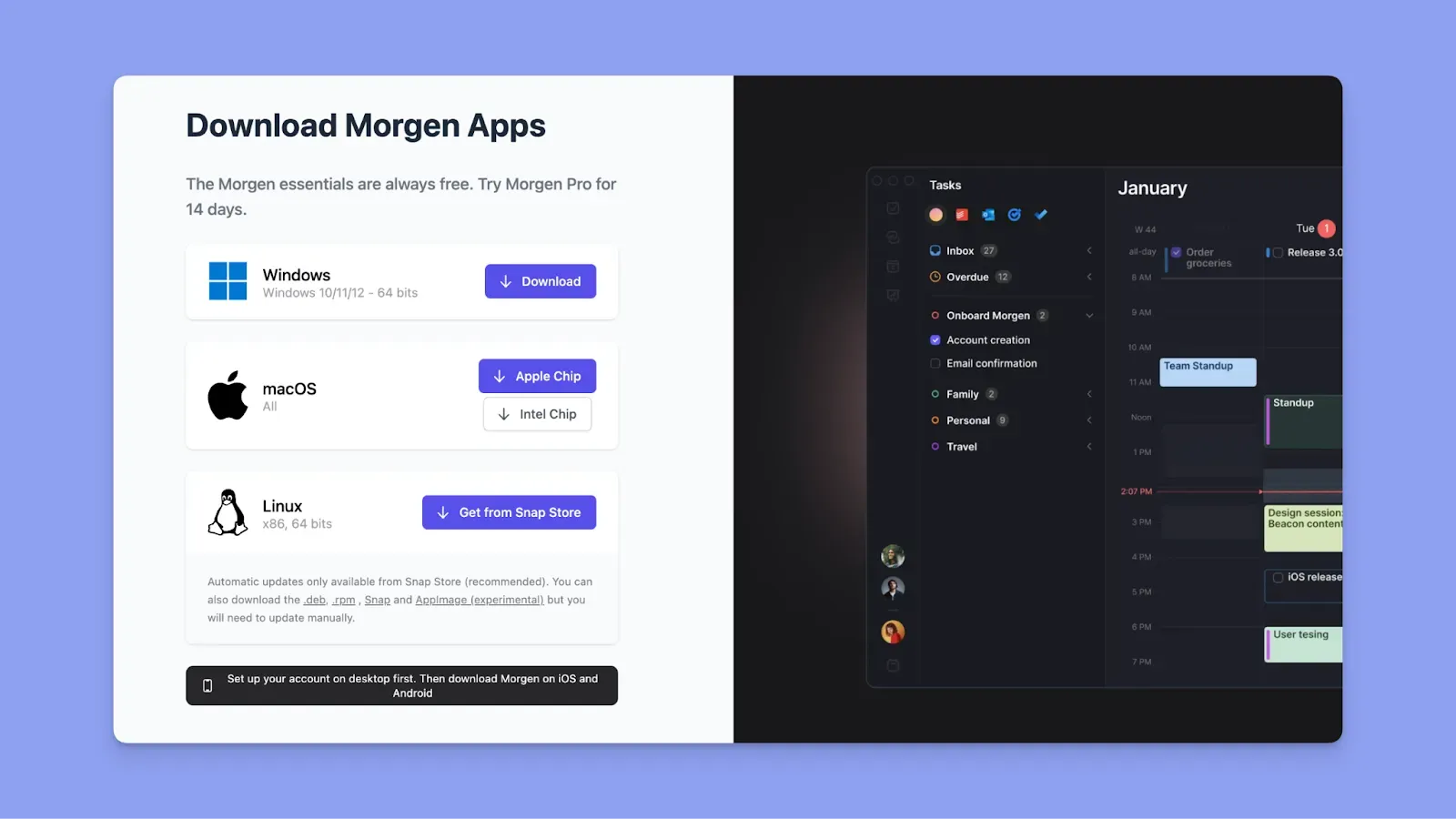
Check whether the tool offers native desktop apps, full mobile functionality, and whether features sync across devices. You can get Morgen on native desktop and mobile apps, plus on the web, with feature parity across platforms.
Stop Juggling Tools: Plan, Schedule, and Focus in One Place with Morgen
Switching between calendars, task managers, and to-do lists all day? You need a digital calendar planner to reduce that friction.
Morgen is built for professionals who want clarity and control in one planning space. It supports complex schedules without forcing full automation, making it easier to plan realistically and adapt when priorities change. Start with Morgen’s free trial today.

.svg)
.webp)


