
.svg)
→ Morgen: If you want a calendar-first AI task planner. Schedule native or integrated tasks, including Todoist lists, in a single planning interface, and use AI for planning suggestions
→ TickTick and Any.do: Feel closest to Todoist, with TickTick offering free productivity tools, and Any.do adding drag-to-calendar scheduling
→ Trello, ClickUp, and Zoho Projects: Ideal if your work is team-based and needs boards, milestones, or project structure beyond personal task management
→ Motion: A fully AI-automated alternative for individuals and small teams who want task scheduling handled without manual input
→ Akiflow and Sunsama: Akiflow offers superb integrations and manual time blocking, while Sunsama adds guided daily planning with time estimates
Todoist does task management well, but it doesn’t offer AI scheduling, built-in time blocking, or pull work into a unified view alongside your calendar. If you have work scattered across different tools, consider Todoist alternatives for better time and schedule planning.
We compared these nine tools across tasks and calendar management, pricing, customer reviews, and more to help you pick the right fit.
9 Best Todoist Alternatives: An Overview
1. Morgen: The Unified Planner for Tasks, Calendars, and AI Scheduling
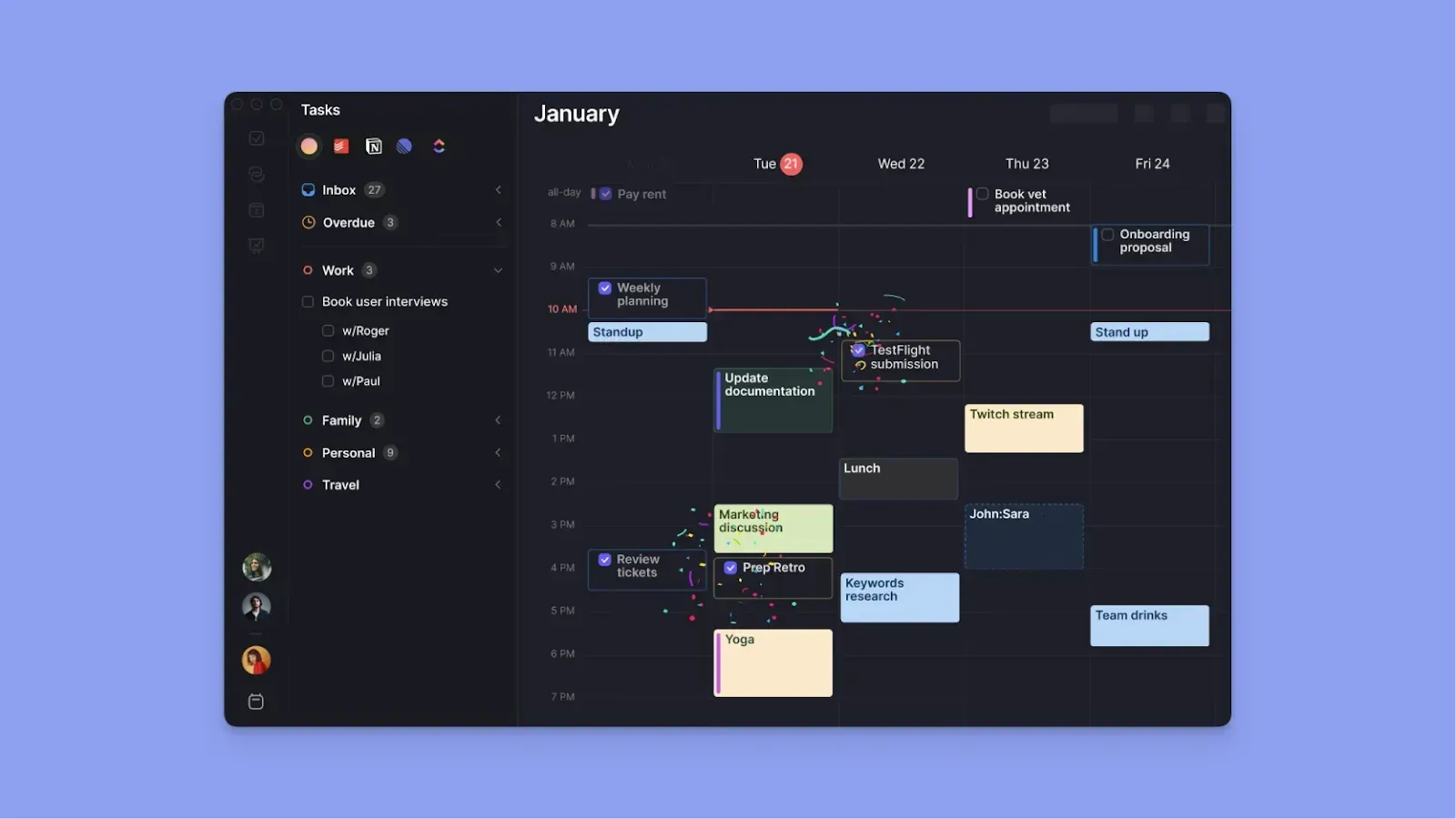
Morgen consolidates tasks and calendars into one view to help you plan each day’s workload around events like meetings and routines. As one of the leading apps to stay organized, it focuses on reducing the friction between your to-do list and your actual availability.
Key Features
Morgen is built around calendar-first planning, so you manage tasks, meetings, and routines from a single platform. Here is what sets it apart from Todoist.
Calendar-First Planning and Multiple Calendar Integrations
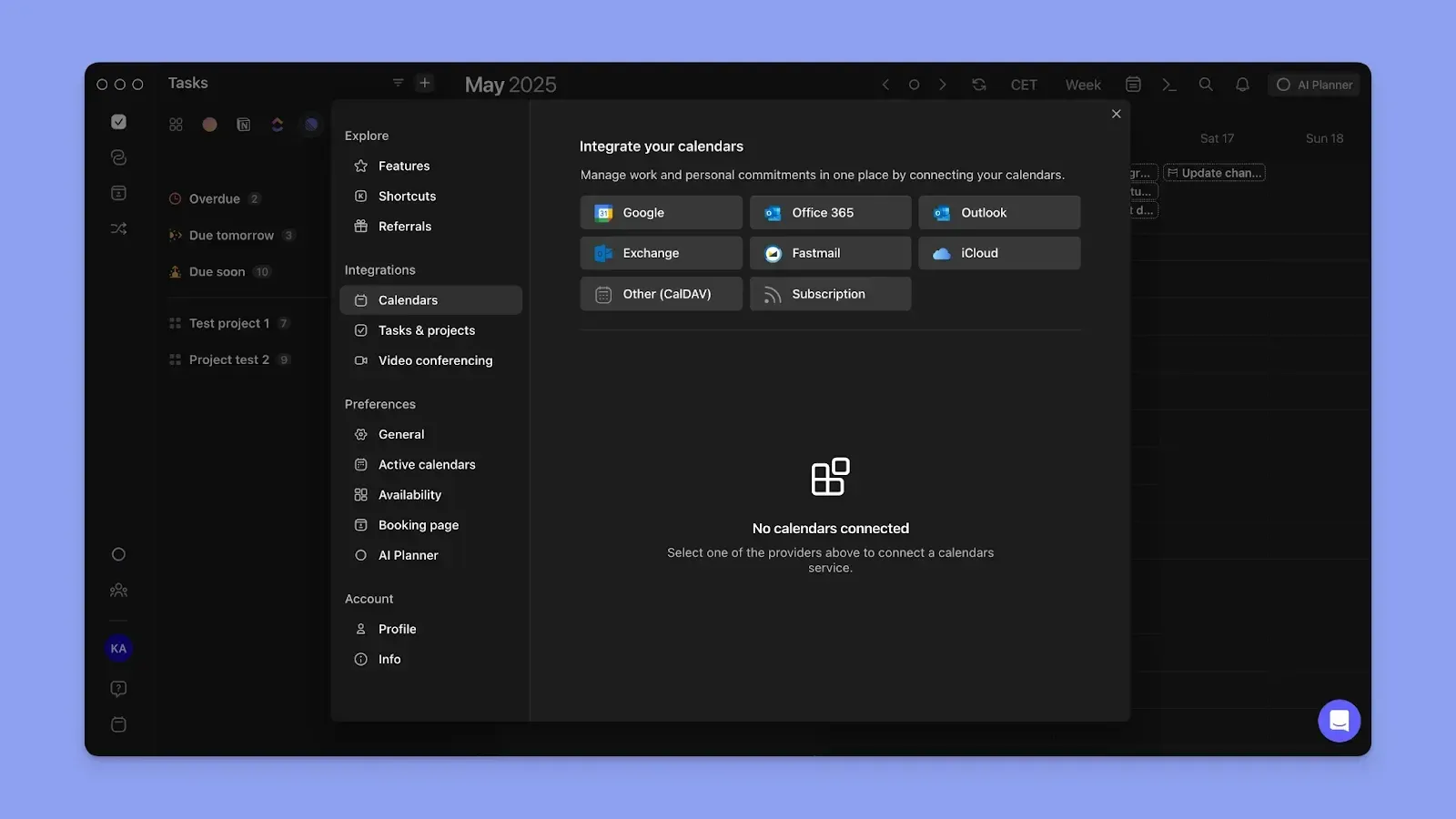
Morgen syncs multiple calendars from Google Calendar, Outlook, iCloud, and Fastmail.
Task Consolidation and Planning
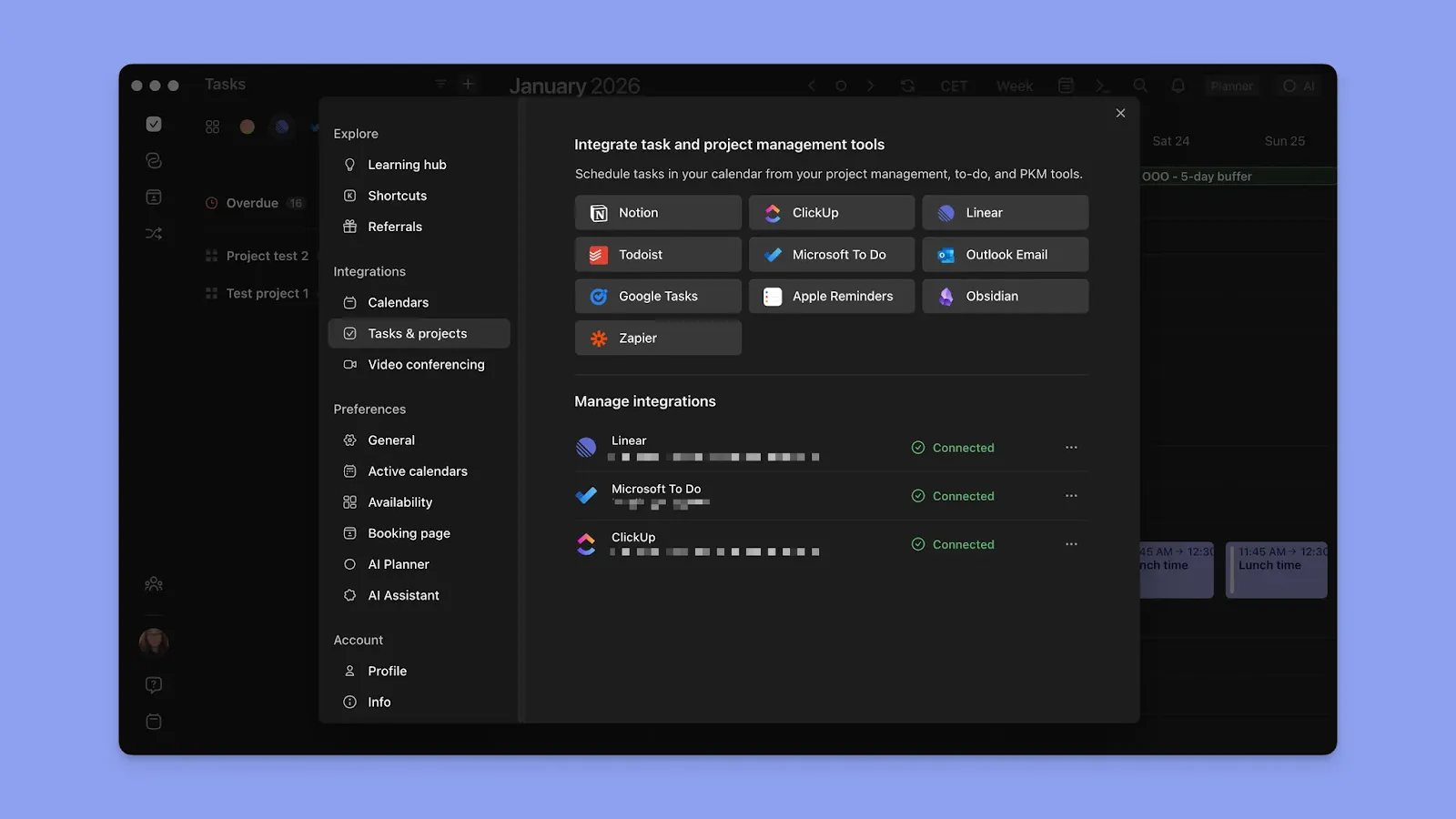
Connect Morgen with Todoist, Notion, Linear, ClickUp, Obsidian, Microsoft To Do, Google Tasks, and more.
You can also create and schedule tasks directly within Morgen without connecting external tools if you are just creating your workflow. All tasks will appear on the Morgen sidebar so you can drag them into time blocks in your calendar.
AI Planner
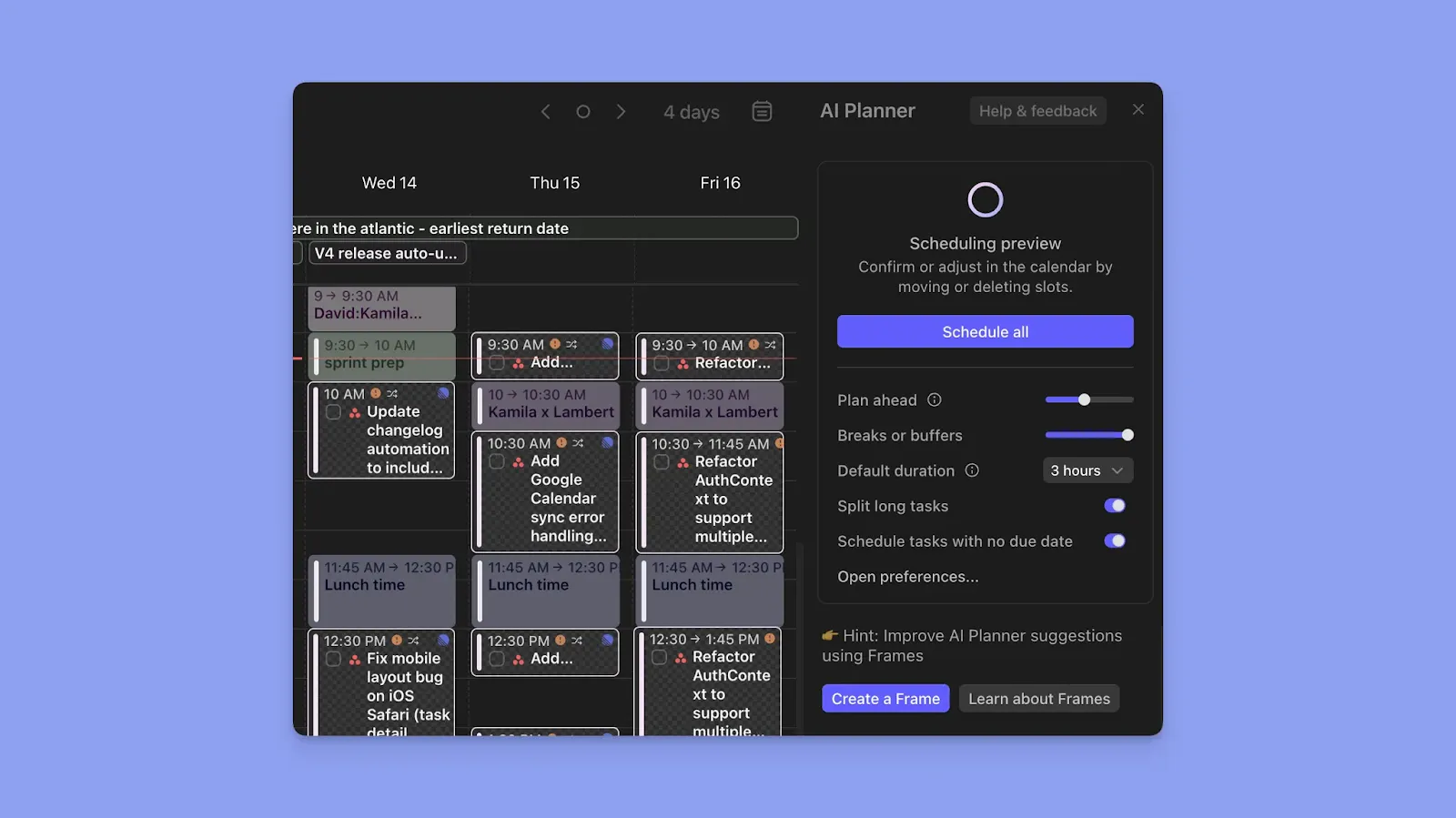
Morgen's AI Planner suggests task placements around your existing calendar events. It scans your connected task sources, current availability, and task priorities and suggests what to schedule and when.
If you have a conflict or run out of available time, the AI Planner can reorganize your schedule to ensure productivity.
Time Blocking and Frames
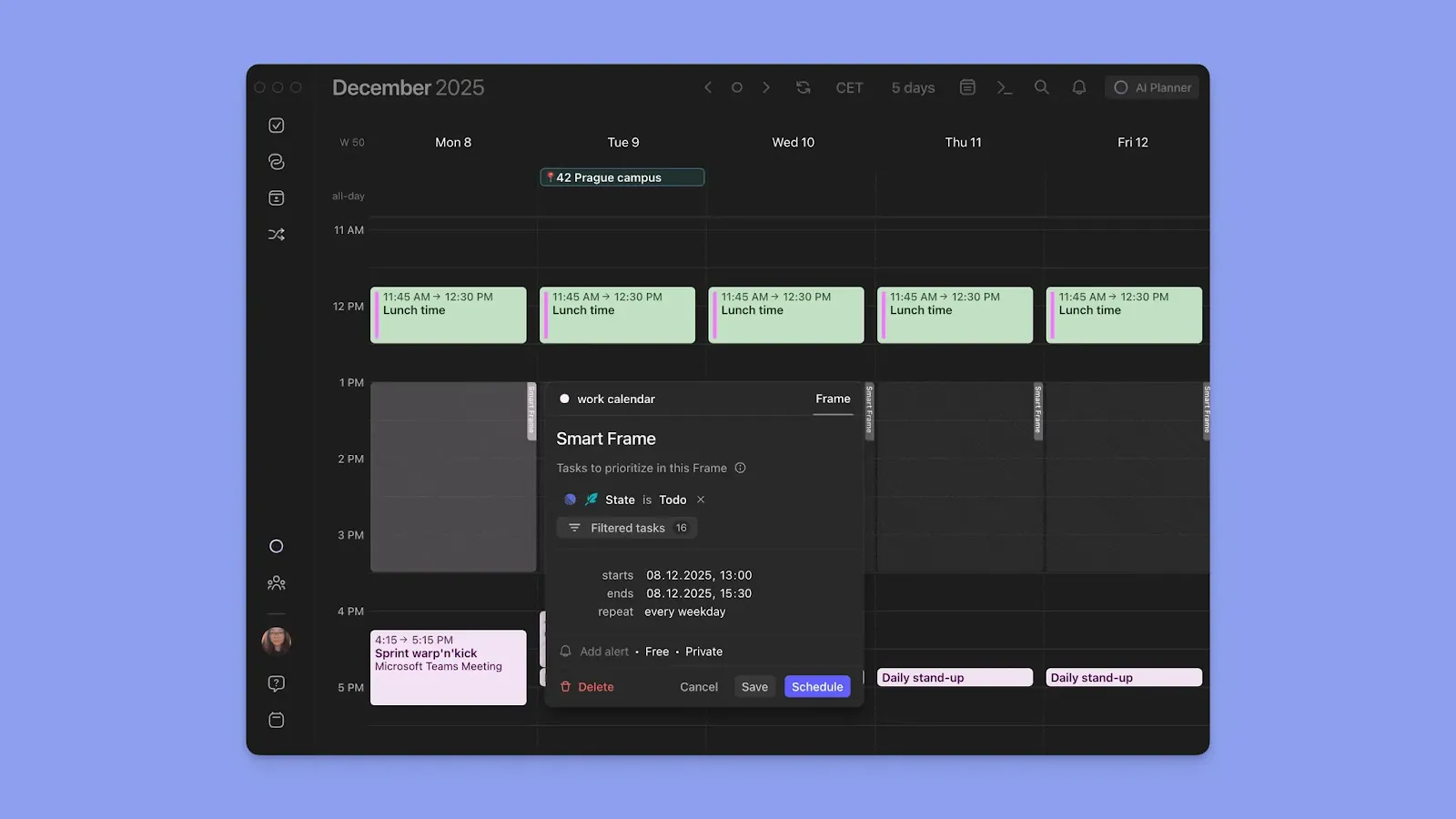
When you schedule a task, event, or routine, that time is dedicated only to that commitment on your Morgen view and connected calendars.
Create Frames for recurring time-block templates for your ideal week. Define what each Frame is for, which tasks belong there, and populate tasks manually or get suggestions from the AI Planner.
Pricing
Buying options: Get 15% off your first year if switching from Motion, Sunsama, Reclaim, Fantastical, etc. Students and non-profit organizations get 15% off.
Where Morgen Shines
- One platform for everything: Morgen offers numerous integrations for task tools, calendars, and video conferencing tools to prevent switching apps
- Flexible views that reveal how your work is distributed: Daily, 24-hour, 2-day, weekday, weekly, monthly, or custom views combined with color coding to give you instant clarity
- Reminders and availability management: Get notified before work begins and mark scheduled time as busy or free across every connected calendar with calendar propagation
- Fast task capture from anywhere: Add tasks via integrations, Morgen’s command bar, or use voice capture with the AI personal assistant
- Pair Todoist to specific calendars: Connect Todoist to Google Calendar, Outlook, Fastmail, iCloud, or Zoho Calendar through Morgen
Where Morgen Falls Short
- Not a project management tool: Morgen does not offer Jira-style project planning or board views like Todoist. However, you can create task list filters for projects and use task tags to group and sort work
Customer Reviews
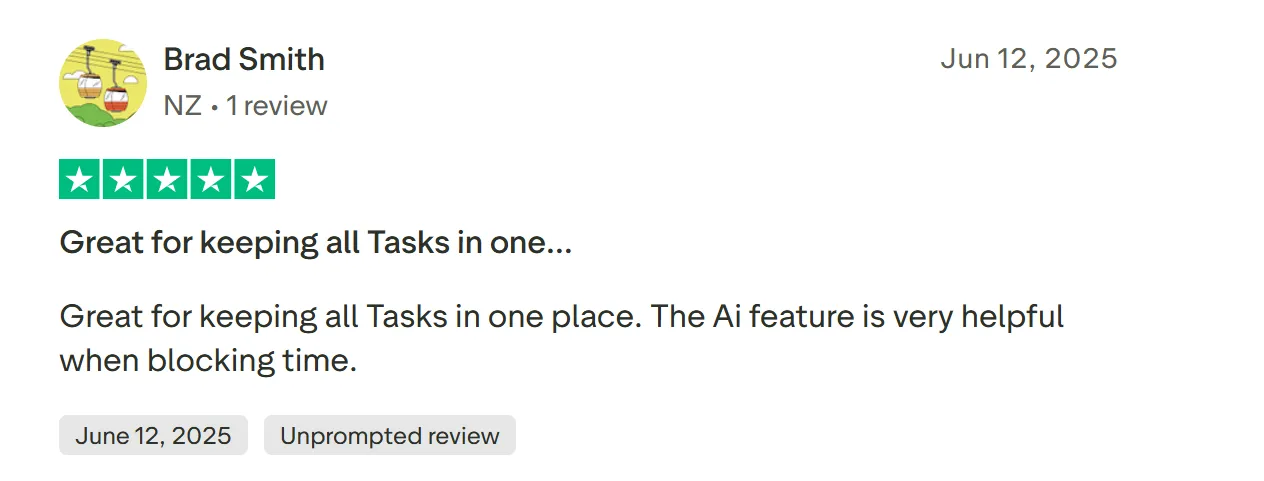
“Great for keeping all Tasks in one place,” says Brad Smith.
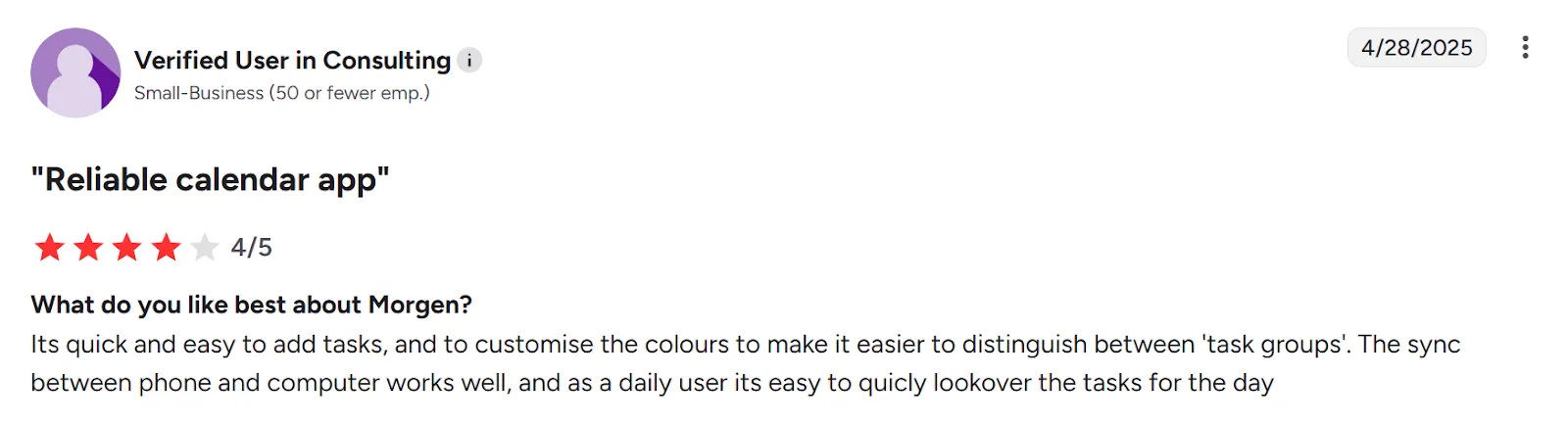
“It’s quick and easy to add tasks,” shares a verified reviewer on G2:
Who Morgen Is Best For
- ADHD brains: people who benefit from externalizing their plan visually and using time blocking to prevent time blindness
- Solopreneurs, developers, and freelancers: individuals juggling multiple tools and need unified planning in one place
Get started with Morgen v4 now.
2. TickTick
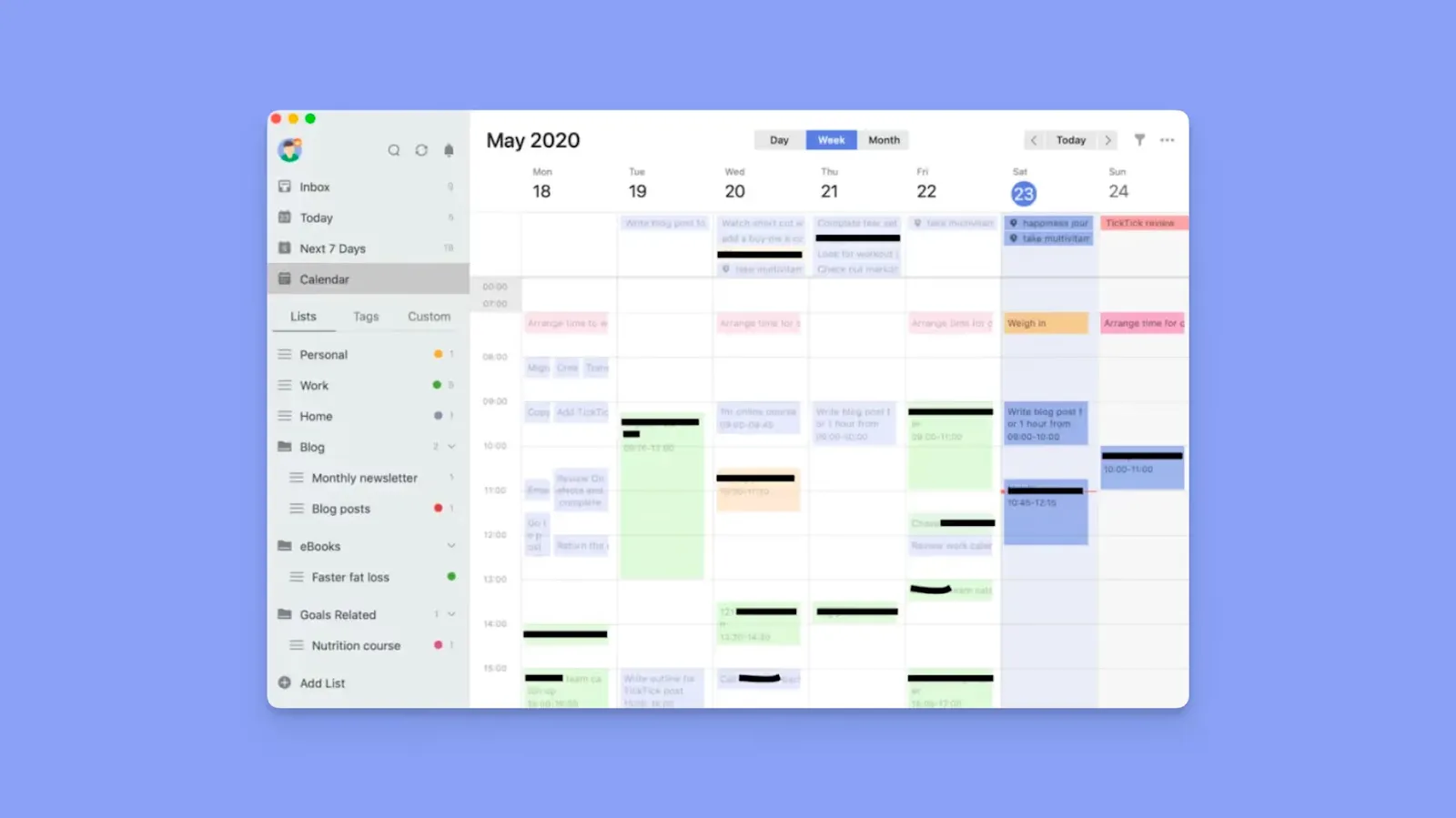
TickTick is the closest alternative to Todoist in feel and function, but with features like a built-in calendar view, focus tools, and habit tracking. Here’s our Todoist and TickTick comparison.
Key Features
- Natural language input: Type "call client Friday at 3 pm" and TickTick parses it automatically, similar to Todoist
- Calendar views: Drag and schedule tasks on a visual calendar
- Free productivity tools: Free Pomodoro timer, habit tracker, and Eisenhower Matrix to visually categorize tasks by urgency and importance
- Task views: Switch between list, board, and timeline views depending on what you are working on
Pricing
Where TickTick Shines
- Integrates with Todoist: Pull your existing Todoist tasks directly into TickTick without rebuilding your workflow
- Affordable: Cheaper than Todoist Pro, making it a cost-efficient upgrade for individuals
Where TickTick Falls Short
- No advanced AI planning: TickTick does not offer AI-driven scheduling or intelligent prioritization
- Limited integration ecosystem: Compared to Todoist’s broader integration network, TickTick connects to fewer external tools
Customer Reviews
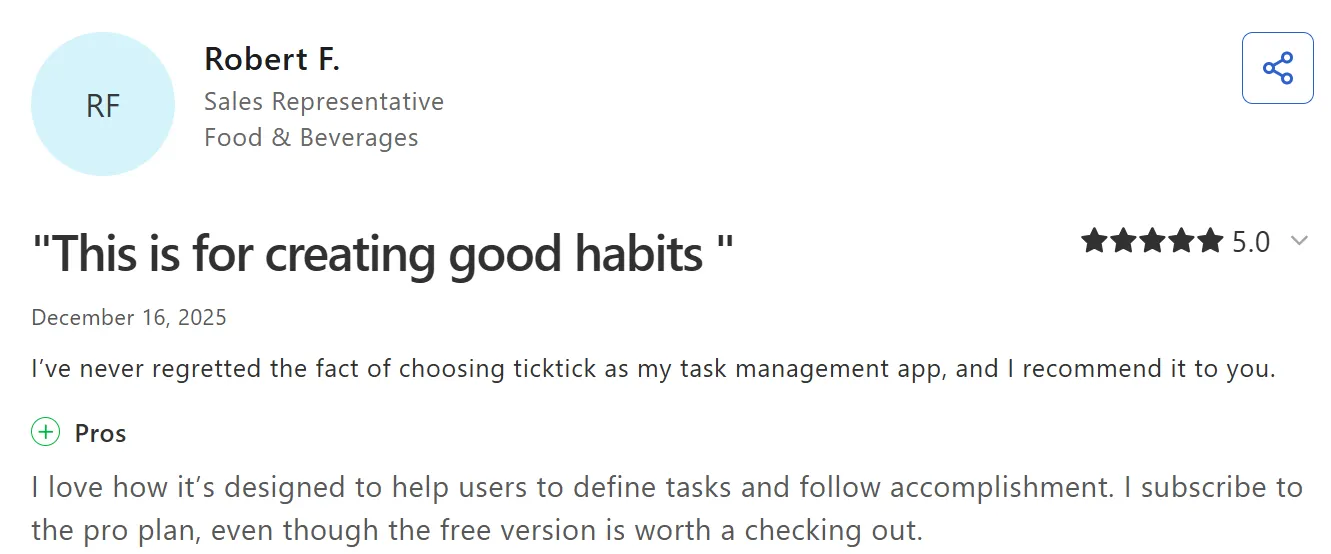
“I love how it’s designed to help users to define tasks and follow accomplishment,” says Robert F.
“Natural language processing is not as good as Todoist, but it's totally enough,” says Ankhbileg T.

Who TickTick Is Best For
- Individuals who want tasks, calendar, and habits in one app: Ideal for solo users who want more built-in productivity tools without switching platforms
3. Trello
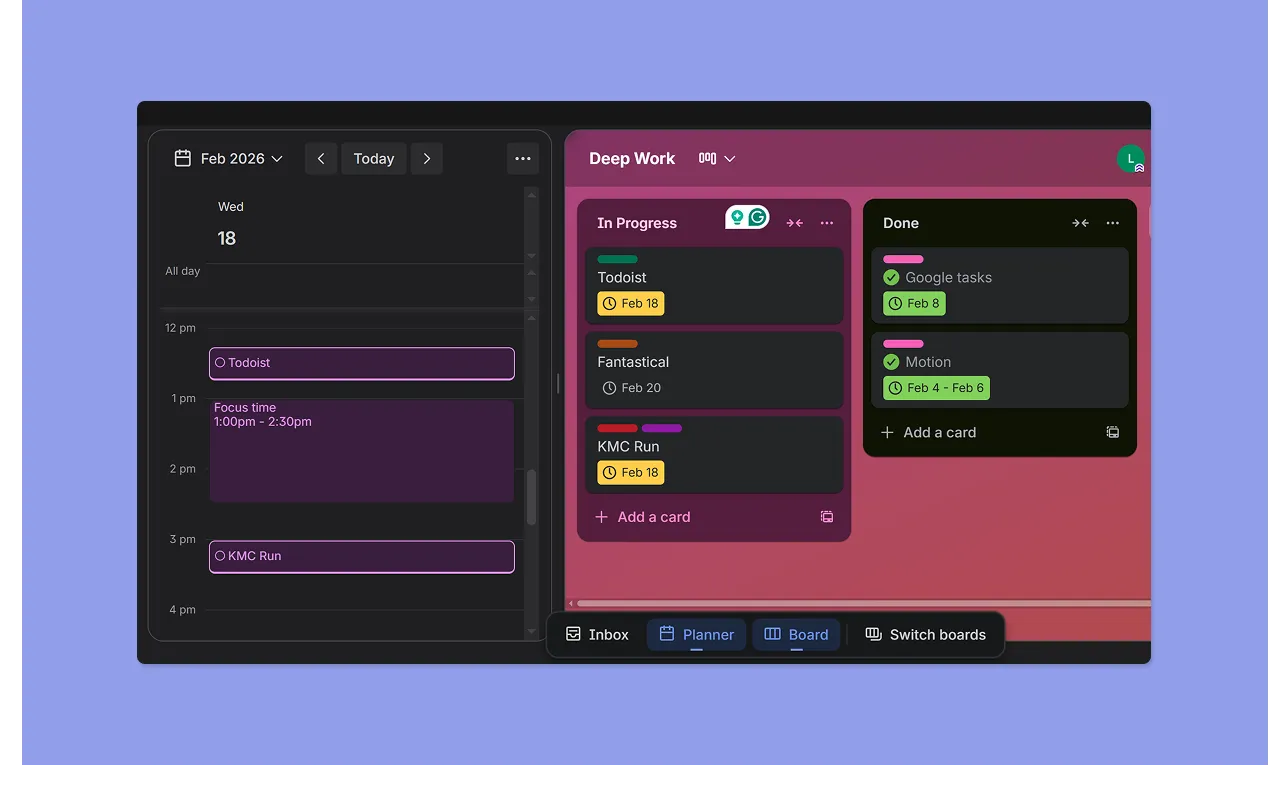
Trello lets you track projects through boards and cards, with collaboration built in through comments, attachments, and shared links.
Key Features
- Boards, lists, and cards: Each project gets a board. Create tasks (cards with due dates, labels, checklists, attachments, and comments) for each board and move them between columns as they progress
- Workflow automation with Butler: Trello allows rule-based automation (e.g., move cards, assign members, trigger due dates), giving teams more process control
Pricing
Where Trello Shines
- Team features: Trello keeps tasks, comments, files, and updates inside individual cards, making it easier for teams to collaborate
- More structure for growing projects: Premium views like Timeline and Dashboard add light project management capabilities that go beyond basic task tracking
Where Trello Falls Short
- Better suited for teams than personal task planning: Trello’s board structure can feel heavy for individuals managing daily to-dos
- Limited native scheduling tools: Calendar, timeline, and workload views require higher-tier plans or add-ons
Customer Reviews
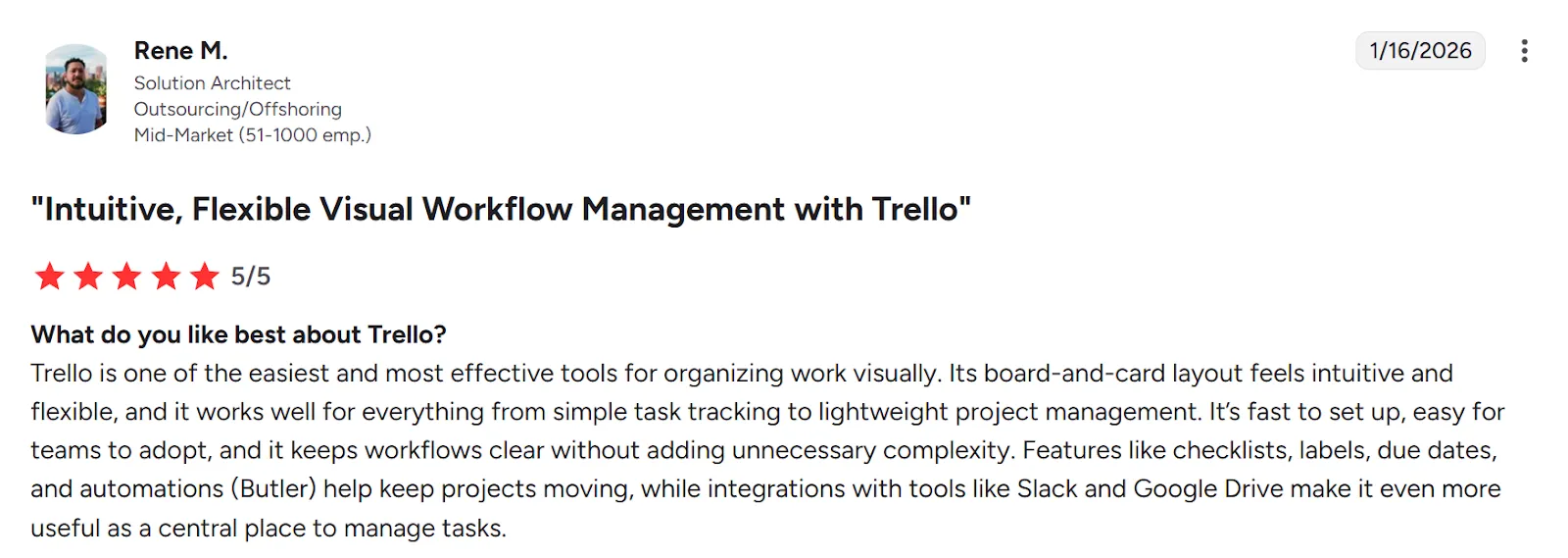
“Trello is one of the easiest and most effective tools for organizing work visually,” shares Rene M.
“It is good for simple tasks, but becomes hard to manage as projects grow bigger,” says Soumik D.

Who Trello Is Best For
- Teams managing shared workflows: Trello is best for small to mid-sized teams that need visual boards to track projects, pipelines, and collaborative work across multiple contributors
4. Zoho Projects
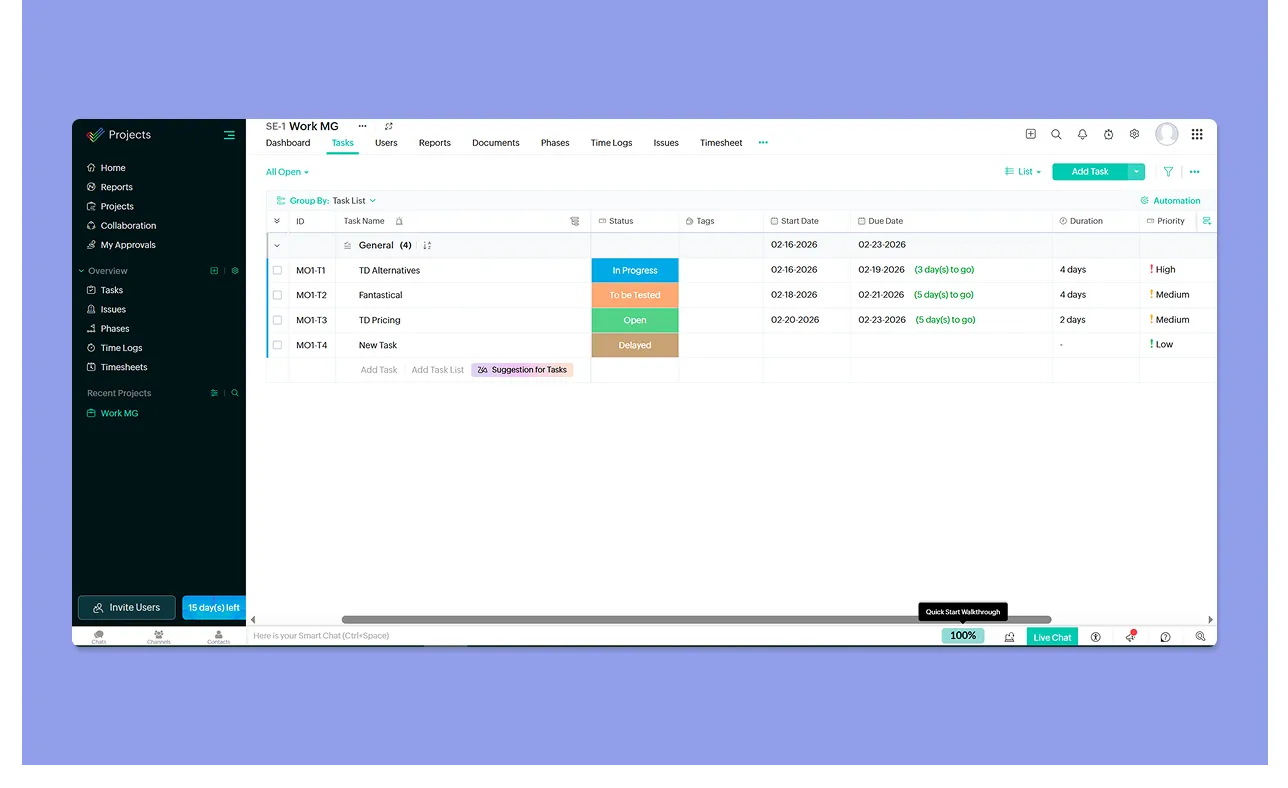
Zoho Projects is the step up from Todoist when your work involves actual project coordination, think Gantt charts, task dependencies, milestones, and time tracking across a team.
Key Features
- Calendar planning: The Calendar module shows work month-by-month and lets you create tasks, milestones, and events directly from a date
- Team task ownership and tracking: Assign owners, manage statuses, and track deadlines across projects for coordinated execution
Pricing
Where Zoho Projects Shines
- Granular task structure across projects: Create task lists per project with start and end dates, priorities, statuses, tags, and timelines
- Workflow rules and recurring automation: Set up workflow rules to auto-create recurring tasks, trigger status changes, and standardize execution without manual rebuilding
- Advanced filtering and reporting: Use task filters by owner, priority, status, completion percentage, or date to surface exactly what matters across multiple active projects
Where Zoho Projects Falls Short
- Steep learning curve: Reviewers consistently mention that Zoho Projects is overwhelming for new users, and that the interface packs in too much at once
- Limited third-party integration depth: Zoho Projects integrates best within the Zoho ecosystem, while external app connections can feel less seamless
Customer Reviews
“What I like most about Zoho Projects is that it helps me stay organized without feeling complicated or overwhelming,” shares a G2 reviewer.
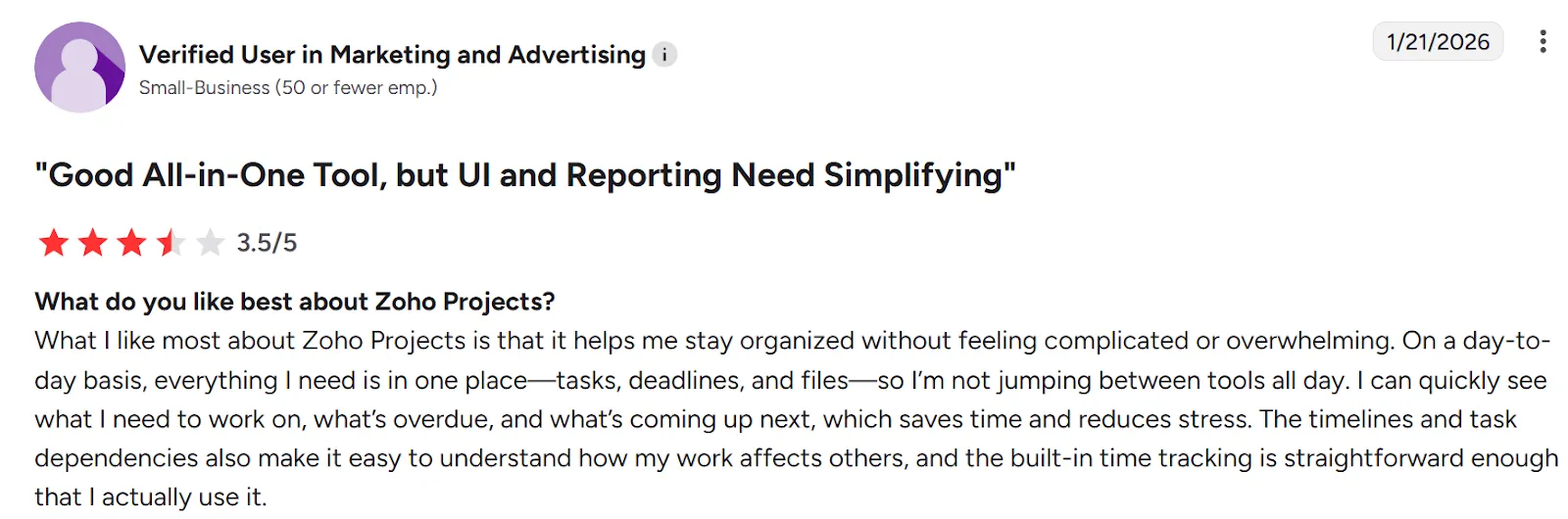
“One of the primary cons of using Zoho Projects is the steep learning curve,” says Meenachisundaram M.

Who Zoho Projects Is Best For
- Small to mid-sized teams that manage multiple projects simultaneously and need more than a task list to stay coordinated
5. Motion
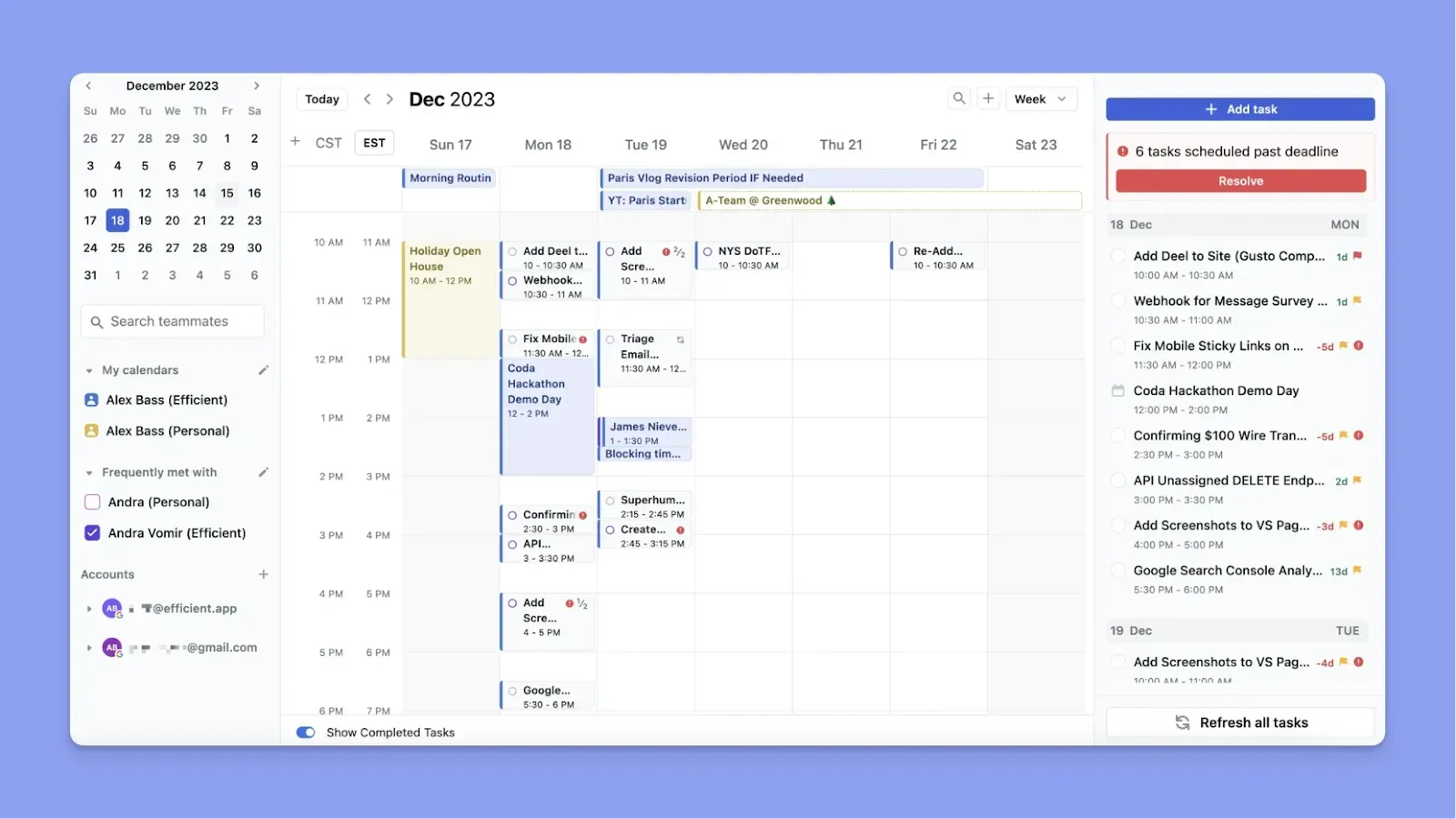
Motion combines tasks, meetings, and deadlines into an AI-driven calendar that automatically builds and rebuilds your day based on priorities and availability.
Key Features
- AI Calendar: Automatically schedules tasks based on deadlines, priority, duration, and your working hours
- Project management: Kanban boards, task dependencies, and project workflows built in
- Conflict detection: When a new meeting blocks a scheduled task, Motion automatically moves the task to the next available slot
Pricing
Where Motion Shines
- Hands-off scheduling: Motion removes the daily mental load of deciding what to work on next every time your schedule changes
- Team visibility with live recalculation: In team plans, workload and task shifts update dynamically across members
Where Motion Falls Short
- Expensive: At $19/month, it is more than four times the cost of Todoist Pro
- Steeper learning curve: The AI-driven workflow and required task configuration can feel overwhelming at first
- No native Todoist task sync: Motion does not pull in tasks from Todoist, so switching requires rebuilding your workflow
If you are weighing your options between automation and traditional project management, you can also explore our breakdown of Motion vs. Asana to see which workflow style fits you best.
Customer Reviews
“What I like most about Motion is the smart way it automatically organizes tasks and the schedule,” shares Gabriel G.
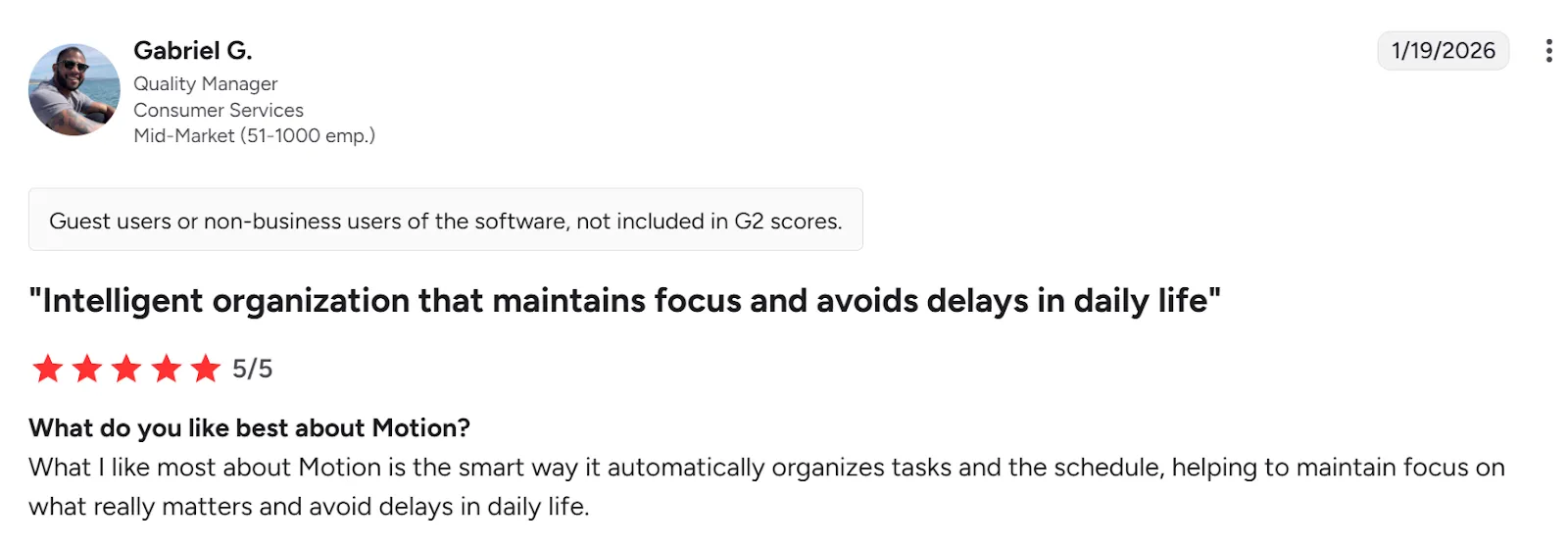
“I wish there was a simple guide on how to set it up,” says Raimo G.

Who Motion Is Best For
- Small teams and individuals who want AI-managed scheduling: users who prefer automation to handle task prioritization, daily planning, and project timelines
6. Akiflow
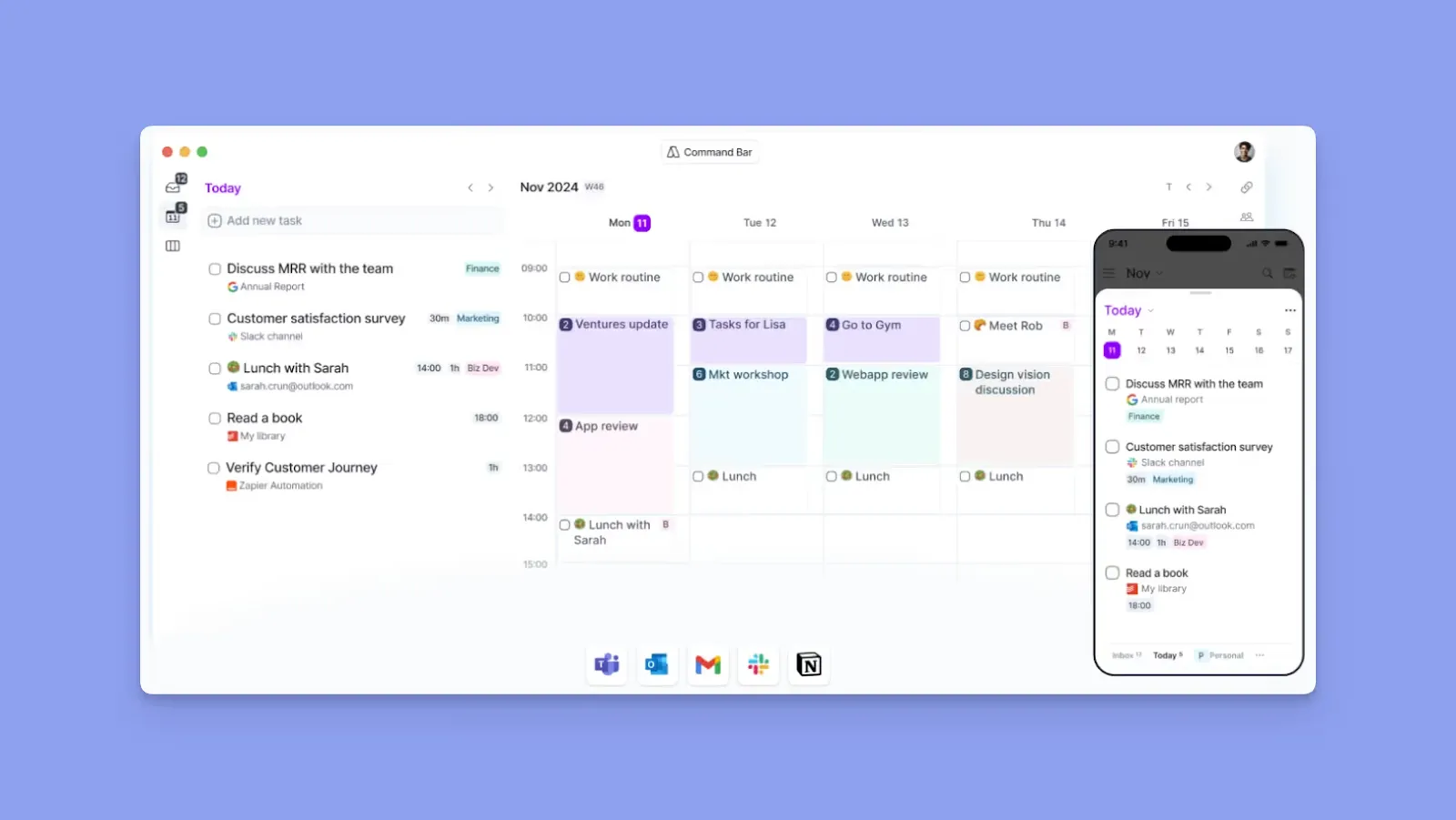
Akiflow unifies tasks from multiple sources and lets you schedule them on your calendars. Key features include:
- Unified task inbox from multiple sources, including Todoist
- Keyboard-first command bar
- Integrated Google and Outlook calendar
Pricing: $19/month (annual).
7. ClickUp
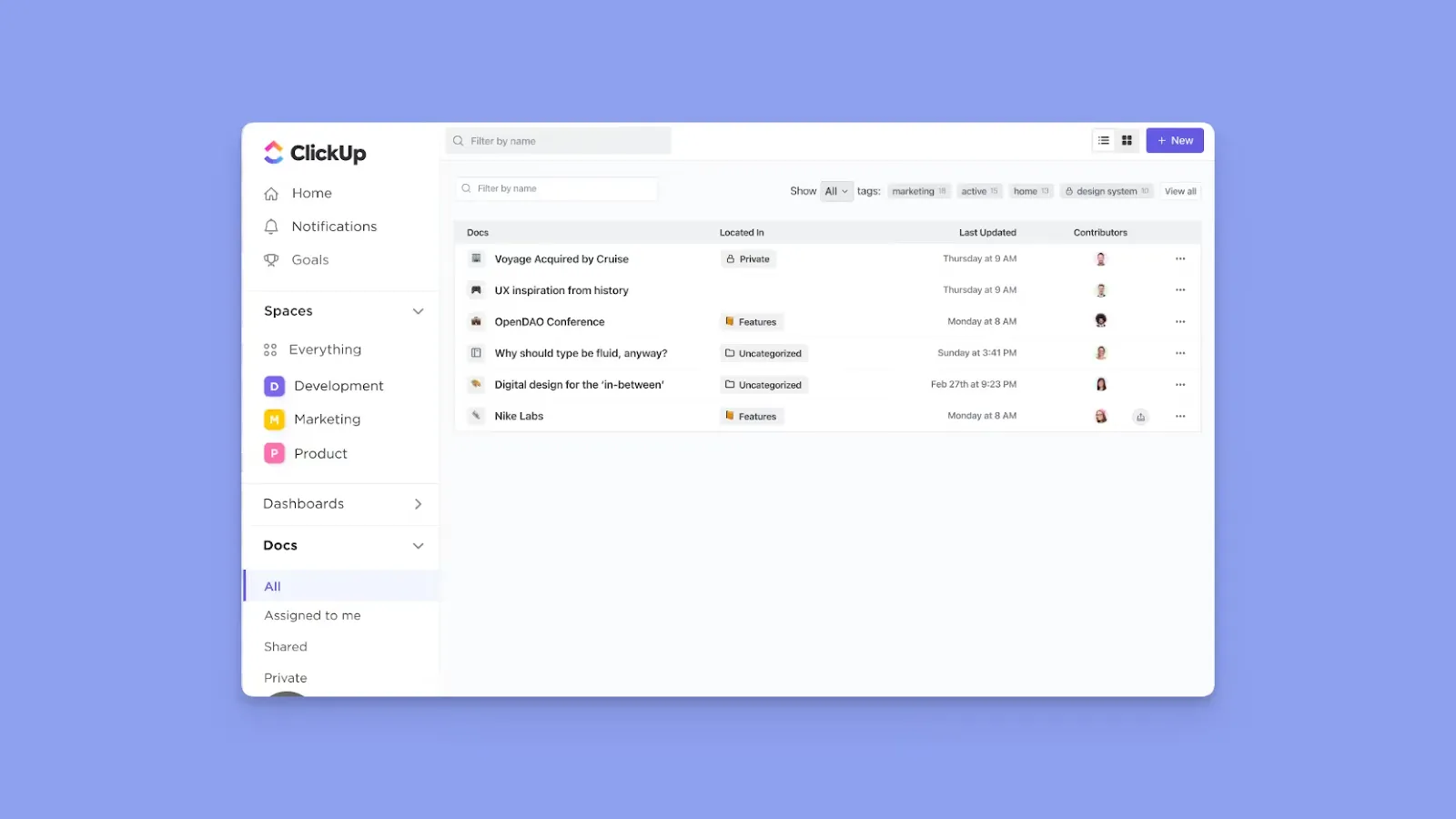
ClickUp is an alternative if your team needs workload visibility, custom workflows, and team reporting. You get:
- Task hierarchy with subtasks and checklists
- List, Board, Calendar, Gantt, and Timeline views
- ClickUp Docs, goal tracking, time tracking, 1,000+ integrations, and advanced automation rules
Pricing: Free plan, unlimited at $7/user/month.
8. Sunsama

Sunsama guides you through a daily planning ritual every morning and a shutdown ritual every evening. You pull tasks from Todoist and other task tools, set time estimates, and build a realistic plan for the day on a time-blocking canvas. You also get a calm interface that supports planning with ADHD.
Pricing: $20/month (Basic Pro), or $50/month.
9. Any.do
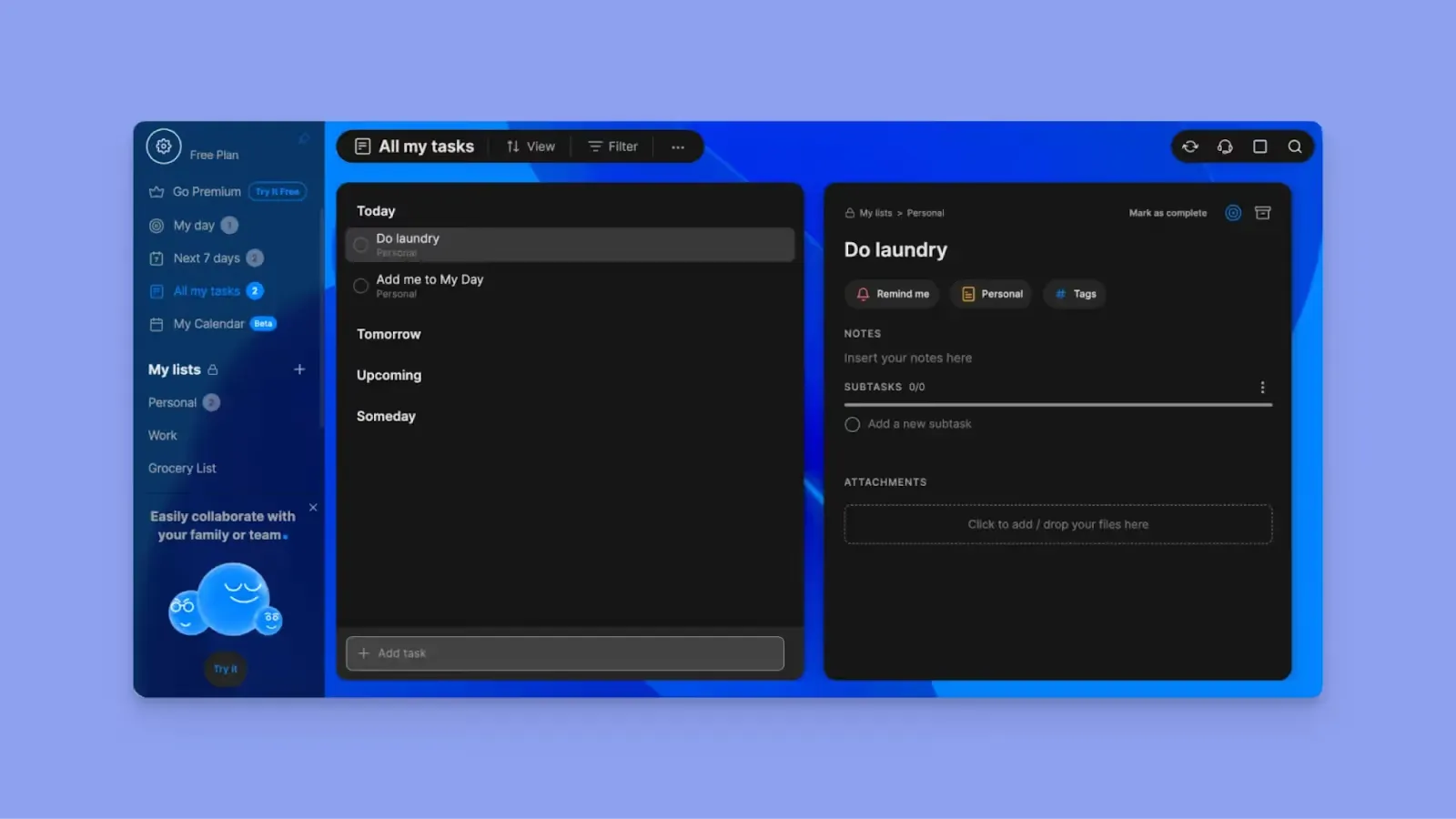
Any.do shows tasks and calendar events on the same screen, with a "My Day" feature that automatically surfaces today's priorities, overdue items, and upcoming deadlines. You can sync to Google Calendar and Outlook, set location-based reminders, and use voice task capture and natural language input.
Pricing: Free and $4.99/month.
Reasons to Consider a Todoist Alternative
Context switching can consume up to 40% of productive time. If you don’t want to keep switching between tasks and calendar events, here’s why you need these Todoist competitors:
You Need AI Features for Planning
Todoist stores tasks but does not schedule them into available time. You still decide when everything gets done, and if your calendar shifts, you’ll manually reorganize your day. you’ll manually reorganize your day. Before making a switch, you may want to review the different tiers of Todoist pricing to ensure you are utilizing your current tool to its full potential.
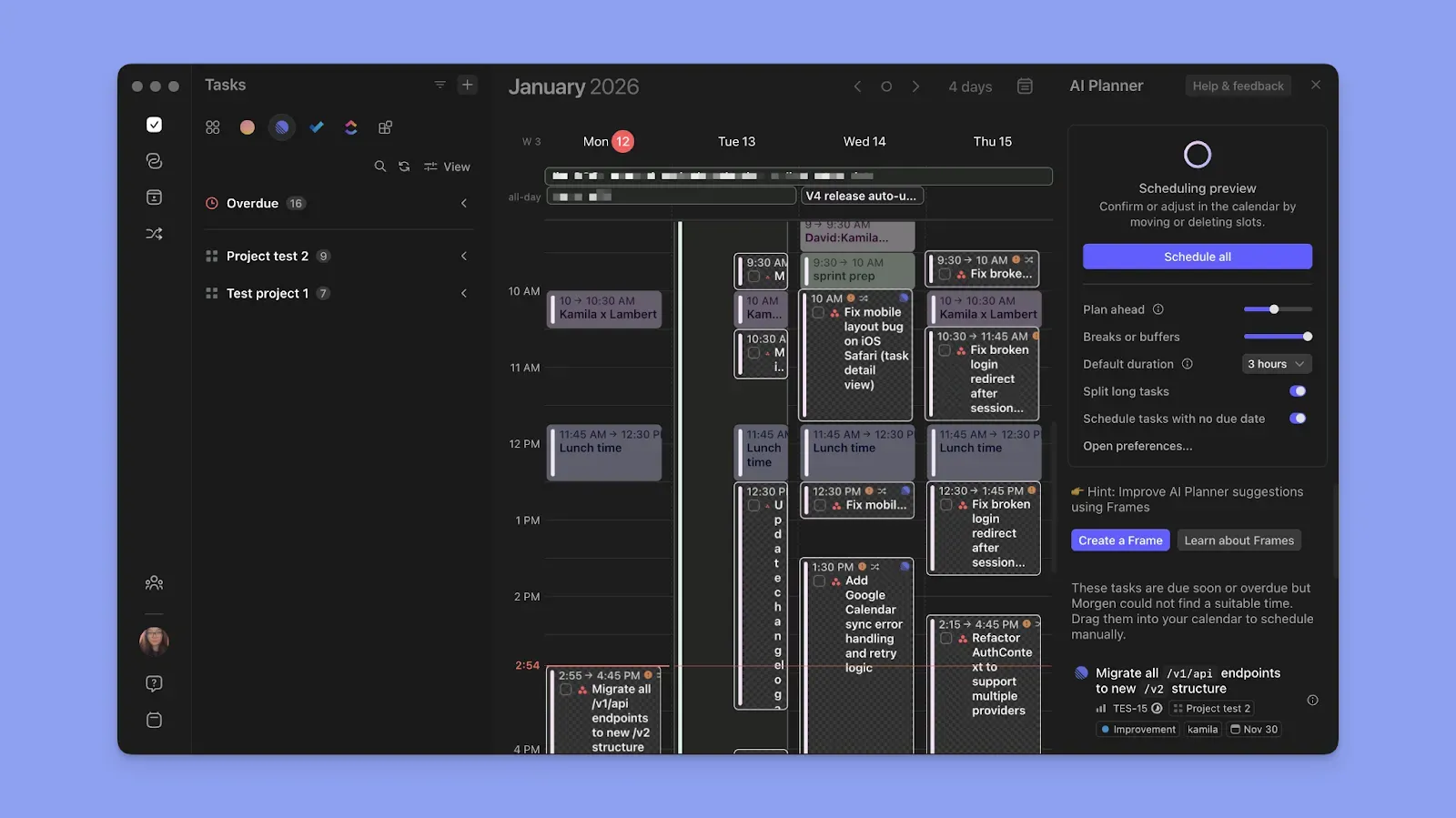
Morgen’s AI Planner suggests realistic task placements around meetings and deadlines, and ensures you don’t create calendar conflicts.
Here’s our guide on what an AI planner is, and how to start using Morgen’s.
You Want To Schedule Focus Time
If you need to start time blocking, you need calendar-native planning that’s unavailable in Todoist. Morgen’s Frames let you dedicate recurring focus blocks and schedule tasks directly inside them.
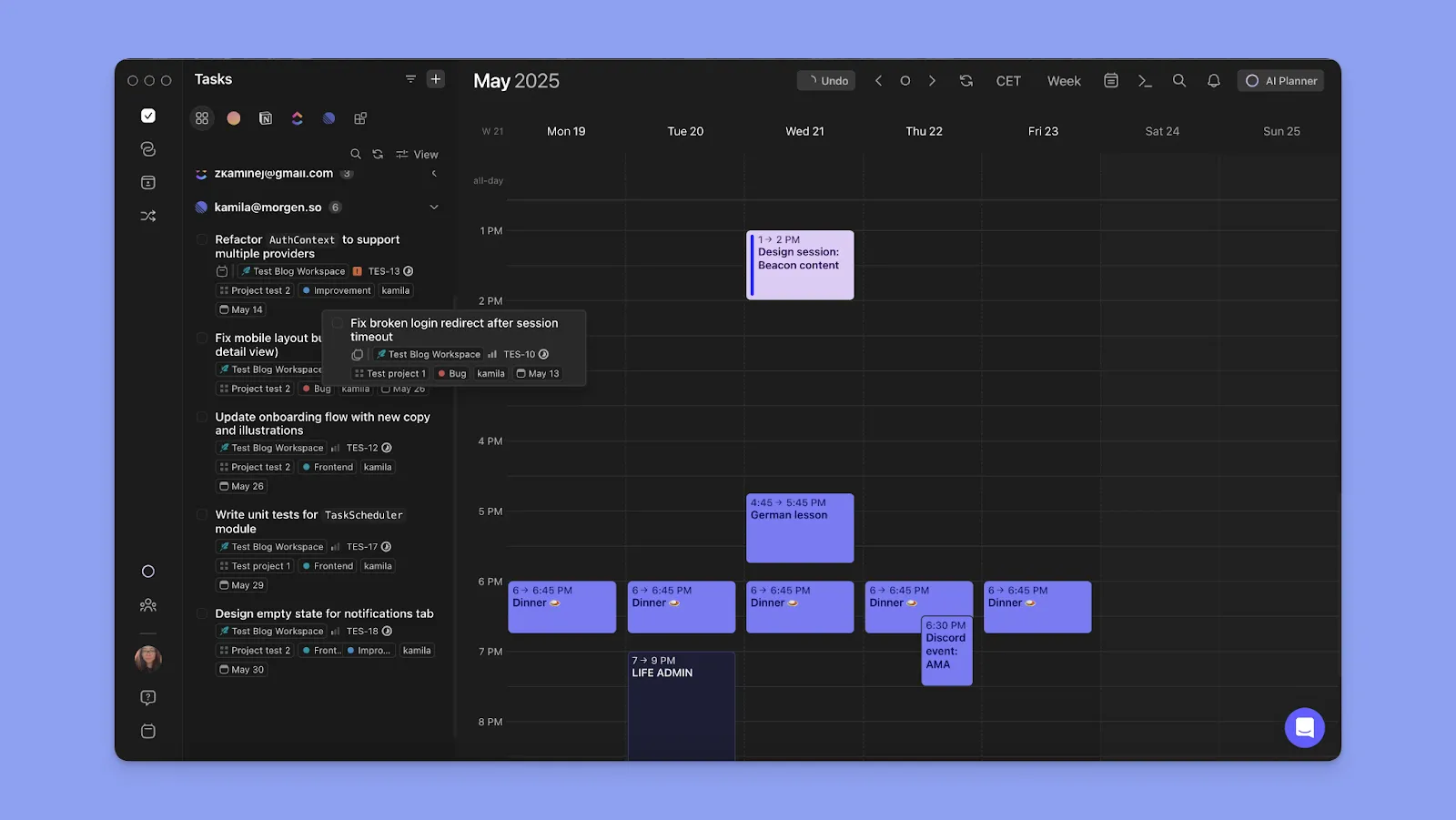
Plus, every scheduled task becomes a protected block on your calendar, synced across connected accounts.
You Need Team Support and Meeting Planning
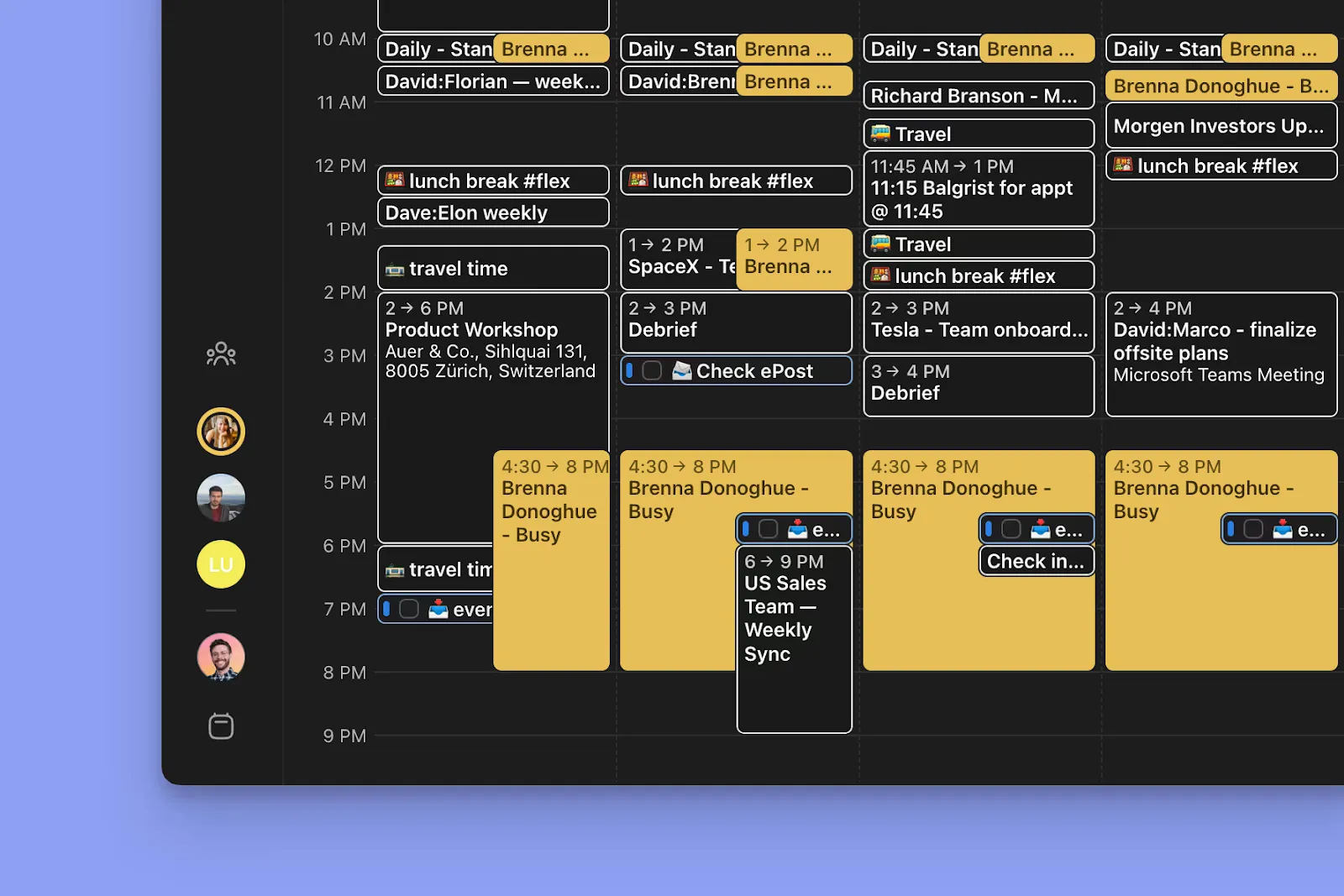
Morgen supports team collaboration through shared scheduling workflows. You can create a Morgen team, invite members, and see each other's availability without sharing private calendar details.
Each team member can create booking pages and scheduling links, and you can also create multi-person scheduling links for team meetings.
Plan team meetings without email back-and-forth using Morgen's free Time Zone Meeting Planner.
Use Morgen to Organize Tasks, Calendar, and Projects in One Place
If you like Todoist’s task management but need stronger calendar control, Morgen offers an ideal planning layer.
Integrate Todoist with Morgen and schedule your tasks directly on your calendars with AI recommendations. Plus, create repeatable Frames for Todoist tasks and keep track of meetings and routines in one place.
Grab your 14-day trial now, and download Morgen on your devices.

.svg)
.webp)


