
.svg)
→ Use Morgen if you’re a career couple managing multiple calendars and task tools: best for event planning, time blocking, calendar propagation, and AI-assisted scheduling when conflicts arise
→ Choose Cupla, TimeTree, or Raft if your main goal is quick coordination, including knowing each other's availability and planning shared events
→ Choose Cozi or FamCal if your shared calendar is mostly about home and family life logistics. Ideal for household planning, including errands, routines, shopping lists, and “who’s doing what, when”
→ Use Google Calendar, Apple Calendar, or Outlook for basic sharing: best if you’re already in those ecosystems and just need permission-based visibility
Most couples coordinate via text, but still end up double-booked or out of sync.
Shared calendar apps for couples show each other’s busy plans and availability and help you create and protect time for the things you want to do together.
Below, we compare nine apps across pricing, planning features, and user reviews to help you choose fast.
Best Shared Calendar App for Couples: A Quick Overview
| App | Best For | Standout Feature | Starting Price | App Store Rating | Play Store Rating |
|---|---|---|---|---|---|
| Morgen | Career couples working across multiple calendars + task tools | Sync partner's calendars + calendar propagation to surface shared availability | $15/month | 4.5 | 4.6 |
| Cupla | Couples who want a dedicated relationship-first shared calendar | Shared couples calendar + date countdowns + shared lists + shared goals | Free, Premium from $4.99/mo | 4.7 | 4.4 |
| TimeTree | Lightweight sharing + built-in event chat | Per-event chat threads, multiple shared calendars | Free, Premium $4.49/mo | 4.9 | 4.6 |
| Raft | Couples who want a fun shared calendar with friends | Selectively share events + add images and GIFs to plans | Free | 4.6 | — |
| Cozi | Couples managing household logistics | Shared grocery lists, meal planning, weekly agenda email | Free, Gold $39/year | 4.8 | 4.7 |
| Google Calendar | Couples who already use Google | Ubiquitous, free, two-way sync, works on every device | Free with a Google Account | 4.5 | 4.7 |
| FamCal | Couples coordinating family-style schedules | Kid-safe shared calendar with color-coded members | Free (in-app purchases) | 4.9 | 4.3 |
| Apple Calendar | iPhone couples fully in the Apple ecosystem | Native iCloud sharing across all Apple devices | Free | 4.9 | — |
| Outlook Calendar | Couples where one or both use Microsoft 365 for work | Deep integration with Teams, email, and Microsoft tasks | Included with Microsoft 365 ($6.99/month) | 4.8 | 4.4 |
1. Morgen: Best for Dual-Career Couples Who Need Calendar Propagation
Morgen works for couples managing busy work schedules across multiple calendars and task tools.
You can sync all your calendars as a couple, see availability instantly, and plan events or tasks that propagate back to other connected calendars.
Key Features
You can use these Morgen features to plan schedules with your partner.
Calendar Integrations
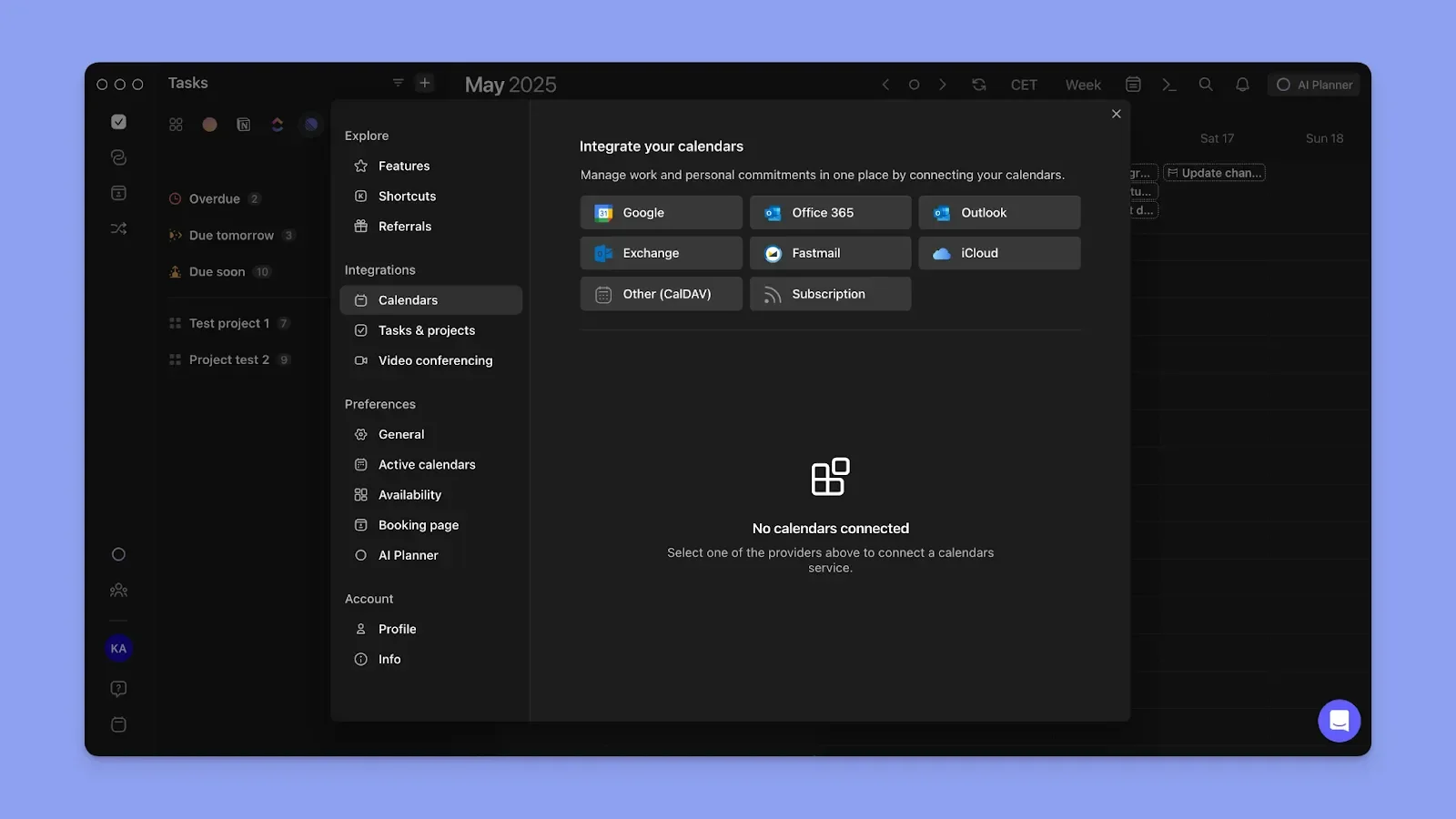
Morgen syncs to unlimited Google, Outlook, Apple, and Fastmail calendars to consolidate your work, personal, and even your partner’s calendars.
As a couple, you can check your partner’s schedule before planning events, errands, or shared time together. If you notice a gap in their day, create a task/event directly on their calendar, whether it's a reminder to pick up dinner on the way home or a note about a shared errand.
Calendar Propagation
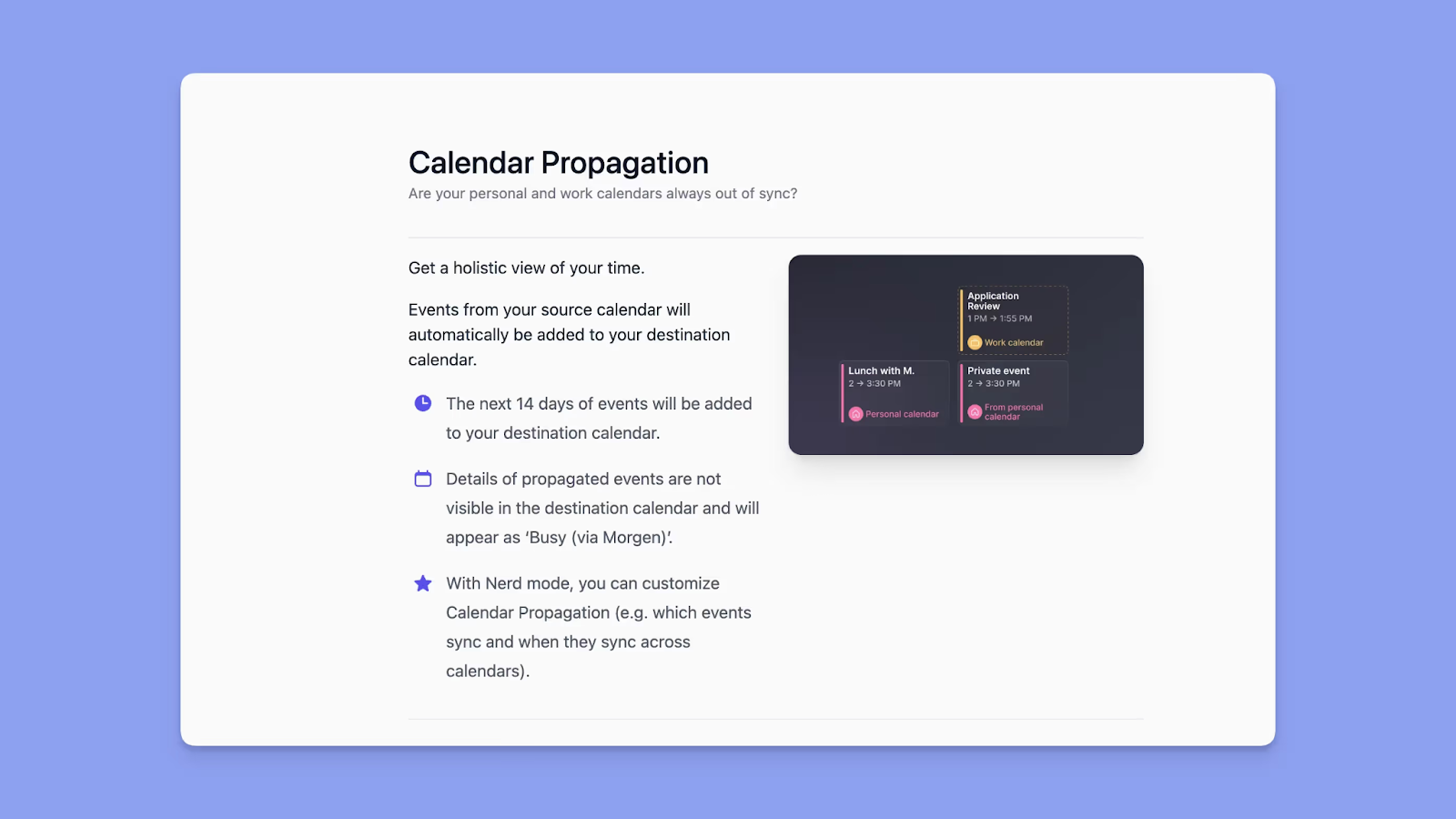
Every block you schedule on Morgen, whether it's a task, an event, or a planned date, propagates as “busy” time across all connected calendars.
You and your partner can plan shared commitments on Morgen, see each other's real availability, and land on a time that works without back-and-forth messages.
Note: Propagation is a
Calendar Sets
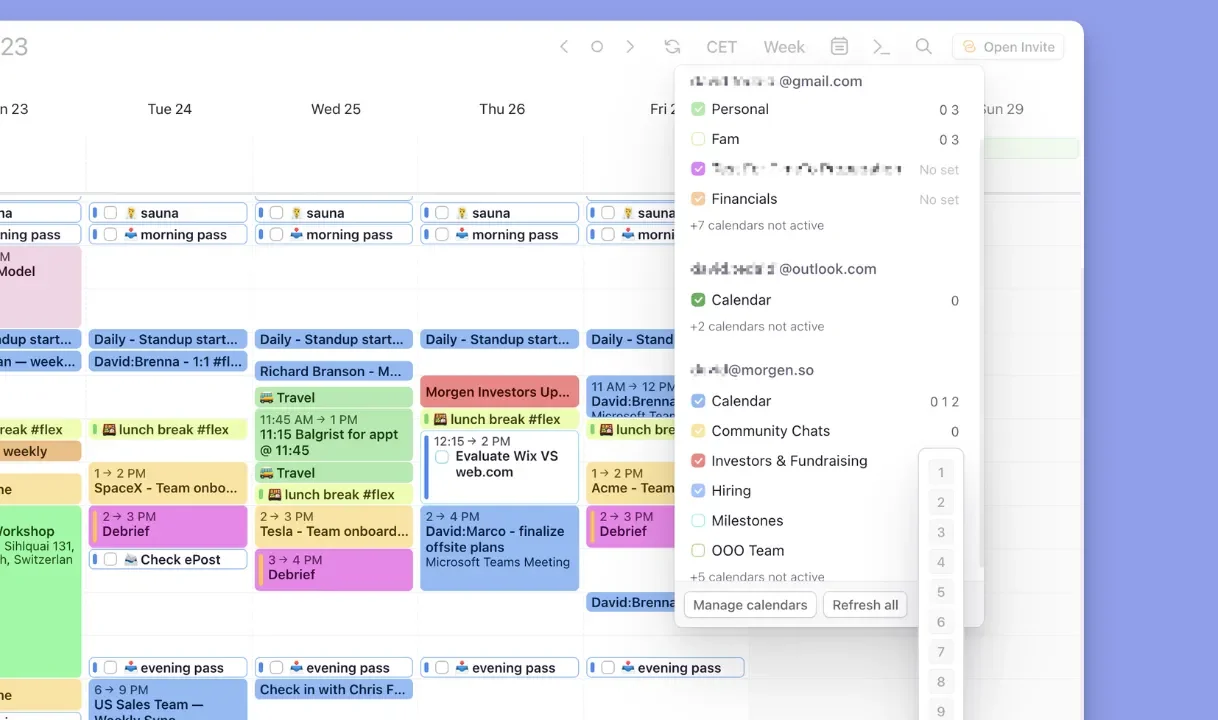
After connecting your partner’s calendars, you can create a calendar set that shows only their schedule, or combine multiple calendars to view your shared availability. Your partner can do the same from their own Morgen account.
Sets are assigned number shortcuts (0–9). Before scheduling a date, trip, or shared task, you can quickly switch to the relevant set and confirm when both of you are available.
Pricing
Buyers' tips: Students and nonprofit organizations get a 25% ongoing discount, while switching from tools such as Motion, Reclaim, Sunsama, or Fantastical earns you 15% off your first year.
| Plan | Monthly Subscription | Annual Subscription |
|---|---|---|
| Individuals | $30 | $15/month |
| Teams | $25/seat | $10/seat/month |
Where Morgen Shines
- Deep calendar and task integrations: Each partner connects their own calendars and tasks, and propagates schedules so both accounts stay aligned
- Flexible calendar planning: Create events and shared plans directly in Morgen, then propagate them across connected calendars
- Shared task planning: Schedule tasks to your partner's calendar and attach a note; no call needed to explain the plan
- Color-coding: Assign your partner's calendar their own color and pick a shared outline color for your shared blocks to understand your daily view at a glance
- AI planning assistance: Morgen’s AI Planner analyzes all connected calendars and tasks to suggest realistic time blocks that respect existing commitments
- Shared routines: Create recurring activities you enjoy together and assign them to one or multiple calendars
- Frames for recurring work structures: Use Frames to collaborate professionally through weekly planning templates
Where Morgen Falls Short
- No in-app chat: There is no event-level chat thread. When you create a shared plan, you control how early notifications go out, so your partner can act on them in time
- Desktop-first experience: The mobile app is great for checking schedules on the go but Morgen’s full planning power lives on desktop
Customer Reviews
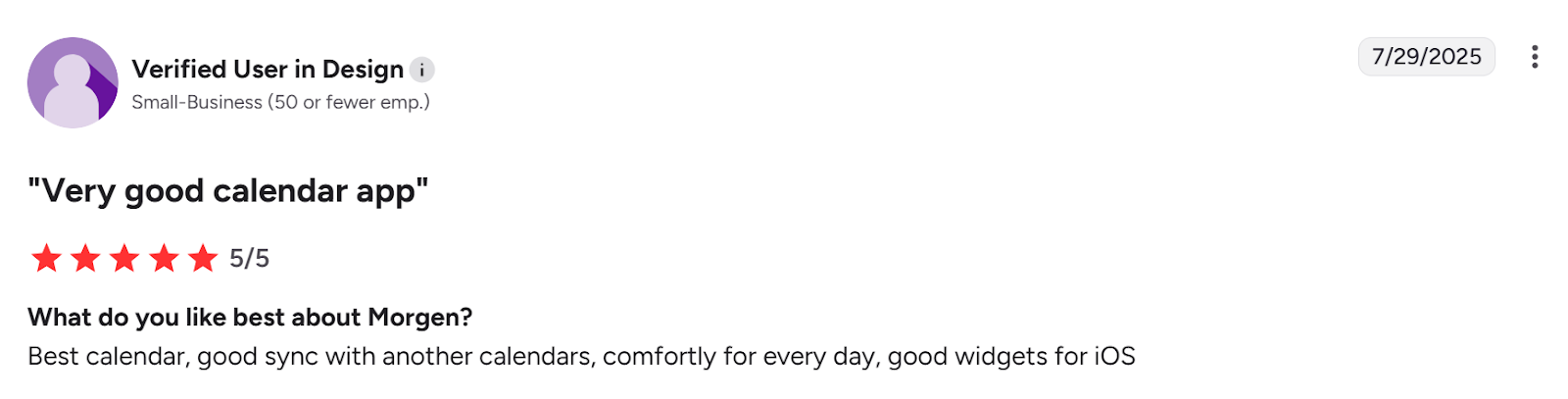
“Best calendar, good sync with other calendars, comfortable for every day, good widgets for iOS,” says this G2 reviewer.
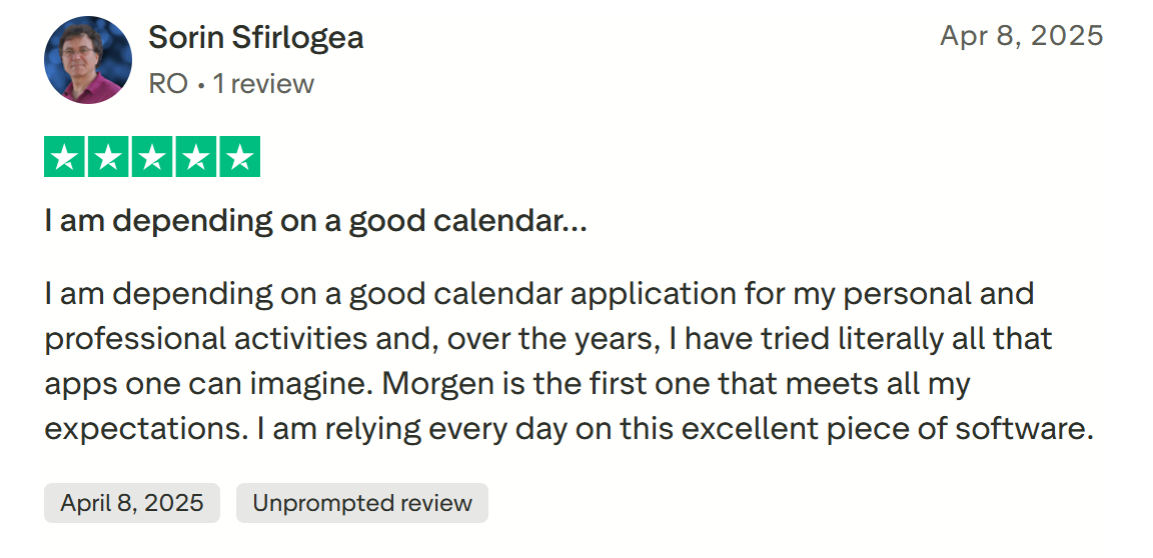
“I am relying every day on this excellent piece of software,” shares Sorin Sfirlogea on Trustpilot.
Who Morgen Is Best For
- Couples who work independently but plan together: Freelancers, solopreneurs, or dual-career professionals who want to coordinate schedules across multiple calendars, while still maintaining control over their individual planning workflows
Get started with Morgen 4 and plan with your partner today.
2. Cupla: A Dedicated Relationship-First Shared Calendar
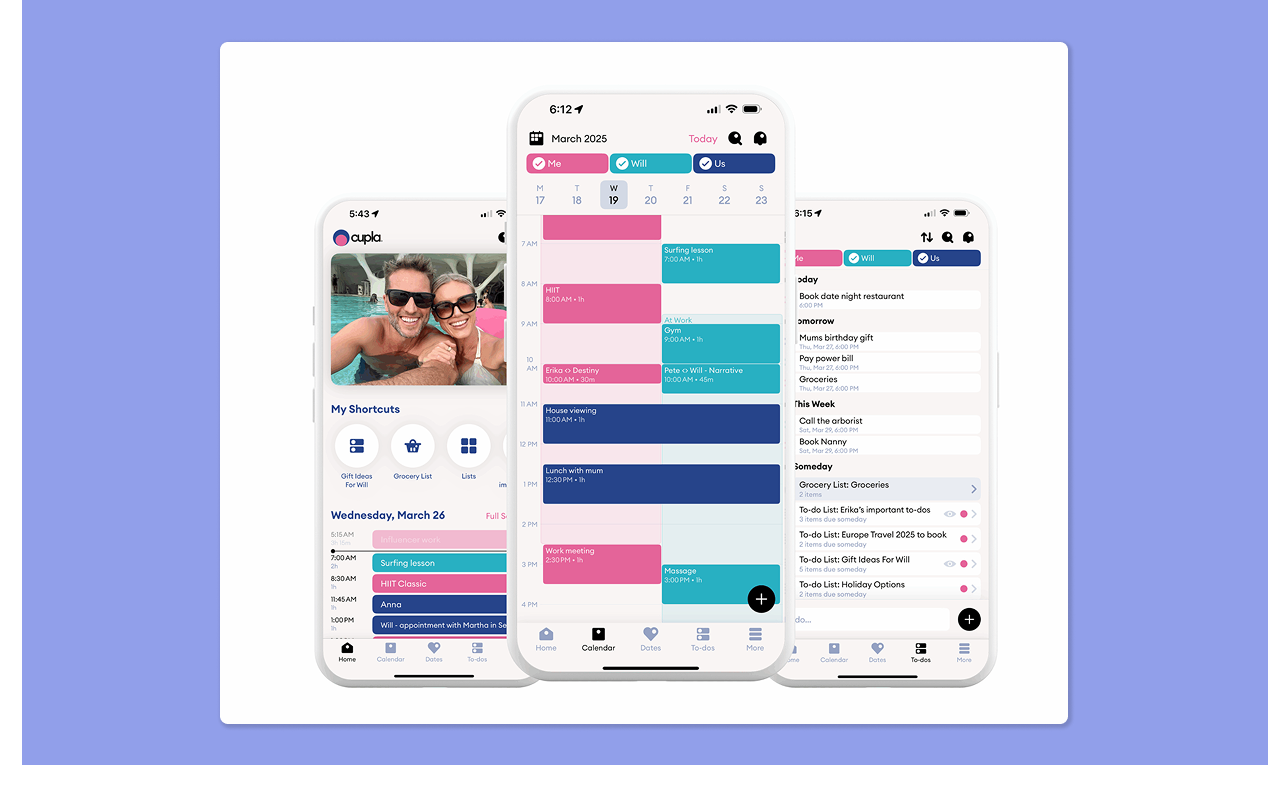
Cupla focuses entirely on helping couples plan their time together, providing a shared space to coordinate plans, track commitments, and intentionally set aside time for each other.
Key Features
- Shared calendar view: Connect Google, Outlook, Apple, and Android calendars to see both partners’ schedules in one place
- Couples’ to-dos: Create joint tasks with labels, priorities, and due dates so errands and plans don’t fall through the crack
- Shared shopping lists: Build collaborative grocery or household lists that update in real time
Tip: If you connect the same Google, Outlook, or Apple Calendar to both Cupla and Morgen, plans created in Cupla will appear in your Morgen view automatically.
Pricing
| Plan | Price |
|---|---|
| Free | $0 |
| Premium | From $4.99/month |
Where Cupla Shines
- Key date customization: Add milestones, anniversaries, or upcoming trips with custom imagery
- Milestone tracking: Add key dates with images and see countdowns for anniversaries, trips, and events
- Single subscription: One premium plan covers both partners
Where Cupla Falls Short
- Mobile-only: No desktop planning interface
- Limited work visibility: Cannot pull tasks or commitments from productivity tools
Customer Reviews
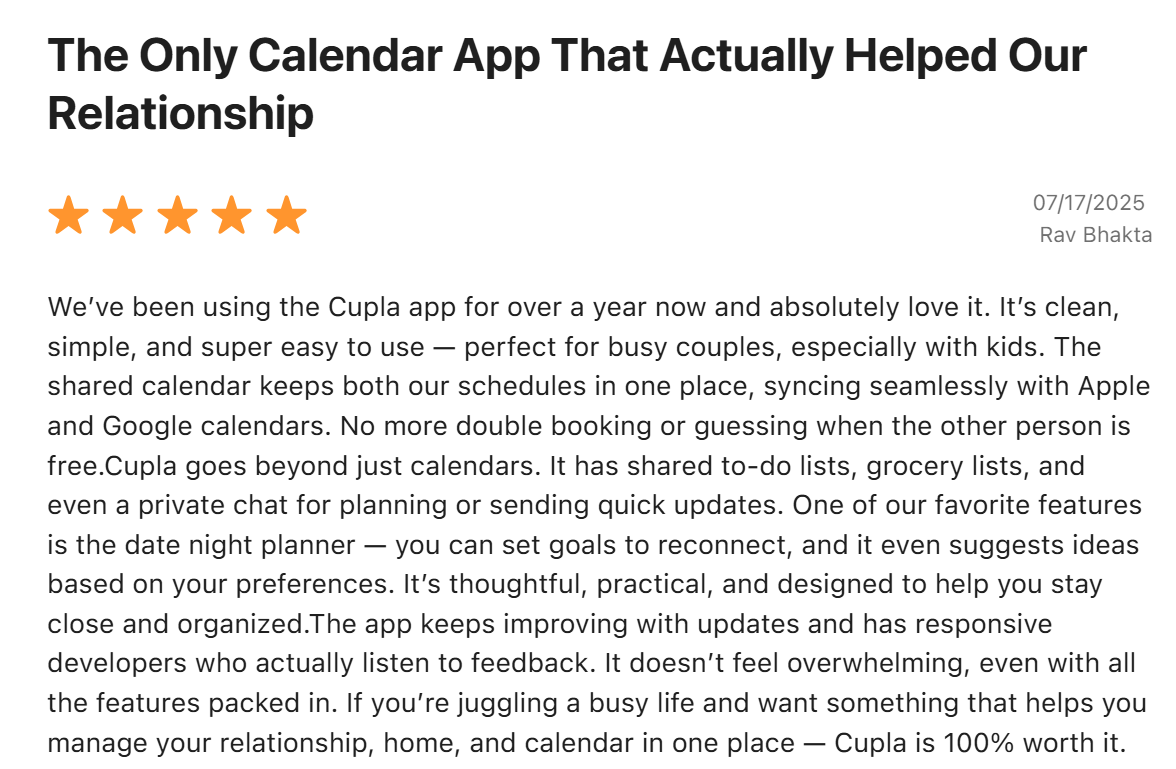
Cupla has an average rating of 4.7 across iOS and Google Play. One satisfied reviewer on the App Store says Cupla is “clean, simple, and super easy to use.”
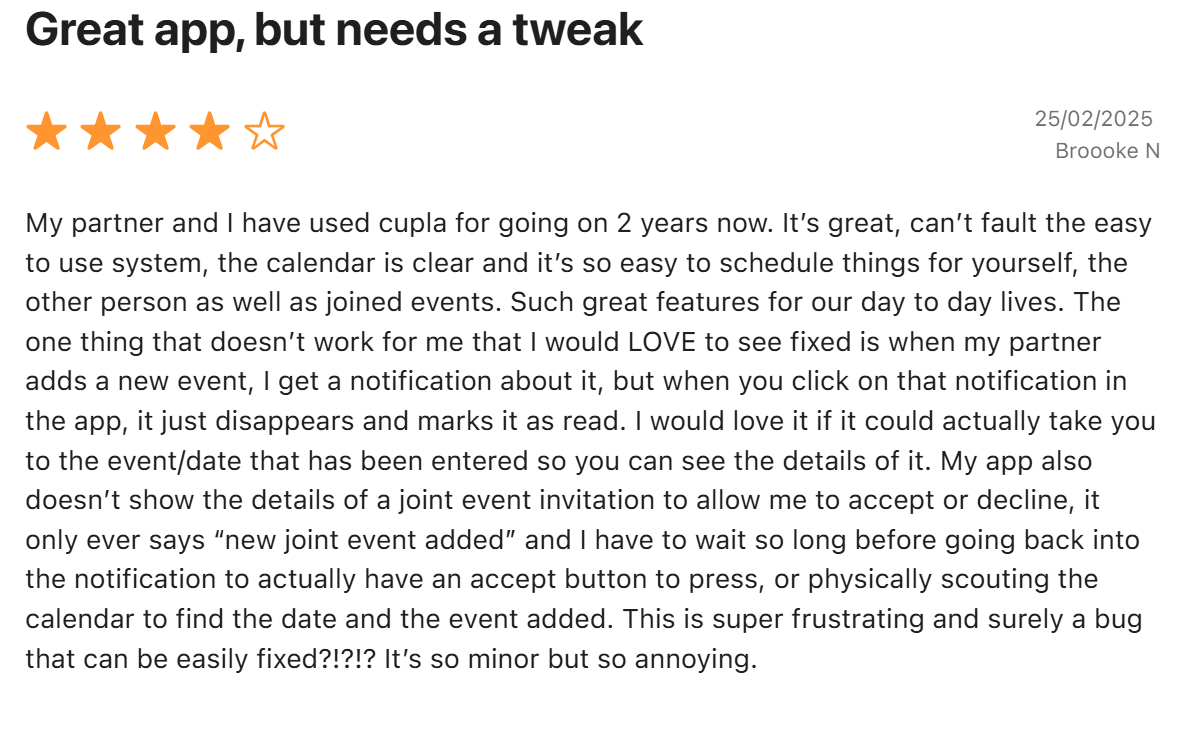
Brooke N shares they’d love it if Cupla could show more details of events added by their partner:
Who Cupla Is Best For
- Couples who want a relationship-focused calendar: Partners who mainly want a shared space for planning dates, tracking milestones, and coordinating personal plans together
3. TimeTree: Best for Couples Who Want to Loop In More People
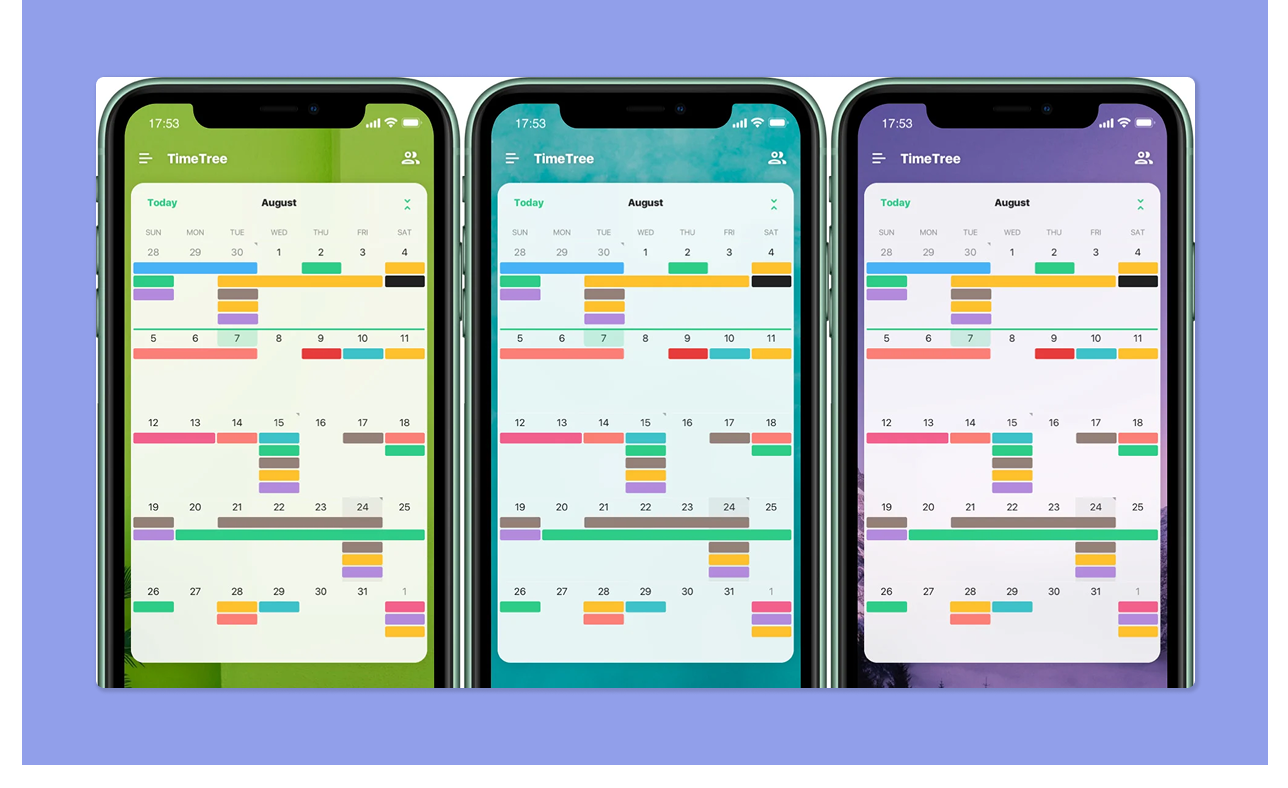
TimeTree helps couples coordinate schedules across different areas of life. Create separate shared calendars, then switch between them quickly or view them together when planning your week.
Key Features
- Multiple shared calendars: Create separate calendars for family, hobbies, work, or social plans
- Calendar filters: Combine or hide calendars to view only the schedules you need
- Recurring events: Easily schedule repeating commitments like weekly dinners or workouts
Pricing
| Plan | Price |
|---|---|
| Free | $0 |
| Premium | $4.49/month |
Where TimeTree Shines
- Event collaboration: Comment threads inside events help couples coordinate details
- Cross-platform support: TimeTree works across iOS, Android, and web browsers
Where TimeTree Falls Short
- Only plans events: You cannot manage tasks or shared to-do lists in the app
- Ad-supported: The free version includes ads, making the interface feel cluttered
- Paywalls: Priorities and attachments are locked behind the paid plan
Customer Reviews
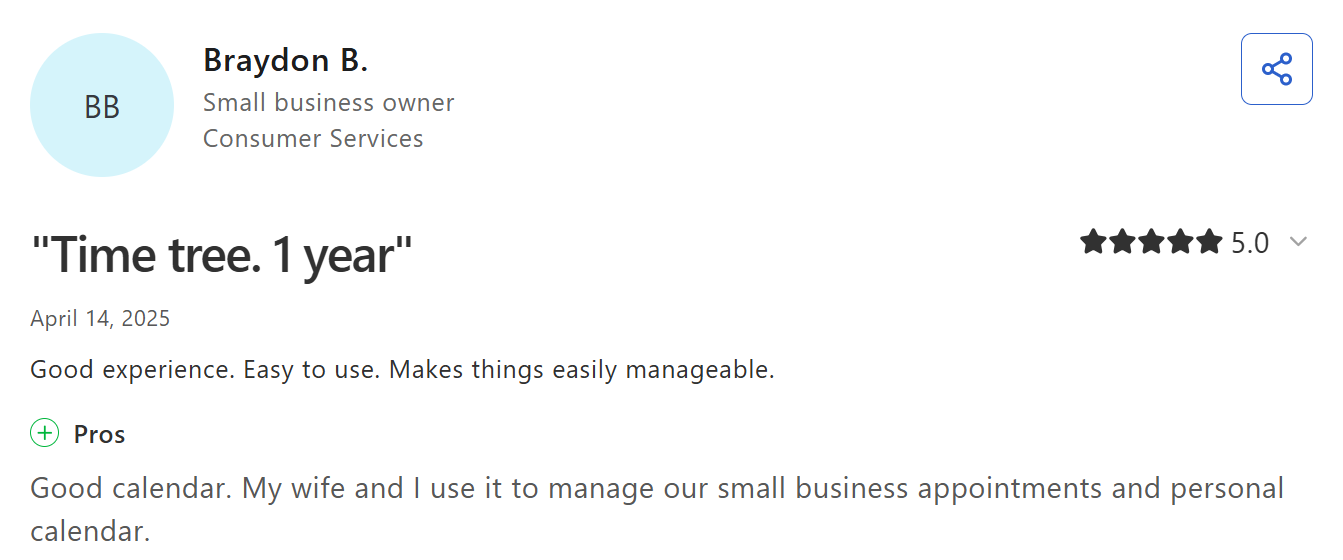
“My wife and I use it to manage our small business appointments and personal calendar,” says Braydon B.
Rachael N says, " I feel like I don't know how to use all the features well - it would be nice if there were a tutorial.”

Who TimeTree Is Best For
- Couples who coordinate schedules with groups: Partners who want to loop in kids, family members, friends, or clients across separate calendars
4. Raft: Best for Event Sharing Between Couples and Friends
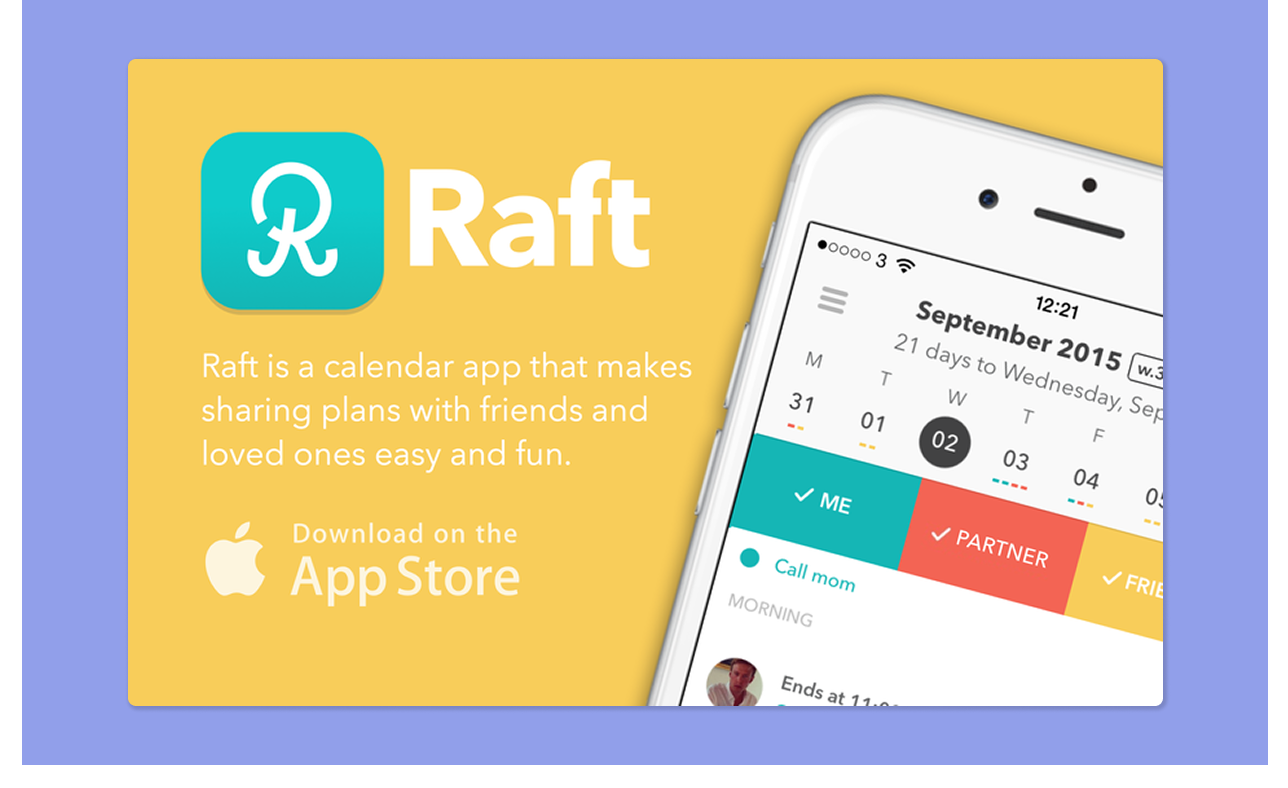
Raft lets you share plans, react to each other's events, and see when friends are free to join. If you want to coordinate date nights and social plans, this is your app.
For one-off plans with a bigger group, like a double date or a family dinner, you can also send a free scheduling poll. Everyone marks their availability from the link, no accounts needed, and a heatmap shows the time that works for the whole group.
Key Features
- Social calendar feed: See what your partner has planned, like and comment on their events, and share your own with selective privacy controls
- Event chat threads: Each event includes a conversation space so people can confirm details, coordinate logistics, or adjust plans
Pricing
Raft is free to download on iOS.
Where Raft Shines
- Visual event customization: Add GIFs, emojis, or images to events
- Selective event sharing: Import events and choose which ones to share with your partner or friends
Where Raft Falls Short
- iOS only: Not available on Android
- Limited planning depth: No to-do lists, recurring events, or household features
Customer Reviews
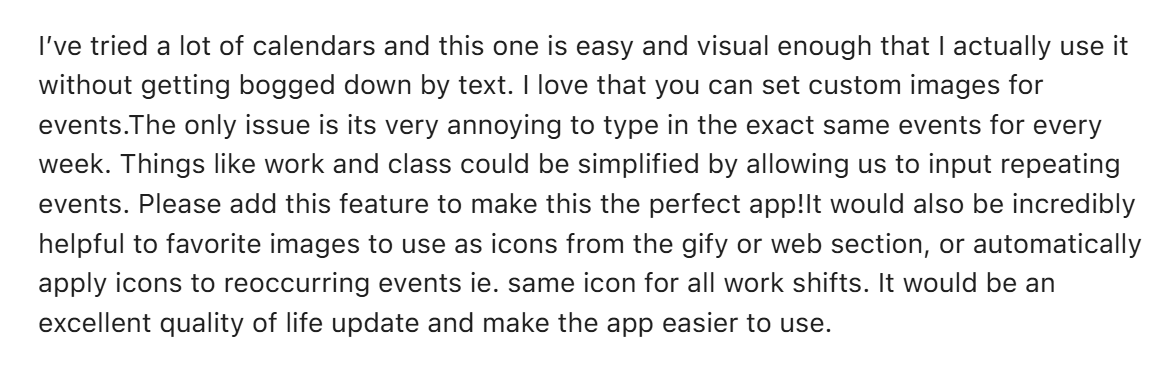
Raft holds a 4.6/5 rating on the App Store. One user says it’s "easy and visual enough that I actually use it without getting bogged down by text."
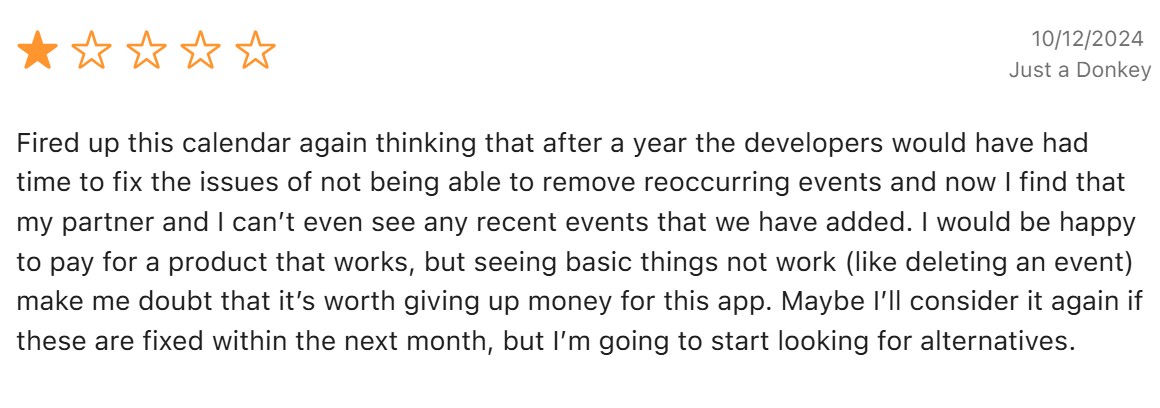
Another shares their frustration: "My partner and I can't even see any recent events that we have added."
Who Raft Is Best For
- Couples with an active social life: Partners who regularly coordinate plans with friends or plan double dates
5. Cozi: Best for Couples Managing a Busy Household
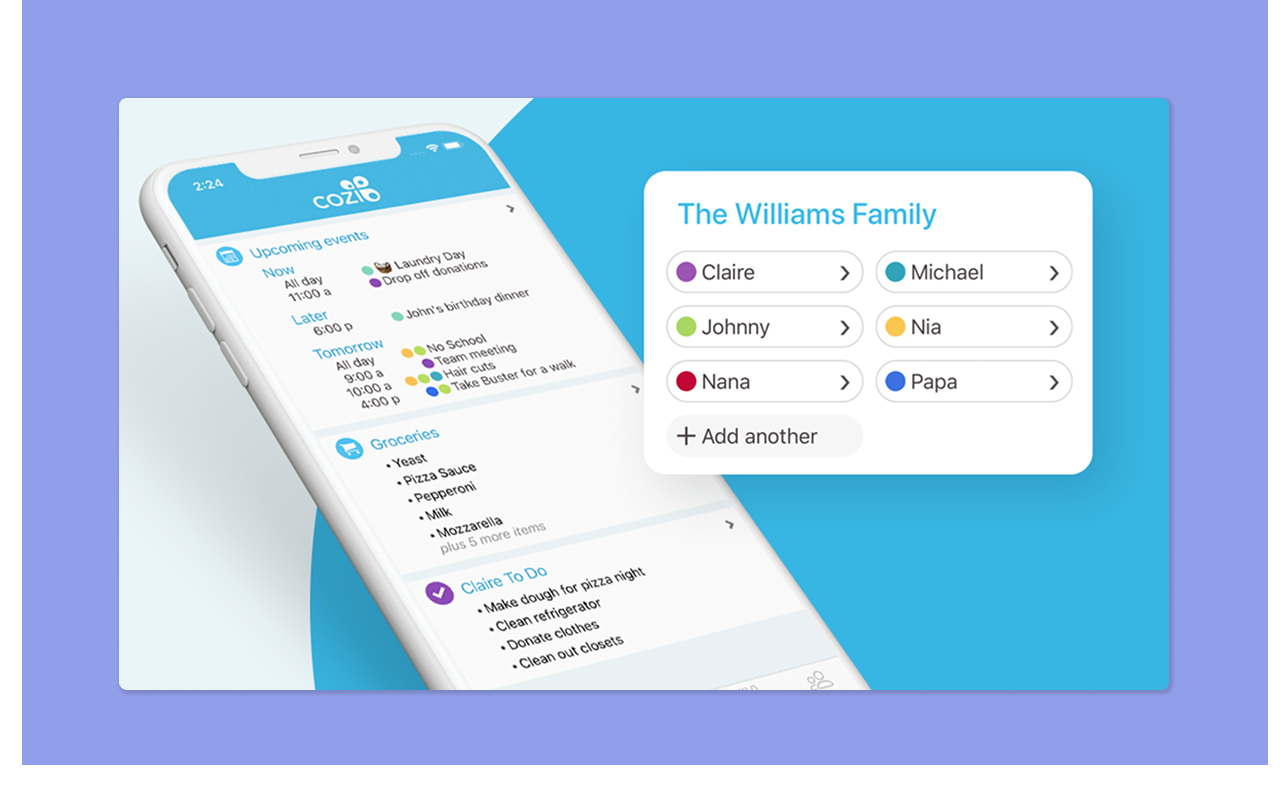
Cozi is designed for couples with families juggling appointments, chores, shopping lists, and meal planning in one shared space.
Key Features
- Color-coded entries: Each person gets their own color, so you can see at a glance who is doing what and when
- Recipe box and meal planner: Save recipes, plan weekly meals, and automatically add ingredients to your grocery list
Pricing
| Plan | Price |
|---|---|
| Free | $0 |
| Gold | $39/year |
Where Cozi Shines
- Weekly agenda emails: Both partners get an automated summary each week to stay aligned
- To-do lists: Create household lists, chore assignments, packing lists, or planning checklists. Assign tasks to each other and prioritize by reordering
Where Cozi Falls Short
- Limited free plan: Free accounts can only view 30 days of calendar events and are ad-supported
- No chat or location-sharing: Cozi has no way to share your location with your partner or discuss plans inside the app
Customer Reviews
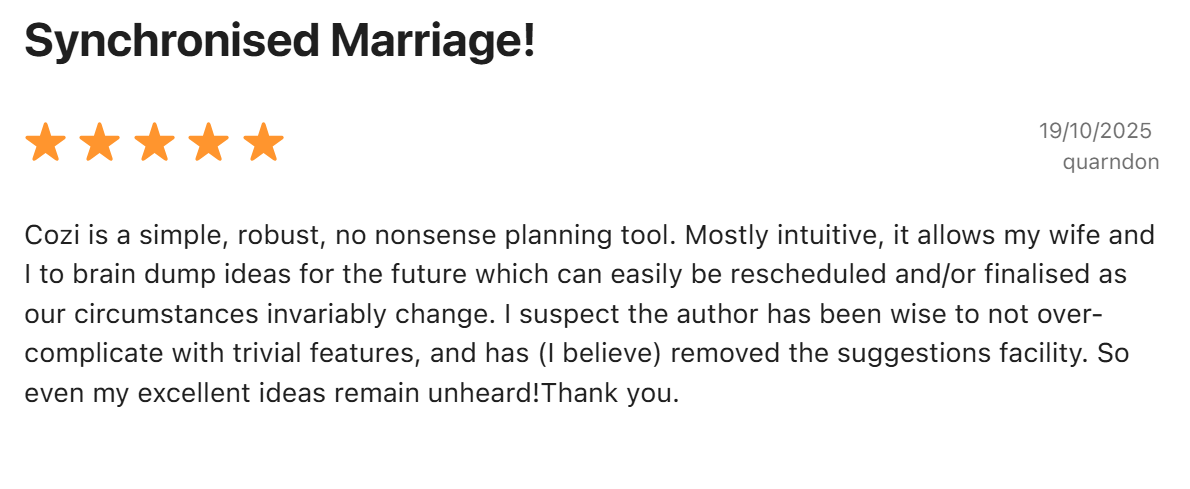
“It allows my wife and I to dump ideas for the future,” shares an App Store reviewer.
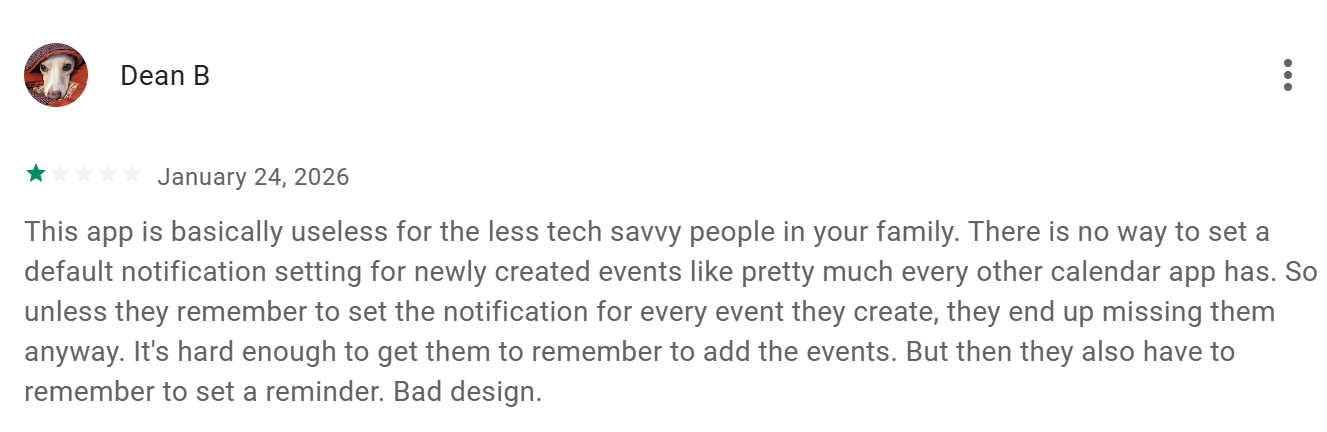
“There is no way to set a default notification setting for newly created events,” according to Dean B on the Play Store.
Who Cozi Is Best For
- Couples running a household together: Partners who want grocery lists, meal planning, and a shared calendar in one app
6. Google Calendar: Best for Couples Who Already Use Google
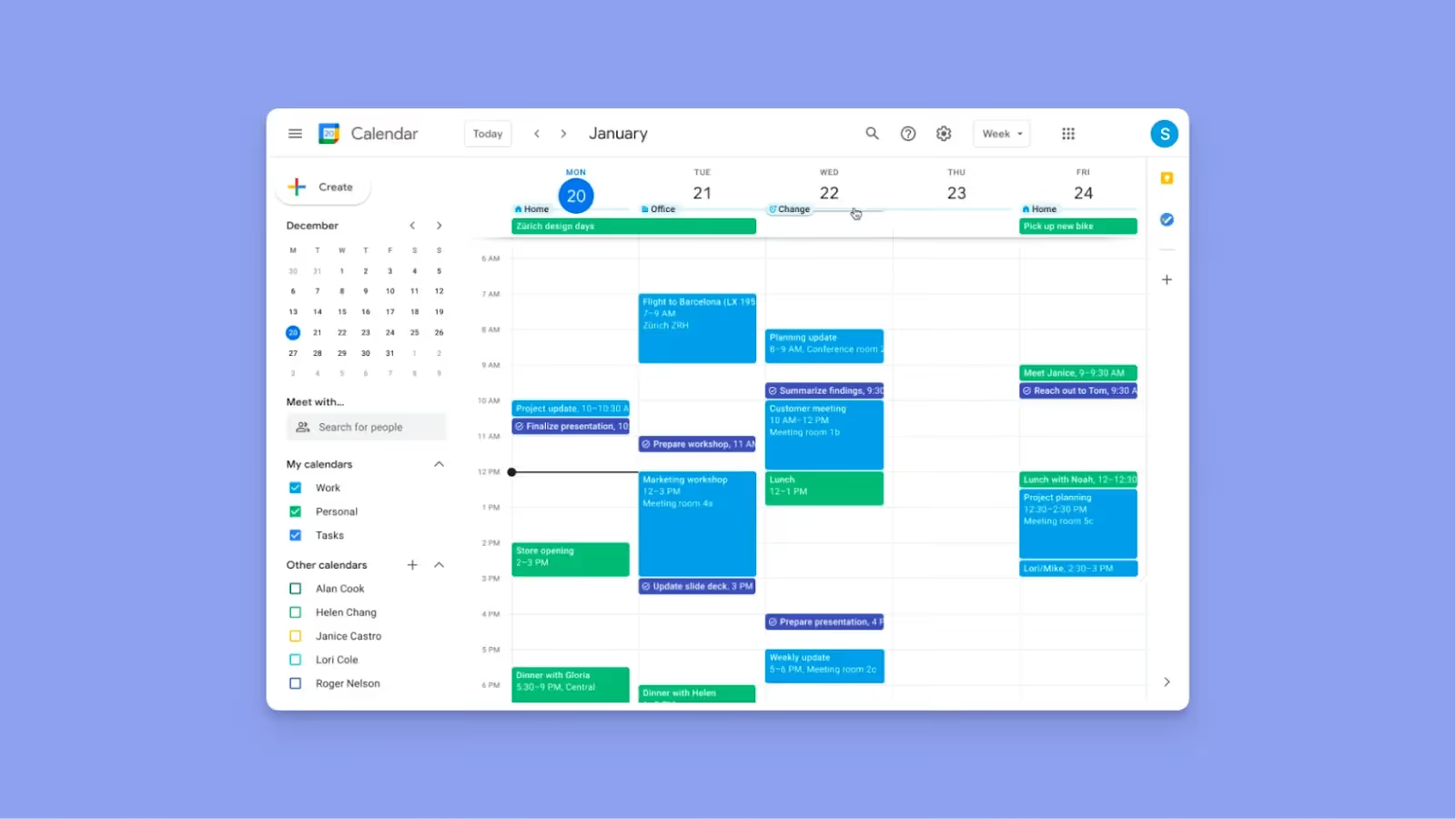
Google Calendar is free with any Gmail account, and already built into most Android phones and workplaces. You can share calendars, create joint events, and send invitations that automatically sync across devices.
Note: If you already use Google Calendar and want to layer in task visibility, connect it to Morgen to surface your couple's schedule alongside work commitments and tasks from your other tools.
7. FamCal: Best for Coordinating Family Schedules
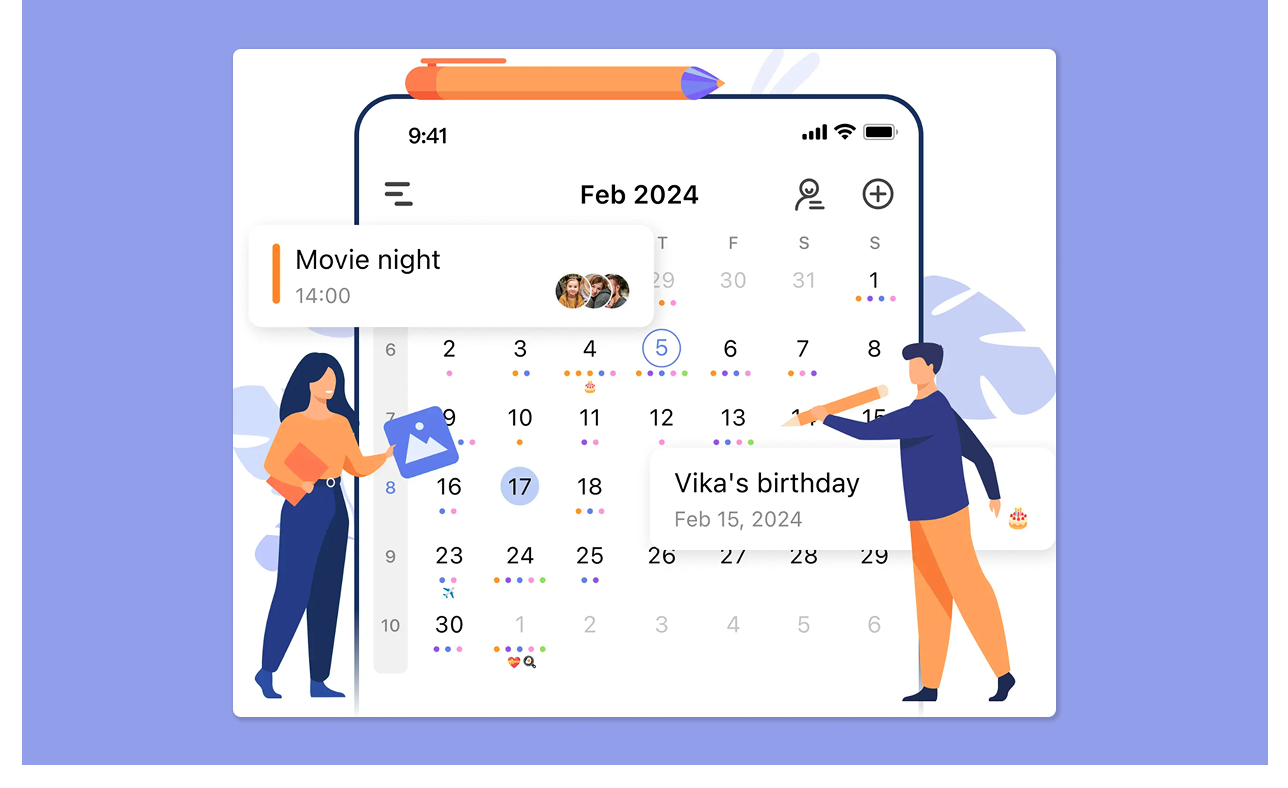
FamCal lets you create coordinated schedules, plus shared to-do lists, notes, and tools for planning trips, activities, and household routines. You can also capture milestones or memories using shared memos, making it useful for couples managing daily life together.
8. Apple Calendar: For Native Calendar Sharing on iPhone
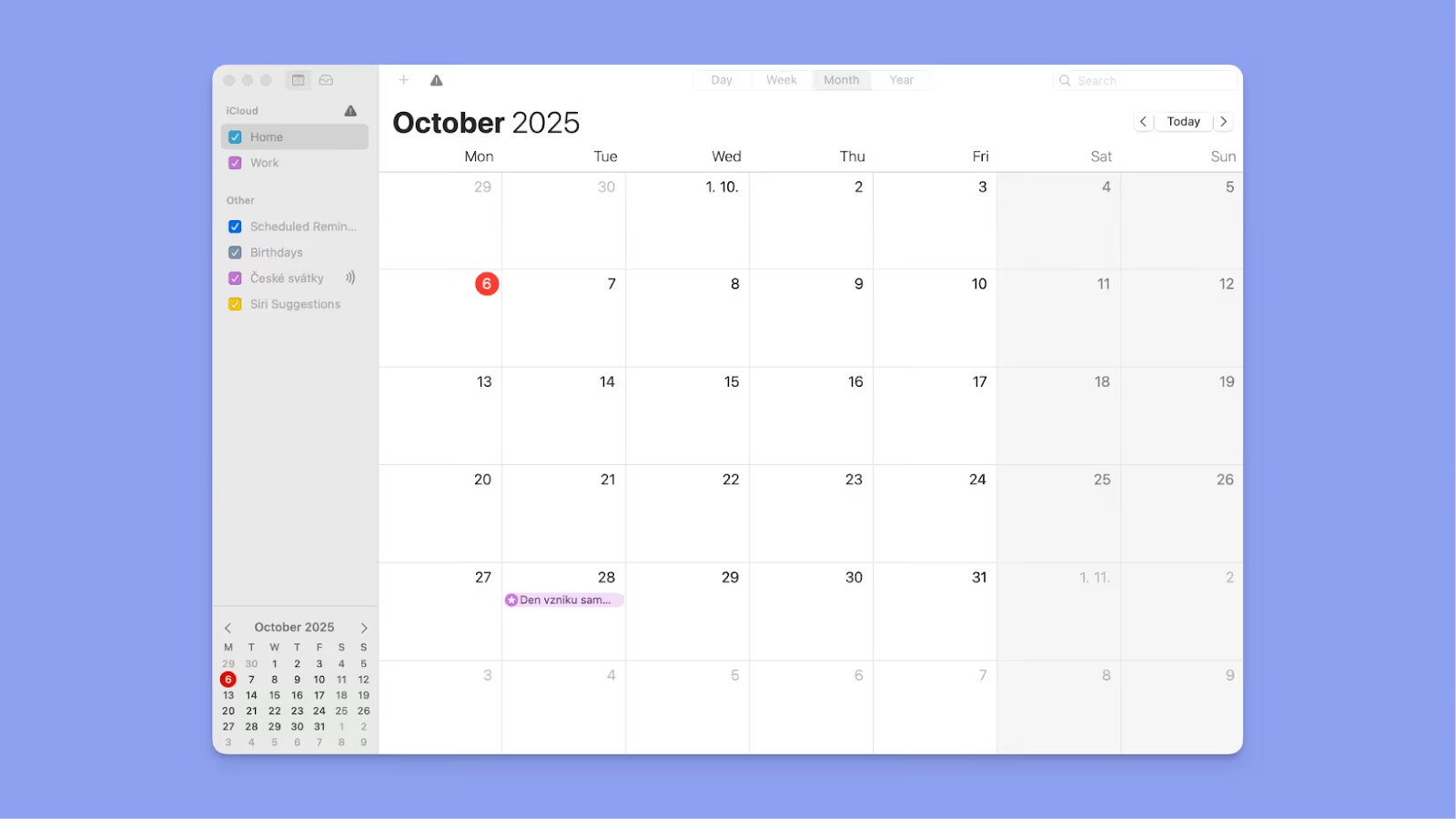
Apple Calendar lets you share a calendar through iCloud in a few taps, set edit or view-only permissions, and everything syncs across iPhone, iPad, and Mac instantly. Also, use Siri to add events by voice.
Tip: Connect Apple Calendar to Morgen to see shared events alongside tasks, and
9. Outlook Calendar: To Coordinate Around Microsoft Work Schedules
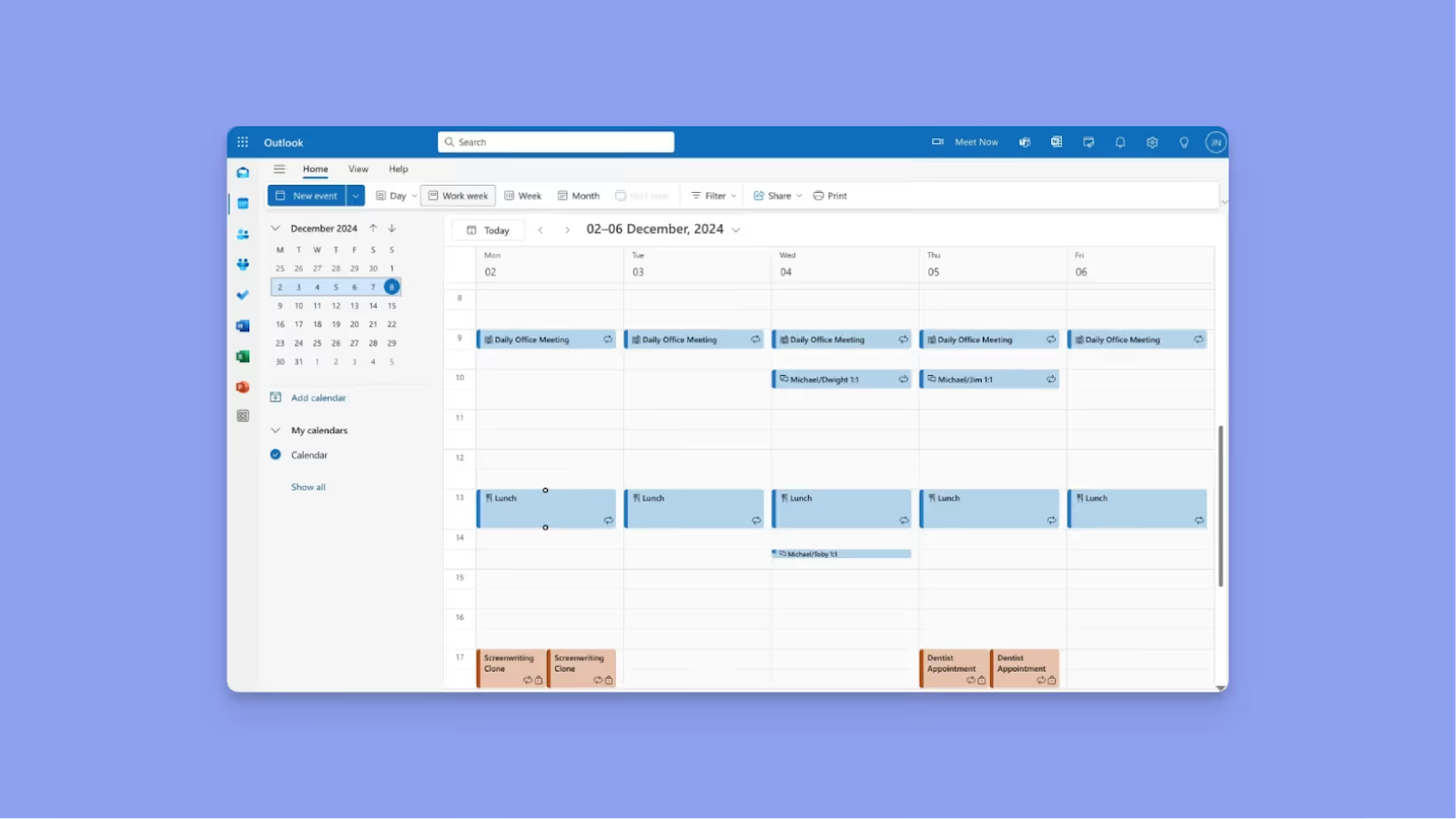
Outlook Calendar works best when at least one partner manages their work schedule in Microsoft 365.
Share calendars directly inside Outlook, check availability before scheduling shared plans, and connect with Microsoft Teams for video calls. It also integrates with Microsoft To Do for task visibility and handles time zones for distributed schedules.
Tip: Add your Microsoft Outlook Calendars to Morgen to surface shared availability and create plans that propagate back to Outlook and other calendars.
How to Choose a Shared Calendar App for Couples
Did you know, the market for shared calendar apps is projected to grow by 11.4% by 2033? When looking for better ways to coordinate your time, here’s the criterion to select the right fit
How Many Calendars Can You Connect?
You probably juggle more than one calendar, so your shared app needs to consolidate them into a single view. The more calendars an app handles, the less you'll manually cross-check.
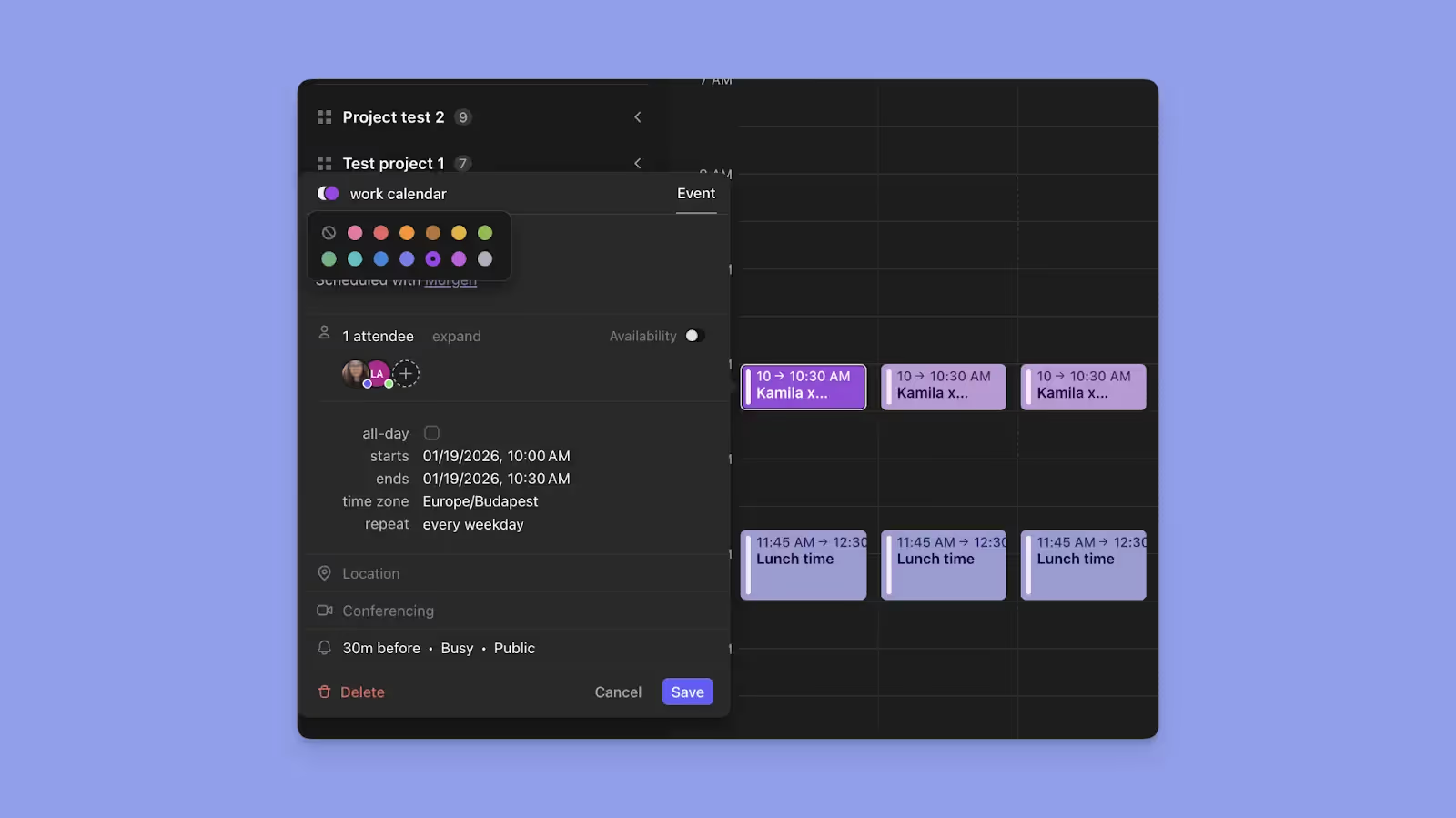
On Morgen, you can connect to unlimited Google, Outlook, Apple, Fastmail, and subscription calendars. Add your calendars and your partner’s calendars, and see when you both have free time to do things together.
When you add your partner’s calendar, set custom notifications so you won’t miss an upcoming shared plan.
Can You See Tasks and Events Together?
Besides events, most couples also need to coordinate tasks and responsibilities, such as errands, chores, or work-related commitments. If the app only surfaces calendar events, you'll miss out on your partner’s actual availability.
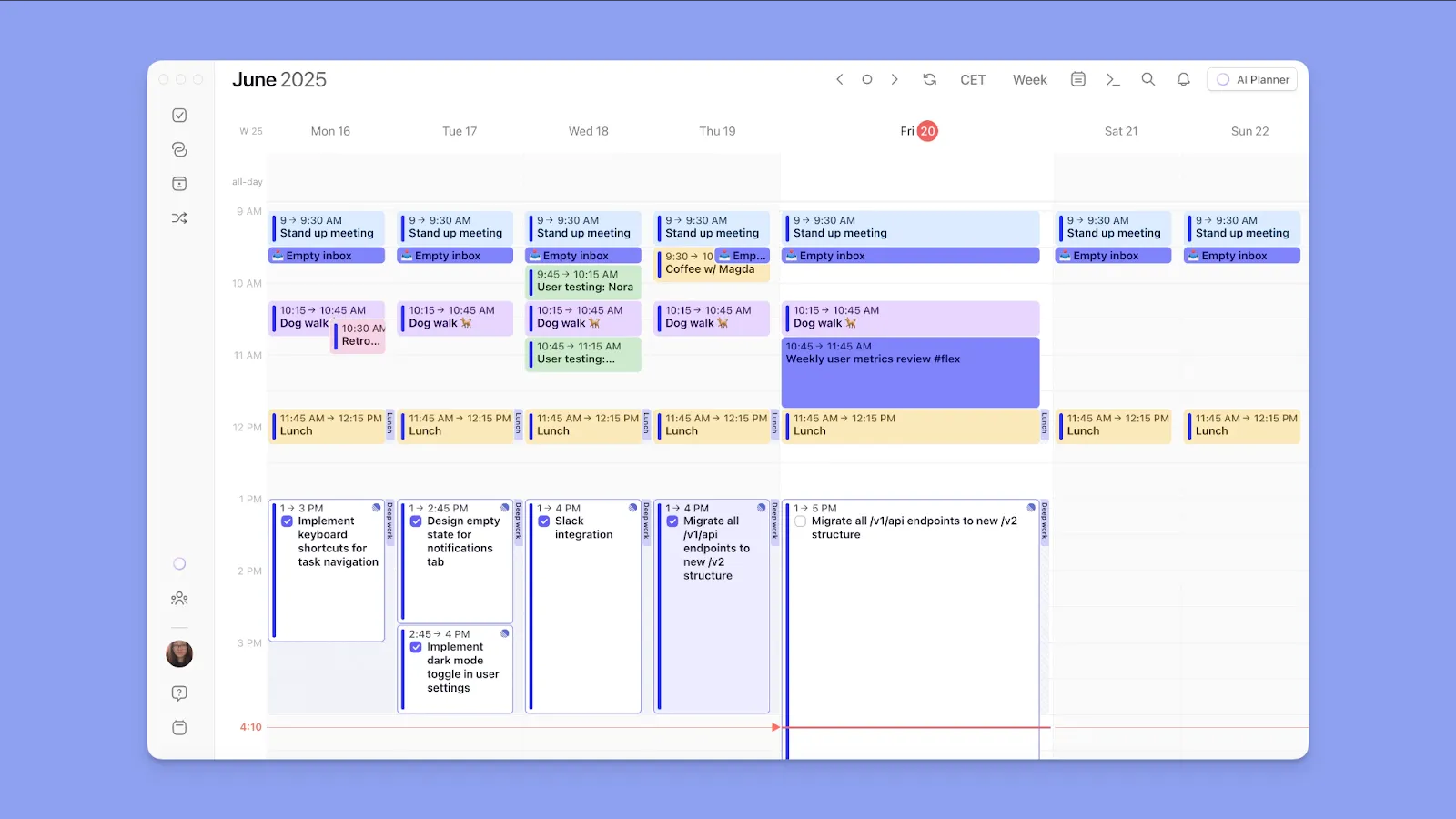
Morgen puts tasks from Notion, Todoist, Linear, ClickUp, Obsidian, and more on the same canvas as events. Once your partner schedules their tasks, you see when they’ll be free to share time with you.
Pro tip: Create shared tasks, notes, and lists on task tools like Google Tasks and Todoist, and schedule them on Morgen. When you connect a task tool, you can also use Morgen to pair it directly with the calendar you use most.
What Happens When Plans Clash?
Do you spend time texting "when are you free?" but still end up double-booking and cancelling plans? The app you choose should prevent conflicts before they happen.
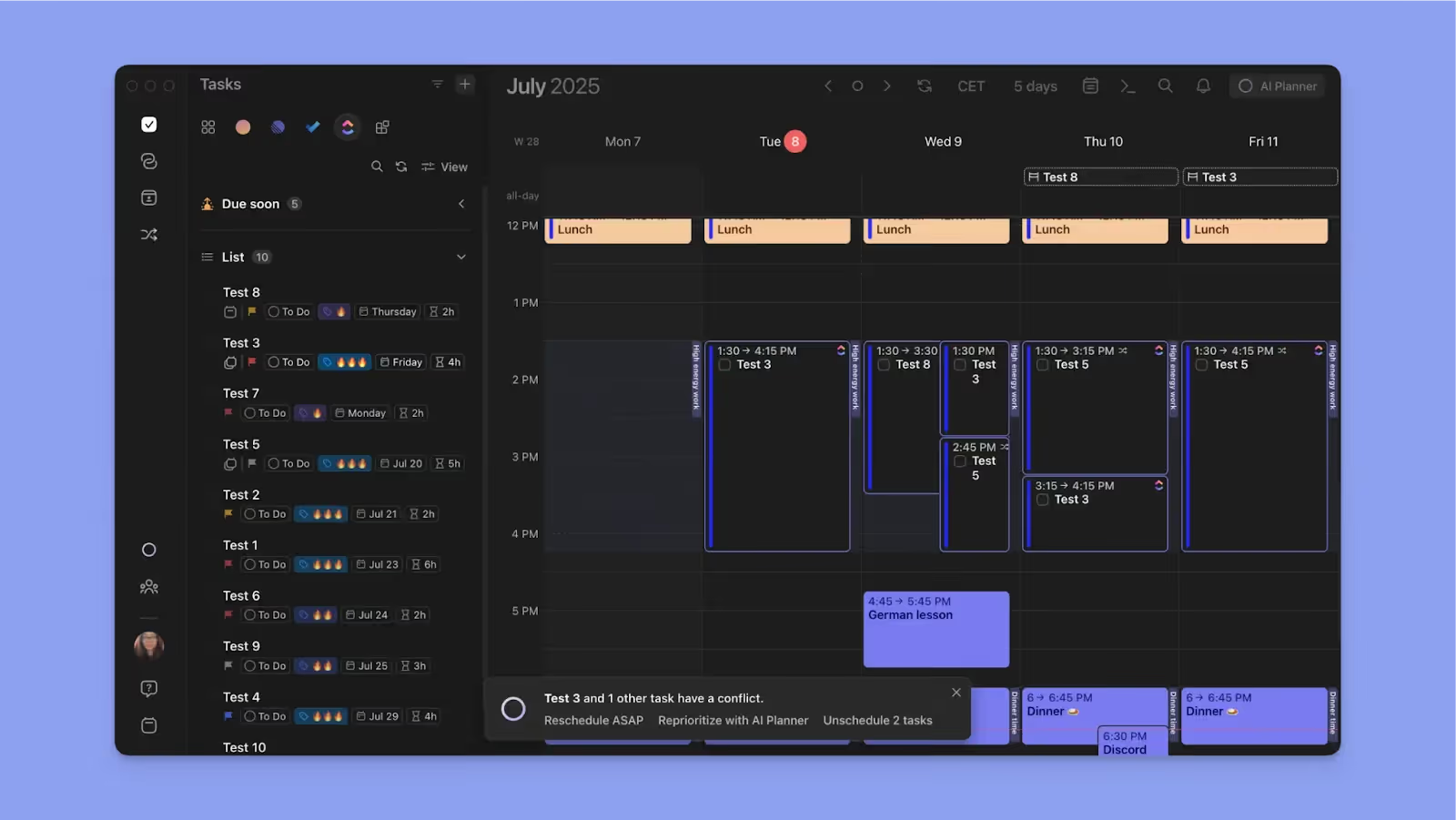
Morgen's AI Planner will continuously read your calendar commitments, suggest when to schedule tasks, and warn you if you accidentally create a conflict.
Note: The AI Planner won’t schedule anything unless you actually confirm. It shows suggestions as pulsating blocks, and lets you
Mobile, Desktop, or Both?
You’ll need a mobile app for on-the-go notifications for shared plans. However, when planning the week, a desktop view can make it easier to see the full picture and make thoughtful decisions about what fits where.

You can access Morgen on Mac, Windows, Linux, iOS, Android, and the web.
Start with Morgen’s free Chrome extension to capture plans on the web.
Prioritize Your Work and Life Commitments With Morgen
Ready to plan your daily schedules and share visibility without friction?
Morgen lets you consolidate your and your partner’s calendars, then use features like AI planning and calendar propagation to create and coordinate plans without back-and-forth.
Try building a free color-coded calendar schedule for a taste of how Morgen works, then start a 14-day Morgen trial to plan with your partner.

.svg)
.webp)


