
.svg)
→ Choose TickTick if you're creating tasks from scratch and want an affordable app: best for solo users who also need habits, Pomodoro, and a calendar planner without a lot of automation
→ Choose ClickUp if you manage complex team projects with dependencies: best for teams needing custom workflows and collaboration
→ Or, pick Morgen as an alternative that pulls tasks from ClickUp into a calendar planning layer: best for solo professionals already using ClickUp and want AI to help them plan faster
Here’s what to know before using TickTick or ClickUp:
TickTick is designed for lightweight personal task management, while ClickUp helps you manage complex projects and teams.
In this guide, we’ll compare their pricing, integrations, and planning features to help you decide which app to try. We’ll also show you where Morgen steps in as a stronger alternative for calendar-first planning.
Ticktick vs Clickup: A Quick Overview
Who TickTick Is Best For
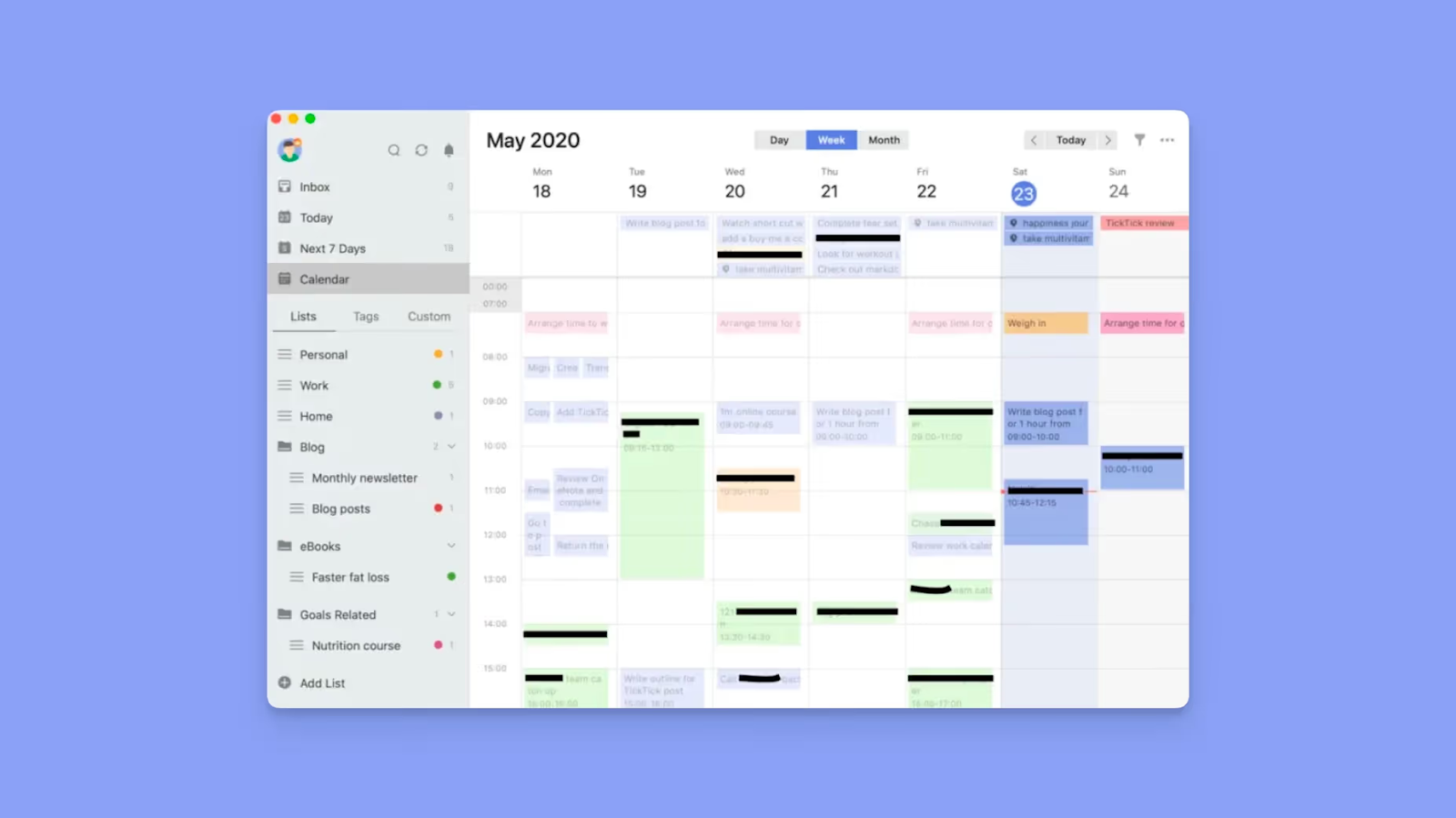
- Individuals who want a simple task planner: Create projects, add tasks with deadlines and reminders, and stay organized with reliable notifications
- ADHD professionals: Simple task entry, timeline views, and built-in focus tools reduce friction and support consistent daily planning
- Routine planners managing recurring commitments: Track habits, set recurring tasks, and visualize upcoming responsibilities using TickTick’s calendar
Here’s how TickTick compares to Todoist for task planning.
Who Is ClickUp Best For?
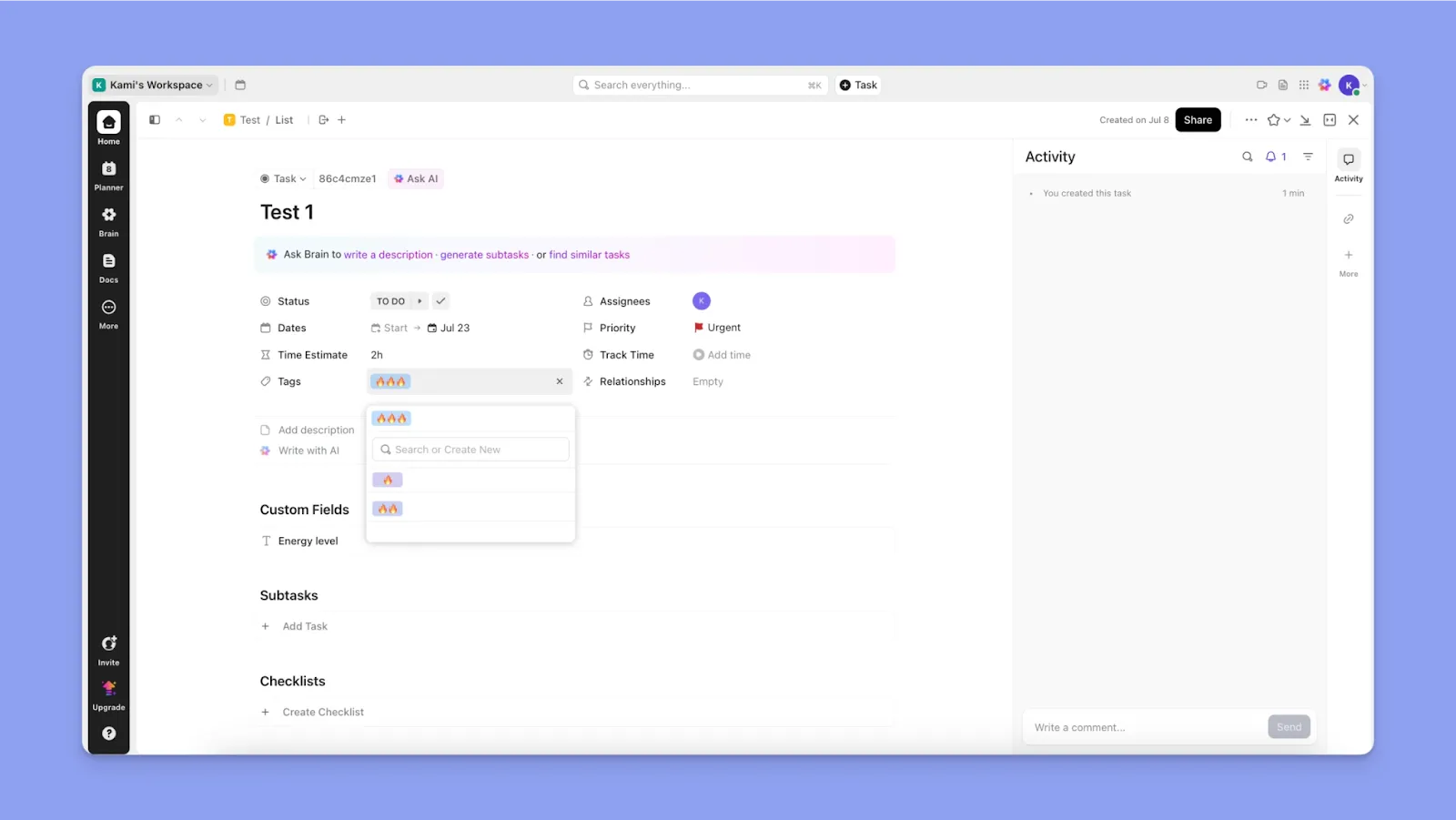
- Teams managing complex projects: Organize work using Spaces, Folders, List elements, tasks, and subtasks while coordinating dependencies, timelines, and team collaboration
- Operations and project managers: Build structured workflows with automations, dashboards, and multiple views, like Kanban, Gantt, and timelines
- Organizations needing customizable workspaces: Configure custom fields, statuses, and workflows to match unique project processes across departments and teams
Read more about whether ClickUp is still worth it in 2026.
Morgen: An Alternative to TickTick and ClickUp for Advanced Calendar Planning
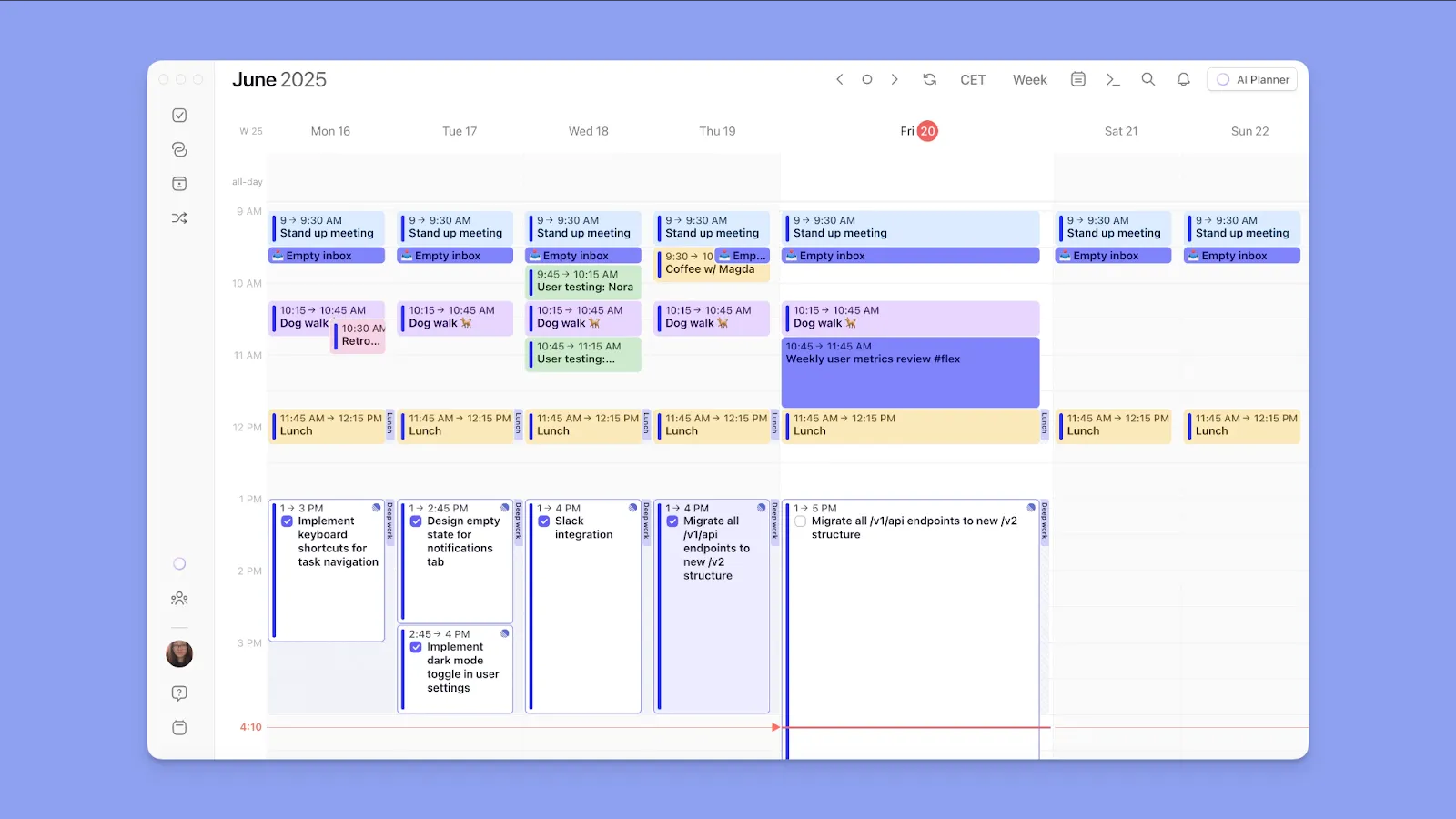
If your main challenge isn’t capturing tasks but deciding when to complete them, Morgen fills the planning gap left by TickTick and ClickUp.
It connects your personal and work calendars and task tools so you can plan your workload around real availability. Key features include:
- Deep calendar and task integrations: Connect all your calendars and task tools; pull events first, then schedule tasks when free time appears
- Fast task and event capture: Create tasks or events using the command bar, voice capture, or by adding blocks directly on the calendar
- AI planning for realistic schedules: If a conflict appears or you double-book time, the AI Planner suggests how to reschedule, reorganize, or unschedule tasks
- Scheduling links for individuals and small teams: Share your availability and let others book time with you, eliminating any back-and-forth
Download Morgen 4 on Windows, Mac, Linux, Android, or iOS, or open it on the web to start planning.
Price
Consider value for money, and how these task tools match your workflows and needs.
TickTick
- Free plan offers five projects, basic task lists, reminders, recurring tasks, productivity features, and list/kanban views for simple planning
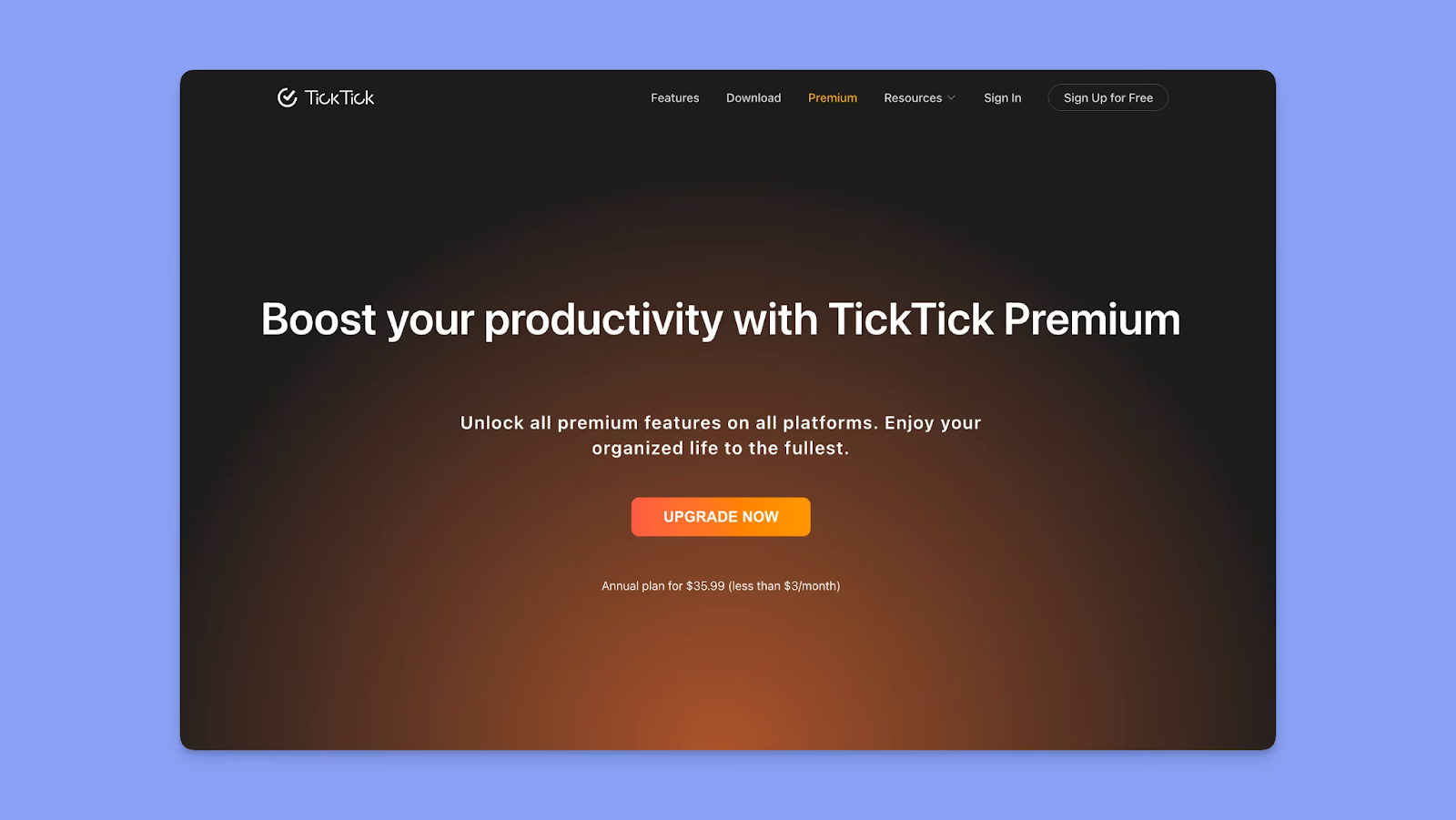
- At $2.99/month or $35.99/year, TickTick unlocks advanced reminders, integrations, and calendar views and planning
ClickUp
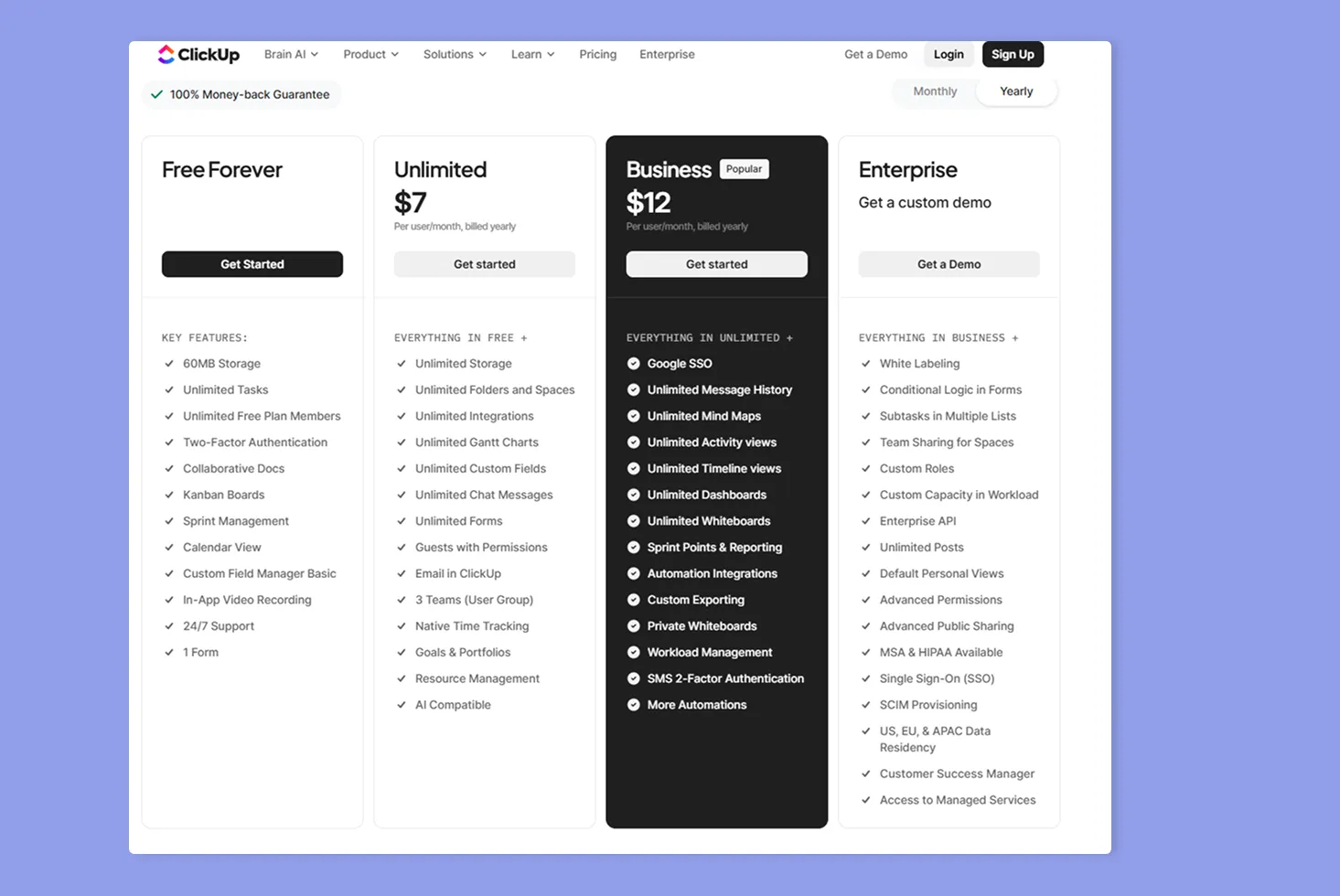
- The Free Forever plan includes unlimited tasks, collaborative Docs, Kanban boards, Sprint Management, Calendar view, and 60MB storage
- Paid tiers start at $7/user/month (annual) for Unlimited and $12/user/month (annual) for Business
- Using AI features accrues extra costs, and users also report limits on plans marketed as “unlimited.”
Verdict
TickTick is affordable for individuals, but while ClickUp costs more, you get advanced project management features for teams in collaborative projects.
Project and Task Planning
You need a tool that keeps work organized without creating planning complexity. Here's how TickTick and ClickUp handle task structure.
TickTick
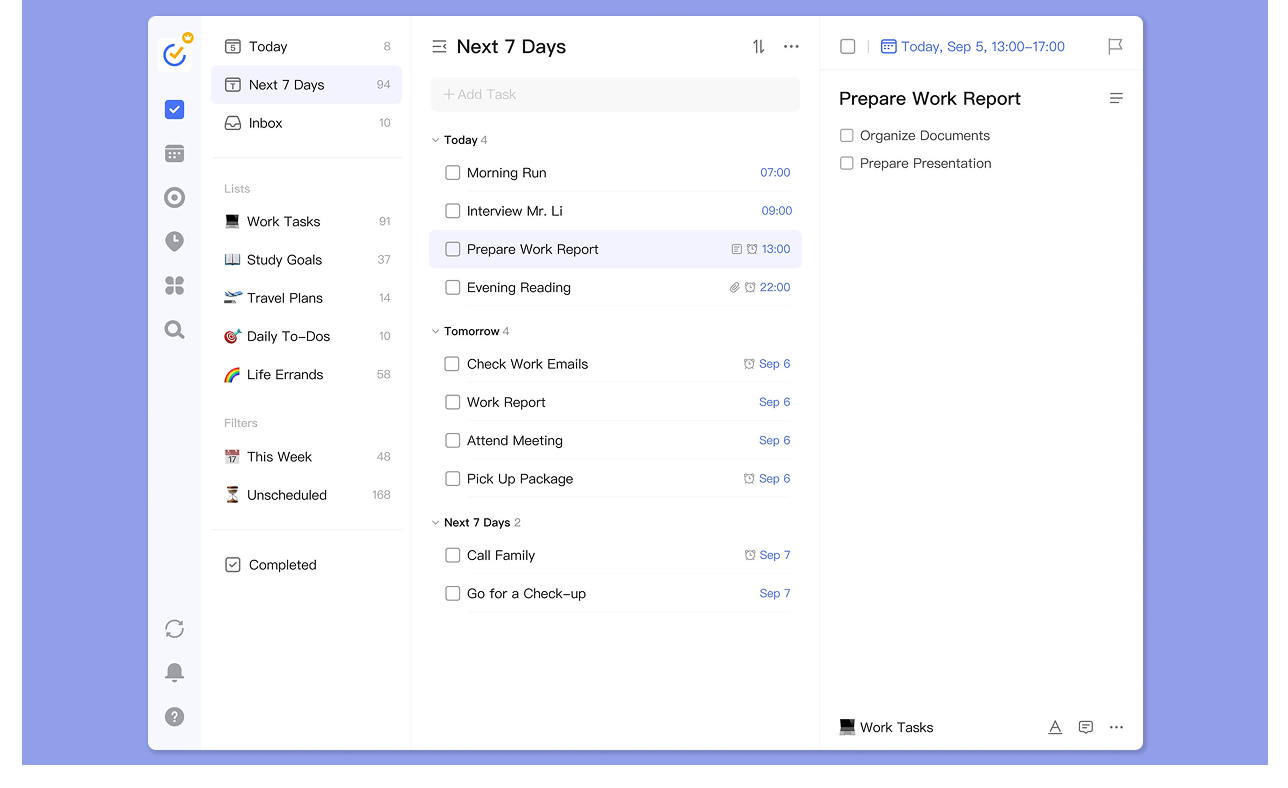
- Use List/Kanban/Timeline views; TickTick positions Timeline as a “lighter” alternative to Gantt, and you can adjust start time and duration
- Reminders (including repeating rules) to help you drive daily output
- Users cite “constant reminders” and flexible task ordering as differentiators for personal reliability
ClickUp
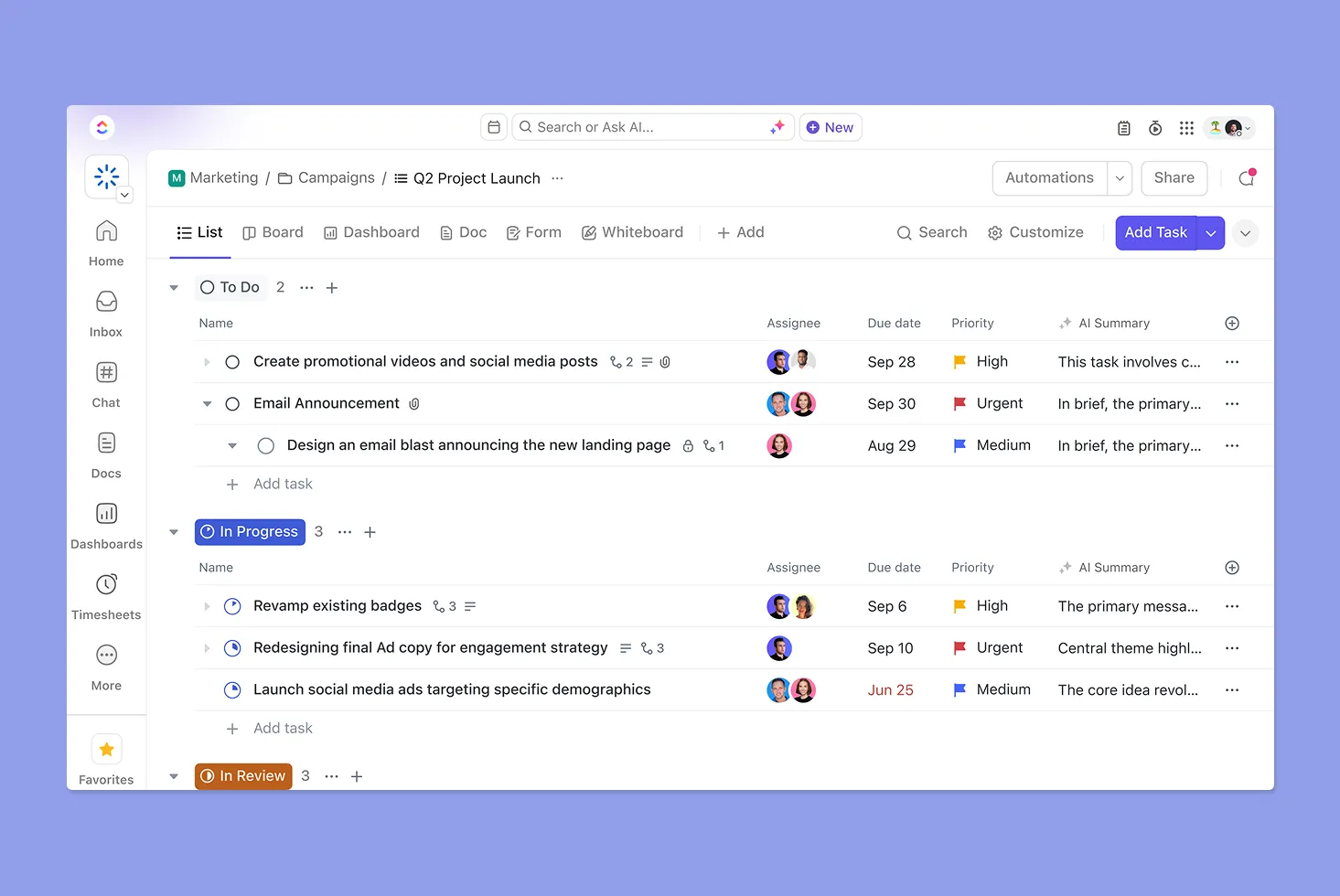
- ClickUp’s structure (Workspace > Spaces > optional Folders > Lists > Tasks > Subtasks, including nested subtasks) is designed to scale and control access
- You can set “block” or “waiting on” dependencies, and use the Gantt view to visualize dependencies and project timing
- Reviews frequently call out a steep learning curve and “overwhelming for new users,” especially as configurations and layers grow
Verdict
TickTick is great for low-admin task planning, but ClickUp is better for complex projects that need hierarchy for operational control.
Calendar Management
Seeing your tasks and events in the same view prevents double-booking and helps you plan realistic days.
TickTick
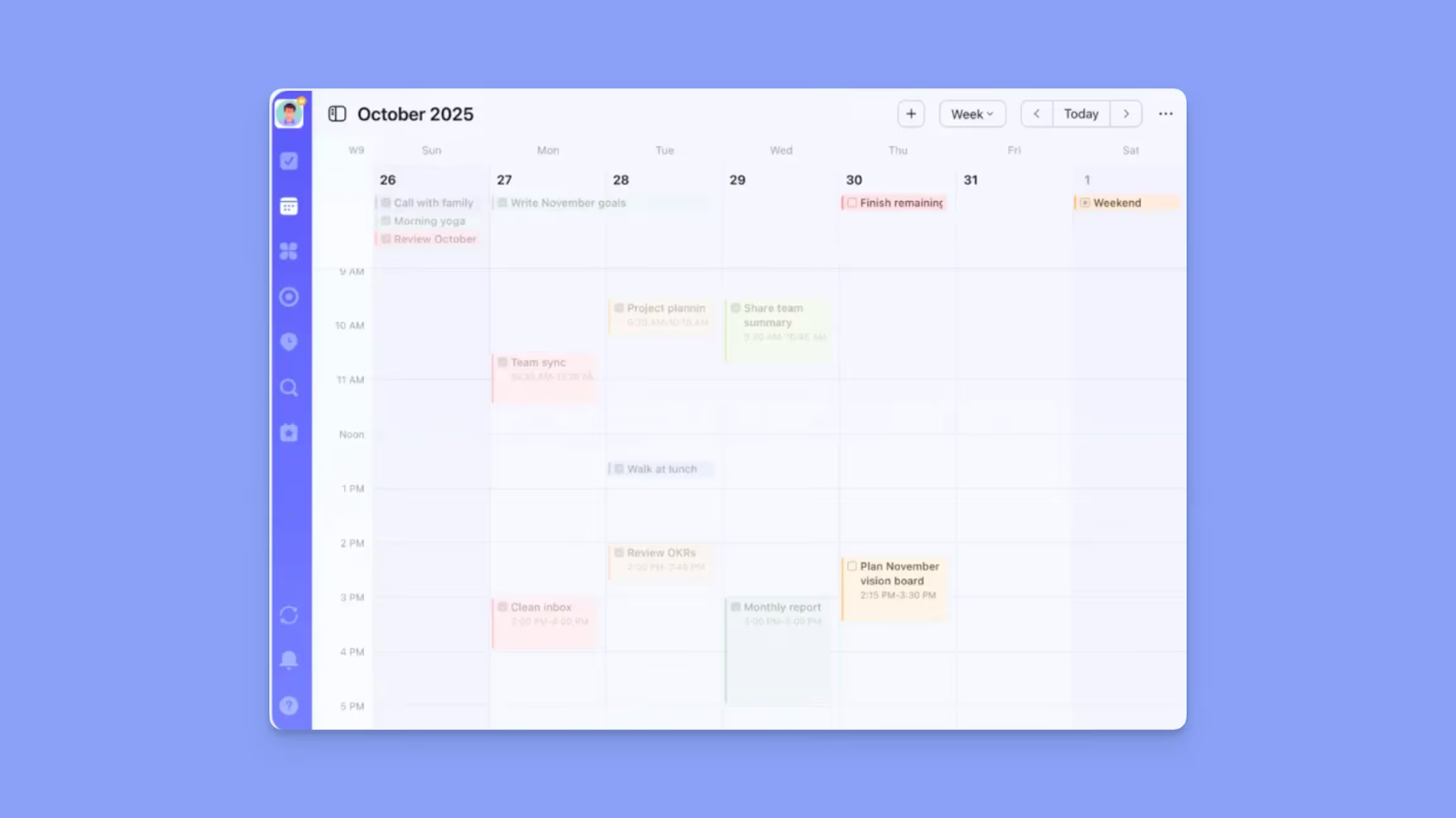
- Premium unlocks TickTick’s calendar planning features
- You get multiple calendar views and drag-and-drop time blocking, plus task start/end times (durations)
- You also get support for third-party calendar subscriptions and Google Calendar integration
ClickUp
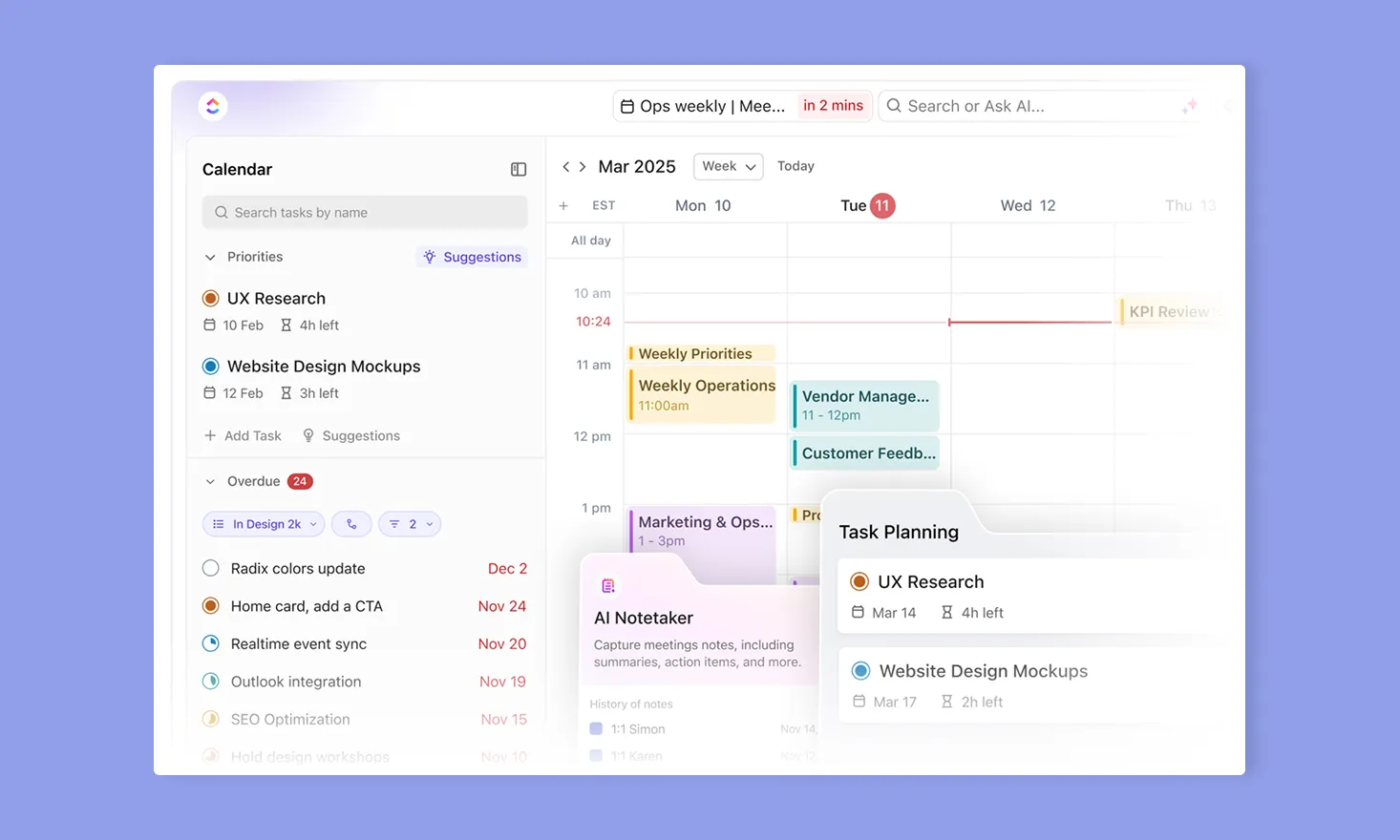
- ClickUp’s Planner is built to schedule or join meetings and block time for tasks
- Calendar view supports drag-and-drop planning, and Planner includes AI time-blocking recommendations based on time estimates
- ClickUp can sync events into ClickUp and sync tasks from selected Spaces/Folders/Lists, but changes to a Google Calendar event don’t update the related ClickUp task
- Many users frequently request “reliable two-way sync with Google Calendar
Verdict
TickTick's calendar can work for individuals with simple workflows, and ClickUp offers AI-suggested slots. Still, neither reserves your calendar availability as busy time across accounts if you're protecting deep work or managing back-to-back schedules.
Integrations
Your task manager needs to connect with the tools you already use. The size of your stack and how deeply those tools need to talk will determine which option fits.
TickTick
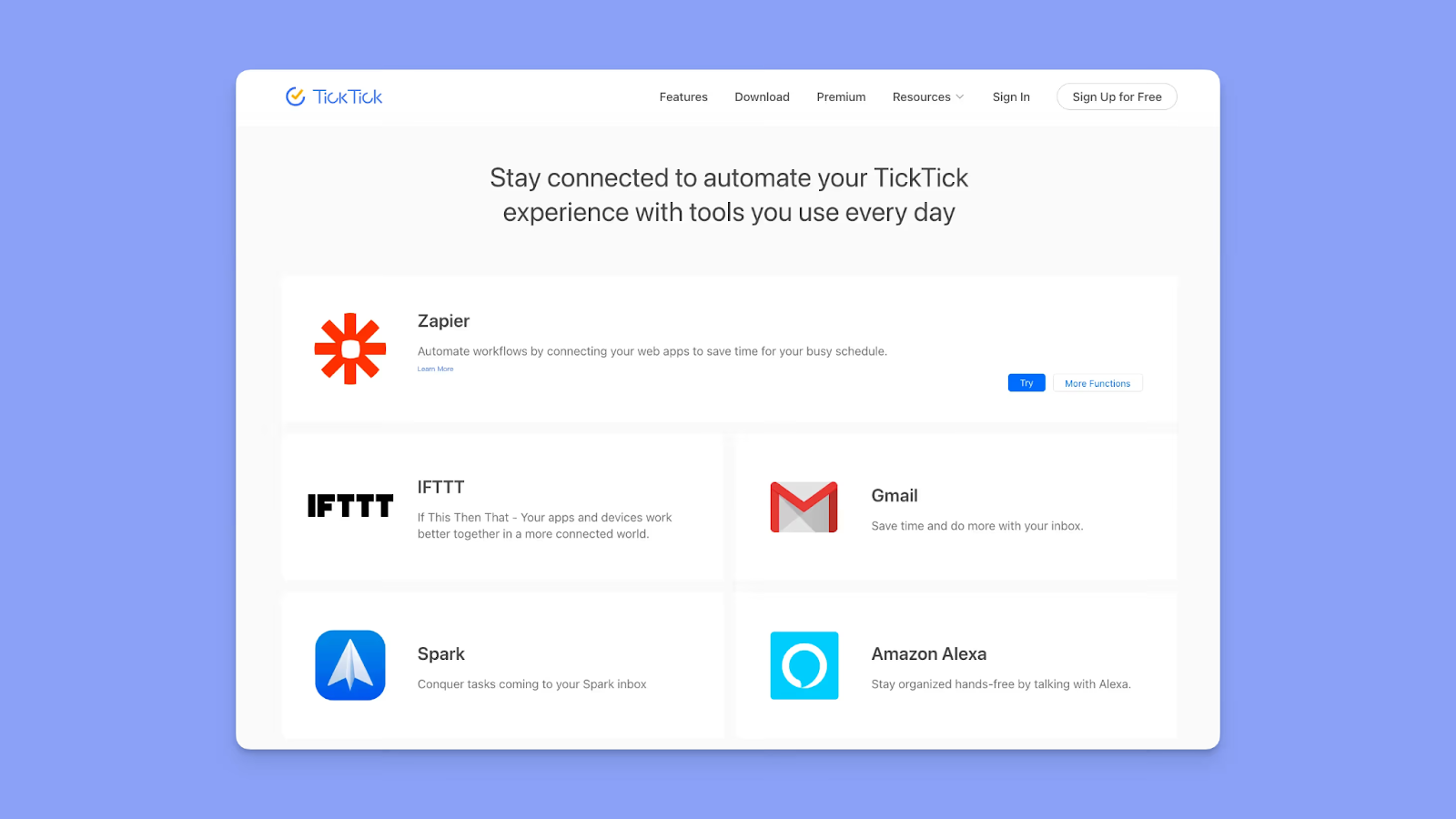
- TickTick offers integrations like Gmail, Outlook, Slack, Amazon Alexa, and calendars, which cover most personal productivity setups without any technical configuration
- You also get Zapier and IFTTT to expand possibilities
- Some users would love to see more AI integrations, although the sentiment is divided on Reddit
ClickUp
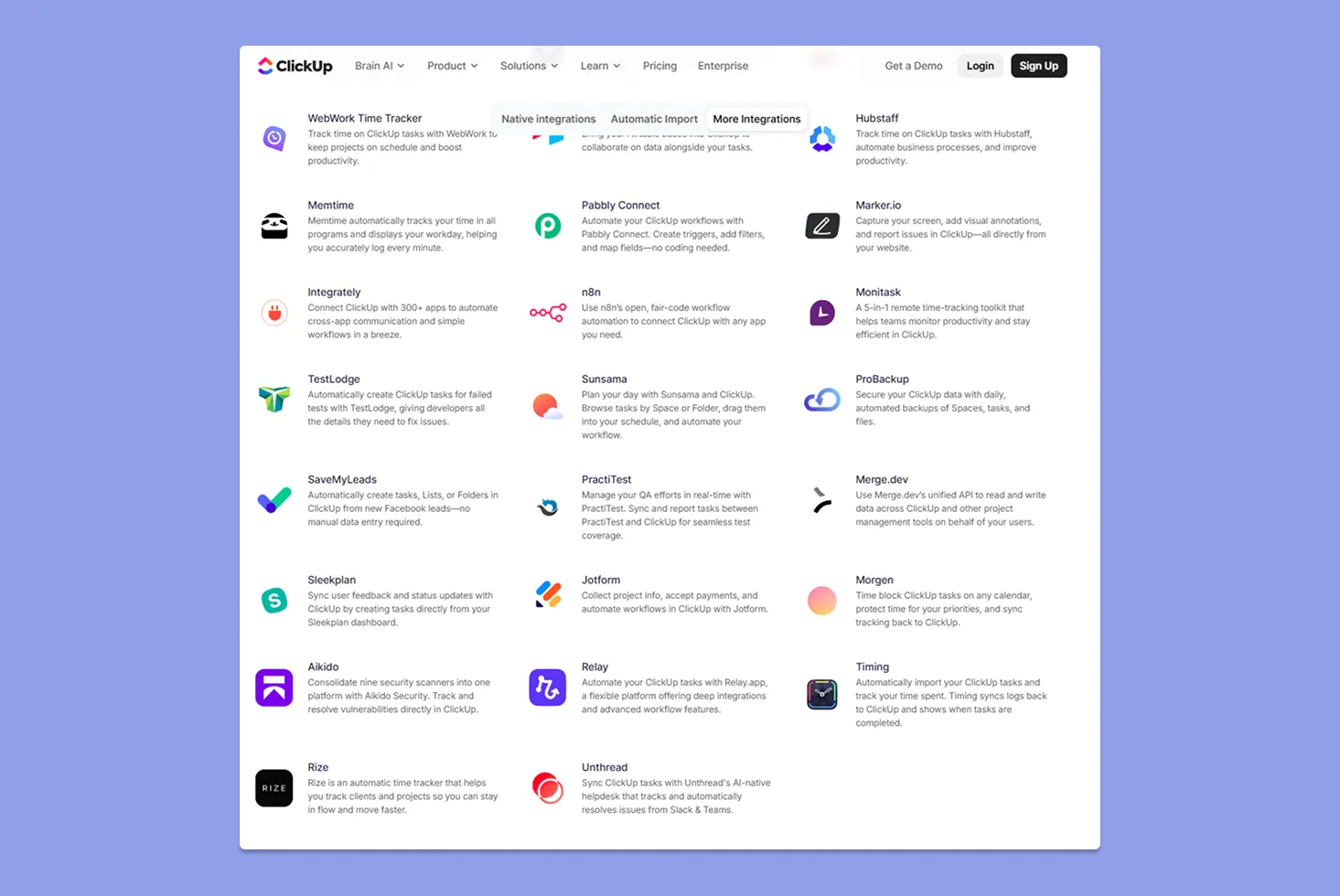
- ClickUp markets “over 1,000+” integrations, reinforcing its “single hub” positioning for teams and cross-functional ops
- You get an integrations docs library, and ClickUp also supports workflow builders like Make
- Google/Outlook calendar integrations are available across plans
Verdict
If your work relies on many connected systems, ClickUp is the safer integration bet. You can pick TickTick if you mainly need a task manager that connects to a few key services.
Customer Support
When tools power your daily operations, you want to know how to troubleshoot issues or escalate issues without friction.
TickTick
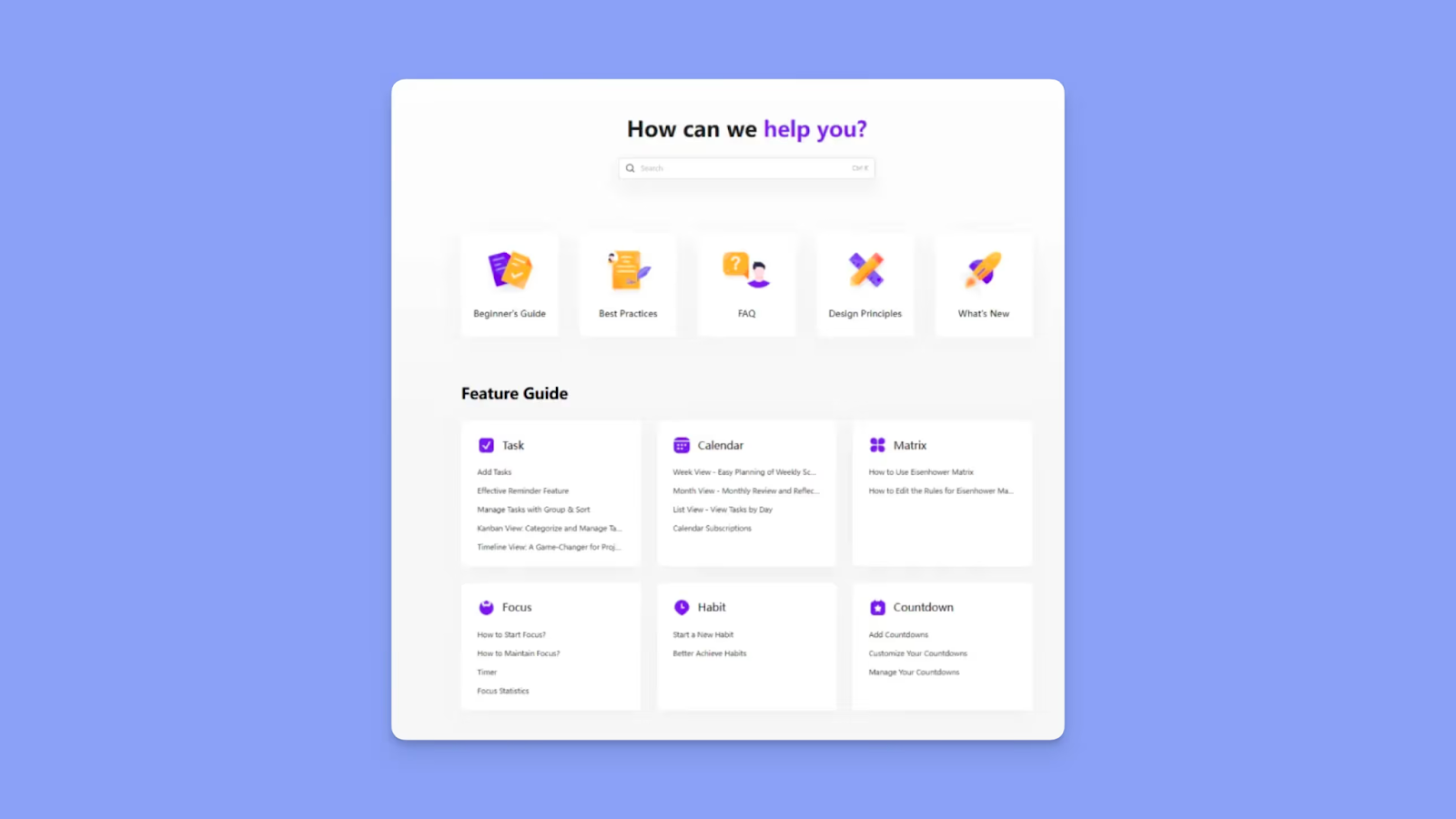
- TickTick’s Help Center is organized around feature guides (Tasks, Calendar, Focus, Habits) and ongoing updates (“What’s New”)
- The "Contact Us" form handles direct issue reports and feature requests
- There is email support, but no live chat/phone. This Trustpilot reviewer reports great customer support
ClickUp
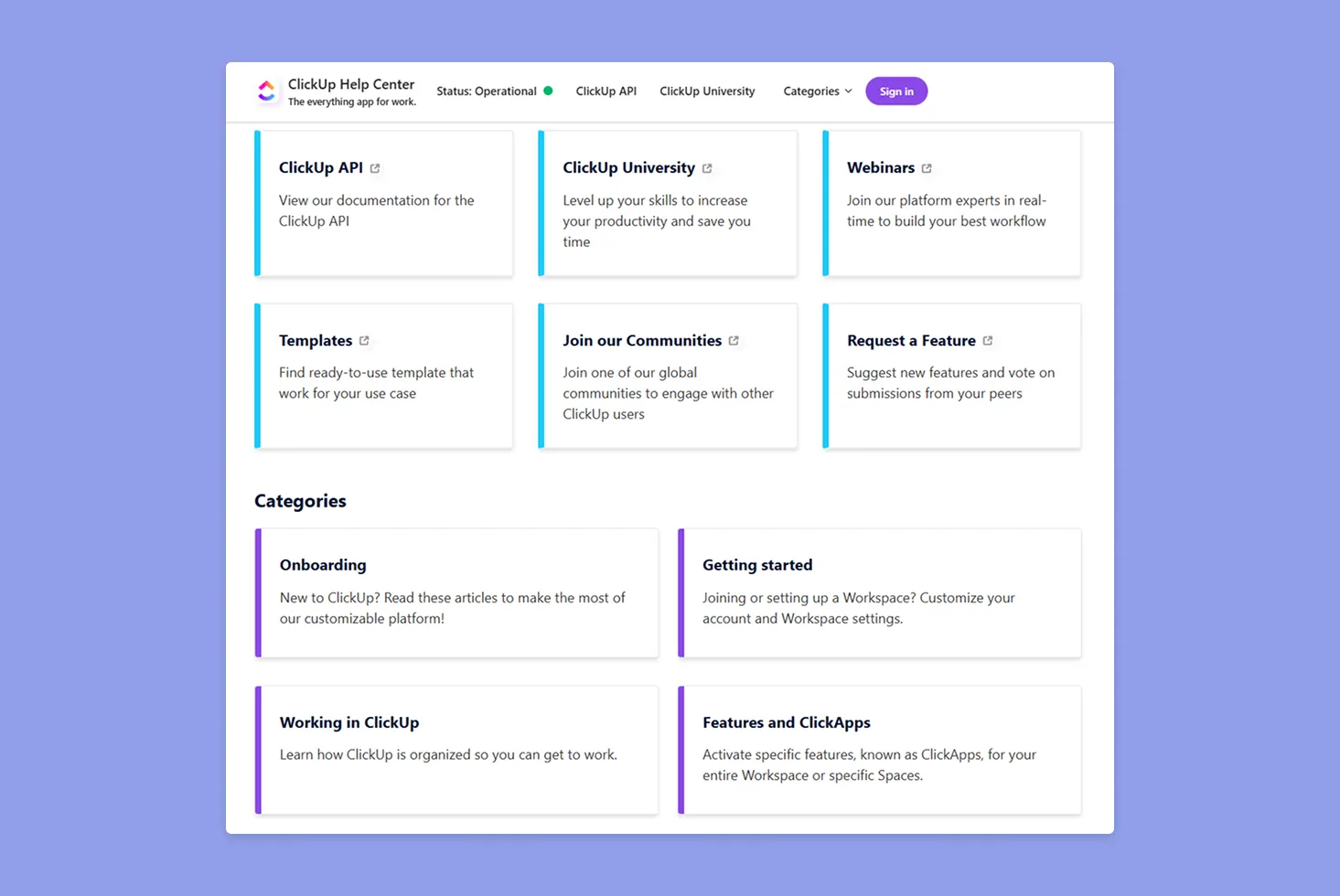
- An in-app chatbot to create email tickets 24/7, and paid plans can initiate a human live chat
- ClickUp offers extensive documentation and training resources, like ClickUp University and webinars, to reduce reliance on tickets
- Customer support reviews are mixed, with some saying it was responsive, and others calling it “practically non-existent.”
Verdict
ClickUp has more support infrastructure, but execution is inconsistent. TickTick is simpler but sufficient for individual users who rarely need escalation.
How to Choose the Right Task Management Tool
Some professionals struggle to stay on top of work, with only about 53% of planned tasks completed each week. Plus, workers lose up to two hours daily to task switching and poor organization.
When choosing your task management tool, consider:
Task Organization and Views
The best task management tools help you structure work clearly across lists, boards, and calendar views so you can see priorities without scanning dozens of tasks.
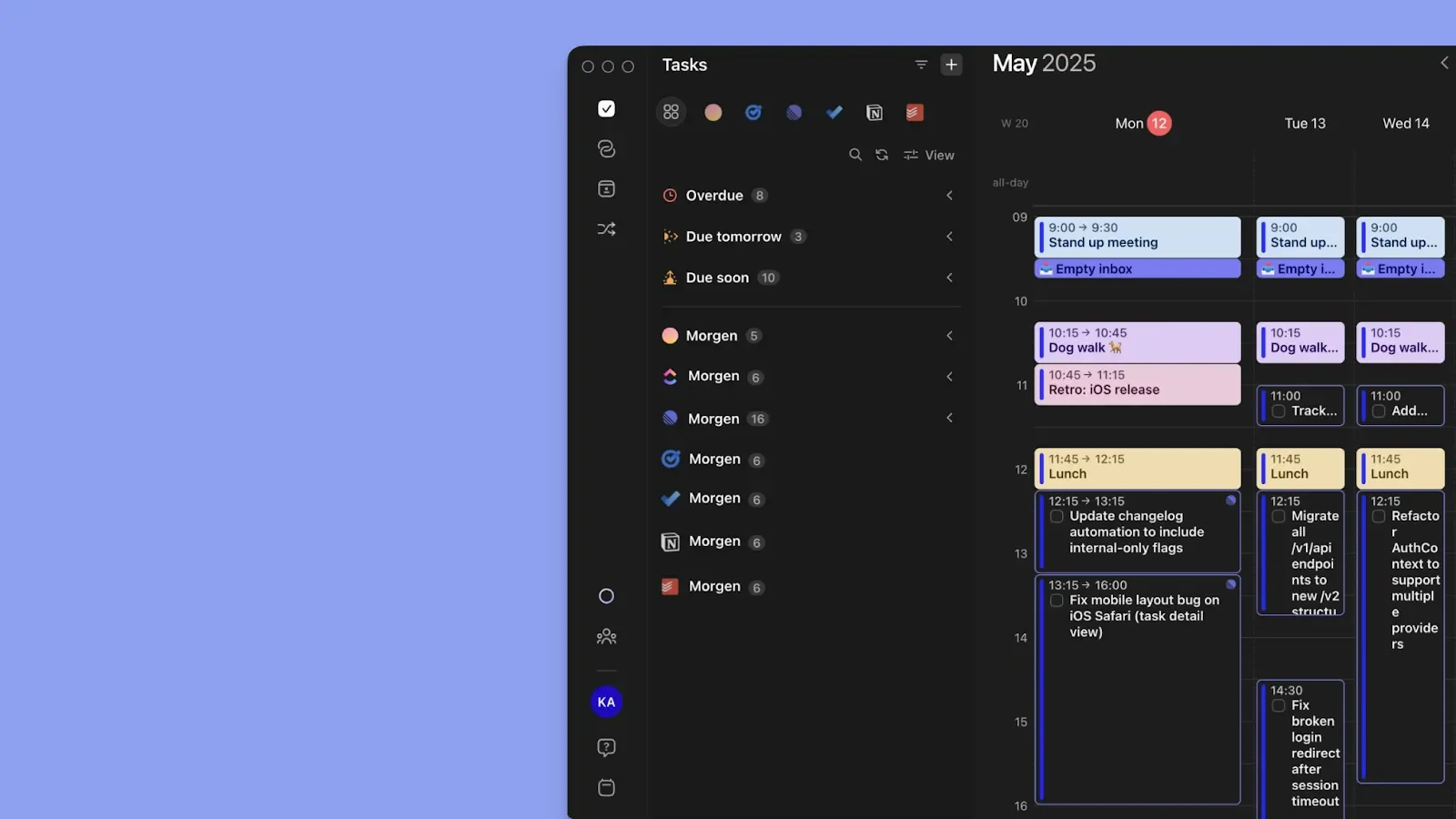
Morgen also lets you create a task list by integrating different task management tools. Besides, you can also create a native list on Morgen using the AI Assistant, command bar, or using the + sign on Morgen’s canvas.
Create custom task filters and color-coded task tags on Morgen to sort and group work by context.
Ease of Use
A tool that slows down capture creates friction that compounds across your day. You need to get tasks in fast, then move into execution just as fast, which means you’re looking for a simple learning curve.
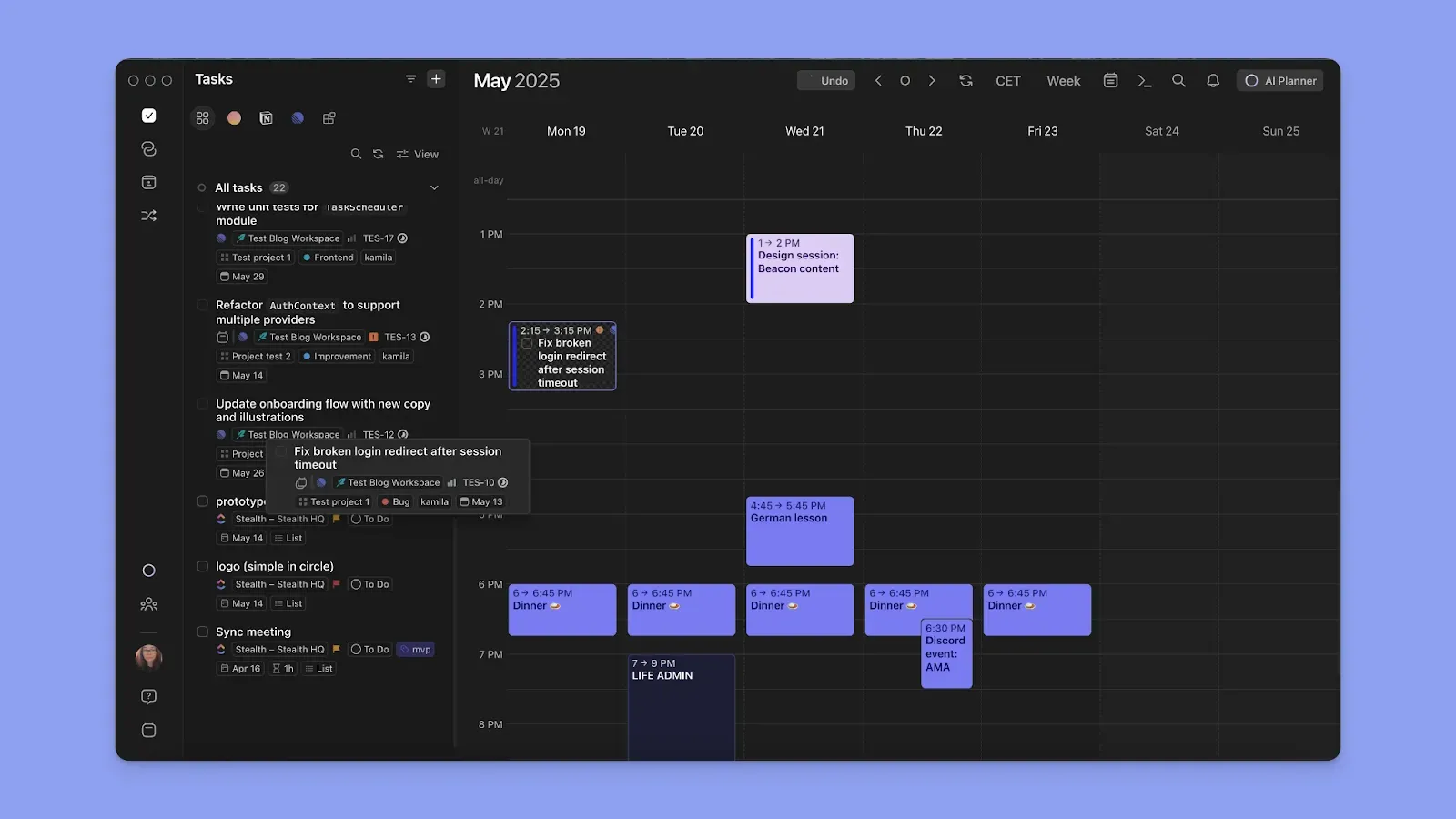
Instead of creating workflows from scratch, Morgen connects to your calendars and task apps. You can start planning immediately with drag-and-drop features or using the AI Planner.
You can also start planning tasks now using Morgen’s free Schedule Builder on the web.
Collaboration and Team Planning
When work involves multiple people, your task system should reduce coordination overhead. Teams often lose time to back-and-forth emails, aligning schedules, or assigning responsibilities across tools.
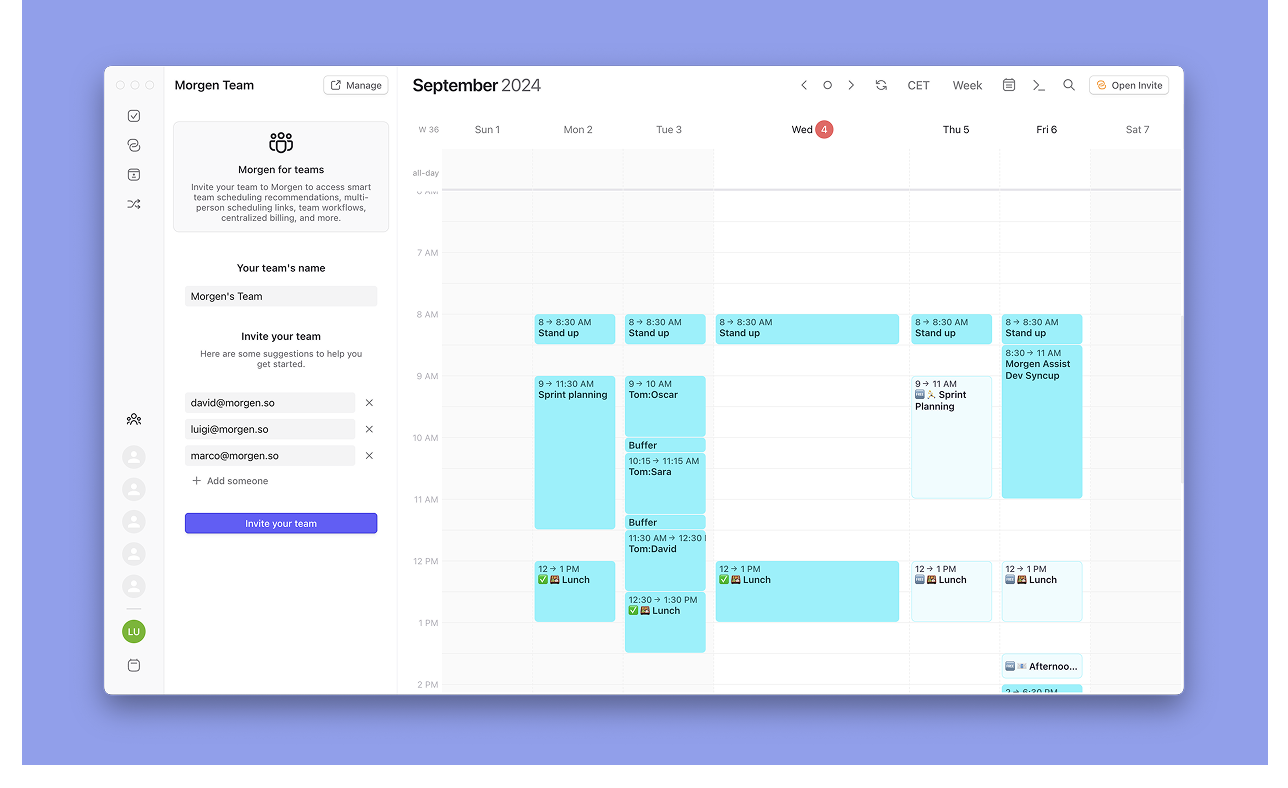
If you occasionally need to coordinate with others, Morgen's scheduling links and availability tools make it easy without requiring everyone to be on the same platform.
Use Morgen’s free Timezone Finder and Scheduling Poll to coordinate team availability before creating a meeting event.
Alternative To Ticktick and Clickup: Morgen for AI Planning and Timeblocking
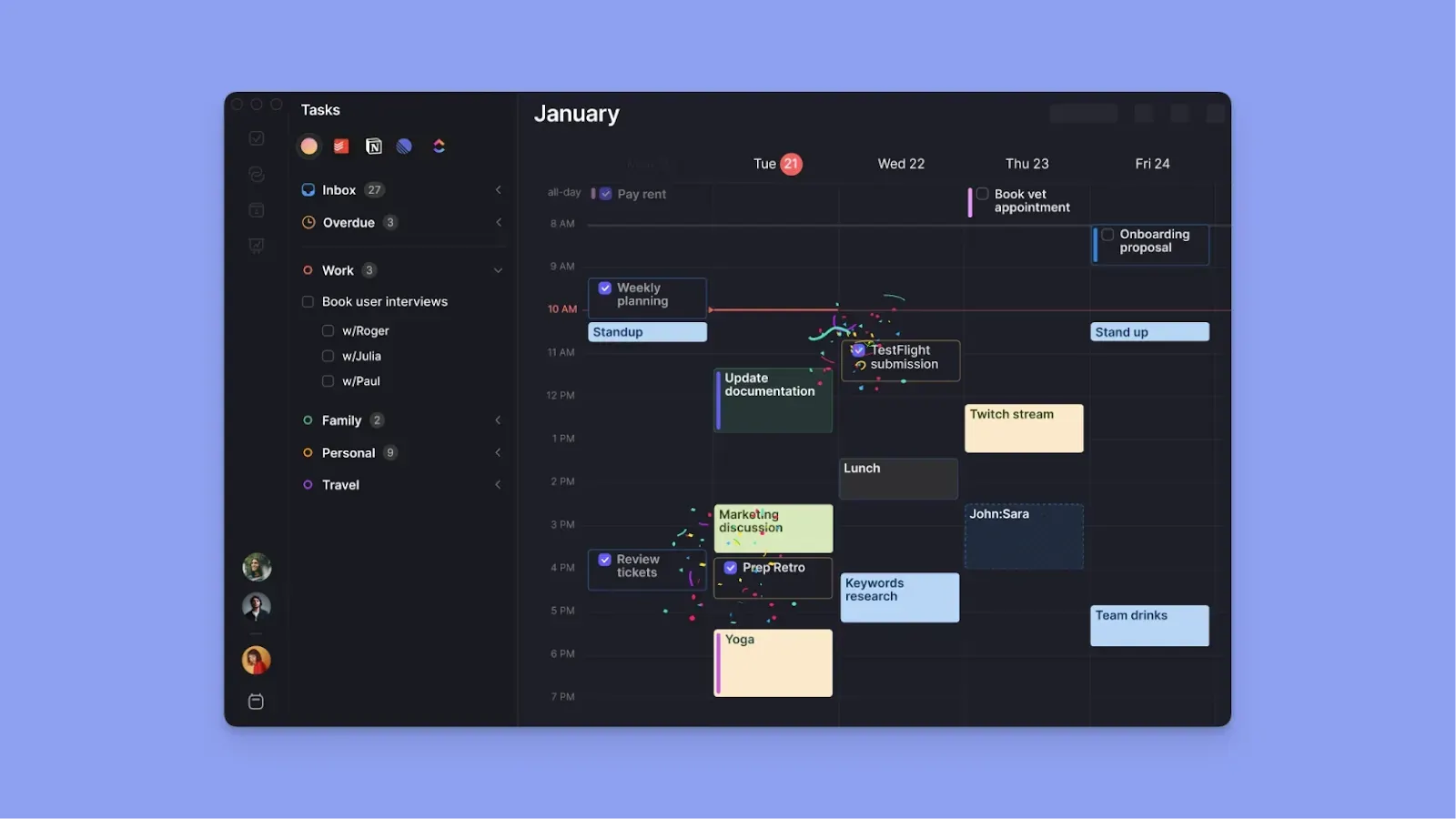
TickTick and ClickUp help you capture and organize tasks, but they don’t place tasks in your calendars for time protection.
Morgen approaches productivity from a calendar-first perspective, combining AI-assisted planning and time blocking so tasks fit around real commitments.
Key Features
Morgen helps you plan your day with the following features.
Deep Integrations
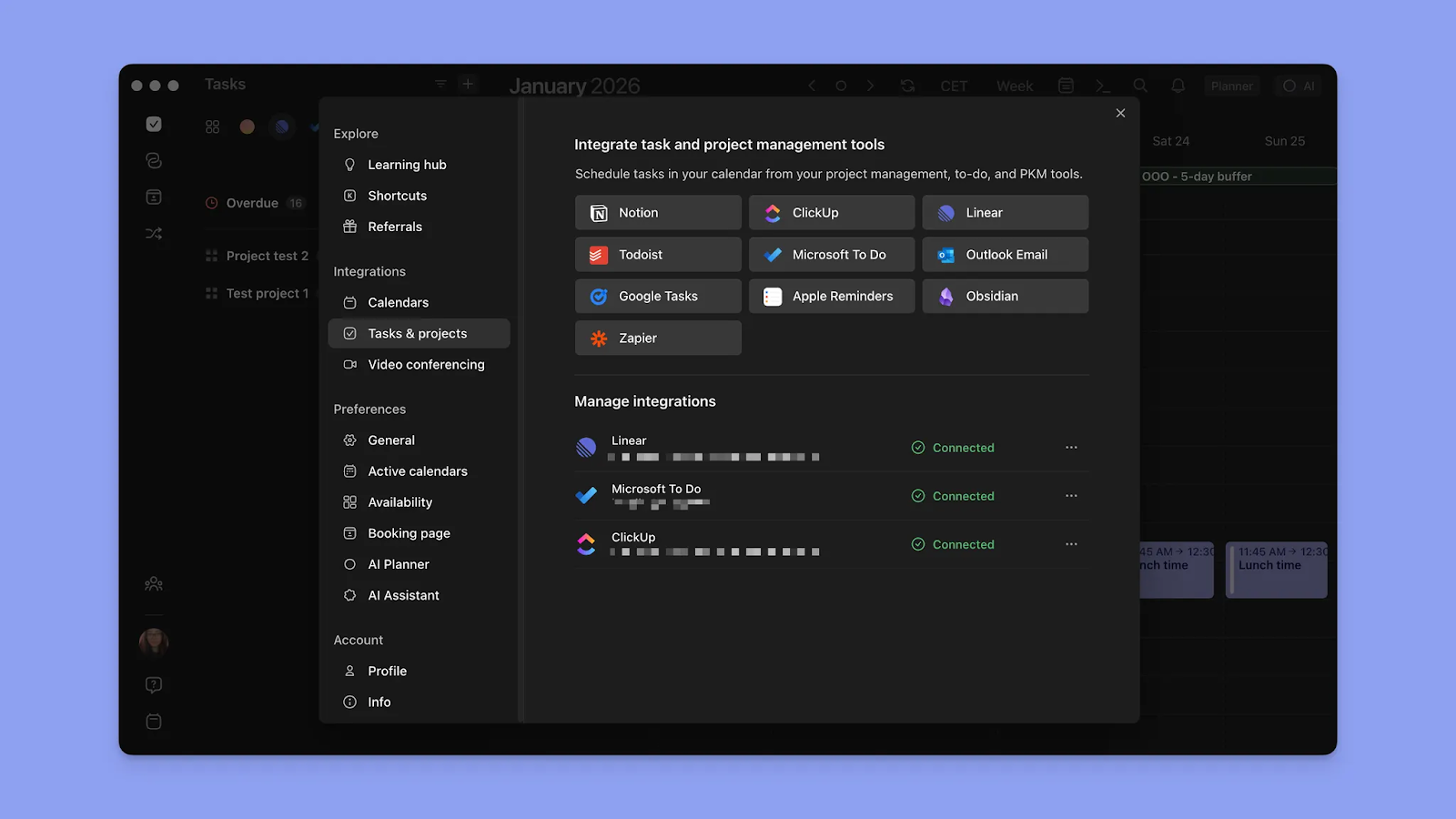
Creating a schedule on Morgen starts when you connect your ClickUp, Notion, Todoist, Linear, Obsidian, Google Tasks, and Microsoft To Do accounts, alongside calendars.
You can sync Google Calendar, Microsoft Outlook, Fastmail, and Apple Calendar to surface events and routines, then place tasks when you have available time.
Frames for Focus Blocks
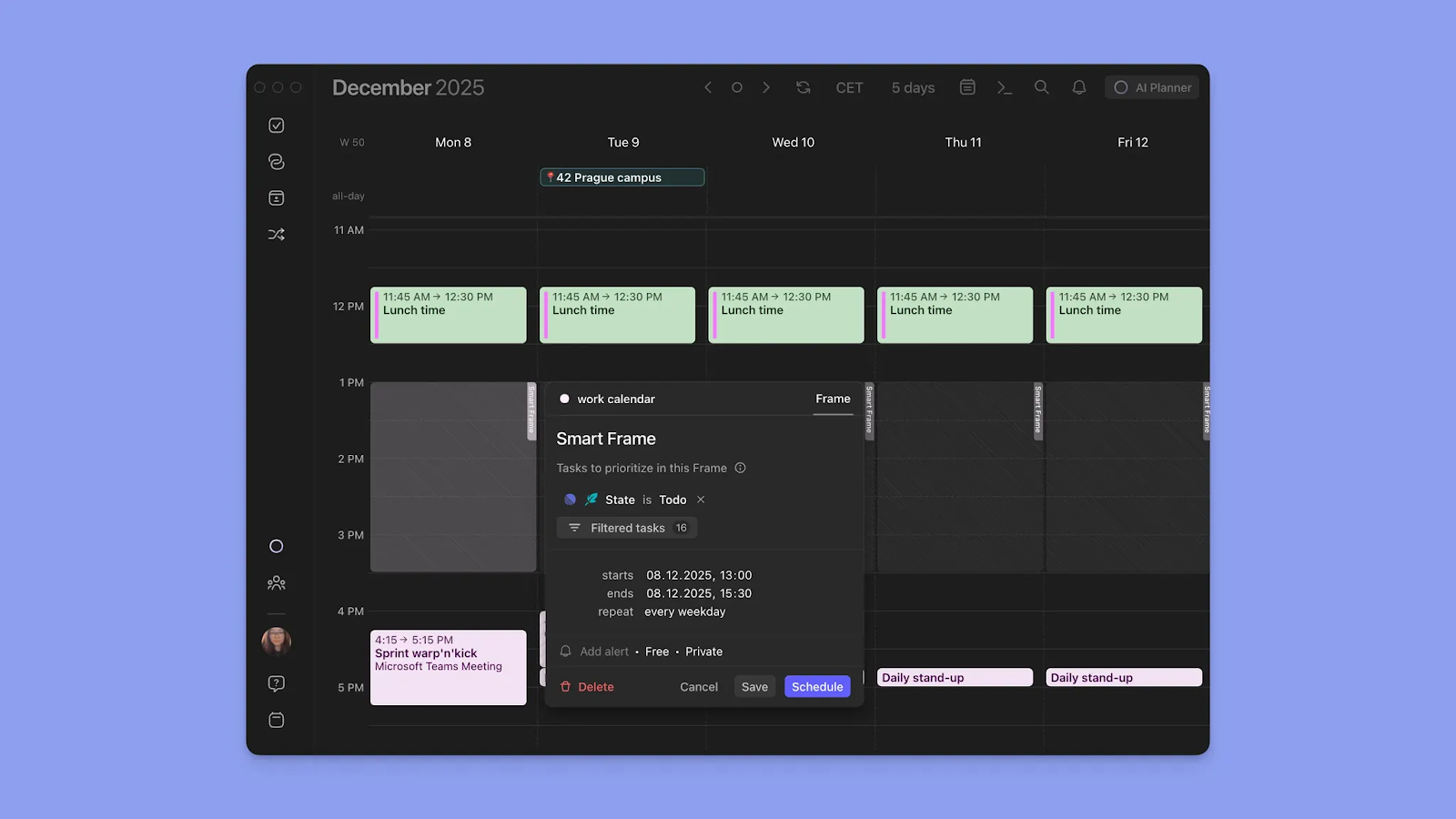
When you surface your pending tasks into Morgen, start dropping them into free time slots on your calendar for scheduling. To time-block tasks, create Frames, and filter the tasks you will schedule at that recurring time.
AI Planner
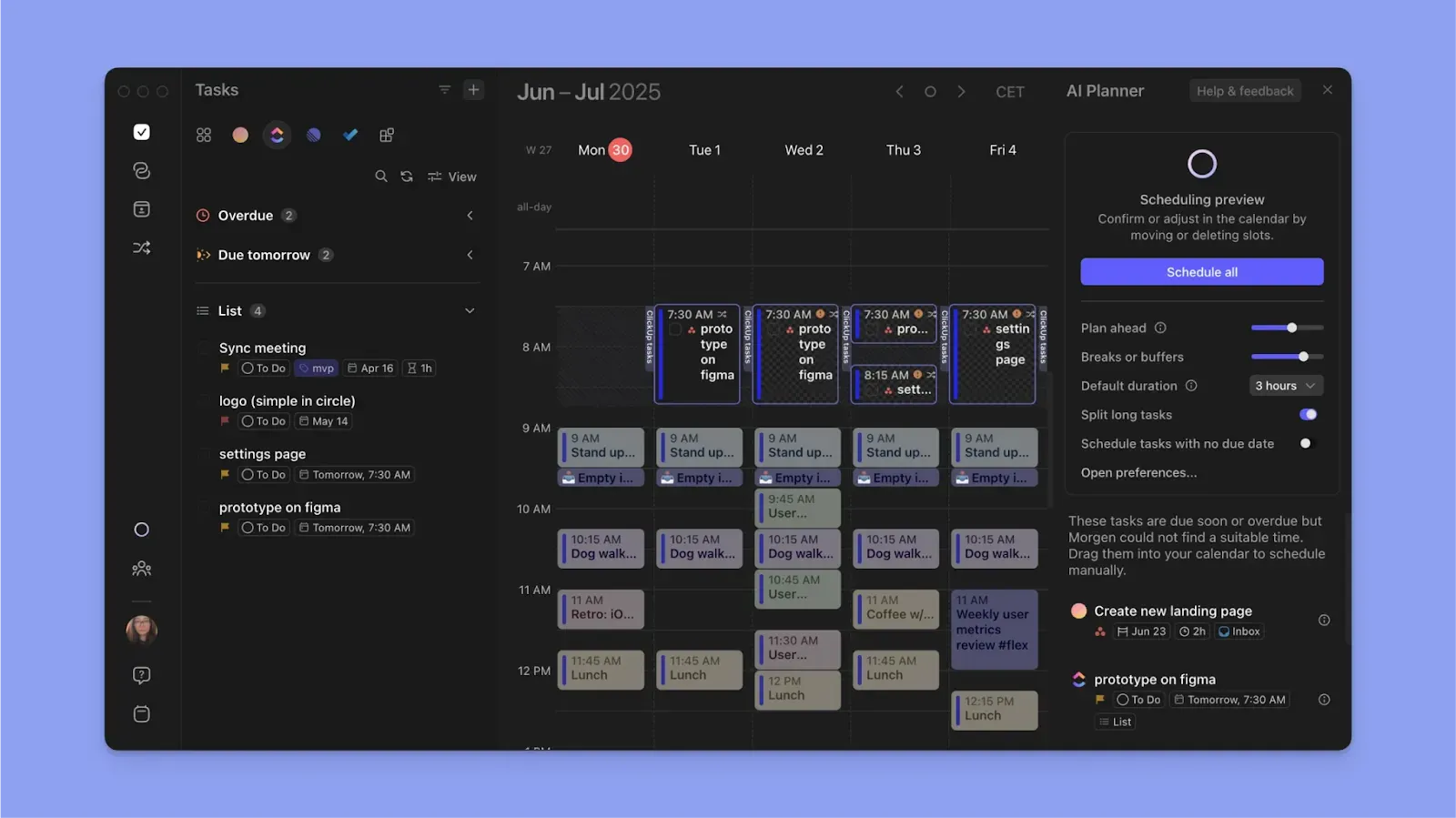
The AI Planner recommends task placements when you have available time, and waits for you to confirm or edit the suggestion before scheduling.
It works when you add tasks and Frames, analyzing how much time you have to work on tasks after protecting time for meetings, routines, and other events.
Calendar Automations
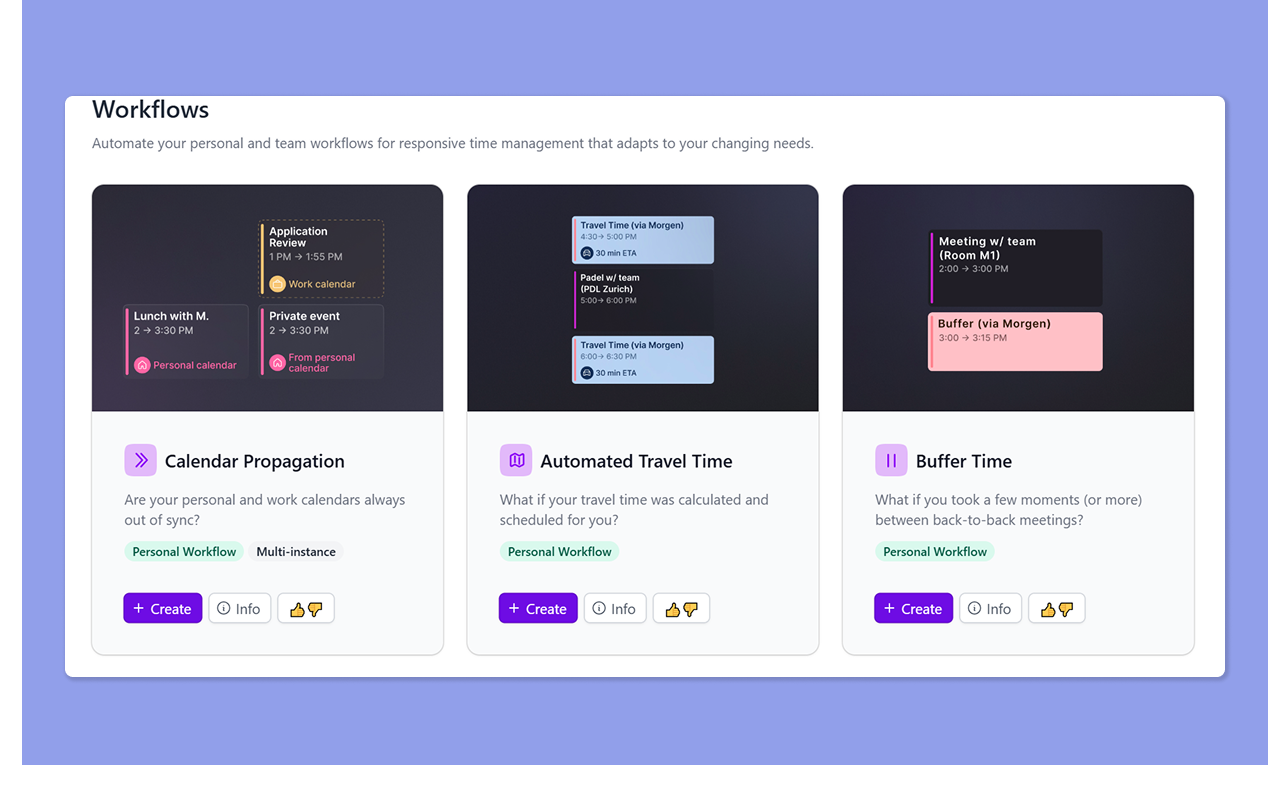
Calendar automations help you reduce repetitive planning by applying rules to recurring scheduling decisions.
With Morgen workflows, create a custom workflow or use templates for buffer time, travel time, or calendar propagation, then set the conditions.
Morgen applies those rules automatically every time a qualifying event lands on your calendar.
Pricing
Where Morgen Shines
- Native ClickUp integration: Pull ClickUp tasks directly into Morgen's calendar interface and track time back to ClickUp automatically when you complete a scheduled block
- Color-coded visual outline: Assign every calendar and task block (by project, source, etc.) specific colors and read your day at a glance
- Actual time blocking: Task blocks and Frames propagate to connected calendars as busy time to prevent double-booking
Where Morgen Falls Short
- Fewer project management features: You can't create projects natively in Morgen or track progress on a Kanban board the way TickTick and ClickUp allow
Customer Reviews
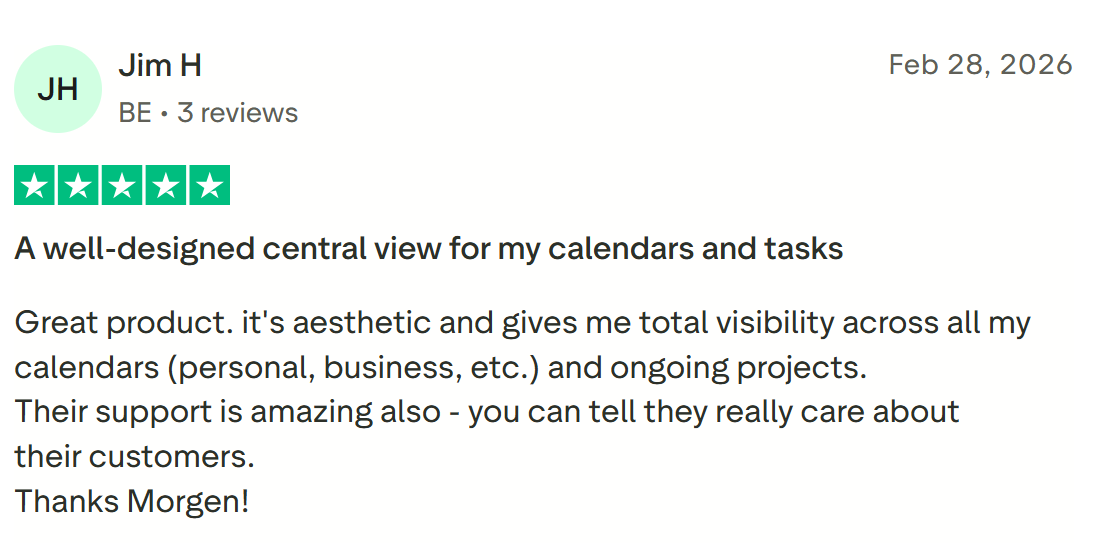
“It's aesthetic and gives me total visibility across all my calendars (personal, business, etc.) and ongoing projects,” shares Jim H.
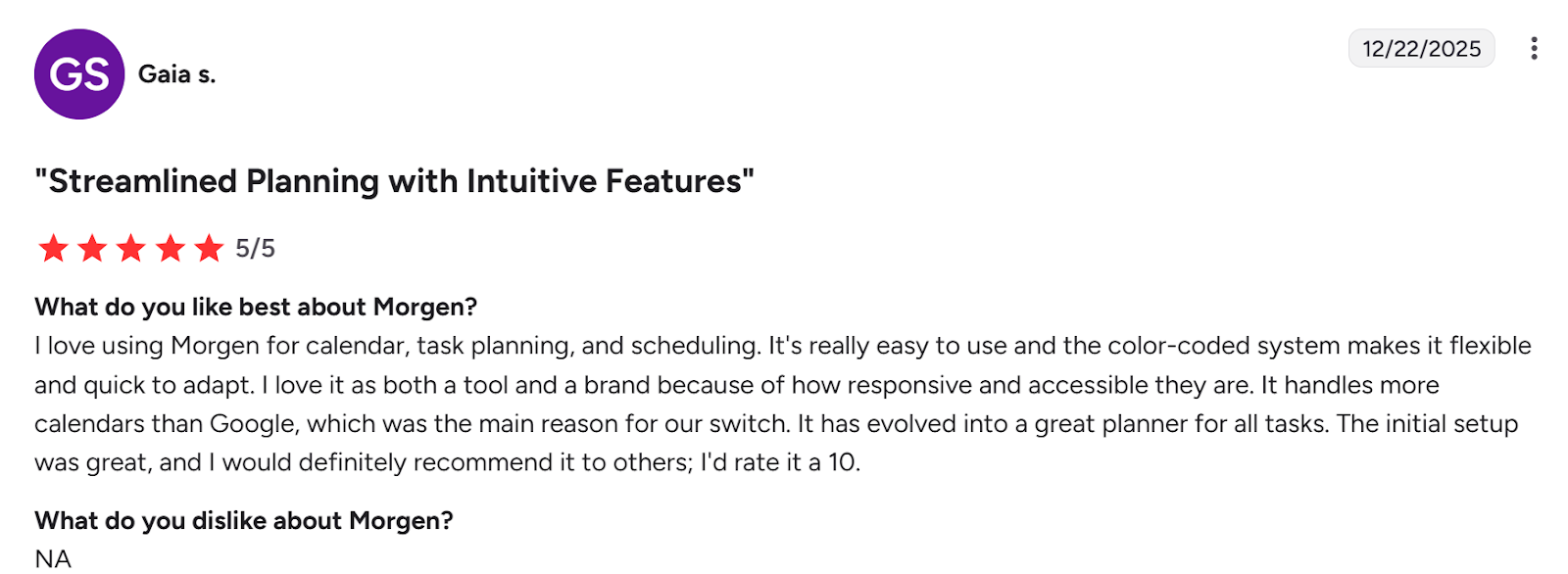
“It has evolved into a great planner for all tasks,” says Gaia S.
Here’s how to start using the latest Morgen 4 version.
What Will You Choose?
If your priority is personal task tracking, TickTick is the simpler option. But if you manage structured projects and teams, ClickUp offers a better workspace.
If you face challenges adding tasks to your daily calendar schedule, pick Morgen. Pull tasks from connected tools, and let the AI suggest the best times to work on them depending on how many meetings and events you have.
Read about Morgen tasks, and grab your 14-day trial to onboard now.

.svg)
.webp)


