
.svg)
→ Choose Morgen if you want booking pages, scheduling links, and open invites, plus a full AI-powered planning system: best calendar planning app for solopreneurs, freelancers, and developers who need to plan tasks, routines, and meetings without switching tools
→ Use Reclaim AI or Motion if your meetings constantly disrupt scheduled work and force you to manually rebuild your schedule: best for professionals who want AI to automatically reorganize tasks, habits, and calendar time around meetings, though both tools can feel overly automated
→ Try Akiflow if you want a fast, keyboard-driven command center for daily planning with basic availability sharing: best for solopreneurs who plan their day manually, but it lacks advanced workflows like embedded booking pages
→ Get Cal.com if you want more customization and ownership over your scheduling stack: best for developers, agencies, and teams that need open-source flexibility, self-hosting, and advanced routing workflows, though there’s no built-in task planning or AI scheduling layer after meetings get booked
→Use Outlook Calendar or Google Calendar if you only need basic meeting scheduling built in: best for Google Workspace and Microsoft 365 users who want scheduling without an extra subscription, but with less booking flexibility than Calendly
Calendly removes the back-and-forth of booking meetings, but leaves the rest of your day unplanned.
You need a daily smart planner that also lets you schedule tasks and time-block the slots based on calendar availability. Here are 8 Calendly alternatives to consider in 2026.
Top 8 Best Calendly Alternatives: At a Glance
| App | Best For | Standout Feature | Starting Price | G2 Ratings (/5) | Capterra Ratings (/5) |
|---|---|---|---|---|---|
| Morgen | Solo professionals planning tasks around meetings | Booking pages and scheduling links, plus human-in-the-loop AI for task scheduling | $15/month | 4.8 | 5.0 |
| Reclaim | Professionals who need automatic focus-time protection | Scheduling links, smart meeting coordination, and AI scheduling for habits, focus time, and tasks | Free plan; paid from $10/seat/month | 4.8 | 4.7 |
| Motion | Busy professionals and small teams who want AI to automatically rebuild schedules around meetings | Meeting planning with Booking Links, plus automatic schedule reprioritization | $19/user/month | 4.1 | 4.3 |
| Akiflow | Solopreneurs who manually time-block work from multiple tools | Basic scheduling links and drag-and-drop calendar planning | $19/month | 4.8 | 4.7 |
| YouCanBookMe | Professionals replacing Calendly who need availability across both calendars | Availability overlay that reads the booker’s calendar, plus provisional meeting requests | Free plan; paid from $9/month | - | - |
| Cal.com | Developers, agencies, or teams that need customizable meeting scheduling | Custom booking flows, routing forms, round-robin scheduling, and a developer-first API | Free plan; paid from $15/month | 4.6 | 4.7 |
| Microsoft Outlook | Microsoft 365 teams that want lightweight scheduling | Native Teams meeting scheduling, shared calendars, and Exchange-based availability coordination | Included with Microsoft 365 | 4.5 | 4.5 |
| Google Calendar | Google Workspace users who need a simple booking page | Appointment scheduling and native Gmail/Calendar integration | Included with Google Workspace plans | 4.6* | 4.8 |
1. Morgen: Best AI-Powered Scheduling Software for Professionals to Plan Tasks Around Meetings

Morgen is a digital calendar planner that lets you schedule from inside the app, then fill available time with tasks to create a productive daily plan.
Morgen Key Features
Here’s how Morgen is the best alternative to Calendly:
Meeting Planning

You can create a booking page with multiple event types, each with its own duration and booking window. Or, create and share scheduling links directly or embed them on your site.
You can also use Open Invites for one-off meetings where you pick the slots, or multi-person scheduling links when a meeting needs multiple hosts.
Tip: Connect Google Meet, Zoom, Microsoft Teams, or Webex from the event type settings. The meeting link will generate automatically and land in both calendar invites.
Routines for Recurring Events
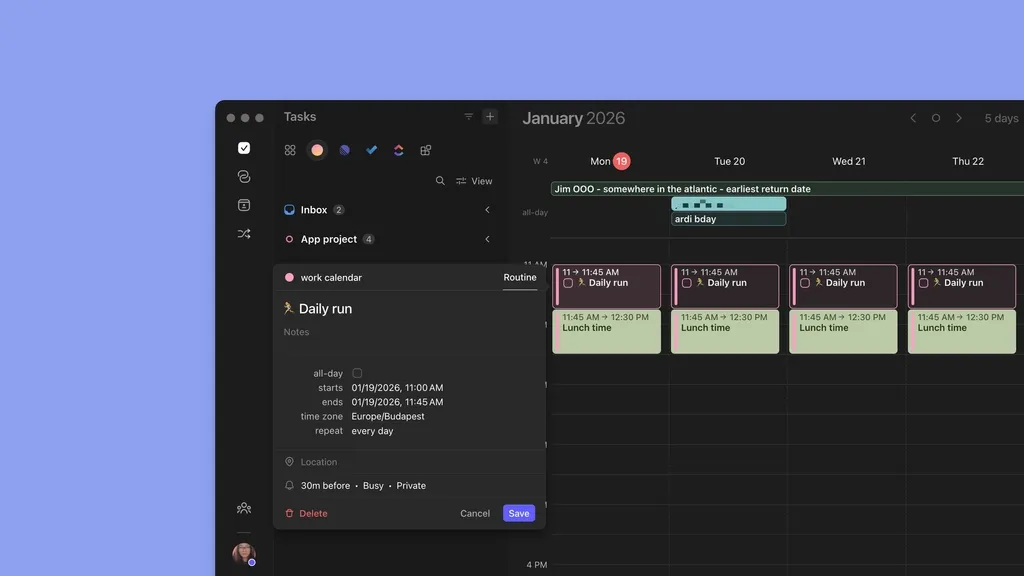
Create routines, assign them to any connected calendar, and they recur as calendar events. The AI Planner treats every routine as a committed block and won't schedule tasks into it or move it to fill a gap.
AI Task Planning Around Events
Connect Notion, Linear, ClickUp, Todoist, Obsidian, Google Tasks, Microsoft To Do, Apple Reminders, or more through Zapier.
Once you surface your tasks, Morgen’s AI Planner studies your availability between meetings and routines, then recommends when to complete each task. It works with a co-pilot approach, so nothing gets scheduled without your approval.
Tip: Tired of logging meeting action items manually? Kai by Morgen captures notes and extracts action items, then pushes them into your task system. Like the AI Planner, Kai also waits for your approval before taking any action, then learns from your corrections.
Frames that Propagate as Events
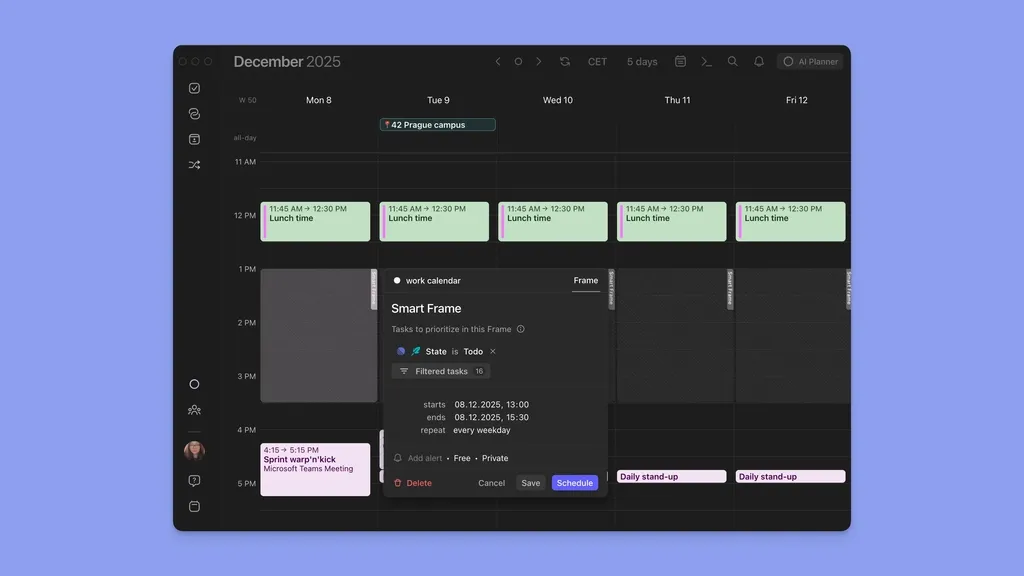
Using Frames, you can batch similar tasks into structured time blocks. Manually populate each block or use the AI Planner to schedule the right tasks based on your filters.
Note: You can create a Calendar Propagation workflow to set Frames as busy events after calendar sync. People can’t book meetings during those time slots, and the AI Planner won't reschedule tasks inside a propagated Frame when new meetings arrive.
Morgen Pricing
Morgen includes a 14-day free trial and a 30-day money-back guarantee on all paid plans.
| Plan | Billed Monthly | Billed Annually |
|---|---|---|
| Individual | $30/month | $15/month |
| Teams | $25/seat/month | $10/seat/month |
Where Morgen Shines
- Deep integrations across calendars, video conferencing software, task apps, and Microsoft Exchange: more depth of connections compared to Calendly
- Human-in-the-loop AI planning: The AI Planner suggests where your tasks fit. You approve every change
- ADHD-friendly by design: Color-coded calendars, visual time blocks, Frames for structure, and AI recommendations that eliminate the "what should I work on now?" decision every morning
- Team meeting planning: Create a team in Morgen, view all teammates' availability with auto-time zone detection, and share a multi-person scheduling link that checks every co-host's calendar before offering slots
- Linux support: Morgen runs natively on Linux which is rare among calendar planning apps, and a key differentiator for developers and technical users on that platform
Where Morgen Falls Short
- No payment collection at booking: Morgen doesn't accept payments at booking. You can pair it with Stripe or your invoicing tool for that step
- No native contacts management: Morgen doesn't store or manage contacts
- Not built for large enterprise teams: Morgen is optimized for solopreneurs, freelancers, and small teams, not for complex org-wide rollouts
Morgen Customer Reviews
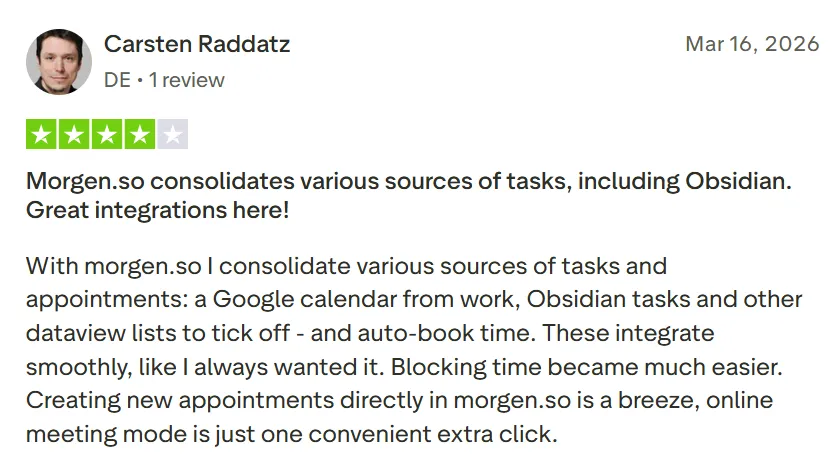
“With Morgen.so I consolidate various sources of tasks and appointments: a Google calendar from work, Obsidian tasks, and other dataview lists to tick off - and auto-book time. These integrate smoothly, like I always wanted it. Blocking time became much easier. Creating new appointments directly in Morgen.so is a breeze, online meeting mode is just one convenient extra click,” Carsten Raddatz.
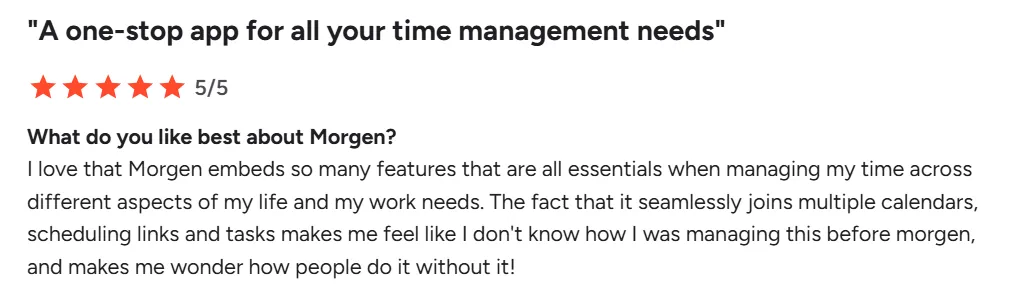
“I love that Morgen embeds so many features that are all essentials when managing my time across different aspects of my life and my work needs. The fact that it seamlessly joins multiple calendars, scheduling links, and tasks makes me feel like I don't know how I was managing this before Morgen, and makes me wonder how people do it without it,” Enea C.
Who Morgen Is Best For
- Freelancers and solopreneurs who send booking links to clients and need to plan project deliverables around those meetings
- Developers and technical users who rely on different task tools and want those tasks visible in their calendar
- Professionals with ADHD who need visual structure, time blocking, and AI-assisted daily planning to reduce decision fatigue
Have questions about setting up Morgen as your Calendly alternative? Contact us for help with meeting schedules or getting your workspace configured.
2. Reclaim AI: AI Calendar Planner that Protects Focus Time Alongside Scheduling Links
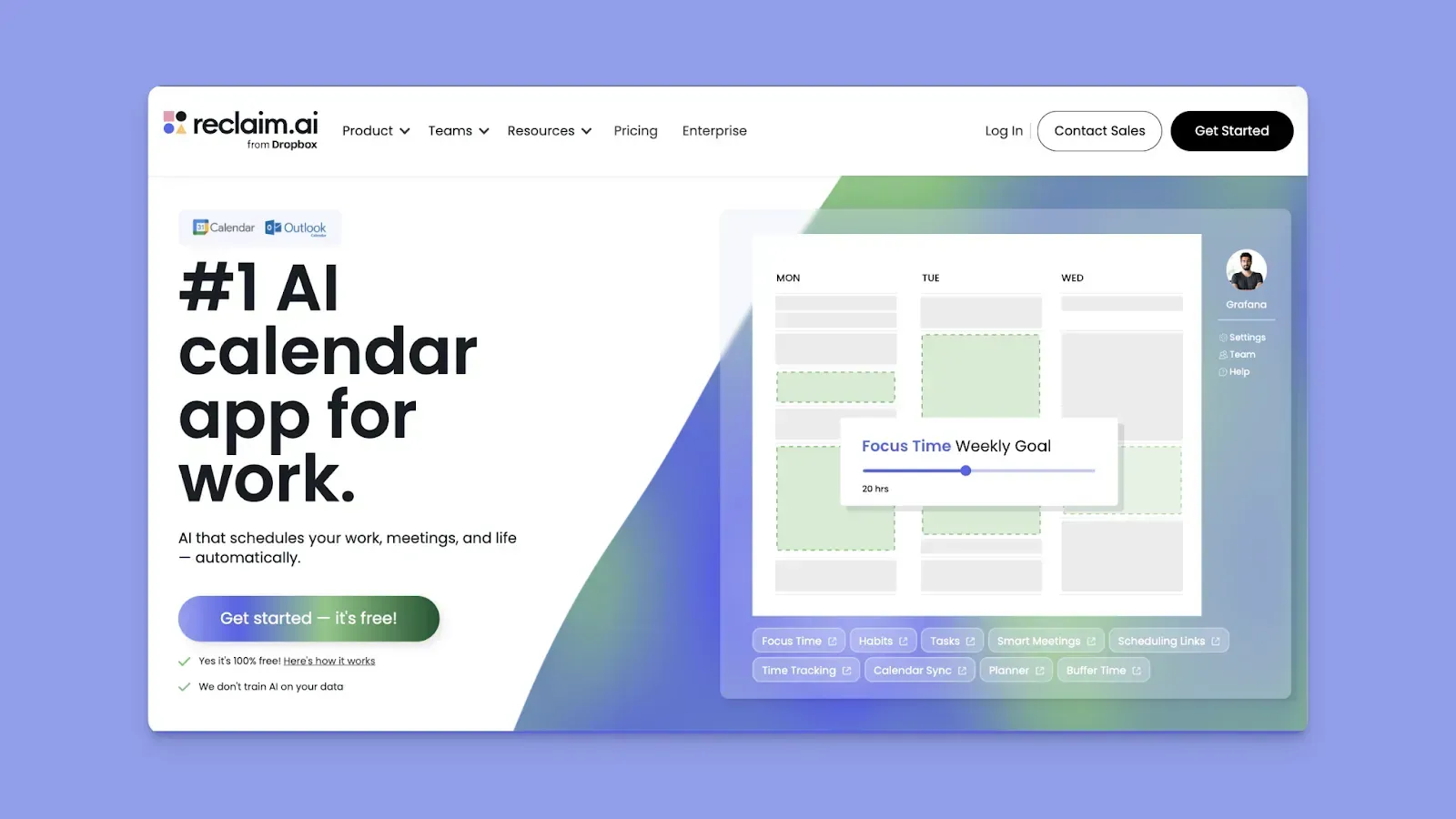
Reclaim AI protects your focused work time by auto-scheduling tasks and habits around your meetings. Like Calendly, it creates shareable scheduling links with customizable availability rules and booking windows.
Key Features
- Smart Scheduling Links: Share bookable availability with priority controls. Reclaim automatically offers lower-priority tasks and habits as open slots when a higher-priority meeting needs room
- Habit and Focus-Time Protection: Set daily habits and weekly focus goals. When meetings conflict, Reclaim reschedules the block
- Smart 1:1 Meetings: Reclaim finds the best recurring meeting time between two people by factoring in both schedules and priorities
Pricing
| Plan | Billed Monthly | Billed Annually |
|---|---|---|
| Lite | Free | Free |
| Starter | $12/seat/month | $10/seat/month |
| Business | $18/seat/month | $15/seat/month |
| Enterprise | Unavailable | $22/seat/month |
See what changes with every Reclaim pricing plan.
Where Reclaim Shines
- Intelligent conflict resolution: When a meeting lands on a habit or task block, Reclaim automatically reschedules the conflict
- Visual and ADHD-friendly planning: Color-coded calendar blocks, drag-and-drop scheduling, and a clean interface make it easy to see and manage your day at a glance
Where Reclaim Falls Short
- Scheduling links only, no booking pages: Reclaim doesn't offer a full booking page like Calendly
- No payment links: If you charge clients at the time of booking, you'll need a separate tool for that
- Google Calendar and Outlook only: Apple Calendar, iCloud, Fastmail, or subscription calendar users can't use Reclaim at all
Customer Reviews
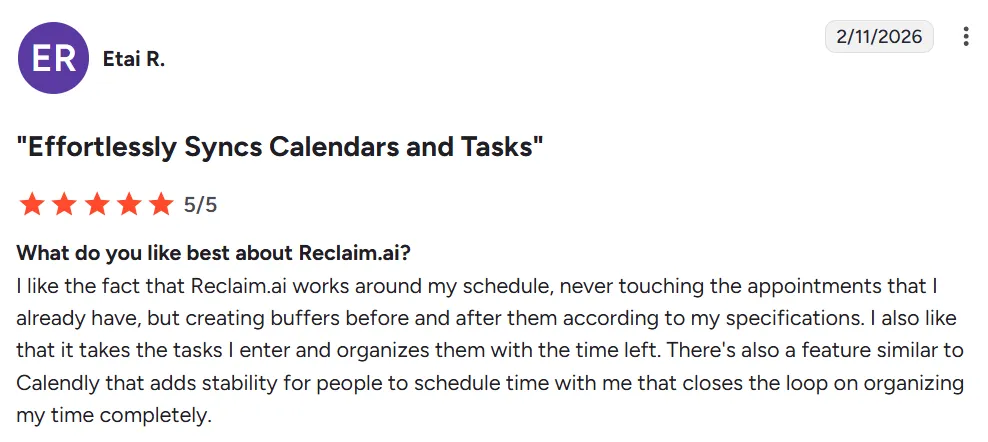
“I like the fact that Reclaim.ai works around my schedule, never touching the appointments that I already have, but creating buffers before and after them according to my specifications,” says Etai R.
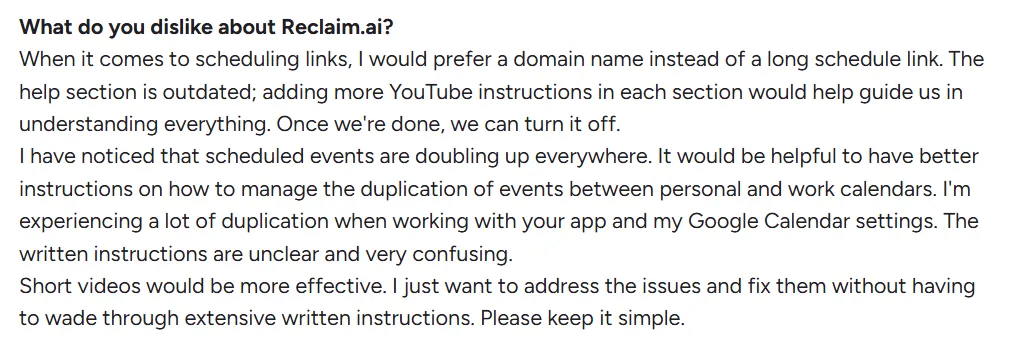
“When it comes to scheduling links, I would prefer a domain name instead of a long schedule link,” David A.
Who Reclaim Is Best For
- Google Calendar/Outlook professionals and remote teams with heavy meeting loads who need AI to defend focus time alongside their scheduling links
3. Motion: Best for Full AI Autopilot Task Planning Around Meetings and Deadlines
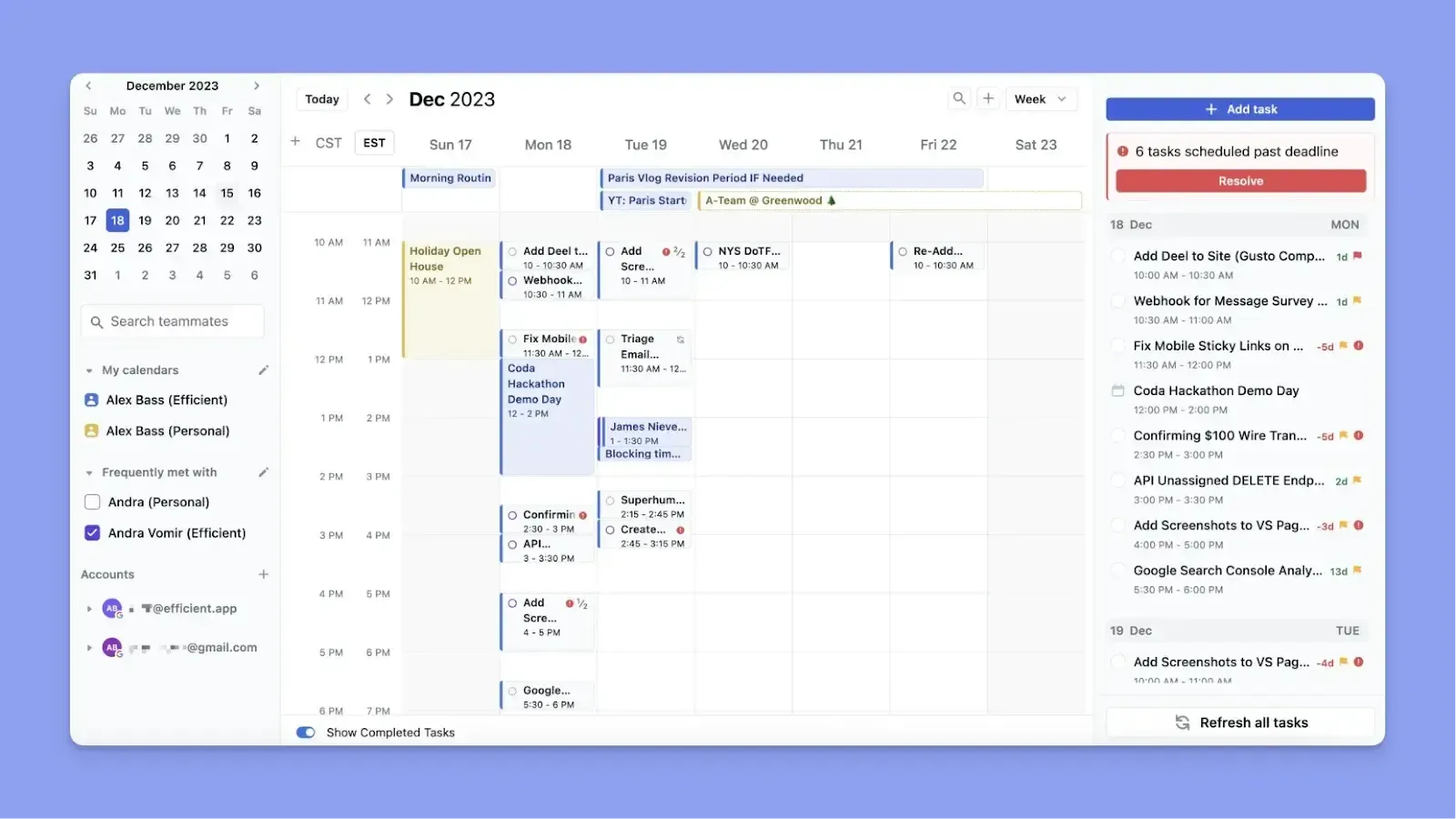
Motion syncs your calendars and meetings, then uses AI to aggressively plan your tasks around your real availability. Its autopilot approach works well for people who are comfortable letting AI reorganize priorities without approval, but that level of automation isn't for everyone.
Key Features
- Booking Links: Create shareable booking links with custom availability rules, buffer times, and daily meeting limits
- AI Task Planning Around Meetings: Add tasks with deadlines and priorities, then Motion's AI schedules them automatically into your free time and replans whenever a new meeting lands
Pricing
| Plan | Monthly Billing | Yearly Billing |
|---|---|---|
| Individuals - Pro AI | $49/month | $29/month |
| Individuals - Business AI | $69/month | $39/month |
| Teams - Pro AI | $29/seat/month | $19/seat/month |
| Teams - Business AI | $49/seat/month | $29/seat/month |
Here’s everything to know about Motion’s pricing.
Where Motion Shines
- Project management built in: Motion is one of the few tools that combines project management with calendar-aware AI scheduling. See how Motion compares to Monday for project planning
- AI team-based scheduling: Motion shows the whole team's calendar when planning tasks and meetings
Where Motion Falls Short
- Significant manual setup before AI takes over: You have to add tasks, deadlines, durations, dependencies, and priorities manually before Motion's AI can schedule anything
- Expensive compared to Calendly: At $29/month on the annual individual plan, Motion costs significantly more than Calendly
- Full autopilot means less control: If a task gets rescheduled at the wrong time, you may not notice until after the fact.
Customer Reviews
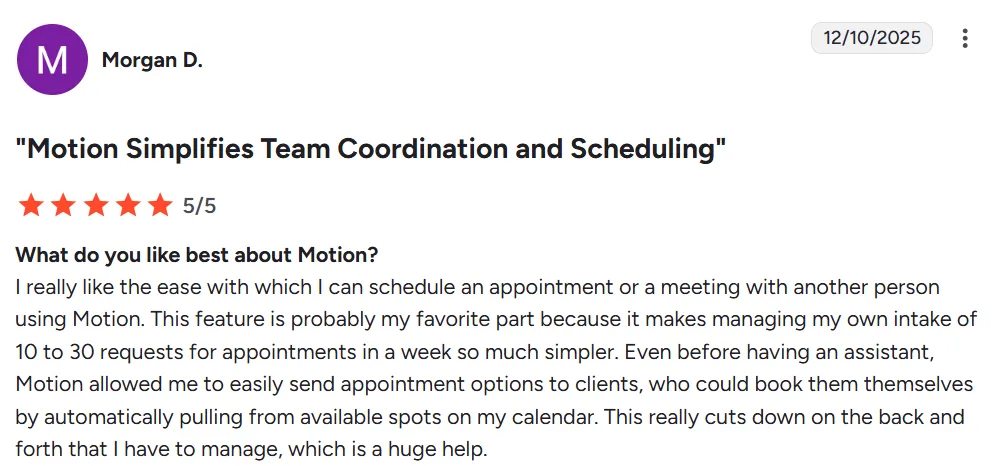
“I really like the ease with which I can schedule an appointment or a meeting with another person using Motion. This feature is probably my favorite part because it makes managing my own intake of 10 to 30 requests for appointments in a week so much simpler,” shares Morgan D.
“Cost is too high to bring on for my small business right now. If I could have only the features I want at a reduced cost, it'd be great for my team,” says a user on Capterra.

Who Motion Is Best For
- Busy professionals and small teams who want calendar-aware AI scheduling and project management in one place
4. Akiflow: For Meeting Scheduling Plus Manual Daily Task Planning

Akiflow is a manual daily planner that lets you set up meeting availability and share a scheduling link.
Key Features
- Meeting Scheduling Link: Set your available hours, configure meeting duration and buffer time, and share a single link
- Aki AI Assistant: Chat with Aki to create tasks, set up meetings, build workflows, and navigate your schedule using natural language
- Unified Task Inbox Alongside Meetings: Pull tasks from Slack, Gmail, Notion, Linear, ClickUp, and more into one inbox
Pricing
| Plan | Cost |
|---|---|
| Monthly | $34/month |
| Annual | $19/month |
Tip: For a full breakdown of what's included at each price point, see the Akiflow pricing guide.
Where Akiflow Shines
- Keyboard-driven speed: Global shortcuts and a command bar for faster capturing, scheduling tasks
- Deep task integrations: Connect 10+ task sources and use Aki to create and manage tasks conversationally
Where Akiflow Falls Short
- Availability sharing only: Akiflow lets you share a scheduling link, but there's no booking page
- No scheduling automation: Even with Aki, every scheduling decision is yours to make
Customer Reviews
“Open time slot sharing is seamless,” shares Abid I.

This verified user on G2 says, “I would like an AI that autojoins meetings to autotranscribe, summarize, and dictate tasks for me. I'll need to look for another application to support that function. If Akiflow could eventually implement that, it would be golden.”

Who Akiflow Is Best For
- Task-heavy professionals and solopreneurs who want one tool to manage meeting scheduling and daily task planning
5. YouCanBookMe: Best Direct Calendly Substitute for Booking Across Both Calendars
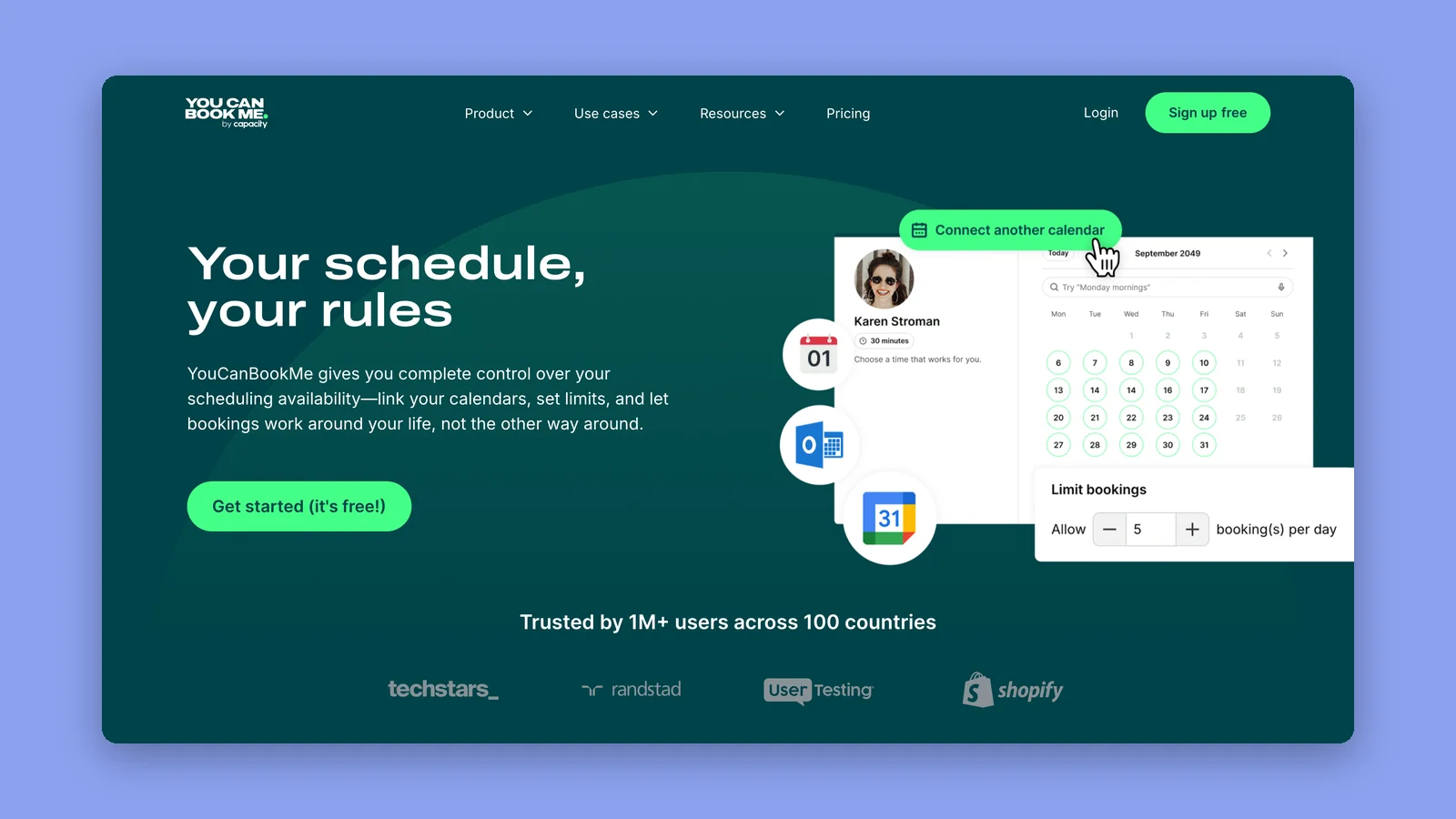
YouCanBookMe is the closest like-for-like replacement for Calendly on this list. It does the same job, a shareable booking page that reads your calendar and lets people pick a slot, and it adds two things Calendly makes you work around.
The first is the availability overlay. A booker can connect their own Google, Microsoft, YouCanBookMe or Calendly calendar to your booking page, and the page then shows only the times you are both free. It also works on Calendly booking pages, so it behaves like a layer on top of scheduling rather than a reason to switch.
The second is meeting requests. A booking lands in your calendar straight away, marked with two question marks, and stays provisional until you accept or reject it. That is the difference between a booking page and an open door.
Key Features
- Availability Overlay: Bookers connect their own Google, Microsoft, YouCanBookMe or Calendly calendar so the page only offers times you are both free
- Meeting Requests: Bookings arrive in your calendar flagged as provisional and stay that way until you accept or reject them
- Calendar Coverage and Branding: Syncs with Google, Microsoft and Apple calendars, and lets you customize the booking page background, footer, and confirmation emails and SMS
Pricing
| Plan | Pricing |
|---|---|
| Free | $0 |
| Individual | $9/month, or $8.10/month billed yearly |
| Professional | $13/month, or $11.70/month billed yearly |
| Team | $18/member/month, or $16.20/member/month billed yearly |
Where YouCanBookMe Shines
- Availability runs both ways: Most booking tools only read your calendar. The overlay reads the booker’s as well, which removes the back and forth when neither of you can see the other’s week
- Apple Calendar support: Google, Microsoft and Apple calendars all sync, so a Mac-first setup doesn’t need a workaround
Where YouCanBookMe Falls Short
- It books, it doesn’t plan: Like Calendly, it fills your calendar with other people’s requests and gives you nothing to plan your own work around them
- The free plan is one page, one calendar: Enough to test it properly, but a second booking page or a second calendar connection means moving to a paid tier
Who YouCanBookMe Is Best For
- People replacing Calendly directly who want the same booking page plus an availability overlay and Apple Calendar support
- Client-facing solos and small teams who need a booking page that carries their own branding rather than a generic scheduler’s
6. Cal.com: Best for Developers and Teams That Need Custom Booking Workflows
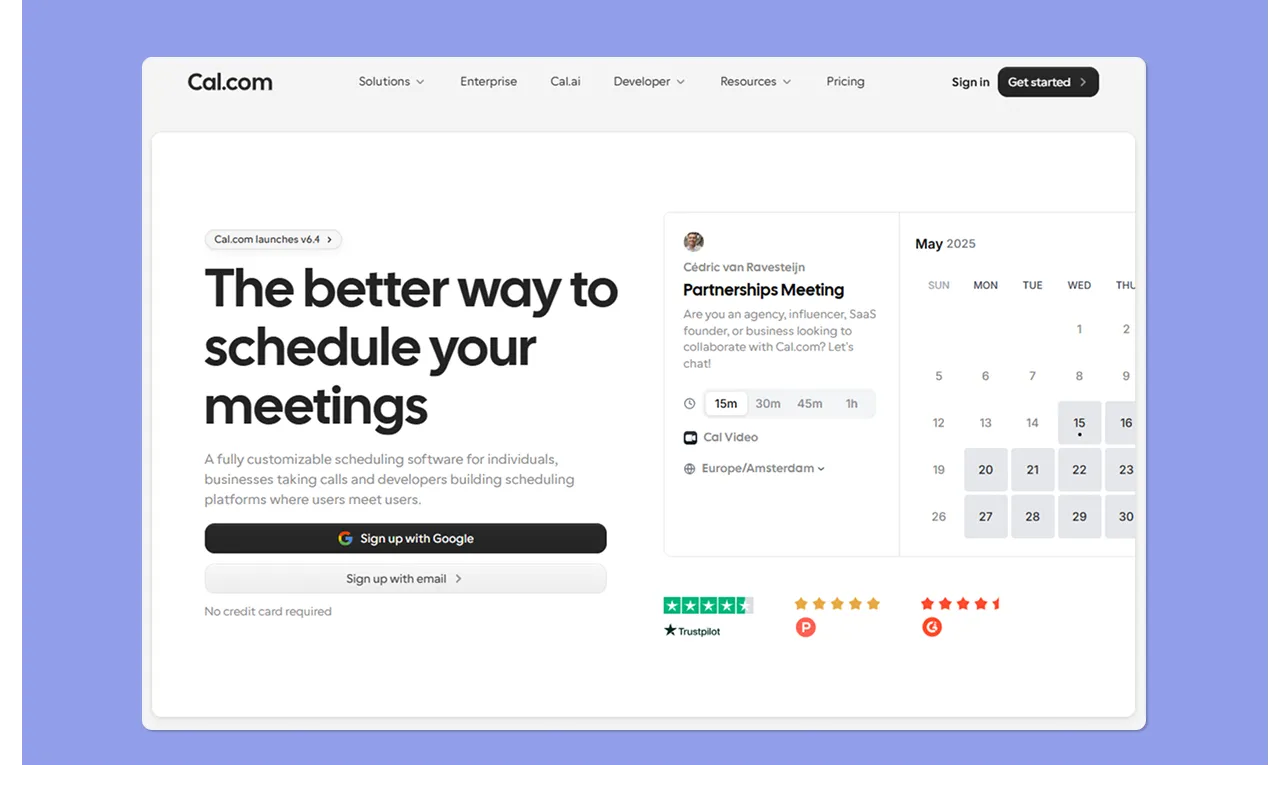
Cal.com is a developer-first appointment scheduling platform that covers everything Calendly does at the booking level: collecting payments, group bookings, routing forms and white-labelling.
One thing changed in April 2026 and most comparisons haven't caught up. Cal.com used to be the open-source pick here. The open-source edition has since been split off as Cal.diy, an MIT-licensed fork with all the enterprise code stripped out, and Cal.com's own README calls it "strictly recommended for personal, non-production use" and points commercial users back to Cal.com. Cal.diy also drops Teams, Organizations, Insights, Workflows and SSO. So if self-hosting is the reason you're looking at Cal.com, know that the vendor no longer recommends it for anything you'd run a business on.
Key Features
- Booking Pages and Event Types: Create unlimited meeting types and booking pages, and set availability rules, recurring events, and intake questions per event
- Team Scheduling and Routing: Access to round-robin assignment, collective events, and smart routing
- Built-In Payments: Accept payments via Stripe or PayPal at booking
Pricing
| Plan | Pricing |
|---|---|
| Free | $0 |
| Teams | $12/user/month |
| Organizations | $28/user/month |
| Enterprise | Custom pricing |
Where Cal.com Shines
- Multi-calendar support: Cal.com syncs across Google, Microsoft, and iCloud
- Deep customization: Routing forms, round-robin assignment and an open API let technical teams extend the booking flow well past what Calendly allows
Where Cal.com Falls Short
- Steeper setup than Calendly: The depth of configuration options is an asset for power users, but creates friction for new users
- No task planning or daily scheduling: Like Calendly, Cal.com only books the meeting, with no way to plan your work around those bookings from within the tool
Customer Reviews
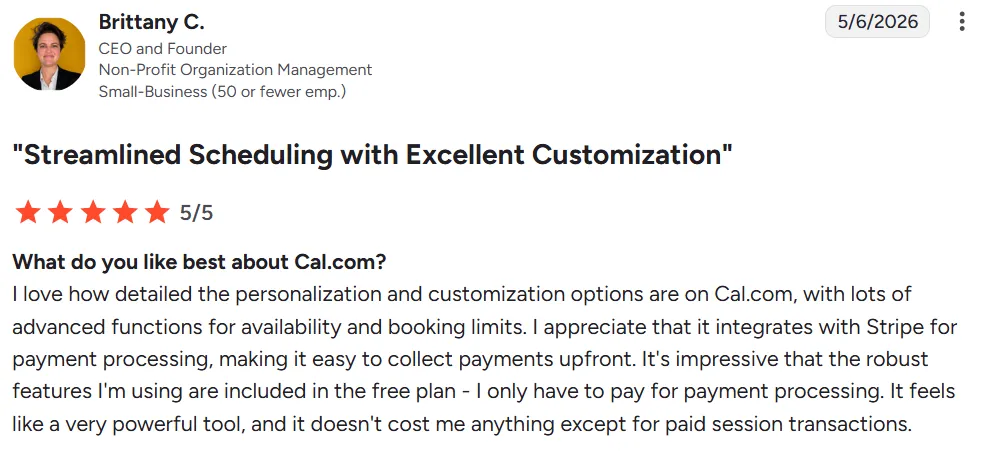
“I love how detailed the personalization and customization options are on Cal.com, with lots of advanced functions for availability and booking limits. I appreciate that it integrates with Stripe for payment processing, making it easy to collect payments upfront.” Brittany C.
“The setup of Cal.com is overwhelming, which could be improved. The documentation for different integrations and event configurations needs better clarity, as it takes time to figure out how to use them effectively. Also, I think the user interface could be more refined, especially when managing multiple event types or settings. It could be smoother and better.” Vaishnav V.

Who Cal.com Is Best For
- Developers and technical teams who want scheduling they can extend via API, white-label, and wire into their own routing logic
- Individuals and small teams switching from Calendly who want the same booking features with a more generous free plan and Apple Calendar support
7. Google Calendar: Best for Google Workspace Users Who Want a Built-In Booking Page
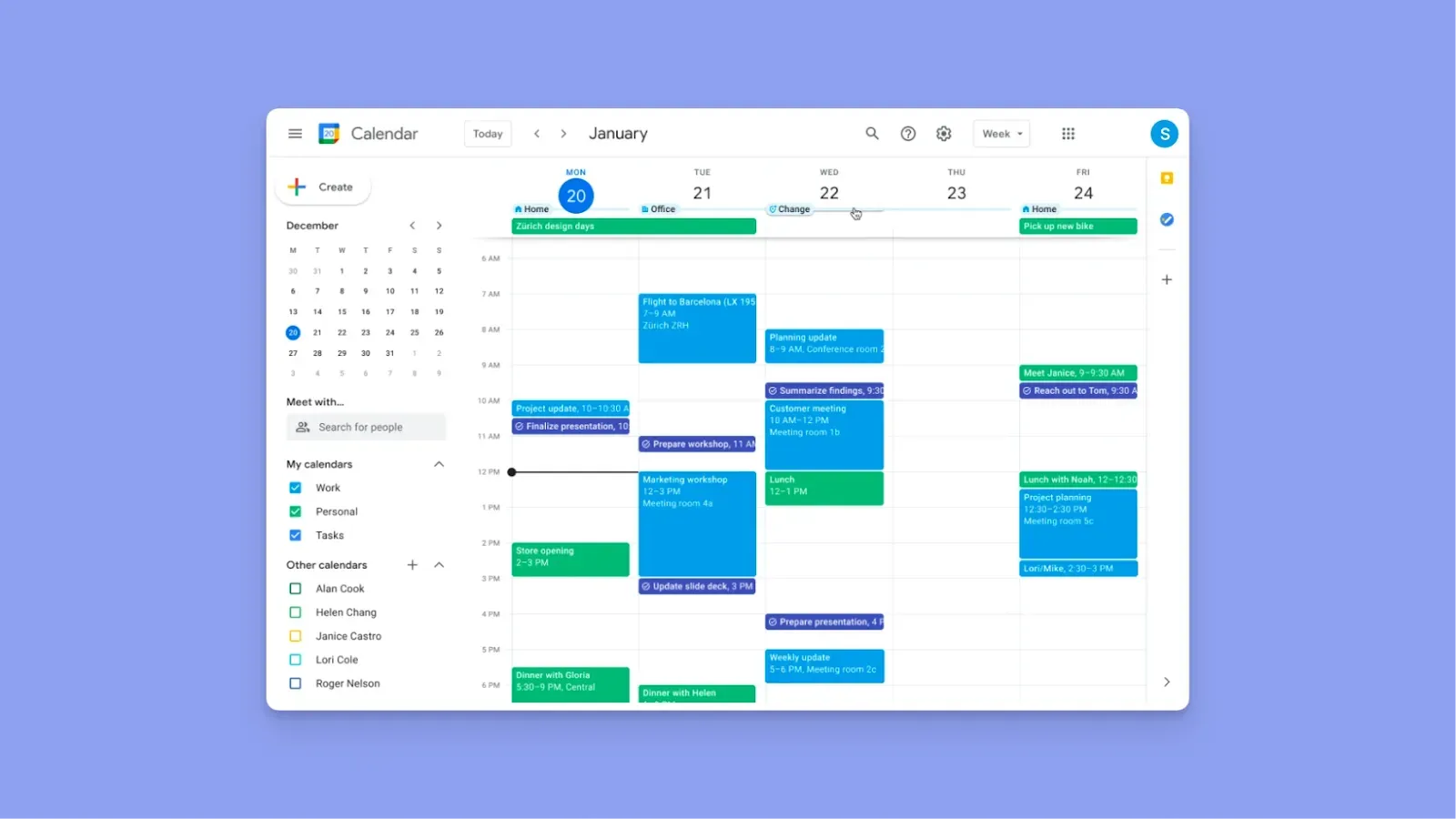
Google Calendar's Appointment Scheduling feature lets you create a shareable booking page directly inside your calendar.
Set your available hours, add buffers, daily booking limits, and a minimum notice period, and invitees book from any email address.
The free plan supports one booking page with one appointment type, but Workspace offers more appointment types, plus payment collection via Stripe and branded pages.
Tip: Connect your Google Calendar to Morgen to add task planning and AI scheduling around your appointments.
8. Microsoft Outlook: Best for Microsoft 365 Teams Who Want Scheduling Without an Extra Subscription
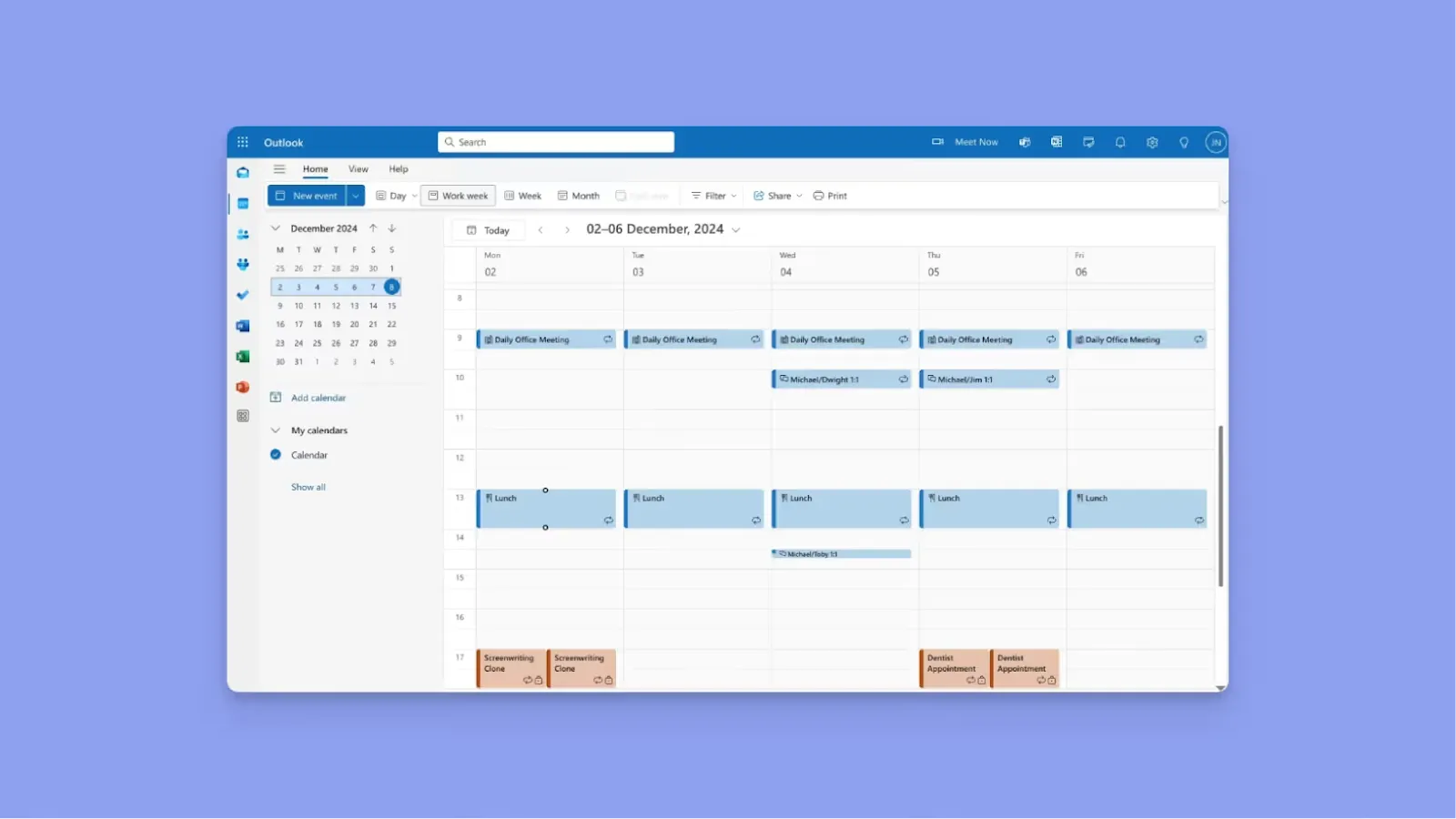
Microsoft covers scheduling through two built-in tools.
- Microsoft Bookings gives you a customizable booking page where clients or colleagues schedule appointments directly from your Outlook availability
- Scheduling Poll handles group meeting coordination by letting you propose multiple times and collect votes, without requiring invitees to have a Microsoft account
Still, there's no task planning layer, no AI scheduling, and no support for non-Microsoft calendar connections.
Tip: Integrate Microsoft Outlook with Morgen and add an advanced AI planning layer around your meetings. You’ll also connect Outlook to more task tools you add to Morgen, including Outlook + Notion, Outlook + Todoist, Outlook + Google Tasks, etc.
Reasons to Consider an Alternative to Calendly
According to Market Biz, 50% of companies now invest in meeting technologies to improve efficiency. Calendly is one of the most recognized tools in that category, but you may still need an alternative if:
You Want to Plan Appointments Across Multiple Calendars
Calendly only supports Google and Outlook calendars. If you use more calendars, you need a tool that accommodates their combined schedules.
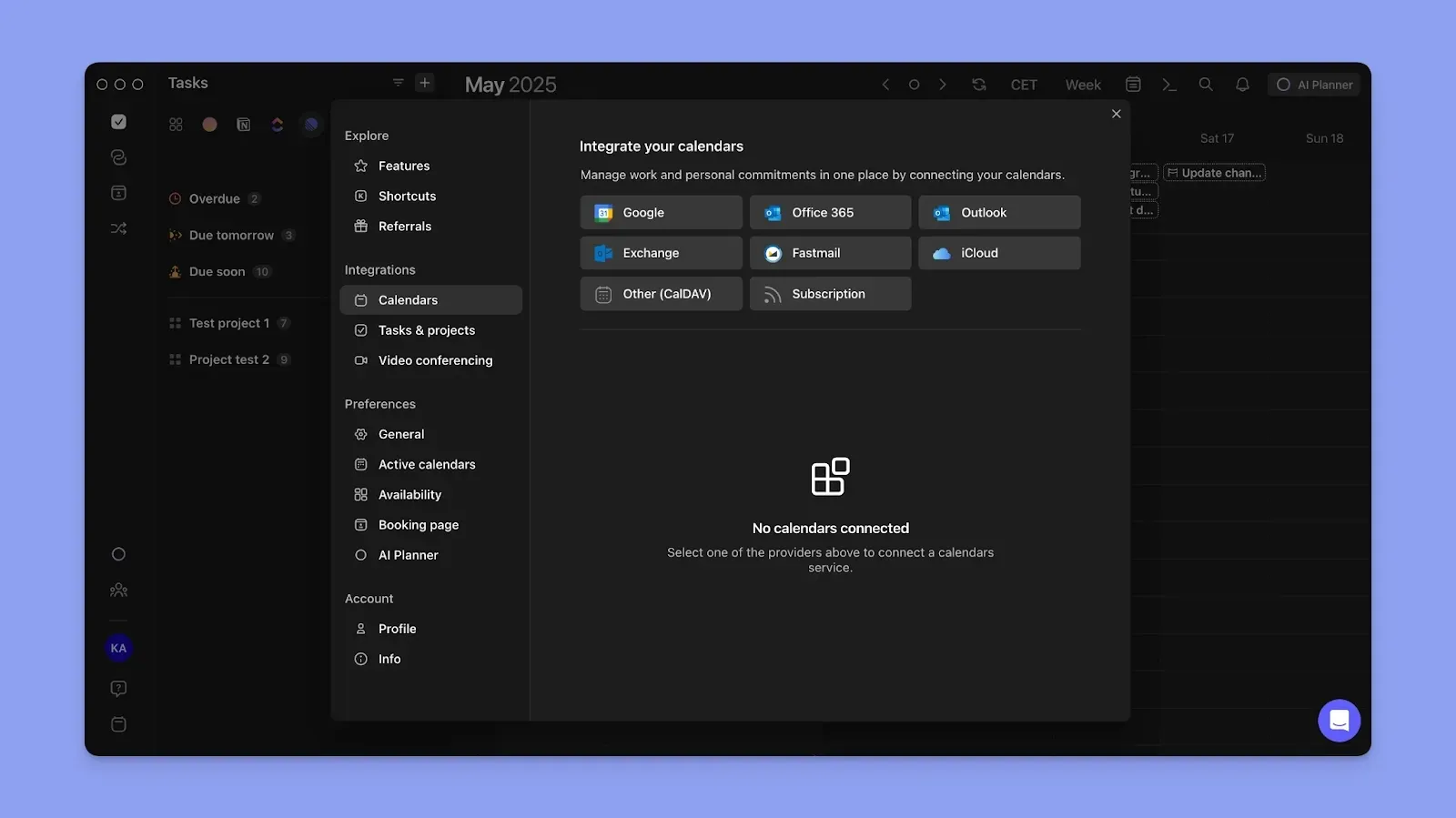
As an alternative, Morgen connects to Google Calendar, Microsoft Outlook, iCloud, Fastmail, and subscription calendars
You Want to Plan Tasks Alongside Appointments
Even with Calendly, you need another tool to decide what tasks to complete after your meeting. That introduces context switching and drains your productivity.

Morgen shows your events and tasks in one view. You see how much time you have around meetings, then schedule the tasks to complete during those slots.
You Need AI to Simplify Daily Planning
Calendly’s AI features automate meeting planning, including the Notetaker and AI Scheduling Assistant (Callie). If you’re looking for AI that simplifies daily workload planning, Calendly won’t be the solution.
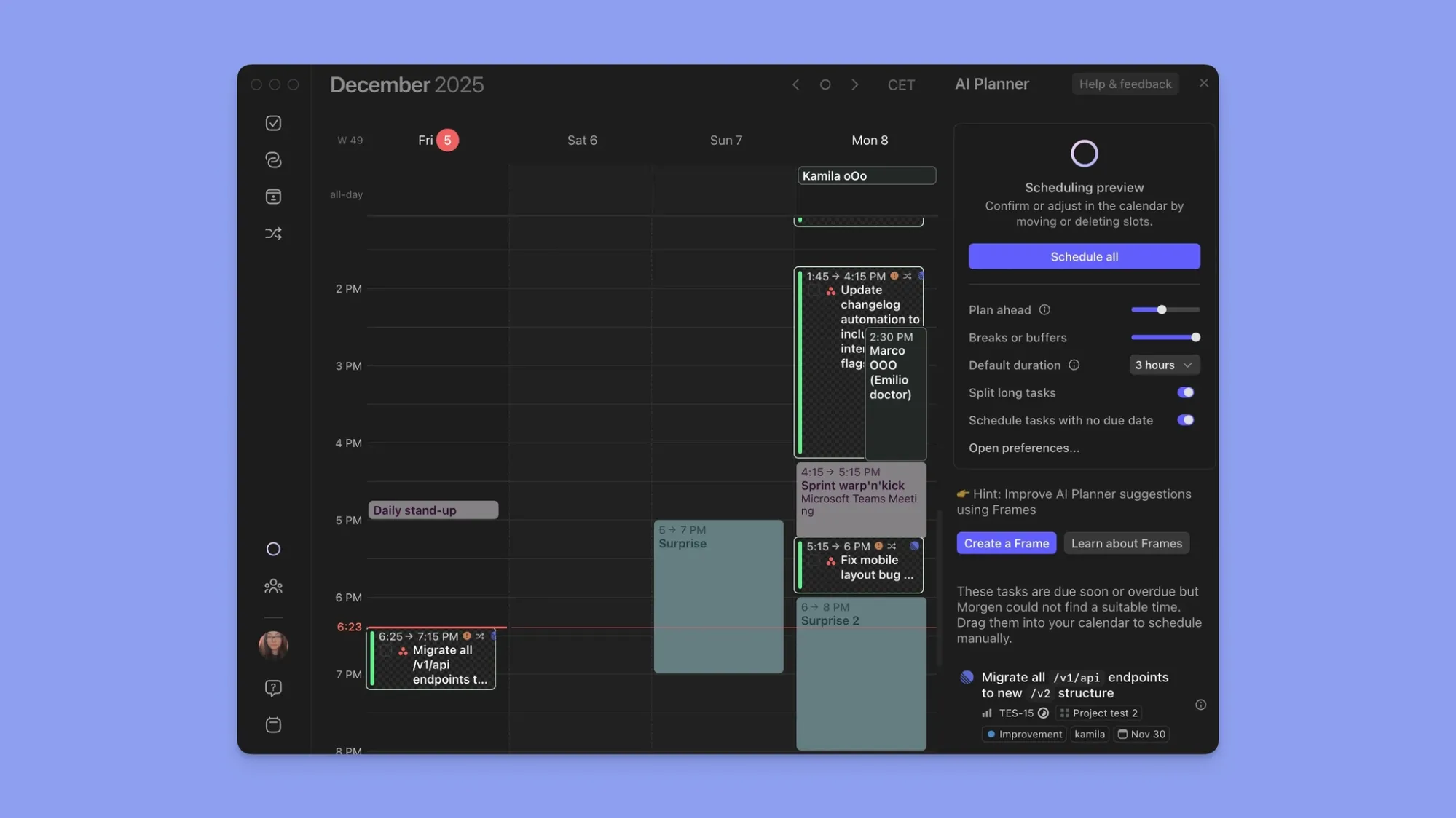
Morgen’s AI task-planning assistant works continuously in the background and suggests when you have enough time to complete pending work.
You Have ADHD and Struggle with Executive Dysfunction or Time Blindness
For ADHD brains, planning a daily schedule is tedious. You need a tool that makes decisions for you to approve, so you can focus on the work. Calendly doesn't do that.
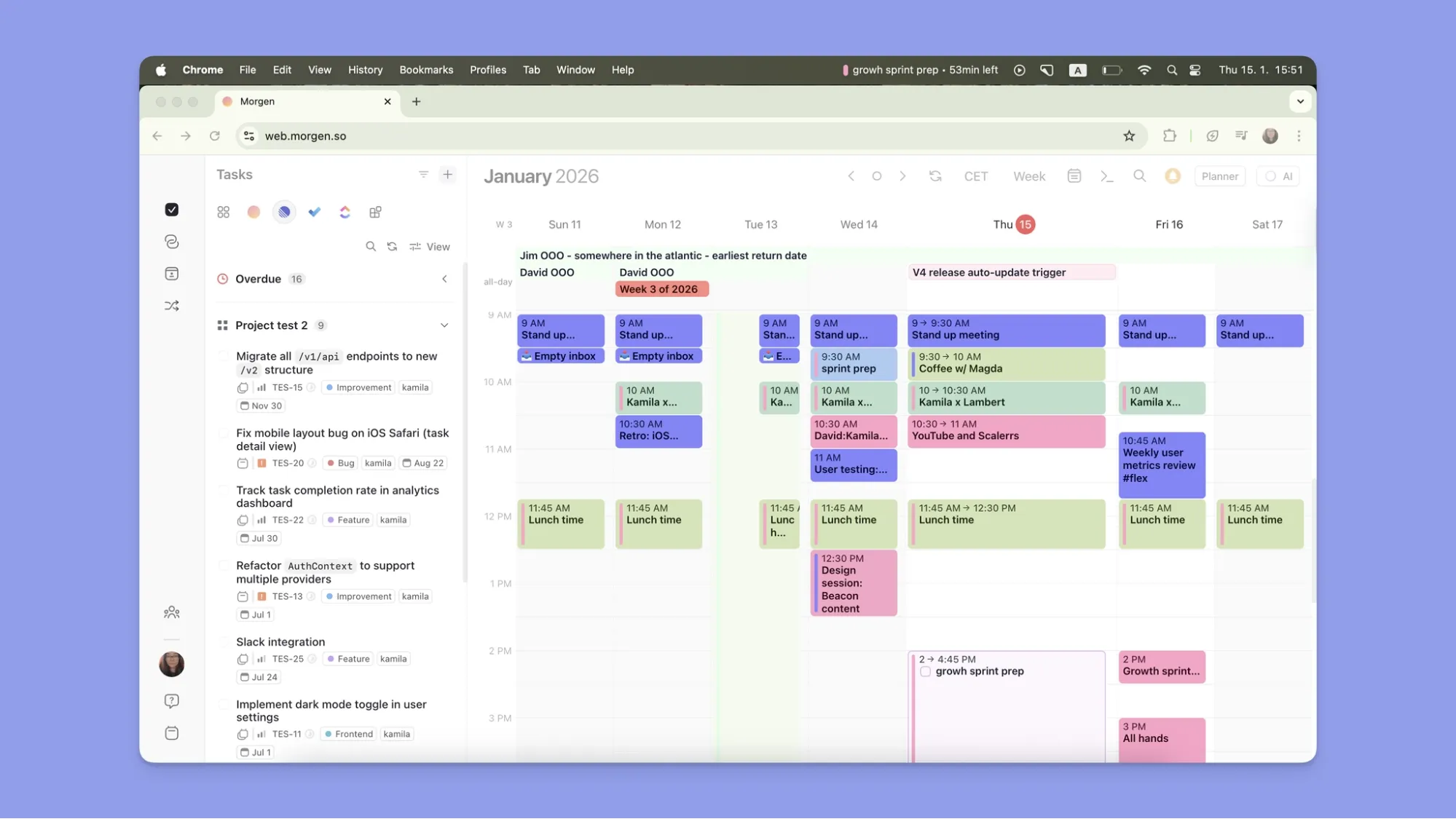
Morgen surfaces your tools, schedules, and tasks in one place. The AI Planner then suggests when you can complete your tasks based on availability.
Here are more ADHD productivity tools, plus a free Pomodoro timer for ADHD pros who need to stay focused.
Stop Just Booking Meetings. Start Managing Your Time with Morgen
If your workday involves more than meetings, Calendly only solves part of the problem. Morgen connects your events, scheduling links, task tools, and AI planning in one place, so you can book meetings and plan the work around them.
See how to get started with Morgen, then start your free 14-day trial.
FAQs
1. What is the best Calendly alternative?
Morgen. Unlike Calendly, it surfaces your meetings and tasks in one view, then uses an AI Planner to suggest what you can do before or after the meetings.
2. Can I plan tasks and meetings in the same tool?
Yes. Morgen is an AI calendar app that shows your upcoming meetings and pending tasks in one place. You drop tasks onto free calendar slots and create a schedule that propagates to all calendars.
3. What should I look for in Calendly competitors for daily planning?
Look for a tool that goes beyond just meeting planning. The best Calendly alternatives add a task planning layer that schedules work when you don’t have meetings to attend.

.svg)
.webp)


